


Spotify is rolling out a refreshed player that surfaces line-by-line lyrics directly on the Now Playing screen, giving listeners a glanceable, sing-along view without opening the dedicated lyrics sheet. The change is arriving as a server-side update, with a simple toggle to switch it off if you prefer the classic layout.
What’s New in the Player: Live, Inline Lyrics Updates
The Now Playing view now displays the current lyric line in sync with the track, updating in real time as the song progresses. It’s a subtle but meaningful shift from keeping lyrics tucked behind another pane, especially for those who want quick confirmation of the words without leaving the main player.
- What’s New in the Player: Live, Inline Lyrics Updates
- Early Rollout and Controls for Spotify’s Inline Lyrics
- Why Spotify Is Surfacing Lyrics on the Now Playing View
- How It Compares with Apple Music and YouTube Music
- Accessibility Features and Lyrics Coverage Limitations
- What to Expect Next as Live Lyrics Roll Out More Widely
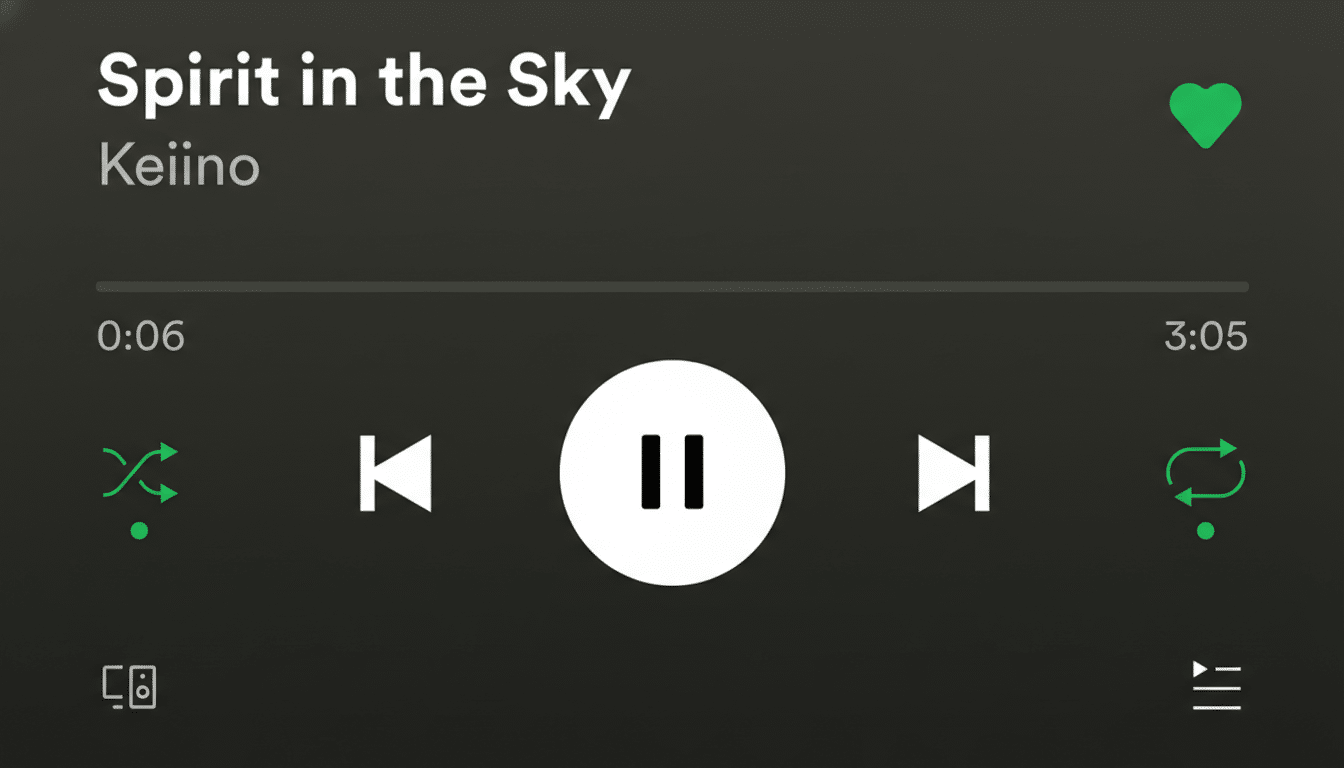
Importantly, the dedicated Lyrics preview remains intact. If you want more than the current line—say, to peek at the chorus or a coming verse—you can still open the lyrics pane and scroll a larger portion of the song.
Early Rollout and Controls for Spotify’s Inline Lyrics
Because the change is server-side, not everyone will see it immediately. Ensuring your app is up to date helps, but the feature may land on your account at different times. If the inline lyrics aren’t your style, you can disable them from the three-dot overflow menu while keeping the full Lyrics view just a tap away.
There’s also a related tweak in testing: users on the Android beta are seeing an option to resize text within the dedicated Lyrics pane, a welcome nod to accessibility. The resizing test hasn’t hit the stable app yet, but its presence in beta is a strong signal that broader availability could follow.
Why Spotify Is Surfacing Lyrics on the Now Playing View
Lyrics are one of the most consistently used features on music apps, and Spotify has steadily expanded them since its global rollout with Musixmatch. With more than 600 million monthly active users reported in its latest earnings, small UI decisions that reduce friction—like putting the current line at the center of the player—can materially increase engagement across countless listening sessions.
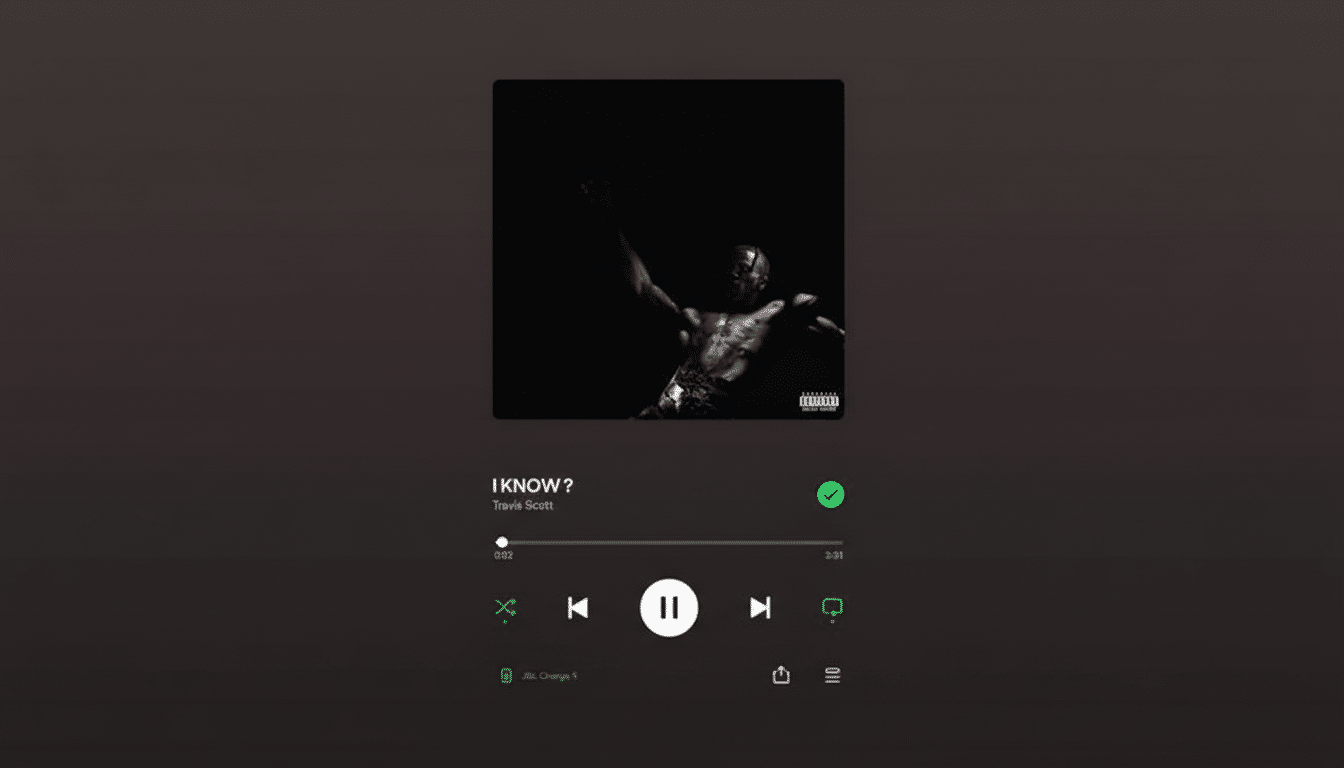
The move also fits broader listener behavior. Karaoke-style features have surged across platforms. Apple Music highlights live lyrics and offers its Sing mode with adjustable vocals, while Amazon Music and others also synchronize lyrics to the beat. Spotify’s inline approach gives users a quick lyric cue while preserving the familiar player, meeting both casual listeners and power users halfway.
How It Compares with Apple Music and YouTube Music
Apple Music places live lyrics front and center and layers on vocal controls for compatible tracks. YouTube Music provides lyrics for many songs, though synchronized lines aren’t universal. Spotify’s update sits between these approaches: immediate, line-by-line lyrics where you’re already looking, paired with a deeper lyrics panel for longer browsing. And unlike some competitors, Spotify lets you switch the inline view off entirely via a menu toggle.
Accessibility Features and Lyrics Coverage Limitations
Text resizing in the lyrics pane—currently in beta on Android—could be a meaningful usability boost for listeners who need larger type or prefer a tighter layout. Combined with the new inline lyric line, these controls give users more ways to tailor the experience without hunting through settings.
As with any lyrics feature, availability depends on licensing and synchronization data. Spotify’s lyrics are powered by Musixmatch, which maintains a massive catalog and community-driven syncing tools, but you may still find tracks without real-time lines. In those cases, the inline view will simply be unavailable until the song receives synced lyrics.
What to Expect Next as Live Lyrics Roll Out More Widely
Short term, expect wider server-side rollout of the inline lyrics and a possible expansion of text resizing beyond the beta channel. Longer term, keep an eye on consistency across platforms—phones, tablets, desktops, and connected devices often pick up these UI changes in waves. If you don’t see live lyrics on the player yet, check for app updates and revisit the overflow menu periodically as the feature continues to propagate.