


I covered the world’s biggest gadget show wearing smart glasses all week, and the verdict is nuanced. Waveguide display glasses kept me on schedule when I was in transit; wired prism glasses let me write and edit at speed once I sat down. In between, the show floor’s brutal wireless congestion exposed exactly where today’s wearables shine—and where they still stumble.
What I Used at CES and Why These Smart Glasses Fit
There are two families of display-enabled smart glasses. Waveguide models—think slim, transparent lenses like the Meta Ray‑Ban Display and Rokid’s latest—project glanceable widgets into a small field of view. Prism-based display glasses, such as the XReal One Pro and RayNeo Air 3s Pro, are essentially wearable monitors with larger fields of view and higher resolution, typically 1080p per eye.
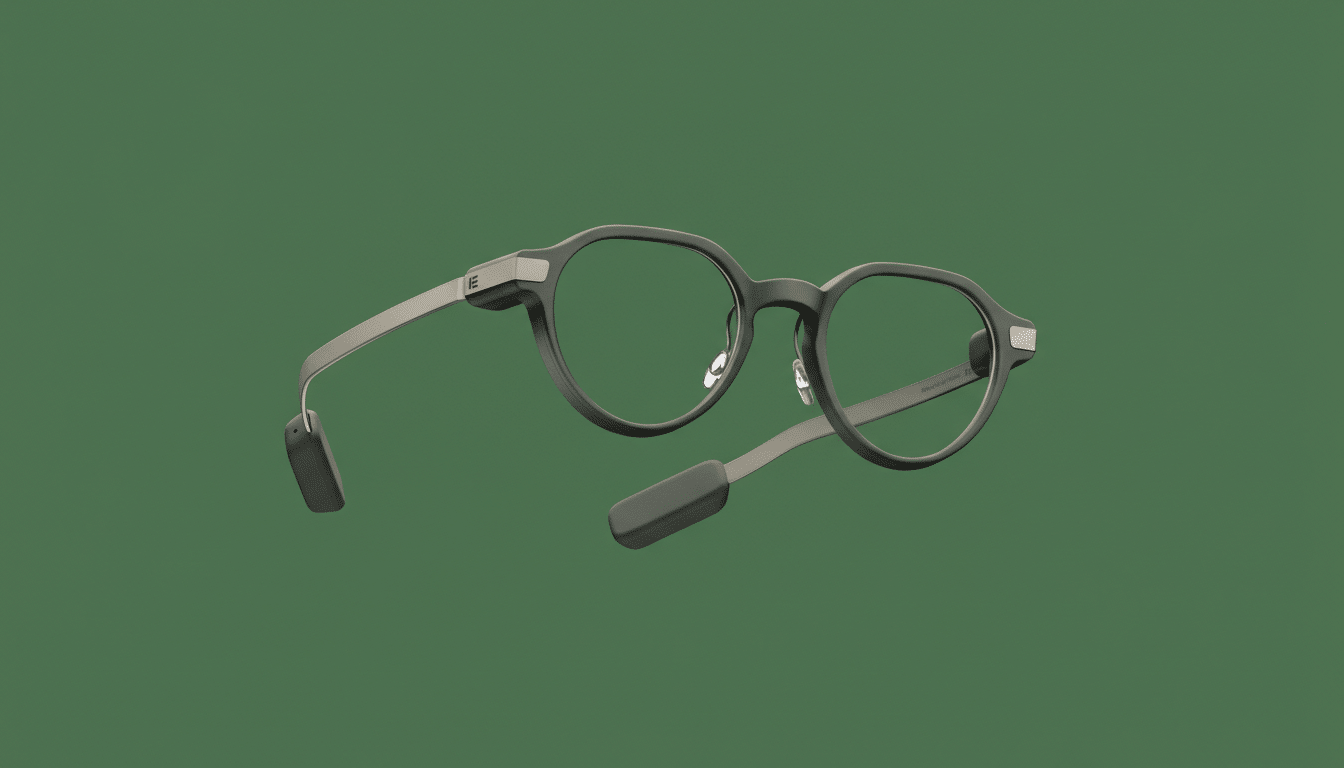
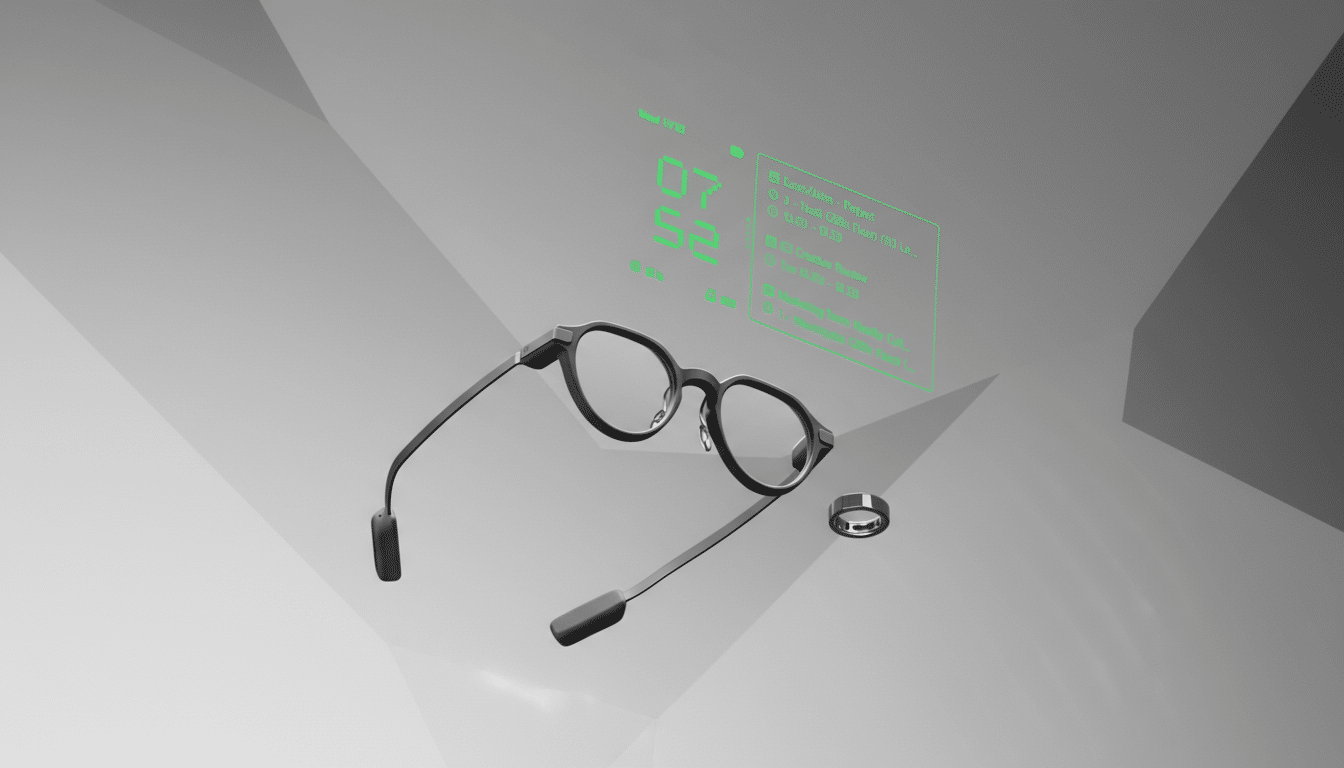
For walking between venues, I favored waveguide glasses. I skipped Meta’s pair because its notification support is still narrow; it didn’t play nicely with my Slack or Google Workspace calendar. Instead, I brought Even Realities’ G2. On paper it’s less flashy—a monochrome, text-first interface and no camera—but the optional R1 smart ring provided reliable, discreet control, and notification mirroring worked with the apps I actually use.
For filing stories and sorting photos, I switched to prism display glasses. The XReal One Pro is my current workhorse thanks to spatial anchoring (the virtual screen stays fixed in space) and a 32:9 ultrawide desktop mode when plugged into a laptop, which mimics two monitors. That extra canvas matters when you’re juggling notes, images, and a CMS on deadline.
Waveguide Glasses Shine Until The Airwaves Jam
In cabs, corridors, and hotel lobbies, the Even G2 was exactly what I wanted: a quick double tap on the ring to pull up time, next meeting, or incoming messages. It’s lightweight, prescription-friendly, and nearly invisible when the display is off. I barely touched my phone between sessions.
Inside the halls, the story flipped. CES packs more than two million square feet of exhibits and well over a hundred thousand attendees, according to the show’s organizer, the Consumer Technology Association. That translates into an ocean of 2.4GHz and 5GHz noise from routers, demos, and Bluetooth beacons. In those conditions, my glasses-to-phone link and ring-to-glasses link took a beating. I estimate I missed roughly 80% of live notifications on the densest show floors.
This isn’t unique to one device. The Bluetooth SIG’s market updates show billions of Bluetooth devices shipping annually, and the Wi‑Fi Alliance has noted that dense venues are the toughest RF environments. While Wi‑Fi 6E’s 6GHz band—opened by the FCC with 1,200MHz of extra spectrum in the US—eases congestion for compatible gear, most smart glasses still depend on Bluetooth and conventional smartphone links. Without a robust offline or edge mode, features like live transcription and voice assistants become unreliable exactly where you want them most.
Credit to Even here: short-term calendar data was cached locally, and I could still summon my schedule via the temple touch strip when the ring lost its link. But the takeaway is clear—if your coverage relies on live cloud features, test for failure modes before you hit the floor.
Wired Prism Displays Are the Workhorse for Productivity
Prism display glasses don’t pretend to be assistants; they’re portable monitors. Plug the XReal One Pro into a laptop and you get a crisp, steady virtual screen that doesn’t care how noisy the spectrum is. With head tracking enabled, the image stays put like a TV across the table, which reduces eye fatigue versus a display glued to your gaze.
For productivity, the advantages are practical: a wide virtual desktop for research and writing in tight press rooms, plus privacy on planes and cafés. Most prism glasses fall in the 40°–60° field-of-view range, and at 1080p per eye they’re sharp enough for spreadsheets and photo triage. The trade-offs are predictable—more weight than waveguides, darker lenses, and a USB‑C tether—but for actual work they delivered every time.
Lessons for Reporters and Event Teams Covering CES
Pick your lane. If you need glanceable context while moving between meetings, choose waveguide glasses that mirror all critical notifications and offer a tactile control method that works in crowds. Cache calendars and notes for offline access. Expect battery life to be “half a day” under frequent use; plan top-ups.
If you need to write, edit, or review assets, treat prism glasses as your second display. Bring a short, reliable USB‑C cable, set up virtual desktop presets before the show, and pair them with a compact keyboard and mouse. Prescription lens inserts and fit adjustments matter more than specs—comfort is productivity.
Organizers can help, too. Venue-wide 6GHz Wi‑Fi with clear SSIDs, reduced Bluetooth beacon spam, and more wired demo stations would meaningfully improve wearable reliability. Those steps benefit attendees and exhibitors alike.
What Changes Next for Smart Glasses After CES
Platform consistency is the next domino. Google’s Android XR initiative aims to standardize core features—notifications, spatial UI, input—across headsets and glasses. I’ve seen early developer kits, and the promise is real: better hand tracking, cleaner app models, and fewer one-off control schemes.
Hardware is catching up, too. XReal’s Project Aura hints at slimmer, phone-tethered prism glasses with robust tracking, while Samsung and Qualcomm continue to push XR silicon that can drive richer visuals at lower power. If those trends converge, we’ll get glasses that handle both glanceable tasks and real productivity without juggling devices.
Until then, here’s the playbook that worked: waveguides for navigation and quick context when the airwaves are friendly, and wired prism displays for the real work. Smart glasses aren’t replacing laptops, but they’re already changing how fast—and how discreetly—you can get things done at a show built on moving parts.