


Update anxiety is real on desktop Linux, especially when a kernel tweak or driver upgrade goes sideways. ShaniOS, a new immutable distro built on Arch, flips that script. Its blue/green design keeps two complete system states so you always have a known-good fallback. The result is simple: updates stop being scary and start feeling boring—in the best way.
Immutable Design With Blue/Green Safety Model
ShaniOS uses Btrfs subvolumes to maintain two parallel system environments—labeled blue and green—only one of which is active at any moment. Updates land on the inactive environment. If everything checks out, you reboot into the freshly updated system. If not, you boot the other one and move on with your day. It’s the same blue/green deployment strategy that reliability engineers use in production, brought to the desktop.
This approach is part of a broader Linux trend toward immutability. CoreOS popularized read-only system images in the data center, Fedora Silverblue uses OSTree for atomic updates on the desktop, and openSUSE MicroOS relies on transactional updates with Btrfs snapshots. ShaniOS fits that lineage but opts for a straightforward subvolume model that’s easy to understand and even easier to trust.
How Updates Work in Practice on Immutable ShaniOS
From the user’s perspective, the workflow is refreshingly direct. Trigger an update with the shani-deploy command, keep working while it stages the new system on the inactive environment, then reboot and pick the updated entry. If anything looks off, switch back at the next boot. On lean test hardware, deployment finished in under eight minutes—fast enough that you won’t dread running it regularly.
Crucially, ShaniOS guides you through testing after a switch. The system prompts you to validate your apps and workflows before you commit to staying on the new environment. If there’s a mismatch—say you’re in green but the system expects blue—it will tell you plainly and steer you back to a safe state. That kind of guardrail is what makes immutability more than a buzzword.
App Management Without Headaches on ShaniOS
Because the base system is read-only, ShaniOS leans on Flatpak for desktop applications. Discover and Warehouse make it easy to browse and manage a broad catalog, and the containerized approach keeps your apps independent of the host’s update cadence. It’s a pragmatic split: the OS remains stable and predictable, while applications stay current without risking system integrity.
For specialized software and development work, containers fill the gaps. Tools like Pods are preinstalled for managing local workloads. Kernel modules that typically rely on DKMS can be trickier on immutable systems, but ShaniOS’s transactional updates bundle kernel changes predictably, and many vendors now offer Flatpak or containerized alternatives to reduce friction.
Performance and Desktop Experience on ShaniOS
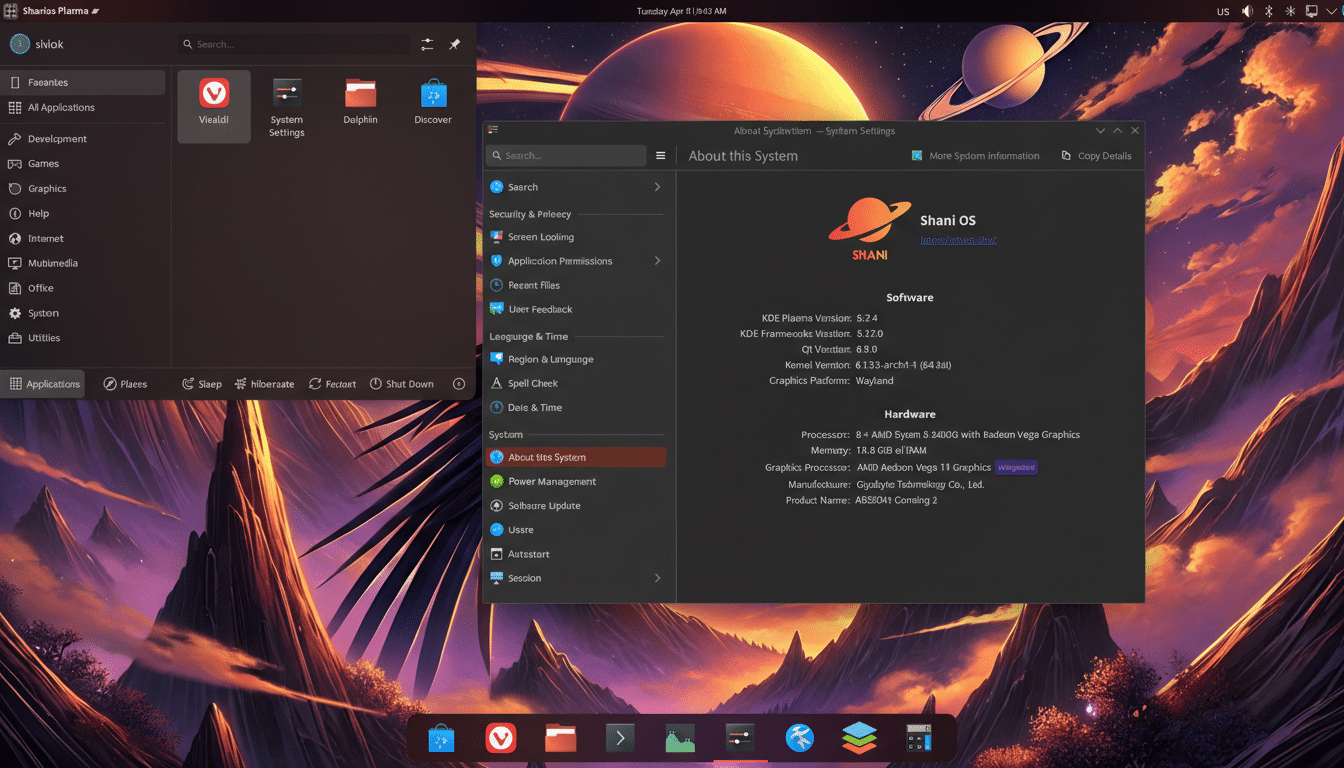
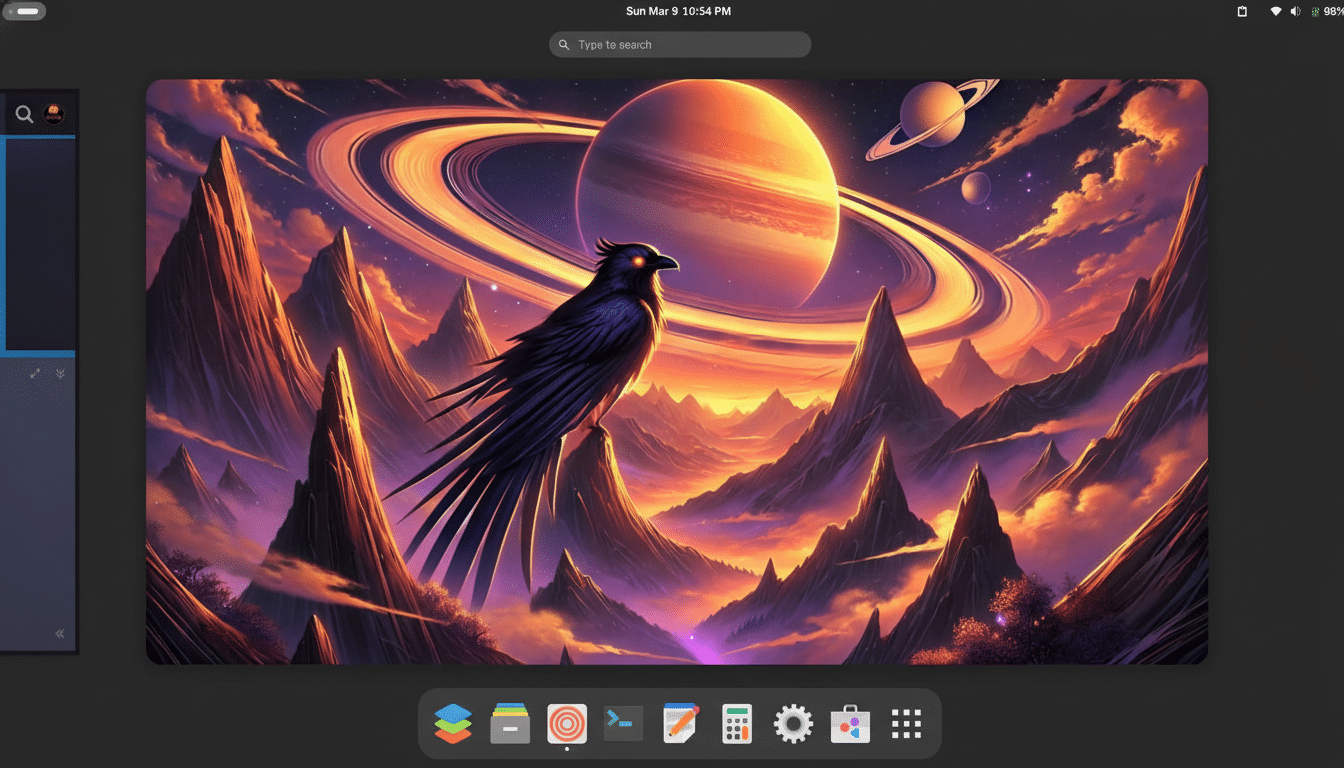
You can choose GNOME or KDE Plasma images; the KDE build in particular feels polished without being heavy. The theme has a light, glassy finish, the app launcher sits top-left for quick access, and the defaults are sensible: Vivaldi, OnlyOffice, KolourPaint, Pods, and more. It’s not bloated, which helps the system feel snappy right after install.
User files live on separate subvolumes, so switching between blue and green doesn’t touch your documents or settings. That separation is where the “no drama” experience really shows: you can iterate on the OS state as often as you like without babysitting personal data.
Why This Matters for Everyday Linux Desktop Users
Linux on the desktop continues to inch upward, with StatCounter reporting market share north of 4%. As more people adopt it for work and school, the tolerance for update breakage shrinks. Immutable distros directly address that pain by making the operating system tamper-resistant and rollbacks trivial. Security guidance from organizations like NIST consistently favors known-good states and minimal mutable surfaces—exactly what this model delivers.
There’s also a familiarity factor. Blue/green deployment is the same technique cloud teams use to hit near-zero downtime. ShaniOS translates that proven reliability pattern to laptops and desktops without burying users in jargon or complex tooling.
The Bottom Line on ShaniOS and Immutable Updates
ShaniOS makes Linux updates feel routine rather than risky. Between its Btrfs-based blue/green design, Flatpak-first app model, and polished desktop choices, it strikes a rare balance: cutting-edge architecture with beginner-friendly execution. If you’ve ever postponed updates out of fear, this is the distro that lets you update on time—and stay calm.