


Free never meant flimsy. A growing cohort of power users and professionals say they’d happily open their wallets for certain open-source tools—not because they must, but because the software delivers premium-grade value without the premium price tag. Here are seven projects that consistently punch above their weight, backed by real-world adoption, strong communities, and the kind of polish that rivals commercial suites.
Beyond sentiment, the shift is measurable. Developer funding via platforms like GitHub Sponsors has expanded steadily, while organizations from universities to media creators are standardizing on open solutions with enterprise-level reliability. These are the apps that justify a tip jar—and then some.
- Docker: The container engine powering modern deployments
- VirtualBox: Versatile desktop virtualization for teams
- OBS Studio: Open-source live streaming and recording
- Nextcloud: Private file sync and collaboration platform
- Zen Browser: A streamlined Firefox for power users
- KDE Plasma: A fast, flexible Linux desktop environment
- Jellyfin: A free, full-featured personal media server
- Why Paying for Open Source Software Makes Sense
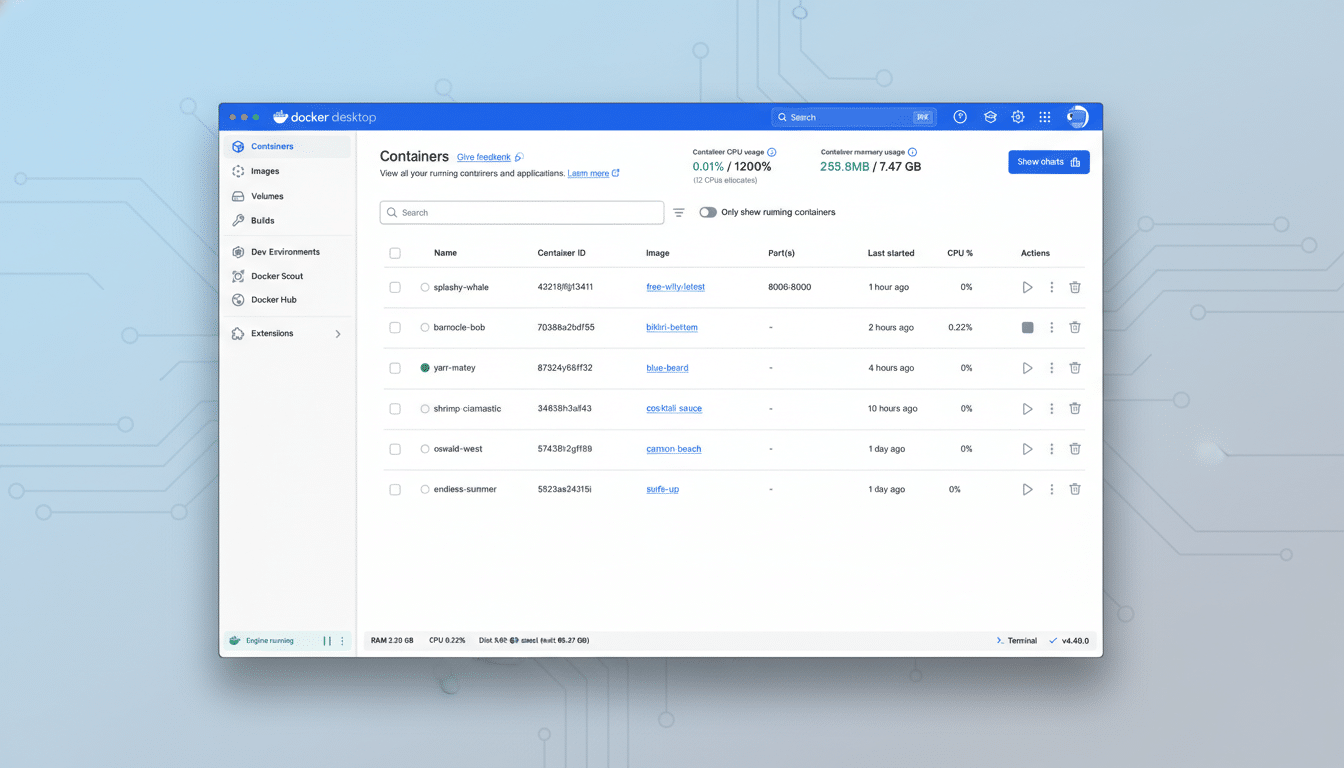
Docker: The container engine powering modern deployments
Containers quietly run the modern web, and Docker is the on-ramp. Cloud Native Computing Foundation surveys show container adoption comfortably above 80% in production workloads, a testament to how Docker normalized packaging, deployment, and scaling.
For solo developers and small teams, the impact is concrete: pull a database, spin up a reverse proxy, or test a microservice in minutes—not days. The time saved and reproducibility gained make Docker feel like infrastructure superglue. Even with paid tiers aimed at enterprises, the core community edition remains indispensable.
VirtualBox: Versatile desktop virtualization for teams
Owned by Oracle yet open-source at its core, VirtualBox is the Swiss Army knife of virtualization on desktops. Snapshots, seamless window integration, headless runs, and robust networking make it ideal for QA labs, OS testing, and training environments without extra hardware.
In practice, snapshots alone can reclaim hours per week: capture a golden image, test risky changes, then roll back with one click. For teams that can’t justify licenses for dedicated hypervisors, VirtualBox bridges the gap with reliability and a massive user base.
OBS Studio: Open-source live streaming and recording
OBS Studio is the broadcast studio that launched a million streams. You’ll find it powering creators across YouTube, Twitch, and enterprise webinars thanks to real-time scene composition, browser sources, chroma keying, and multi-track audio.
What sets OBS apart is extensibility: robust plugin ecosystems for virtual cameras, spectral audio tools, and stream automation. Many professional studios keep OBS in their kit as a fallback or primary switcher. For zero cost, it’s absurdly capable—exactly the kind of project people line up to support.
Nextcloud: Private file sync and collaboration platform
Nextcloud turns a spare server into a private collaboration cloud—files, calendars, tasks, real-time docs, and even video calls. Public institutions and research organizations have adopted it to keep sensitive data under sovereign control, avoiding lock-in and data mining risks.
The savings are not just philosophical. Self-hosting slashes egress costs, reduces compliance headaches, and enables custom retention rules. With mature mobile and desktop sync, Nextcloud delivers a Google Workspace-like experience that many privacy-conscious users would gladly fund.
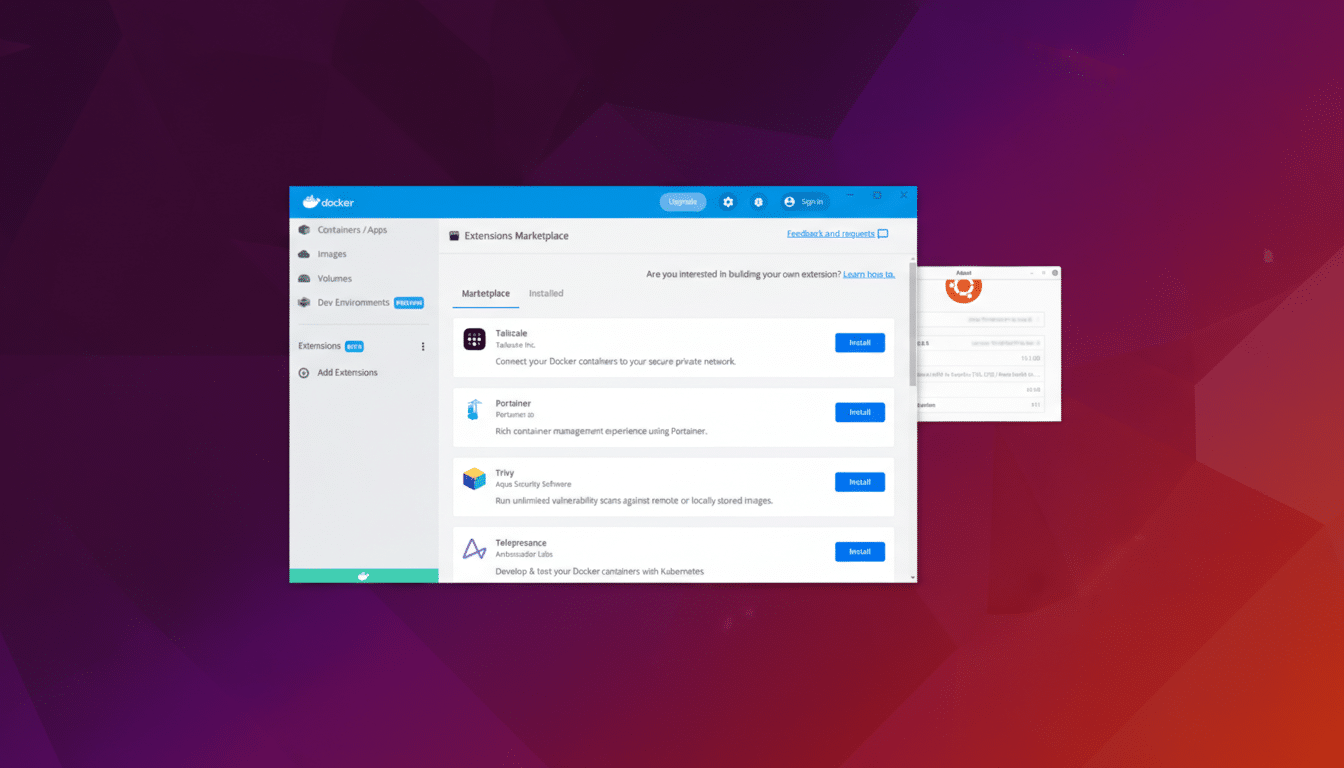
Zen Browser: A streamlined Firefox for power users
Zen Browser reimagines Firefox for power users, baking in vertical tabs, workspace isolation, and refined theming without dragging performance. It’s the rare browser that feels minimal yet made for heavy multitaskers who live in dozens of tabs.
Under the hood, it inherits Firefox’s privacy stance and standards support while smoothing rough edges in workflow. Developers, researchers, and writers praise features like per-workspace tab groups and distraction-free UI. If productivity is currency, Zen pays interest.
KDE Plasma: A fast, flexible Linux desktop environment
KDE Plasma is the Linux desktop at its most polished—fast, deeply customizable, and increasingly conservative with resources. From tiling options to per-app rules, it lets users design a workstation that matches how they think, not how the OS insists they work.
Backed by KDE e.V. and an active contributor base, Plasma’s velocity shows in steady Wayland improvements, cohesive design language, and tools like Dolphin and Kate that feel enterprise-ready. It’s the desktop environment many would nominate as Linux’s ambassador—and one that earns donations on merit.
Jellyfin: A free, full-featured personal media server
Jellyfin is a fully free media server that streams movies, music, TV, audiobooks, and photos across your home. No paywalls, no “premium” bolt-ons—just a clean UI, thorough metadata handling, and clients for nearly every platform.
Where it shines is control. Hardware-accelerated transcoding, user profiles, parental controls, and offline sync turn a local library into a sleek personal Netflix. For households with large collections and flaky bandwidth, Jellyfin makes the case for self-hosted entertainment compelling.
Why Paying for Open Source Software Makes Sense
These projects reduce costs, unlock speed, and cut complexity—benefits that commercial vendors routinely charge for. Supporting them, whether through donations, sponsorships, or merchandise, funds maintenance, security reviews, and the developer time that keeps the lights on.
The market has already spoken: open tools can win on features and reliability, not just freedom. If you rely on any of the seven above, you’re not just getting a bargain—you’re benefiting from shared infrastructure that powers the modern stack. Paying it forward isn’t charity; it’s good operations.