


Interest in self-hosting has been on the rise as people try to take back control of files, media, and smart homes without being beholden to someone else’s cloud. The right first apps are what separate the weekend win from the half-finished server. The items listed are tried-and-tested, beginner-friendly tools that solve real (read: not toy) problems out of the box.
Containers are the lifeblood of this tide. Everyone from the Cloud Native Computing Foundation to Stack Overflow’s annual developer survey has visibility into the large-scale rise in container use, and Docker is one of the all-time most-loved tools in said survey. For newbies, these seven apps will suffice for the basics without overwhelming complexity.
- Why These Apps Work for Beginners in Self-Hosting
- Portainer for Hassle-Free Docker Management
- Private Multi-User File Sync and Share with Nextcloud
- Home Assistant for a Smart Home That Works Together
- Jellyfin for Local Movies and Shows on Any Device
- Create a Personal Music Streamer with Navidrome
- Paperless-NGX and a Searchable Paper Trail
- Immich for Private Photo Backups and Search
- Getting Started Tips and Safety Basics for New Users
Why These Apps Work for Beginners in Self-Hosting
Every single one of these is filled with clear day-one value, has full mobile support, has active communities, and good existing documentation.
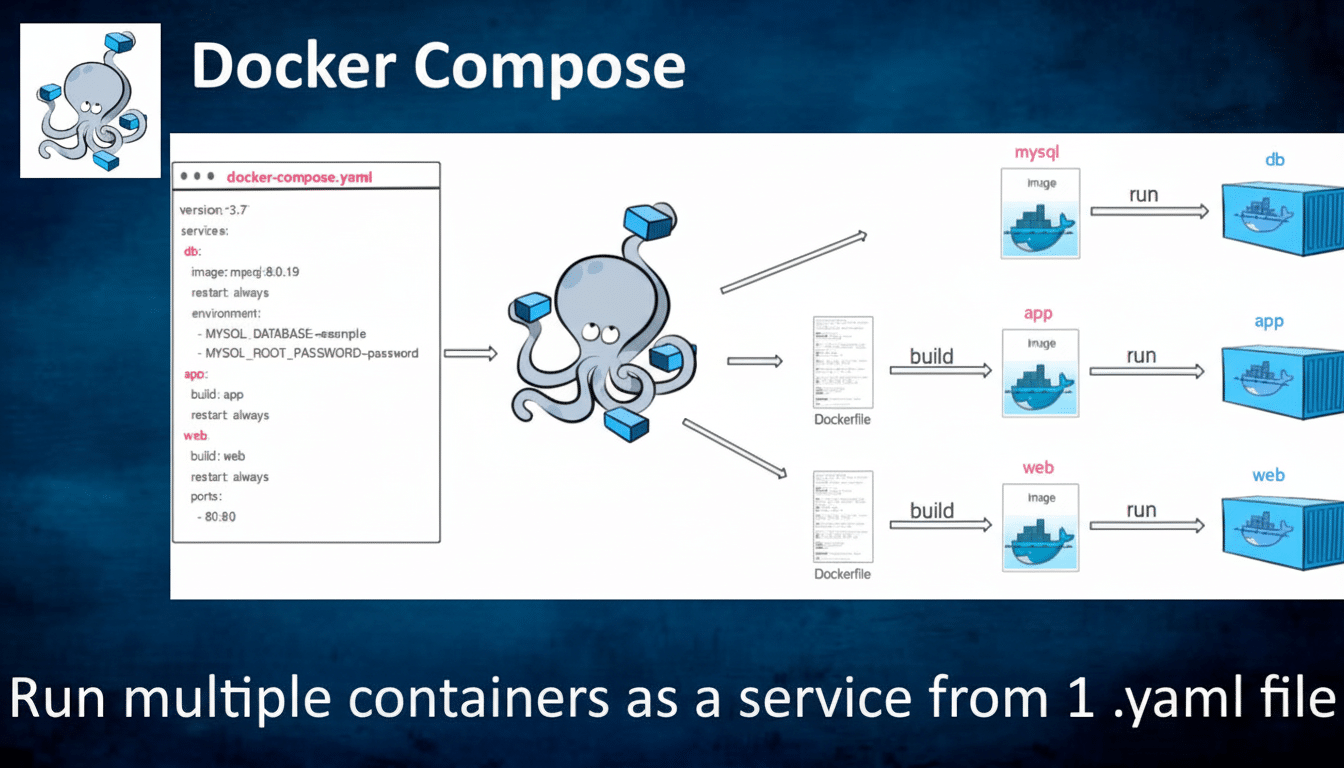
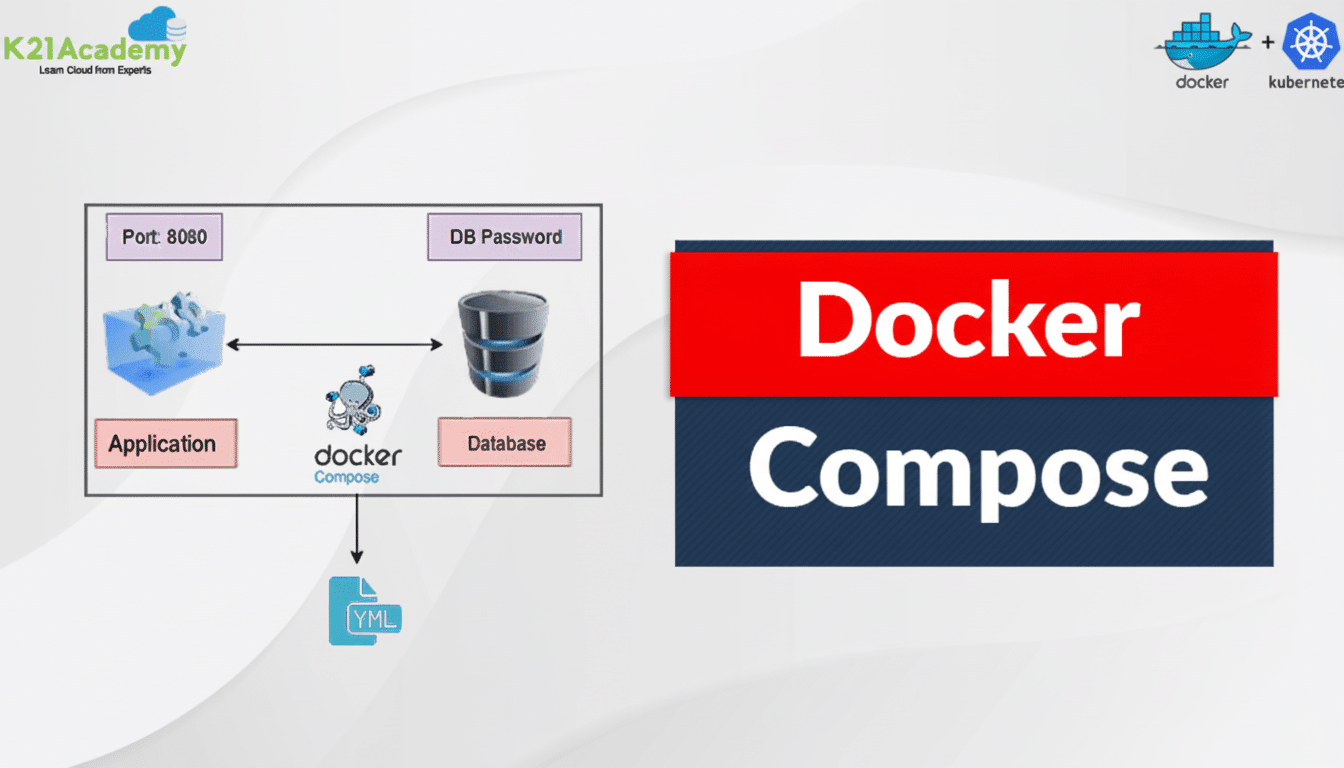
Most are open source, which translates into openness, rapid patches, and a steady flow of improvements. They also get along well with Docker or Docker Compose, so you can standardize the way you deploy and update everything.
Portainer for Hassle-Free Docker Management
Portainer gives Docker and Docker Compose a cool web dashboard so you can deploy stacks, check logs, limit resources, and roll back updates without living inside YAML. Think point‑and‑click for images, networks, volumes, and environment variables.
For beginners, it’s a big confidence booster. If a container misbehaves, kill it, nuke it, redeploy within seconds. Role‑based access control and templates allow the environment to be easily scaled from a single node at home to an advanced lab later.
Private Multi-User File Sync and Share with Nextcloud
Nextcloud brings together the most desirable aspects of a modern cloud drive in one solution that you control and operate: cross‑platform file syncing and sharing from your local devices, as well as mobile backup with remote administrator control.
The project boasts hundreds of thousands of deployments and tens of millions of users, and it shows in the sheer number of features.
Use only what you need: calendar and contacts, or collaborative documents, or notes. It’s a bit more resource‑intensive than starting up a plain ol’ file server, so make sure to budget for some respectable CPU and RAM. The reward is independence and confidentiality at a productivity-level convenience.
Home Assistant for a Smart Home That Works Together
Home Assistant is the local process automation (read “smart home”) platform that puts local control and privacy first, and is designed to be deployed on your private network in minutes. With over one million active installations and counting, the project has deep integrations and support for new standards like Matter.
Begin with the simple—lights that react to a physical presence or follow a sleep schedule—then broaden your horizons to scenes of dimmed lights when your media server starts playing, or fan speed increases as a sensor surpasses its set threshold. It’s fast, private, and no registration is required.
Jellyfin for Local Movies and Shows on Any Device
Jellyfin makes it easy to manage and share your media, ad‑free, with beautiful artwork, rich metadata, and support for a wide range of devices wherever you are—all without fees or add‑ons. It’s 100% open source—unlike some other competitors—and also supports hardware transcoding through VAAPI, NVENC, or Intel Quick Sync Video if your computer has the capabilities.
Real‑world tip: keep media on a dedicated volume and schedule library scans. An insignificant iGPU can be the difference in the experience for several concurrent streams.
Create a Personal Music Streamer with Navidrome
Navidrome is a lightweight music server that allows you to listen to your Spotify collection. It is the Subsonic API, so it works with a large number of mobile apps out of the box and does this efficiently for playlists, lyrics, and scrobbling.
Perfect for large libraries, rare pressings, and live recordings that never made it to streaming services. Point it at your neatly sorted folders and enjoy seamless listening anywhere.
Paperless-NGX and a Searchable Paper Trail
Paperless‑NGX wrangles receipts, bills, and forms by ingesting PDFs and images, running optical character recognition with engines such as Tesseract, and auto‑tagging the content so you can later find it by vendor, amount, or whatever else.
Scan with your phone, email in attachments, or watch a “drop” folder. For freelancers and small businesses, it’s an (almost) painless audit trail that sure as heck beats having to pick through a shoebox.
Immich for Private Photo Backups and Search
Immich is lightning‑fast, private photo and video backup (using local Wi‑Fi) combined with the comfort of familiar timeline and album views but also local AI for face and object search. Processing happens on your hardware, so no data is sent off to third‑party clouds, and browsing speeds up once it’s indexed.
If you shoot 4K video or RAW photos in quantity, you’ll want a GPU or strong CPU to speed indexing. Family sharing and selective album uploads mean it’s a credible alternative to big‑tech galleries.
Getting Started Tips and Safety Basics for New Users
Hardware: An unpretentious mini PC or Raspberry Pi 4/5 with 8 GB RAM is sufficient for several of these apps. Toss in a NAS or big SSD for your media. Use Docker Compose or Portainer Stacks to ensure you’re running reproducible services.
Security: Put everything behind a reverse proxy and add HTTPS with generated certificates. Some home admins will use Caddy or Traefik and something like a tunnel service for remote access to avoid having all ports be so widely exposed. Do secure your password policies and access controls; follow OWASP best practices for strong credentials and least‑privilege access.
Backups: Drives fail. Backblaze’s history of large reports suggests nonzero annual failure rates, even in healthy fleets, so maintain 3‑2‑1 backups—three copies of your data, two media types you store it on, and one that is off‑site. Good starting points for understanding privacy principles and threat modeling are EFF’s and NIST’s respective resources.
The smartest path is incremental. Deploy one app, solve one problem; then move on to the next. With these seven, you get cloud, media server, Apple Photos replacement, document management, and Siri-controlled HomeKit automation—without the maintenance burden.