


I figured a throbbing little finger was simply the price of big-screen living — until it started zinging up my hand and into my wrist. The offender was traditional “smartphone pinky,” that ache from propping a hefty phone on the puny joint and stressing the ulnar side of your hand. After trying dozens of tweaks, seven easy adjustments have at last stopped my pain without requiring me to ditch my phone.
That’s not a formal diagnosis, but it is a real phenomenon. Heavier phones and longer sessions only crank up the load. Global usage data indicates that people are now spending more than three hours a day browsing the internet on mobile. The physics are unforgiving: When you balance a 200–230 g device on one finger near your palm, it becomes something of a mini dumbbell.
What Smartphone Pinky Is Really All About
That twinge on the little finger side is often associated with strain to the ulnar side of the hand and irritation of the ulnar nerve, which passes through both wrist (Guyon’s canal) and elbow (cubital tunnel). This nerve can be further irritated with continuous pressure on the butt of your palm or sustained flexion at the elbow. Studies in journals like Applied Ergonomics and the Journal of Physical Therapy Science have found that heavy smartphone use is associated with more hand and wrist pain, as well as diminished strength when pinching.
The idea isn’t to get rid of your phone — it’s to shift the way the load reaches your hand. This is what actually worked for me.
Seven Tips to Stop the Pain from Smartphone Pinky
- Start with targeted stretches and nerve glides. Along the way, whenever that ache flared up, I’d stop to do 60–90 seconds of wrist flexor and extensor stretches and sprinkle in a few gentle ulnar nerve “glides” (i.e., the flossing exercises so many physical therapists use). While the American Physical Therapy Association notes that your healthcare provider may take a “hands-off” approach, it also lists nerve gliding as helping decrease irritation without having to stretch aggressively. I ended with some gentle massage around the palm by the pinky metacarpal. My symptoms eased after just a week of two to three mini-sessions each day.
- Abandon the one-finger shelf and use both hands to type. The easiest fix was breaking the habit of resting the phone on my pinky. Now I hold the device in both hands, with the bottom edge lying across my palm, and try to keep both my wrists neutral. Also, even as I continue to type with my dominant thumb, the second hand adds heft and thus prevents the pinky joint from becoming a fulcrum.
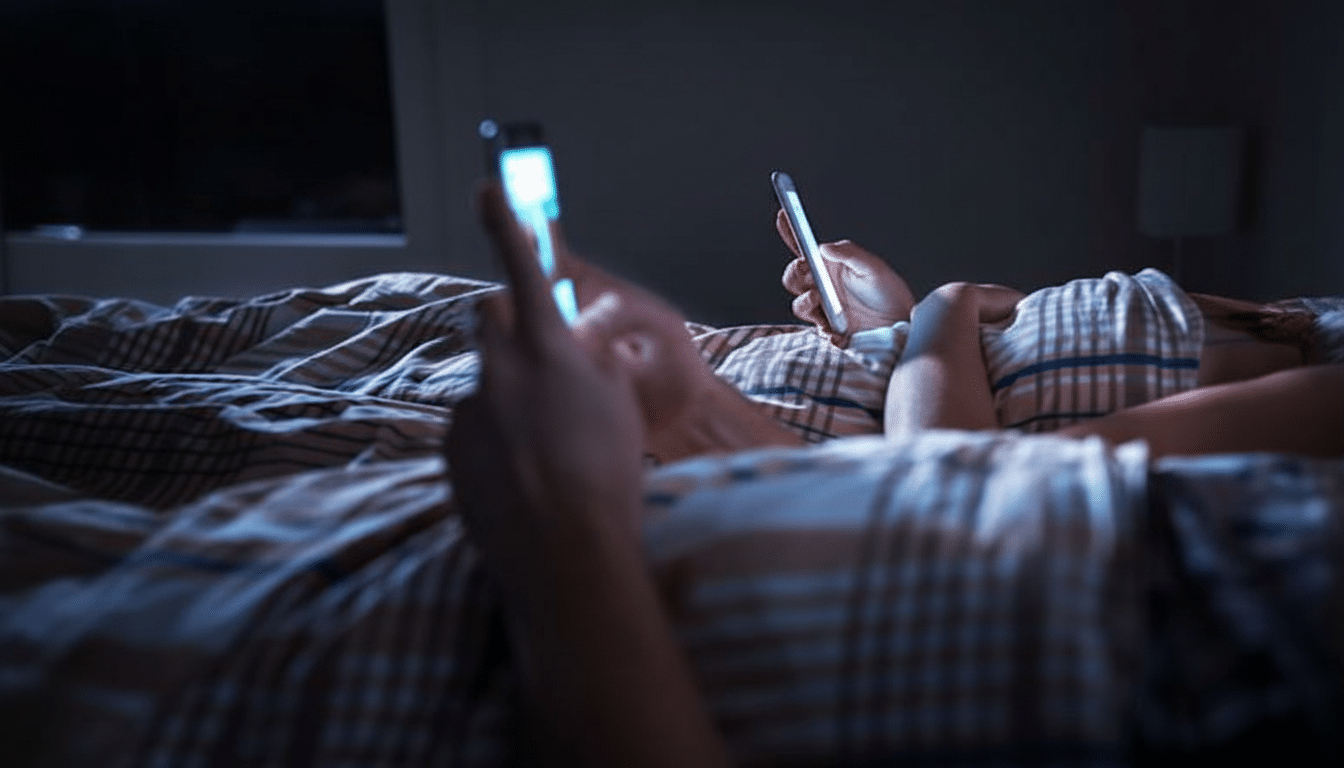
- Create a “bed and couch” support area. Bedtime scrolling was always my darkest trigger. I now prop the phone on a sturdy pillow and my arm on a rolled blanket or another cushion. Dropping a few ounces off the ulnar side of the hand alone makes a big difference. If space is tight, a folded towel or favorite stuffed toy will do the job.
- For extended sessions, always have the forearm supported. A coffee on the patio, an hourlong text thread, or a queue of podcasts once meant a tingling pinky. Now my forearm and elbow are rested on an armrest or pillow. Ergonomics labs like Cornell’s have shown that forearm support significantly reduces muscle activation in the shoulder and hand during device use — and that relief shows up fast in your pinky.
- Go with lighter phones and balanced cases. “Devices that feel heavy in the hand may end up working against us by placing a more tenuous grasp on the device,” Wassnig says. Weight matters more than we like to pretend. Switching from the 230 g version to an approximately 180 g daily driver cuts about 20% of static load or so. Both of the above also nudge the balance point. A slimmer case with grippy sides permits you to carry the phone higher in your palm, lowering the torque on the little finger joint.
- Use a grip that alters leverage. Pop-style grips, finger rings, and elastic bands transfer the contact away from the pinky to more powerful fingers and the central portion of the palm. I don’t love added bulk, but a low-profile strap turned my phone into something I could “hook” on rather than perch atop one joint when the flares were really intense. Less lever arm also equals less strain.
- Project videos to stands and larger screens. Watching videos involved the longest, most excruciating holds. Now, anything longer than five minutes goes to a laptop or TV via casting. When flying or sitting in a waiting room, I use a folding phone stand (or even my wallet as a wedge) to rest my hand and keep it relaxed while watching. The bonus: better posture for my neck and shoulders.
Small Changes That Deliver a Surprisingly Big Payoff
Two other practices helped seal the gains. I trade hands every couple of minutes to spread the load. Second, I add micro-breaks: every 15–20 minutes I put the phone down, open and close my hand ten times, and run a fast wrist stretch. Occupational therapists suggest these little pauses to stave off cumulative strain — and they’re easier to adhere to than lofty promises like “use the phone less.”
When You Need a Professional for Hand and Wrist Pain
If you notice numbness that persists in two fingers (usually the ring and little finger), night symptoms, weakness, or swelling, it’s time to seek a clinician’s input. According to the Cleveland Clinic, ulnar nerve and tendon issues are most effectively treated with early intervention, which can include splinting, activity modification, and customized therapy.
For me, the nerve-friendly stretches, better support, and smarter holding patterns mean no more daily ache.
You don’t need an entirely new routine — just a couple of tactical shifts that allow your hands to work without serving as a kickstand.