


I only needed a few minutes with Samsung’s tri-foldable to realize how quickly it reframed my expectations for foldables. My daily driver, the Z Fold 7, suddenly felt like the last chapter of a story that’s already turning the page. The TriFold doesn’t just open wider; it changes how the entire category should work.
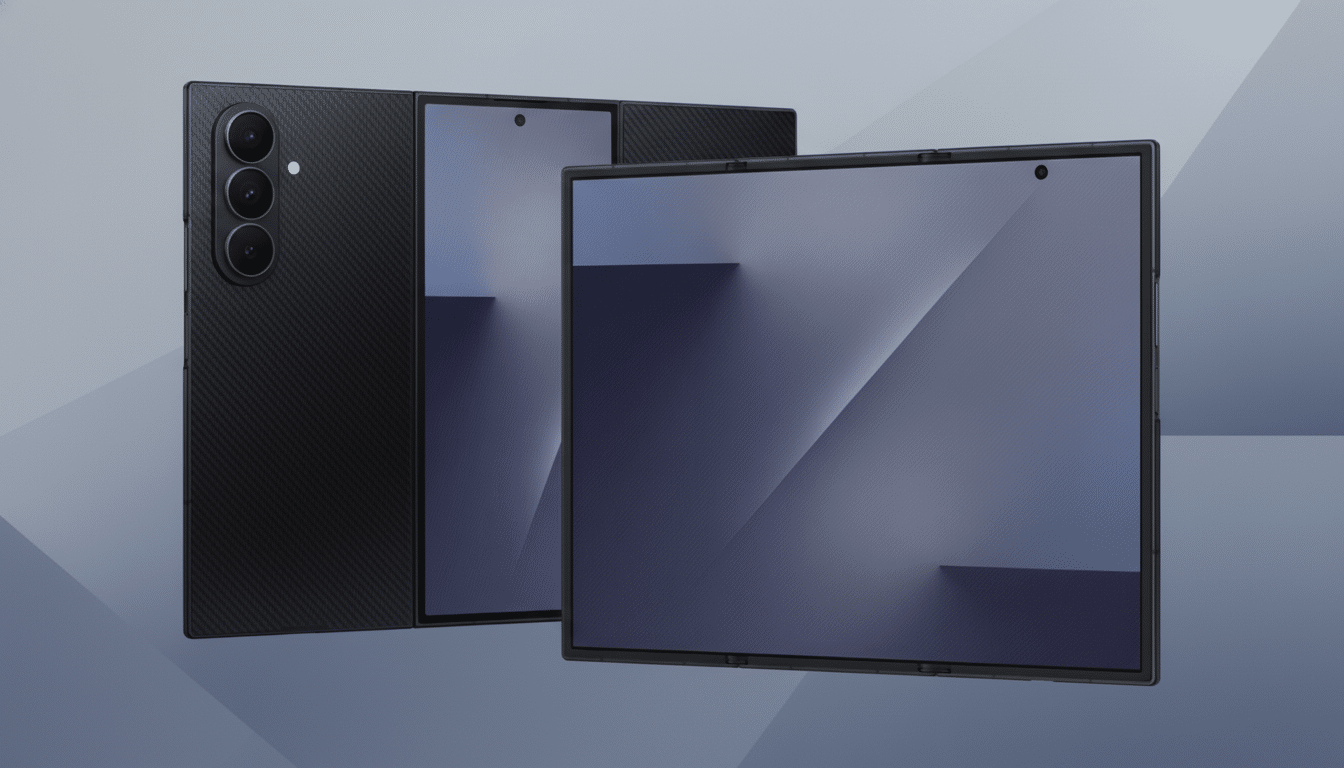
Set aside spec sheets for a moment. What matters here is the form factor and the way software and hardware meet. Unfolded, the TriFold expands into a wider, tablet-like rectangle—closer to a 4:3 canvas—around a roughly 10-inch AMOLED panel. That simple shift makes email, documents, and media feel intentional instead of adapted.
Why the TriFold Feels Like a Leap Forward for Foldables
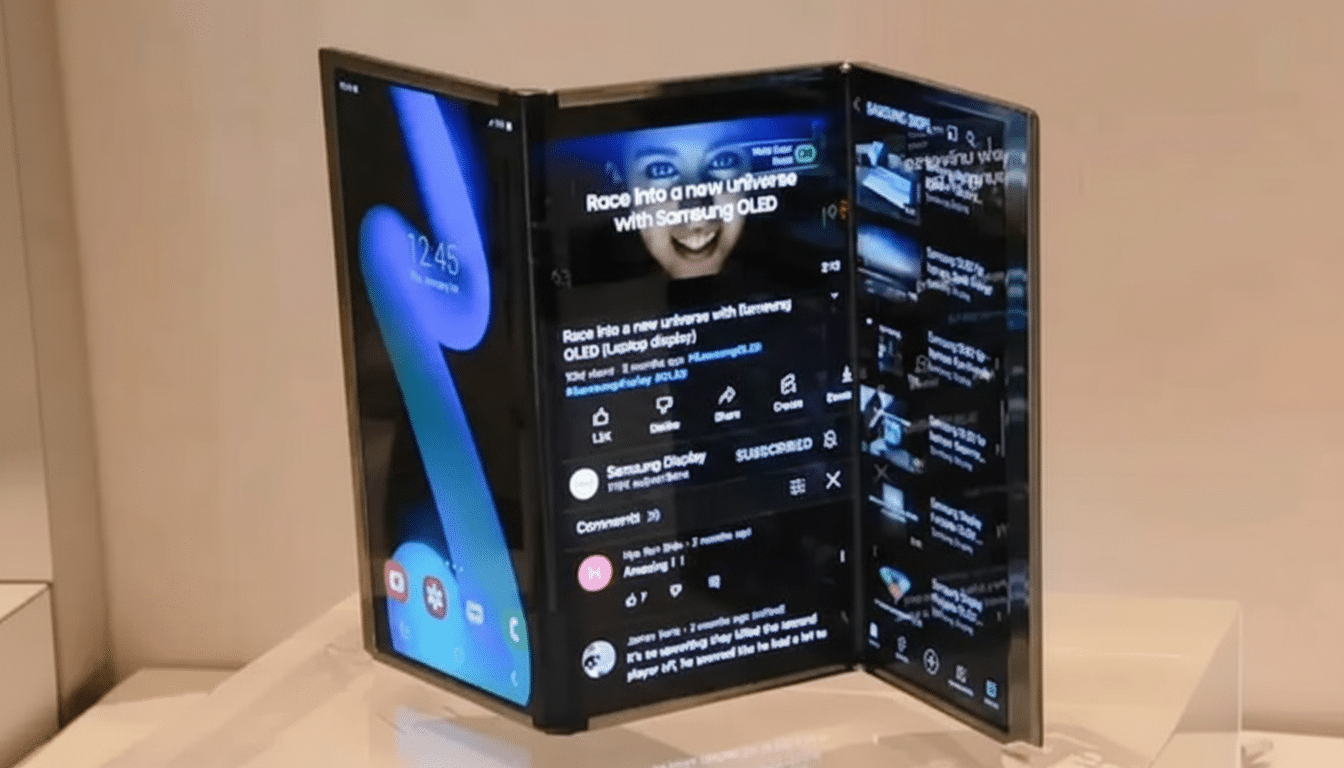
Two hinges mean twice as many moving parts, but the unit I handled felt reassuringly solid. No creaks, no alarming flex, and a hinge action that moved with confident, even resistance. It’s the first time since the original Fold that I’ve felt the thrill of a new category without the anxiety of early hardware compromises.
The wider aspect ratio is the headline. On the Z Fold 7, some apps still feel like they’re living in a stretched phone world. On the TriFold, three-pane layouts make sense. Think inbox, message thread, and compose window all at once, or a document, reference PDF, and video call sharing the screen without feeling cramped. It’s what many of us hoped “tablet mode” would be from the start.
Credit also goes to software maturity. Google’s push on large-screen Android—building on the work from Android 12L and beyond—shows up in better app continuity, more predictable windowing behavior, and cleaner scaling. Samsung’s multitasking gestures feel familiar, but the larger canvas makes them shine instead of merely impress.
Real-World Trade-Offs in the First Minutes of Use
Tri-folding doesn’t dodge physics. It’s a two-handed device most of the time, with more surface area to smudge and, yes, more visible crease lines depending on lighting. If you were hoping the extra fold would hide the crease entirely, it won’t. The creases are less of a bother while content is moving, but you will notice them on bright, static backgrounds.
Stylus support is the other catch. The demo unit did not offer true, native pen input across the full inner display. For artists, note-takers, and spreadsheet warriors, that’s a meaningful gap. Samsung has shown it can engineer digitizers that play nicely with foldables; bringing that experience to a tri-fold would be a major win for productivity.
Weight and battery life remain open questions in any device with two hinges and three display segments. Even if the TriFold isn’t dramatically heavier than top-tier foldables, a larger screen draws more power during extended multitasking and media. Intelligent refresh rate scaling and smarter task scheduling will matter as much as milliamp-hours.
Productivity and Media Shine on a Wider TriFold Canvas
In practical terms, the TriFold nails scenarios that previously felt compromised. Split-screen email next to a calendar and a map preview felt natural, not like a juggling act. A reference doc, chat app, and camera view during a product demo ran without the UI hiccups that can plague narrower foldables.
Entertainment benefits too. A wider tablet canvas improves web reading and comics, and while traditional 16:9 video will show bars, the immersive feel is stronger because you’re not peering through a tall, narrow slit. The speakers and panel tuning will ultimately decide the experience, but the geometry is finally doing the content a favor.
What It Signals for the Broader Foldable Market
Industry data has been trending toward larger form factors. Counterpoint Research estimated global foldable shipments at roughly 16 million units in 2023, with momentum continuing into the following year as prices softened and durability improved. DSCC and IDC have both noted that productivity use cases—email, document editing, and meetings—drive higher satisfaction on bigger foldables.
The TriFold slots into that narrative as the first design that feels like a credible phone-and-tablet replacement for more than power users. It doesn’t kill laptops, but it meaningfully reduces how often you reach for one. If enterprises embrace it the way they did large-screen phones, expect management tools, security suites, and collaboration apps to optimize quickly.
What Needs to Happen Next for TriFold Maturity
Polish the fundamentals: full inner-display pen support, aggressive anti-smudge coatings, and clearer messaging around durability and water resistance. Keep pushing app partners to adopt adaptive layouts that treat the TriFold’s canvas as primary, not a stretched fallback.
Even in a brief hands-on, the takeaway was unmistakable. Where the Z Fold 7 feels like a superb phone that becomes a small tablet, the TriFold feels like a capable tablet that folds into a phone. That inversion makes all the difference—and it’s why, after a few minutes, my trusted Fold suddenly felt like yesterday’s idea.