


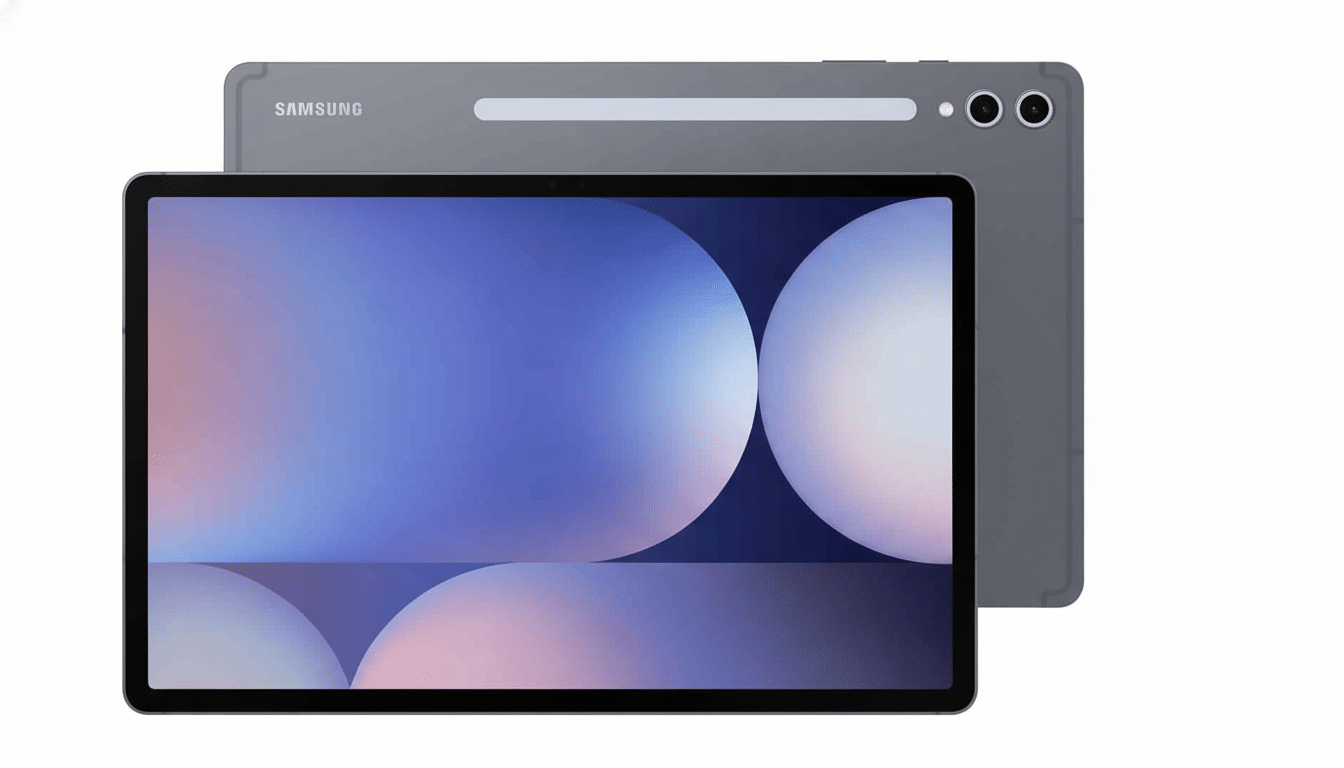
Samsung is taking its One UI 8 software update from phones to tablets, with the Galaxy Tab S10 Plus being the first slate to get a full deployment. It’s live in Korea now—and, based on Samsung’s recent cadence, it shouldn’t be too long before more regions see the release.
Galaxy Tab S10 Plus On Pole For The Rollout
This is the first Samsung tablet we’ve heard about to feature One UI 8 on the stable channel. A few early adopters in Korea (and one tipster named Tarun Vats on X) are reporting the update hitting their devices as an over-the-air download accompanied by the latest security patch. Look for a several‑gigabyte download that matches the size of the most recent phone updates.
The timing correlates with Samsung’s approach for phones: the Galaxy S25 family was hit first, then the Galaxy S24 line and latest foldables, followed by the older Galaxy S23 series.
Now it’s a tablet’s turn to join the fun, starting with its largest S10 brother before others slowly get invited.
One UI 8 Features Tailored for Large Screens
One UI 8 is all about productivity and consistency for large screens. When the Galaxy Tab S11 and S11 Ultra launched, Samsung called out a neater DeX experience that allows for true multi‑monitor support—where an external monitor can extend the task area rather than just act as a secondary display to show different information. The Tab S10 Plus should gain this feature over the course of the rollout—although it may not be explicitly spelled out in early changelogs.
Outside of DeX, One UI 8 tweaks multitasking with steadier windowing behavior and a more intelligent taskbar, while also working to improve drag‑and‑drop between apps. System search is quicker and more contextual, as are privacy controls; first‑party apps have a better idea how to adapt to split‑screen presets. Combined with the S Pen, these tweaks make the Tab S10 Plus a more useful laptop‑adjacent device for note‑taking and simple creative work.
Rollout Schedule and Regions for Tablet Updates
As always, Samsung rolls out its big releases by region based on device CSC codes, with Korea seeing the release first, followed by Europe and parts of Asia, then North America getting it last. Phone updates as part of this cycle rolled out on a country‑by‑country basis in days, and tablets tend to have the same sort of cadence. Assuming Korea is first, we often see EU and India variants next, then US models are next in line.
And as usual, the update is available through Settings > Software update > Download and install. If you don’t have it yet, wait a couple of days—rollouts are throttled in order to manage server load and catch edge‑case bugs before wider release.
Why This Is Significant For Android Tablets
Samsung is still the No. 1 vendor of Android tablets, and the clear No. 2 overall behind Apple. Tracking from IDC and Canalys has depicted Samsung as typically accounting for about one‑fifth of global shipments, with more expensive slates “punching above their weight” in education and hybrid‑work environments. Frequent platform refreshes are a clear differentiator in this enterprise‑leaning area.
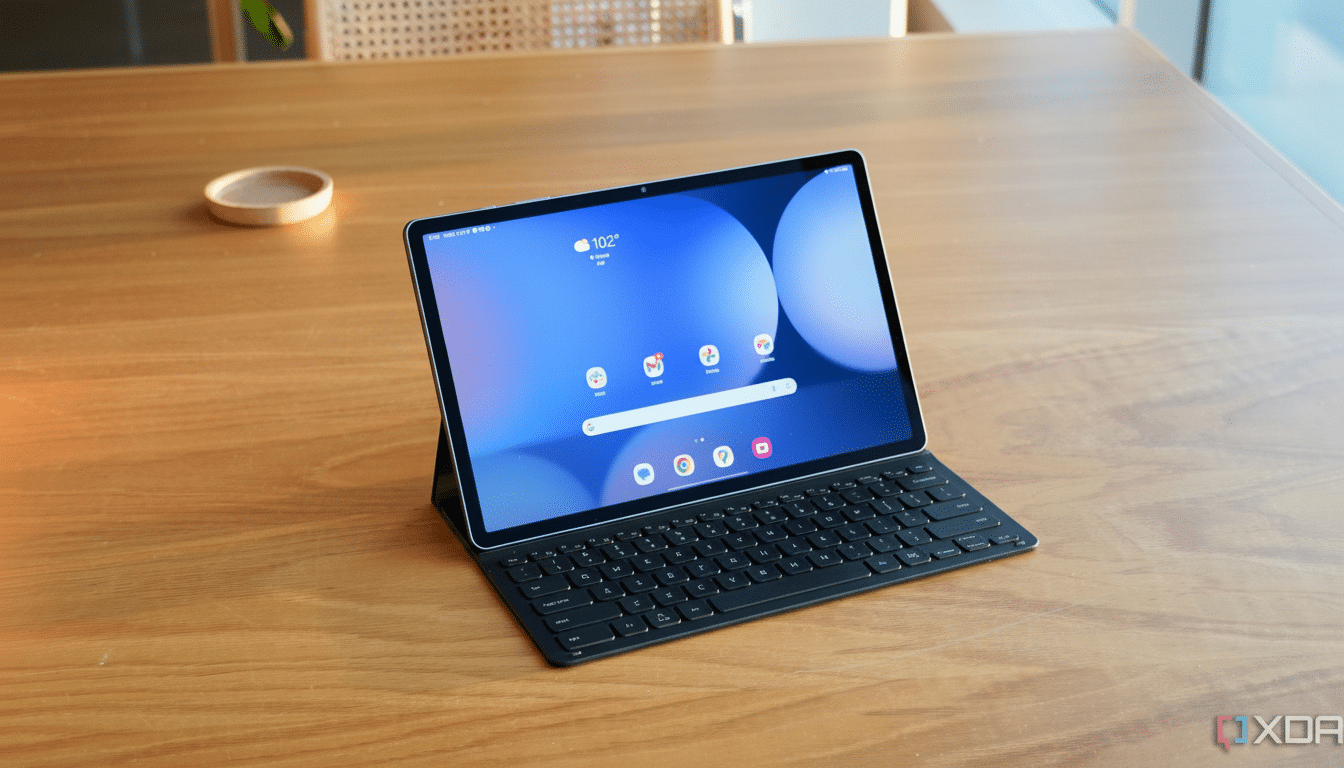
The desktop‑style DeX mode of Samsung’s One UI and its keyboard trackpad optimizations form the basis of its pitch that tablets can be a lighter replacement for laptops. Enhancing those features with One UI 8’s multi‑monitor enhancements and an overall cleaner multitasking experience now addresses the pain points IT admins and power users frequently complain about.
Preparation and Installation Tips Before Updating
Before you update, back up your data onto Samsung Cloud or a local PC, charge the tablet to at least 50 percent, connect to a stable Wi‑Fi network, and free up at least 5GB of storage, just in case. After installing it, allow the system a couple of minutes to complete background optimization—it may temporarily affect battery life and performance.
If you depend on mission‑critical apps, wait a day or two and browse the Samsung Members community for initial feedback tailored to your region’s build. Power users familiar with manual firmware tools can sideload, but the official OTA is the easiest and safest way to go for most.
What to Expect Next in the One UI 8 Rollout
The standard Tab S10 and super‑powered Tab S10 Ultra make the most sense, of course, but the (not yet introduced) Tab S9 family and A series models could all be next in line. Samsung’s generally lengthy update policy—previously espoused at Unpacked events of years past and referenced in company support docs—implies multiple years of OS and security coverage, meaning older flagships will probably get their hands on One UI 8 eventually.
Further out, industry watchers in the Korean tech press have said a mid‑cycle One UI 8.5 is due for release alongside Samsung’s next flagship phones, adding more design polish and customization. For the time being, the headline reads: now that it’s done bracketing in its phone range, Samsung turns to its tablets—and first through those gates comes the new Galaxy Tab S10 Plus.