


Samsung’s new beta is a thorough cleaning of the first thing you look at. One UI 8.5 adds an adaptive lock screen layout that cleverly shifts the position of the clock and any widgets, preventing them from covering the nicest parts of your wallpaper, whether that’s a city skyline, pet portrait, or close-up shot of flowers.
The feature builds on the adaptive clock that arrived in One UI 8.0, which focused mainly on people and pets. With the 8.5 beta, the system automatically tests nearly any background and shifts elements on the fly, sparing the need to manually tweak anything, which often felt like a chore.
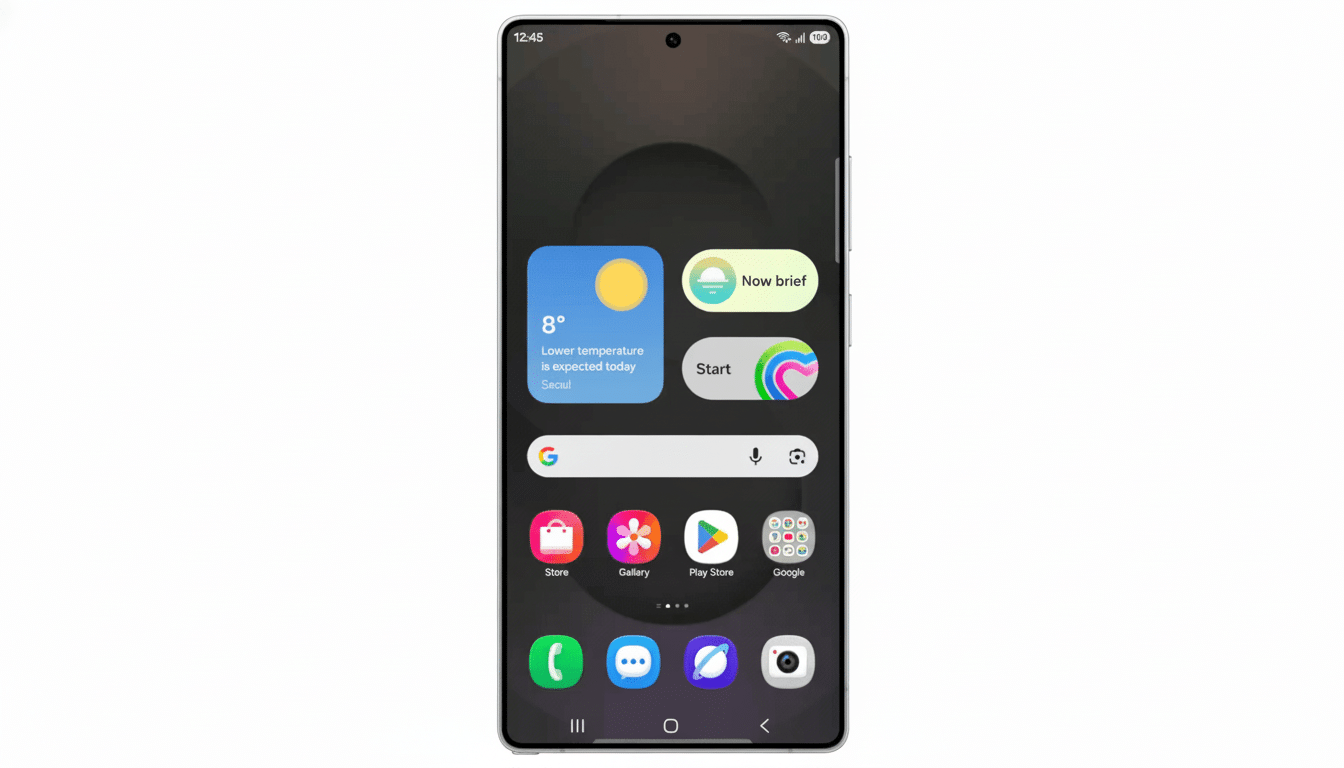
What’s New in One UI 8.5 for the Lock Screen Editor
The headline feature is a “Lock screen layout” option in the editor. Once enabled, the clock grows or shrinks and moves position, and widgets shuffle about to get clear of faces, subjects, and salient shapes in your photo. The end result is a cleaner, more readable lock screen that complements your wallpaper’s character instead of obscuring it.
Crucially, that’s no longer just people or even animals. It now considers architectural edges, horizons, and other high-contrast items, so you can use the feature even if your gallery is full of travel shots and abstract art instead of selfies.
How the Adaptive Layout Probably Works On-Device
There’s no full technical playbook from Samsung, but the behavior seems consistent with on-device saliency detection and subject segmentation. In action, this means the system finds “safe zones” within your wallpaper—places where there’s less visual weight around the edges—and then automatically positions the clock and widgets so they’re easier to read.
This approach is consistent with conventional UI design advice (from places like the Nielsen Norman Group) and accessibility targets, which strongly favor distraction-free type placement over complex imagery.
Rather than ramping up bold shadows or outlines, One UI 8.5 aims to prevent collisions in the first place by shifting elements of the interface around intelligently.
How to Try It on Your Galaxy During the Public Beta
The beta is rolling out now to the Galaxy S25 series via Samsung Members in certain locations. If you’re enrolled, long-press on your lock screen to open the editor and then tap the clock; in here, head to the Font and color tab to locate where all those adaptive options are (and also an automatic layout toggle).
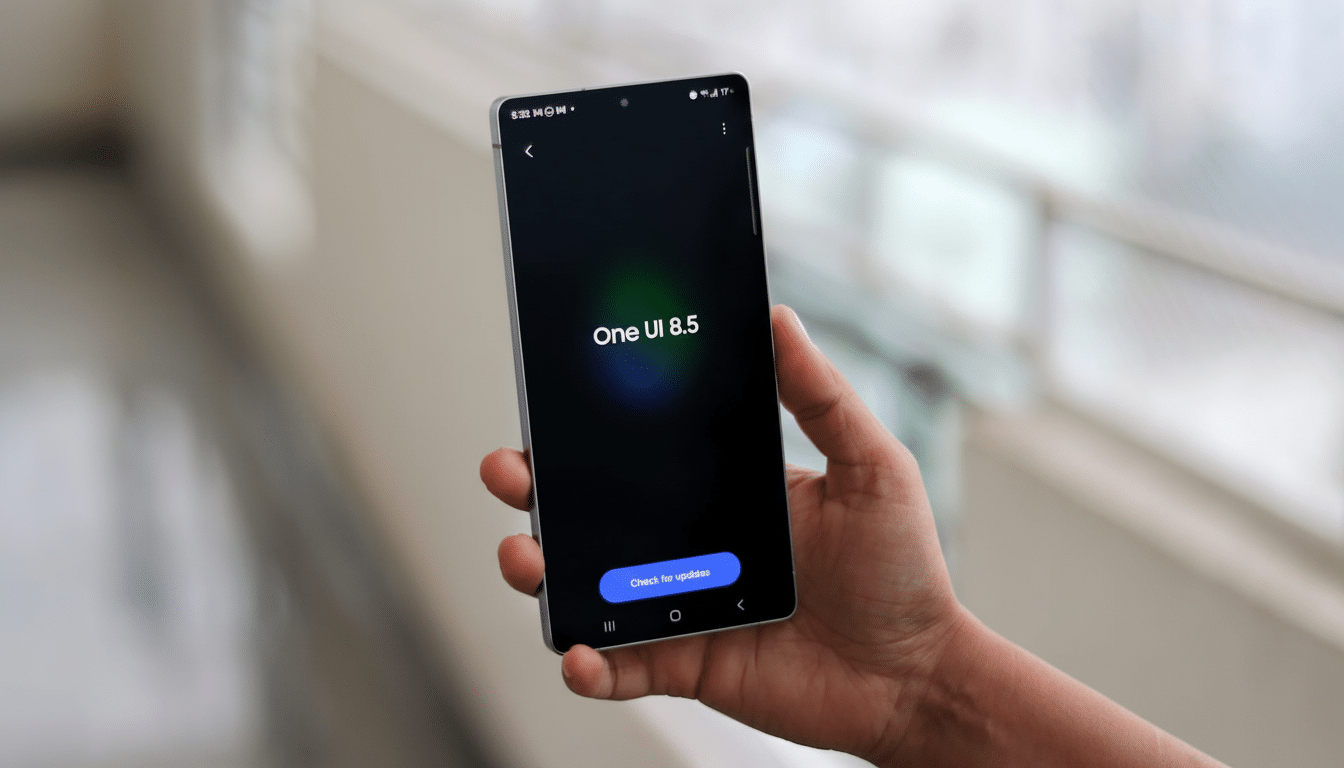
As with all prerelease software, you may encounter occasional bugs and regional variations of features. Back up your device before joining (not that there’s any turning back), and keep in mind that third-party widgets and heavily styled wallpapers could yield mixed results as the feature continues to mature.
Why This Smarter Lock Screen Change Actually Matters
The lock screen is the most often glanced-at surface of a phone, and incremental improvements add up over countless checks per day. Through its automated placement, One UI 8.5 takes friction out of personalization while maintaining legibility—two goals that are often at odds with each other.
It also further hones Samsung’s competitive edge. The competition animated the clock behind subjects thanks to a depth effect made popular by Apple’s iOS. Google’s AZ1 chip and Google’s Material You customize colors based on user-preferred backgrounds. Samsung is trying to do something more general and layout-aware so that it will work across a wider variety of images. Given that Samsung always ranks toward the high or top end of global shipments in any given quarter (as per IDC/Counterpoint Research), even marginal UX improvements reach an audience running into tens of millions pretty fast.
What to Watch Next as Samsung Refines the One UI 8.5 Beta
That’s something you can expect Samsung to iterate on in terms of how aggressively the clock and widgets move things around, opening up more user controls over time as it gets feedback; integration with Always On Display and deeper connections into customization tools like Good Lock’s LockStar would make time work well even if the rest is getting too cluttered for power users.
As the beta evolves, there are two big questions to watch:
- Compatibility and reach: which older Galaxy class will have the adaptive layout with the stable One UI 8.5 release?
- Integration quality: how well it plays with third-party widget ecosystems and high-contrast wallpapers.
If that early promise bears fruit, it’s the rare cosmetic tweak that doubles as a usability upgrade.
Galaxy S25 beta users can experience the smarter lock screen and its newfound reverence for not just your photos but also your eyes with their first taste of One UI 8.5.