


Samsung’s new Direct Voicemail is rolling out with One UI 8.5, and after testing it, the pitch is clear: take control of missed calls with on-device voicemail, real-time transcripts, and a dose of Galaxy AI. It’s Samsung’s most direct answer yet to Apple’s Live Voicemail and Google’s recent “Take a Message” option on Pixel phones.
What Direct Voicemail actually does on Galaxy phones
Instead of shuttling unanswered calls to your carrier’s inbox, Direct Voicemail handles them on your phone. When a call comes in, you can manually send it to Direct Voicemail from the full-screen call UI or the pop-up banner by tapping More options. The caller hears your greeting and starts speaking, while you see a live transcript scroll across your screen.
- What Direct Voicemail actually does on Galaxy phones
- The AI tools that make Direct Voicemail more useful
- Manual control or set-and-forget rules for calls
- How it stacks up against Apple and Google rivals
- Why this matters now for handling missed calls
- Availability and early verdict on Samsung Direct Voicemail
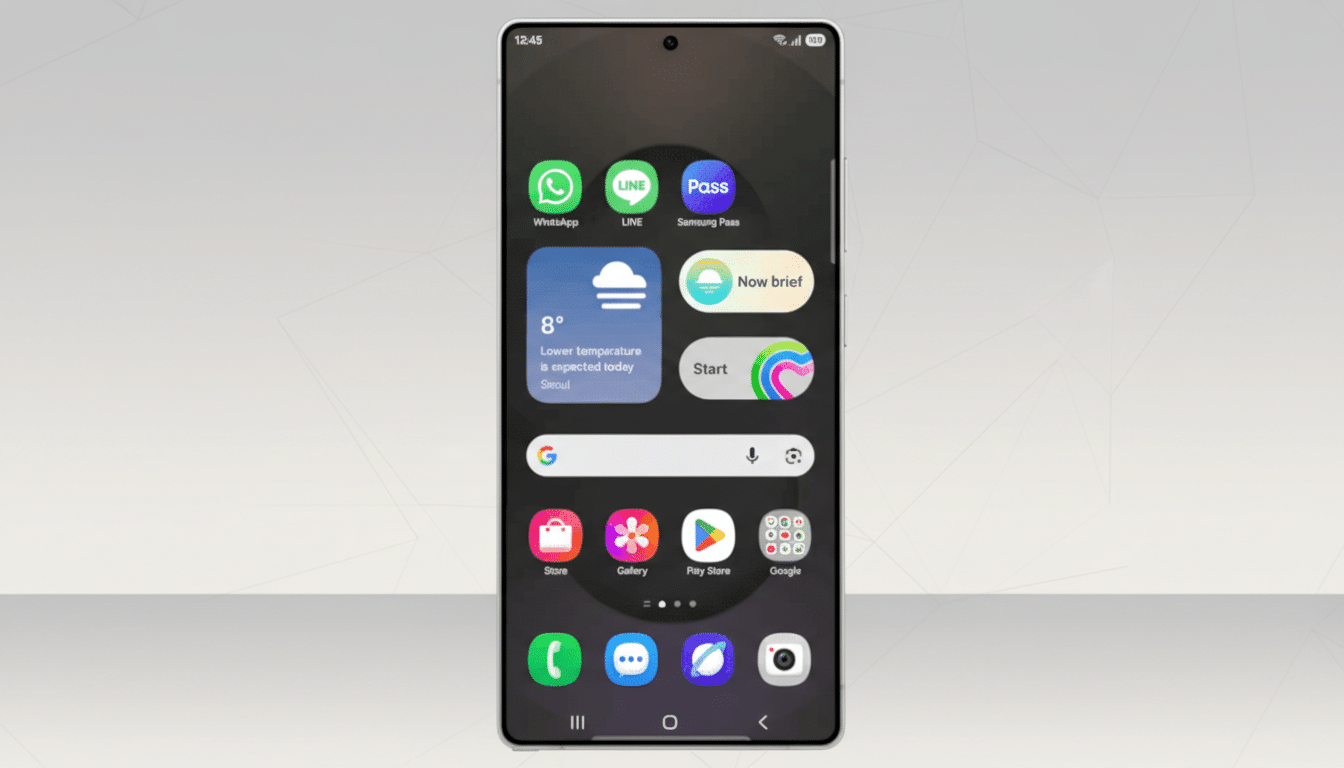
If the message looks important, you can jump in and pick up mid-voicemail. Afterward, the entry appears in your Recents list with the voicemail length and a transcript snippet. Tap into it and you’ll see the full text alongside playback controls, no carrier app or network inbox required.
The AI tools that make Direct Voicemail more useful
Because it’s built on Samsung’s Text Call foundation, Direct Voicemail adds Galaxy AI to the mix. Two tools stand out. First, Summarize condenses long or rambling voicemails into a tight brief—handy when a courier is reading a door code over street noise or a colleague leaves a three-minute debrief. Second, Audio Eraser reduces background sounds in the voicemail recording, making speech easier to parse when the caller is in a crowded space.
In my early tests, transcripts were fast and accurate on a clean line. As with prior Text Call experiences, clarity drops with heavy mumbling or overlapping noise, though Audio Eraser helps salvage intelligibility. This is an area where Google’s Pixel transcription still feels a touch more resilient, but Samsung’s speed and the added AI utilities close the gap in everyday use.
Manual control or set-and-forget rules for calls
You can let calls ring and manually shunt them to Direct Voicemail, or set an automatic redirect after a delay—default options include 5, 10, or 20 seconds, with a custom timer available. That makes it easy to triage unknown numbers without losing a beat, and to give known contacts a chance to reach you before voicemail kicks in.
A key caveat with any on-device voicemail: your phone has to be on and reachable. If it’s powered down or out of coverage, the call won’t hit Direct Voicemail. In those cases, your carrier’s traditional voicemail still matters as a fallback. Think of this as your primary inbox when you’re connected, with the carrier system as a safety net.
How it stacks up against Apple and Google rivals
Apple’s Live Voicemail on iOS shows a real-time transcript on the screen and lets you pick up mid-message; it’s slick and entirely device-driven. Google’s Pixel line offers “Take a Message,” which automatically engages when you reject a call, plus a broader suite of call-handling tools like Call Screen. Samsung’s approach lands squarely in between: it delivers live transcripts and mid-call pickup like Apple, with AI post-processing that feels distinctly Samsung, though activation still leans on a manual tap unless you set a timer.
Transcription quality is the battleground. Pixel has a reputation for consistency in tough audio. Samsung’s accuracy is strong in clean conditions and improving, with the bonus of summaries and noise reduction right where you need them.
Why this matters now for handling missed calls
Americans receive around 5 billion robocalls a month according to YouMail’s Robocall Index, and many people simply avoid unknown numbers. Direct Voicemail helps you separate what matters from what doesn’t in seconds. Because the mailbox lives on your device, you’re not wrestling with carrier inbox limits or third-party visual voicemail apps, and you can act immediately if the transcript shows something urgent.
Privacy-minded users should note that Galaxy AI features may use on-device and cloud processing depending on your settings, as Samsung explains in its Galaxy AI documentation. The live transcript and recordings reside in your Phone app, and you can manage them like any call log entry.
Availability and early verdict on Samsung Direct Voicemail
Direct Voicemail is part of the One UI 8.5 update and is currently available in beta on select Galaxy devices, with broader availability expected as the software rolls out. Features may vary by region and language pack, and some carriers could limit call behaviors.
After hands-on time, my takeaway is straightforward: this is the most practical calling upgrade Samsung has shipped in years. It trims friction from missed calls, adds smart tools where they matter, and offers more control than traditional voicemail. I’d love to see a one-tap setting to trigger Direct Voicemail automatically on call rejection and finer per-contact rules, but even today, it’s an easy feature to keep switched on.