


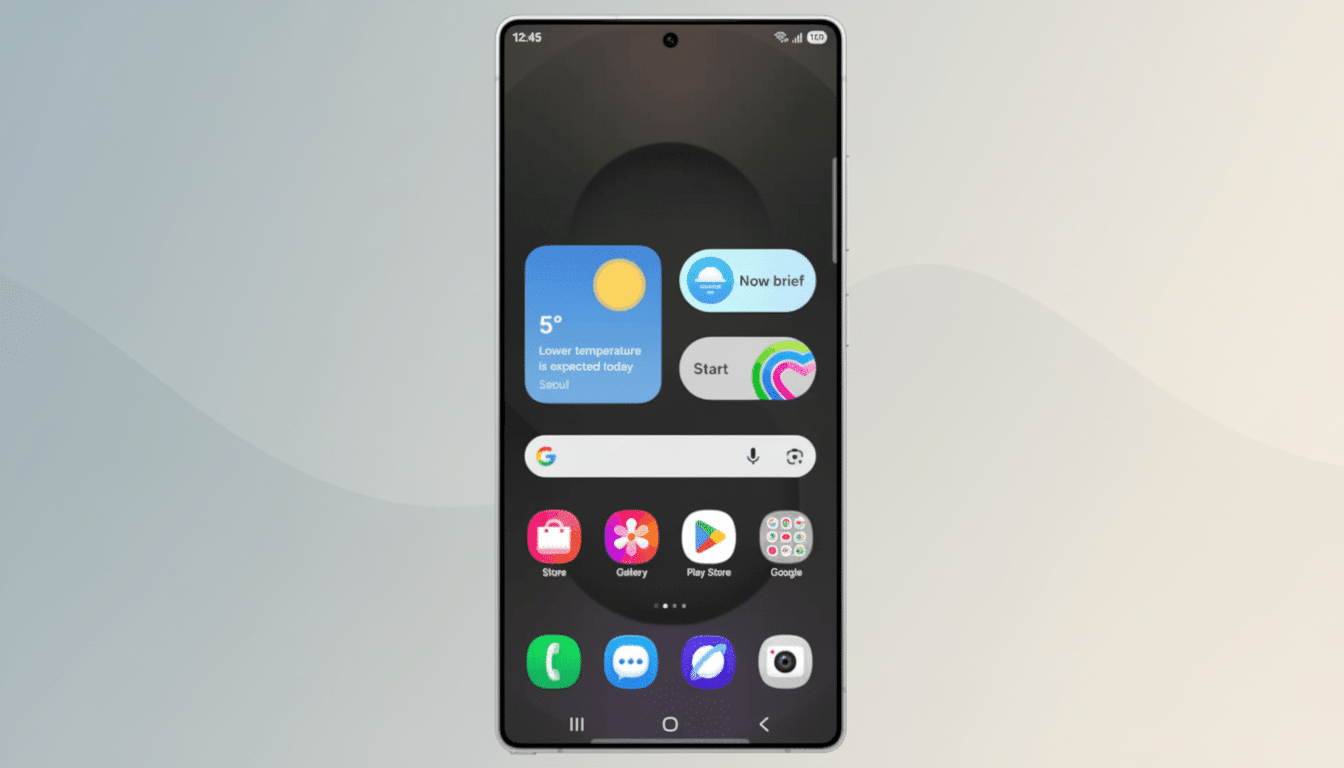
Samsung’s latest One UI 8.5 beta quietly brings something many a Galaxy owner has been clamoring for: native, seamless access to cross-device storage. The feature, which Samsung calls Storage Share, allows you to see files from your other Samsung devices (phones, tablets and computers) right inside the My Files app on your Galaxy device — and even access the files stored on your phone with that other Samsung hardware elsewhere throughout your home, including TVs.
What Storage Share Does Not Actually Do Today
Storage Share shows up as a toggle in the My Files app. Opt in, and your Galaxy phone will expose remote folders from other Samsung devices on which you’re signed in under an external storage section, making your multi-device library seem local. At least in this initial preview build, available only to early beta testers, you can see files stored on a second phone — say, a Galaxy Z Fold — from a Galaxy S25 Ultra and open them directly on the local phone as well, but moving or sharing those remote files will be doable only in more limited ways thanks to Android’s security restrictions.
Importantly, this isn’t an awkward screencast or a one-time transfer. It’s file visibility across your personal devices at the system level, the sort of “it just shows up” user experience that eliminates the friction of emailing yourself documents or juggling cloud folders. Samsung’s changelog also points out the reverse approach: You can view your phone files from other Samsung devices, including content on a TV — making for living-room photo pulls and quick presentation check-ins without needing to rely on a cable.
Why It Matters for Galaxy Users Across Devices
File continuity is a concrete example of what someone can do with an ecosystem. Apple taps into iCloud Drive and Finder integration, and Microsoft’s Phone Link focuses on clipboard and photo syncing. Storage Share, in theory, provides Samsung’s ecosystem with a native file-oriented bridge to fulfill those expectations for users who reside in a multi-Galaxy device home.
Think through a few actual workflows: capturing RAW images on your Galaxy phone, culling from a Galaxy tablet, and finishing touch-ups on a Samsung PC. Or snatch a PDF from your work phone on your personal phone without having to re-download it from the cloud. As IDC has reported, Samsung has reportedly been topping the global smartphone shipments charts for around 20% in recent quarters — a massive addressable base for a feature like this, and that extends into households where Galaxy phones are not the only Samsung-branded tech holding court: TVs, laptops, and more.
Quick Share Is Also Getting Smarter in This Beta
Alongside Storage Share, Samsung is updating Quick Share — the system’s “AirDrop-like” sharing service that it consolidated with Google’s Nearby Share earlier in 2021 to work similarly on Android and Windows. The beta introduces two significant tweaks. First, it can detect friends or family members in a photo and recommend that you share those images directly with them. Samsung has not made clear if this face-matching is done entirely on device, but privacy-minded users should demand local processing.
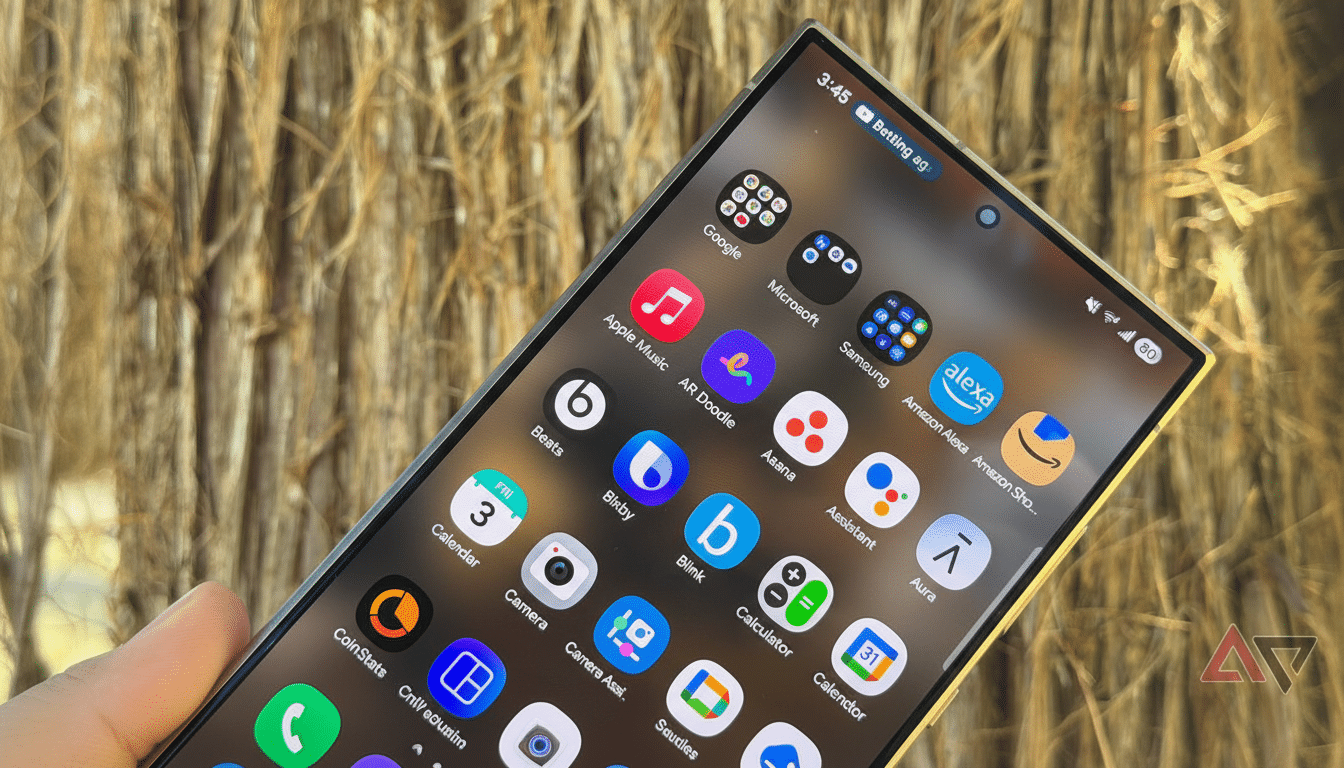
Second, incoming shares can now be limited to devices signed in with your Samsung account or Google account. This extra gate should help reduce the number of unwanted drops in public spaces, and it also gives families and small teams better control over who is sending files to their devices. These new toggles could tie in with existing business policies for businesses that are already committed to Knox-managed fleets, helping ensure traffic stays safe and predictable.
Early Beta Warnings and Realistic Expectations
Like any first beta, there are rough edges. Testers are saying that navigation of remote storage currently feels view-first, while some actions — such as seeing a file on another device and instantly Quick Sharing it — are either limited or require more steps than they should. It wouldn’t be unusual for Samsung to narrow these paths before instituting a stable release, especially once it hears back from early adopters.
Availability is beginning with the Galaxy S25 series in the One UI 8.5 beta program, which is generally followed up by extended device availability near the time of stable release. Samsung hasn’t listed performance numbers, information on encryption, or whether the feature requires specific network conditions. Based on what we’ve seen so far with SmartThings and cross-device continuity, be prepared for the setup process to center around a Samsung account and clear prompts of consent per device.
The Bottom Line on Samsung’s Storage Share Feature
Storage Share is a deceptively straightforward addition that could make an outsize difference. That, in turn, is turning its multi-device ecosystem into a single workspace from which you can access information stored on other gadgets. Teamed with smart Quick Share controls and suggestions, One UI 8.5 looks to move beyond the surface-level flashiness of a UI tweak to something actually useful on a day-to-day basis — the kind that saves time, and then once you have it, would be hard-pressed to live without it.