


The Galaxy Tab S11 from Samsung is not simply a larger screen for streaming. Now, it steps into honest-to-goodness PC land with official support for Google’s Linux Terminal app, which allows users to run any real Linux application in a secure virtual machine. With Samsung DeX and HDMI to an external display, the tablet now serves as a pretty serious portable Linux workstation.
The Way Linux Comes to an Android Tablet
Earlier in 2020, Google debuted the Linux Terminal app to provide a full Debian-based CLI environment on Android using the Android Virtualization Framework (AVF). It’s not a light chroot or container; it’s a full VM that boots up a Debian image and runs console-based Linux programs, with isolation handled by the Android security model and pKVM. The end product is a Linux stack that does not jeopardize Android or user data.
There are two technical gates to clear: devices need the AVF version that supports Terminal (introduced with Android 15’s quarterly update line and newer) as well as a chipset capable of running “unprotected” VMs, where the host can access guest memory for performance. Pixels do it with Google Tensor; other Exynos phones do; some Snapdragon models don’t.
The Tab S11 is the first commercial MediaTek flagship tablet to be widely available and confirmed to meet these requirements. It also comes with Samsung’s One UI 8, based on Android 16, and a Dimensity 9400-series processor driving the virtualization functionality. That combo brings the Linux Terminal app into being, without any little hacks or developer-only distinctions.
What You Can Do with Google’s Linux Terminal on Tab S11
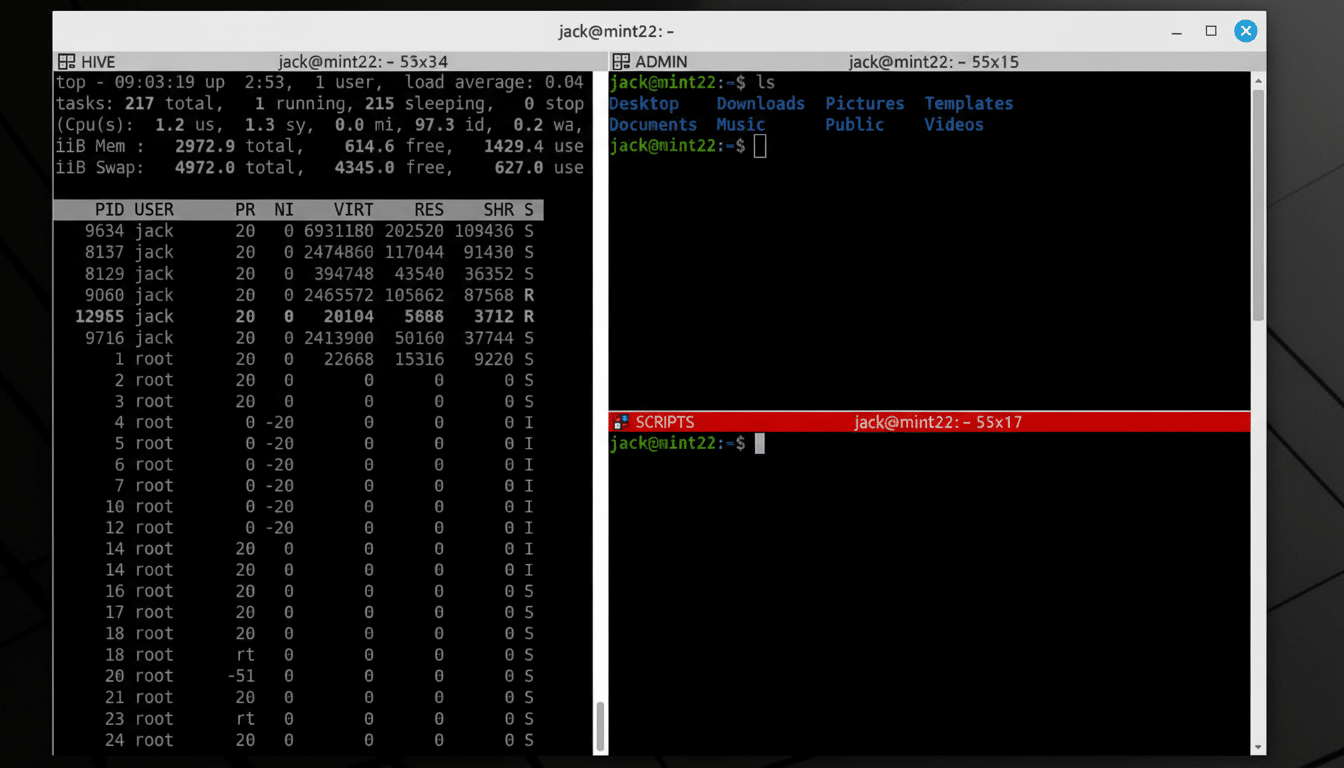
Inside the Terminal you’ll find a familiar bash shell, and it’s possible to run the “nano” text editor, make, and gcc with the Bring Your Own Compiler feature.
You can access your existing files on your device using external storage, SSH, and ADB.
Note that while this package provides many common tools used in building software (such as a C++ compiler), it is not suitable for developing software against all libraries due to the limitations of running on a mobile device with noexec /data.
It’s possible to compile native code, manage repos, or run data tooling on the tablet itself as an Android tablet and developer laptop all at once. System administrators can remotely manage servers via SSH using the same command-line tools they use at their desks.
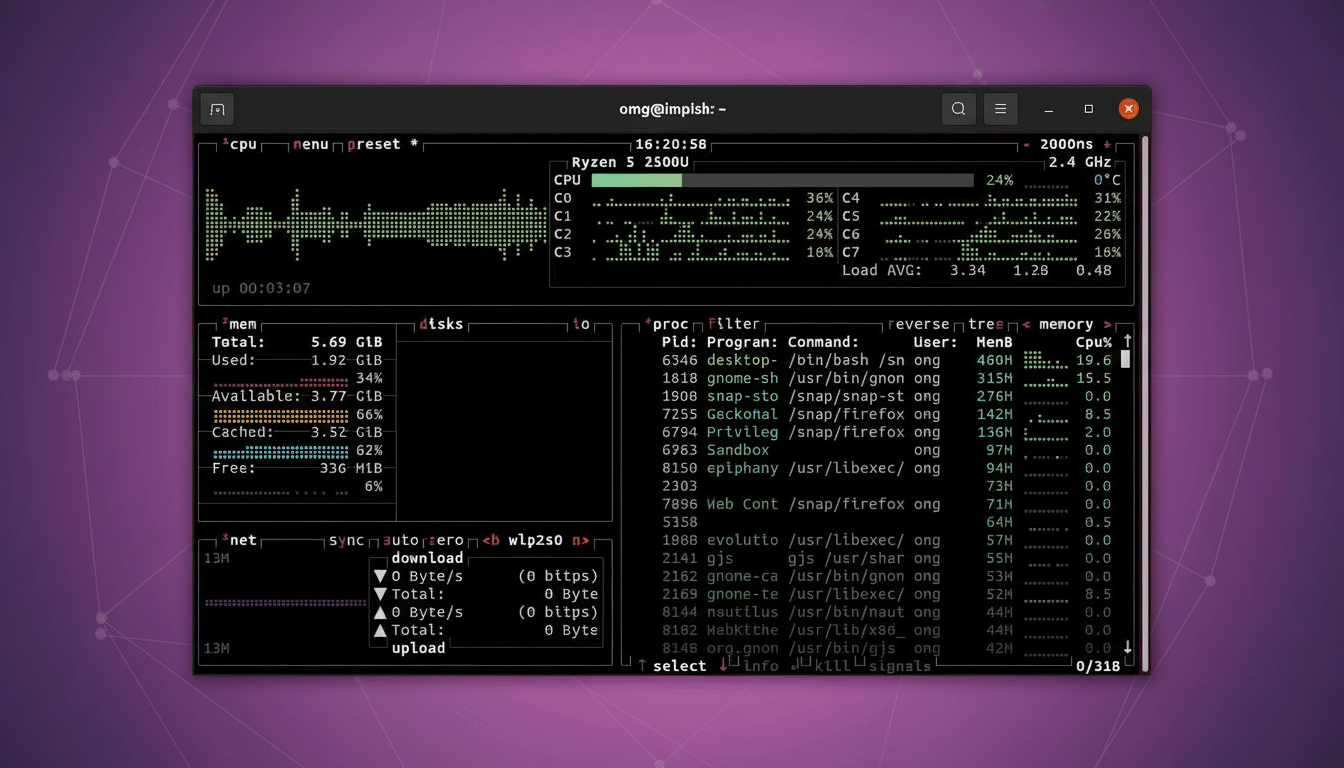
Graphical Linux applications are not currently supported out of the box, but early tests have shown how you can set up a userland display stack to get GUI programs working with additional configuration. Google has stated that wider feature support is planned, and the Android virtualization team has been iterating rapidly in AOSP. For now, the command-line workflows are first class, and they’re better than the sorts of emulation or container workarounds people relied on in the past.
Why MediaTek Support Is Game Changing for Android Linux
So far, Linux Terminal support was limited to Google Tensor devices and certain Exynos models. This kind of support is a big deal for ecosystem breadth, to see even one Dimensity 9400-class platform clear the bar. It means Linux-on-Android is not a niche Pixel party trick; it’s something that can be scaled across silicon vendors, assuming they expose the right AVF features.
The picture is already widening. Industry whispers and user reports suggest Xiaomi’s 15T series is also on board the Linux Terminal train now that it has moved to an Android 16-based build, pointing toward a trend: modern Dimensity silicon plus Android 16 equals a green light if your OEM doesn’t prevent you. The last missing piece is broad support for Snapdragons. Qualcomm has solid and robust virtualization elsewhere, but not many consumer devices have non-privileged VMs enabled; if that changes, a vast chunk of the Android high-end suddenly becomes available overnight.
A Tablet That Believes It’s a Desktop with DeX Support
Hardware counts once the systems are in place. The Tab S11 has an OLED panel, fast storage, and plenty of RAM, but most importantly wired video out over USB-C with Samsung DeX. If you plug in a monitor, keyboard, and mouse, however, you get a more desktop-like environment where Android apps can run alongside the Linux Terminal in resizable windows. It’s a useful workflow: edit in a code editor on the Android side, run builds and tests within Debian, and leave an SSH session hanging with servers.
That’s a very welcome arrangement for developers, data science students, and security professionals who’d like one machine to carry around on trips. That’s not the whole story, of course, but you only need a quick glance at the newer Dimensity silicon to know that in multi-core performance and efficiency terms it has managed to punch above its weight — especially given that I’m getting snappy compile times and sustained usage from this thing without the noise or bulk of a laptop. Throw in an S Pen for note-taking and markup, and you have a productivity rig that fits in a small bag.
Caveats and What Comes Next for Linux on Android Tablets
There are limits. The VM is sandboxed, so truly deep integrations with Android storage or peripherals may require some additional setup, and GPU-accelerated Linux graphics aren’t turnkey. Under aggressive use of the VM, battery life with heavy Linux workloads varies. Nevertheless, the security posture is good (AVF is supposed to isolate guests), and today it’s already stronger than ad hoc chroots or root-only systems from years ago.
The trend is unmistakable. Much like Google has been further polishing AVF and the Linux Terminal and more chipmakers have started to expose the necessary virtualization hooks, tablets such as the Galaxy Tab S11 are no longer “big phones,” but rather legitimate Linux PCs. For a lot of power users, that’s the difference between it being a thing to carry JUST for media and one that could replace your laptop.