


Samsung has confirmed a built-in Privacy Display for the Galaxy S26 Ultra, and it’s exactly the kind of practical innovation phone users have been asking for. Instead of relying on clunky screen protectors or dim software overlays, the S26 Ultra will selectively hide sensitive areas of the screen from side glances while keeping what you see front and center brilliantly clear.
There’s no official product name yet, but the capability is real—and potentially transformative for commuters, executives, and anyone who’s ever shielded a phone with their hand on a crowded train. Early details suggest the feature will debut on the Ultra, alongside the next One UI release, with a clean path for consumer and enterprise adoption.
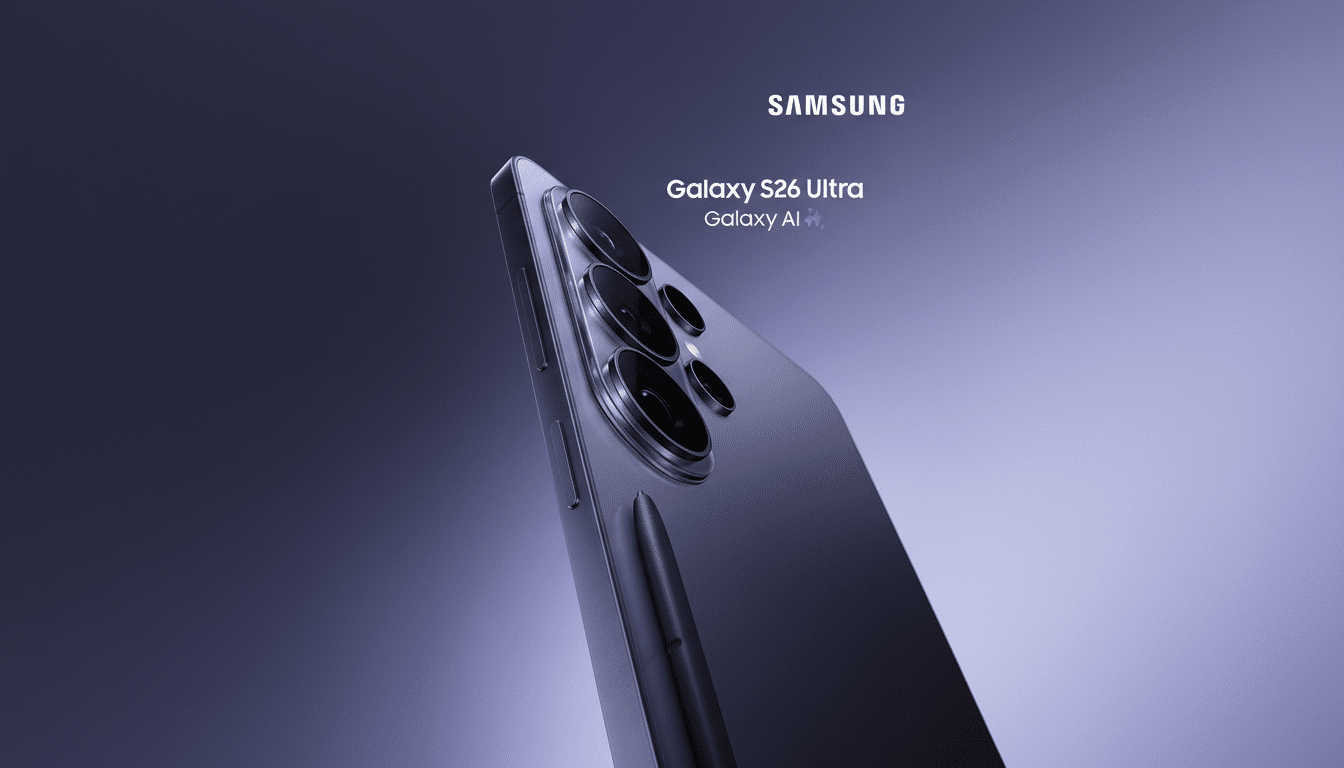
How the S26 Ultra’s Privacy Display Works On-Device
Instead of adding a physical filter, Samsung is using pixel-level light control on its OLED panel to narrow the viewing angle only where you want it. Think of it as directional lighting: the phone shapes emission so content stays bright head-on, but fades to black when seen from the side. You mark the zones—notification banners, a messaging pane, a keypad—and the display enforces privacy locally, not globally.
Industry analyst Ice Universe has shown renderings of the localized approach, which is the important leap. Traditional privacy screen protectors blanket the entire panel, often dulling colors and brightness. By controlling angular light distribution per pixel, Samsung preserves the S26 Ultra’s luminance and color accuracy in the protected area for the primary viewer while reducing lateral visibility for bystanders.
Technically, the idea aligns with advances from Samsung Display in OLED stack efficiency and emission profiles, where microcavity tuning and precise subpixel driving can influence how light exits the panel. Display Supply Chain Consultants has tracked rapid improvements in OLED brightness and uniformity in recent generations; applying that precision to directionality is a logical next step.
Why It Matters for Work, Privacy, and Everyday Life
Visual eavesdropping is a real risk that rarely makes headlines. NIST guidance and corporate security policies routinely recommend privacy filters for devices used in public, because a single exposed 2FA code, payroll sheet, or customer record can trigger downstream losses. IBM’s Cost of a Data Breach research has long placed the average incident in the multi-million-dollar range, and while shoulder surfing isn’t the only cause, it’s a preventable vector.
On the consumer side, it’s about dignity and convenience. Banking balances, health portals, and ride receipts routinely appear on lock screens. Pew Research Center has reported that Americans express strong concerns about how their personal data is exposed in everyday contexts; with phones acting as wallets and IDs, the bar for on-device privacy has moved higher.
Other smartphone makers have offered software “privacy screens” that dim the edges or add a pattern over content, but these often reduce readability for the user and drain battery without actually stopping a determined side glance. A hardware-level, directionally aware solution is simply a better fit for modern OLED phones.
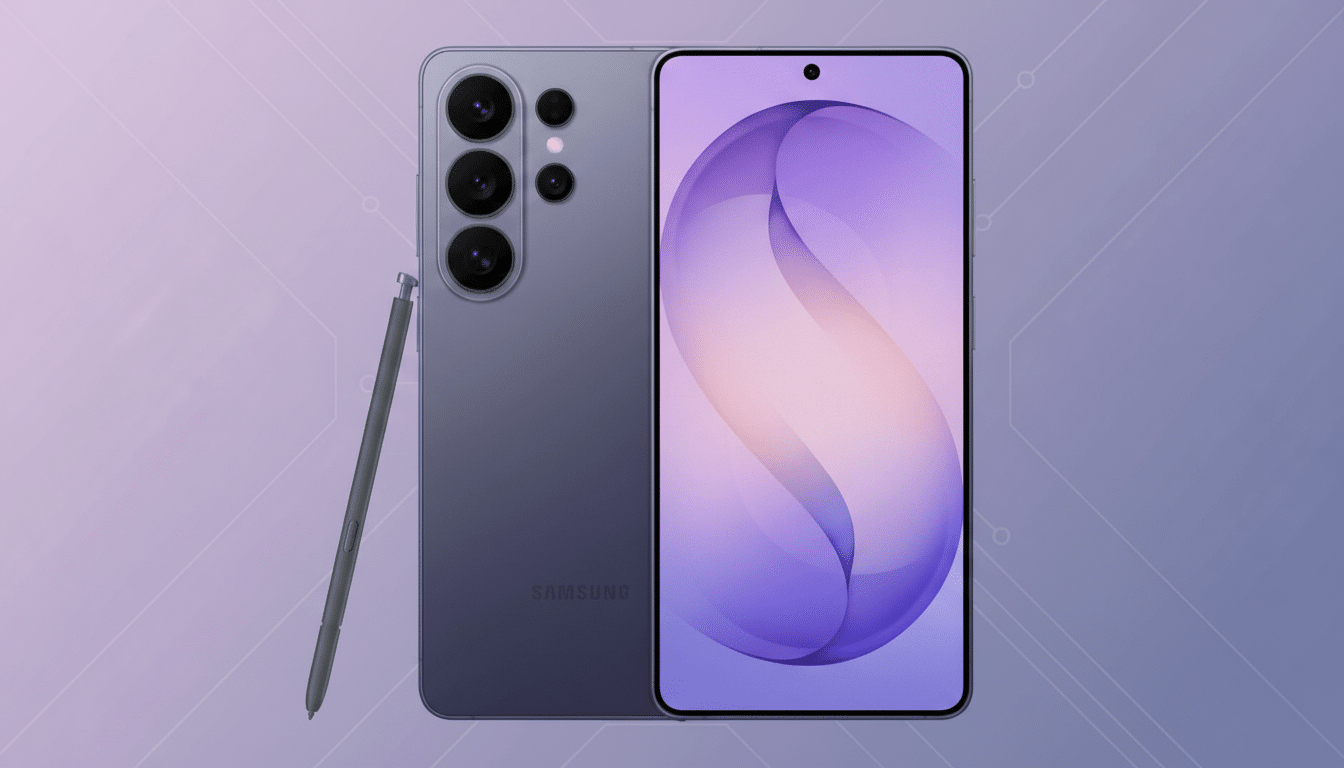
What We Still Need to Know About Privacy Display
Samsung has not disclosed the official name, exact coverage options, or whether you can enable the Privacy Display per app versus only for priority notifications. Fine-grained controls will matter: being able to cloak a chat thread while leaving a video or deck fully visible would make the feature feel invisible until you need it.
Model availability is another open question. Given typical production strategies, the Ultra is the natural launchpad for advanced OLED features. Broader rollout across the S26 family could follow, but Samsung has historically differentiated the Ultra with display-first tech.
Battery and performance impact should be minimal if the system is built into the display pipeline. Unlike a physical filter, which cuts light for everyone, Samsung’s approach avoids the usual brightness hit and keeps HDR color volume intact for the primary viewer.
Enterprise Control With Samsung Knox for Policies
Samsung says the Privacy Display will tie into Samsung Knox, the company’s enterprise-grade security and management stack. That means IT can enforce policies—always-on in specific apps, mandatory on public Wi-Fi, or active within geofenced zones—across fleets with Knox Suite, alongside trusted boot, containerization, and certificate management.
For regulated industries—finance, healthcare, legal—visual privacy is a compliance box that’s been awkward to check with accessories and awareness training. A native, policy-driven control reduces human error and accessory sprawl, while preserving the viewing quality executives expect on a flagship display.
A Quiet but Meaningful Innovation in Phone Privacy
The best smartphone advances solve a daily irritation without making you learn a new behavior. This does exactly that. It protects the moments that matter—a one-time passcode, a confidential email subject line, a client name in a calendar—while leaving the rest of the phone untouched.
If Samsung follows through with granular controls and robust Knox hooks, the S26 Ultra’s Privacy Display won’t just be a neat demo. It will be a model for how display technology itself can harden privacy without sacrificing the beauty and brightness people buy premium phones for.