


Samsung has restored two fan-favorite camera tools that were briefly missing from the initial release of its One UI 8.5 beta: Single Take and Dual Rec. Note, however, that the modes are no longer baked into the default Camera interface but instead available via Samsung’s optional Camera Assistant app — a move that keeps the main UI clean and allows pro-friendly features to be easily accessible to those who want them.
What’s New in the Latest Beta Release of One UI 8.5
There are a few reports that the features have returned in the latest beta for One UI 8.5, including from long-time Galaxy watchers SamMobile and user feedback on Samsung Members confirming that Single Take and Dual Rec are back. Until now, those modes lived in the Camera app’s mode carousel. In the new beta, they’re controlled by toggles inside the latest Camera Assistant release — the latter move aims to separate these niche features from the default camera workflow.
For background, Single Take first appeared with the Galaxy S20 generation as an AI mode of capture that shoots a short scene and autonomously creates a gallery of stills and clips in several styles. Dual Rec (which has been combined with Director’s View in previous Galaxy flagships) records from two cameras simultaneously — front and rear are the most likely candidates — appealing to those who vlog and would rather show not only their subject but themselves reacting without having to edit footage of both at a later date.
How to Re-enable Single Take and Dual Rec
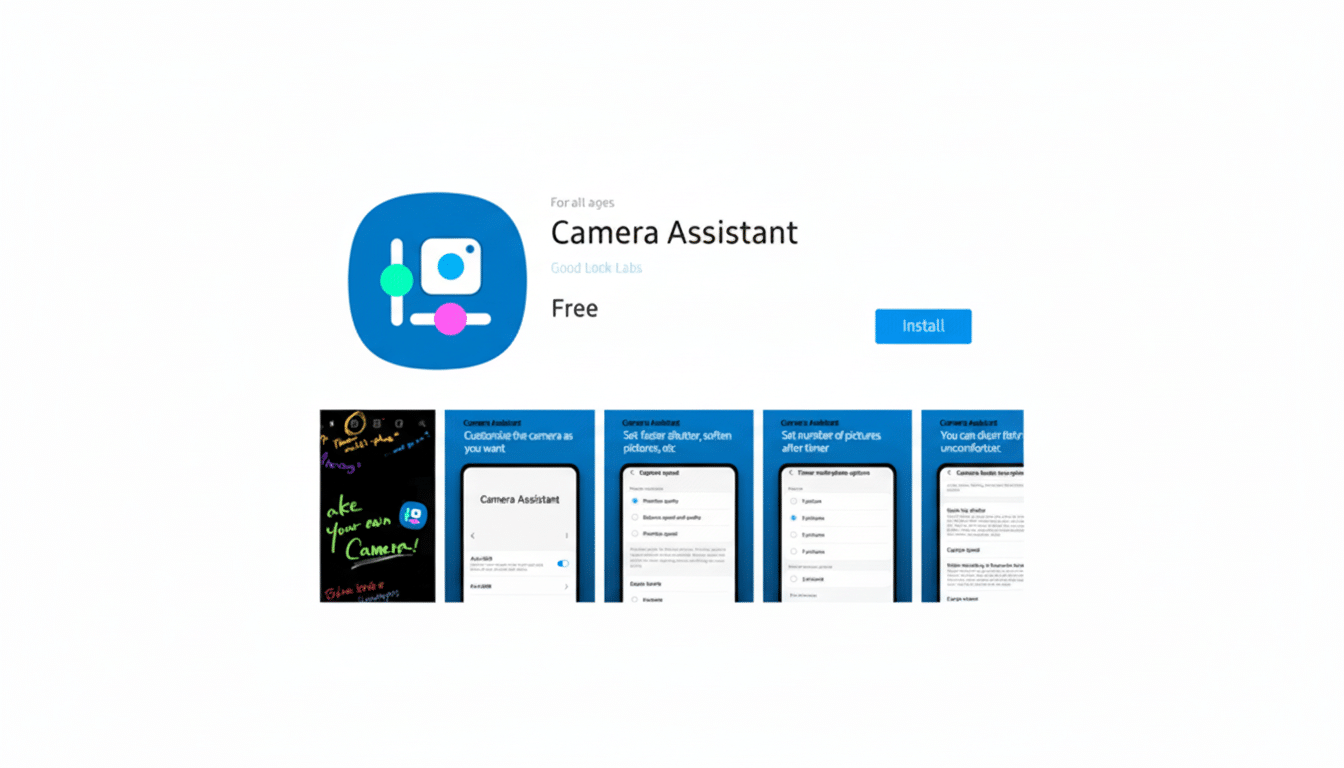
If you’re on the new One UI 8.5 beta build, install or update Camera Assistant from the Galaxy Store. Open the Camera app, go to Camera settings, open Camera Assistant, and find them under Additional modes. You’ll also see toggles for Single Take and Dual Rec. Turn them on to access the modes from the Camera app as you used to.
Camera Assistant is part of Samsung’s suite of modular apps across the system, somewhat reminiscent of Good Lock, the stripped-down menus that let power users make deeper tweaks without overwhelming more casual users by default. The app already offers advanced features such as faster shutter priority, auto lens switch thresholds, and video recording actions. Placing Single Take and Dual Rec here is similarly built around that notion.
Samsung’s Reasoning for Moving These Modes
Camera user interfaces are busy, and we all use maybe a few modes: Photo, Video, Portrait, or Night. That can slow discovery and add taps for everyone else, while some of the niche tools that enthusiasts love may not fit the average user’s experience. Moving less commonly used features to an add-on means the main camera can remain streamlined, but creators still have access. This reflects what’s happening on mobile anyway, where features are shunted to plugins or labs-style modules to avoid bloat of the UI.
It’s also a practical compromise. And as Galaxy’s audience has grown (Counterpoint Research analysts tend to put Samsung near the top globally in terms of market share, at around 20%), the company now needs to find a balance between simplicity for millions of casual shooters and flexibility for creators. Shifting modes in Camera Assistant placates both, yet without abandoning the “lost” features permanently.
What It Means for Galaxy Owners Using One UI 8.5
The return suggests that Samsung is not giving up on creative features; it is reorganizing them. Of course, the roll-out will depend on region and device; you can expect natural variations in both, but early access often hits recent flagship product lines like the Galaxy S24 series through beta programs. The workflow itself remains as before, just with another settings layer between you and your quick highlight reels, with their 30-second limit on Single Take (and somewhat longer-than-expected duration after the fact) or reaction shots combined with live commentary through Dual Rec.
Practically speaking, creators recording travel vlogs are able to once again shoot scenery of famous places using the rear camera as well as shoot footage of their real-time narration through the front and back cameras in one file. Those who shoot events can use Single Take to generate a few different angles and edits from one moment — useful for concerts or kids’ sports games where shooting a second take is impossible — before picking the best end result without having to scrub through separate clips.
Outlook for the Camera Experience in One UI 8.5 Beta
The new One UI 8.5 beta course-corrects a point of friction for photography enthusiasts and signals a clearer direction for Samsung’s camera strategy: fewer distractions up front, more power just a tap away if you want it.
If this structure applies to its stable release, expect the Camera app to remain lightweight, while Camera Assistant becomes the de facto toolkit for enthusiasts who want every switch, slider, and special mode at their fingertips.