


I spent weeks testing the latest ReMarkable Paper Pro alongside Amazon’s Kindle Scribe lineup, pitting the two best-known E Ink tablets against each other in real work scenarios. Both are excellent, but one consistently helped me think faster, write cleaner, and ship work with fewer steps. The ReMarkable Paper Pro takes the win for serious note-takers and collaborators, while the Kindle Scribe remains the top choice for heavy readers who annotate books.
Design and displays: screens, size, and build quality
The Paper Pro’s 11.8-inch panel gives you more canvas than Amazon’s similarly sized Scribe, and the extra space matters when you’re mapping ideas or marking PDFs. ReMarkable uses a dithered color system that blends RGBCYM with black and white to produce a muted, natural palette that avoids the cartoonish look some color E Ink panels can have. Amazon’s newer Kindle Scribe color model leans on a color front light to boost vibrancy, which helps comics and charts pop but can also skew tones warmer.
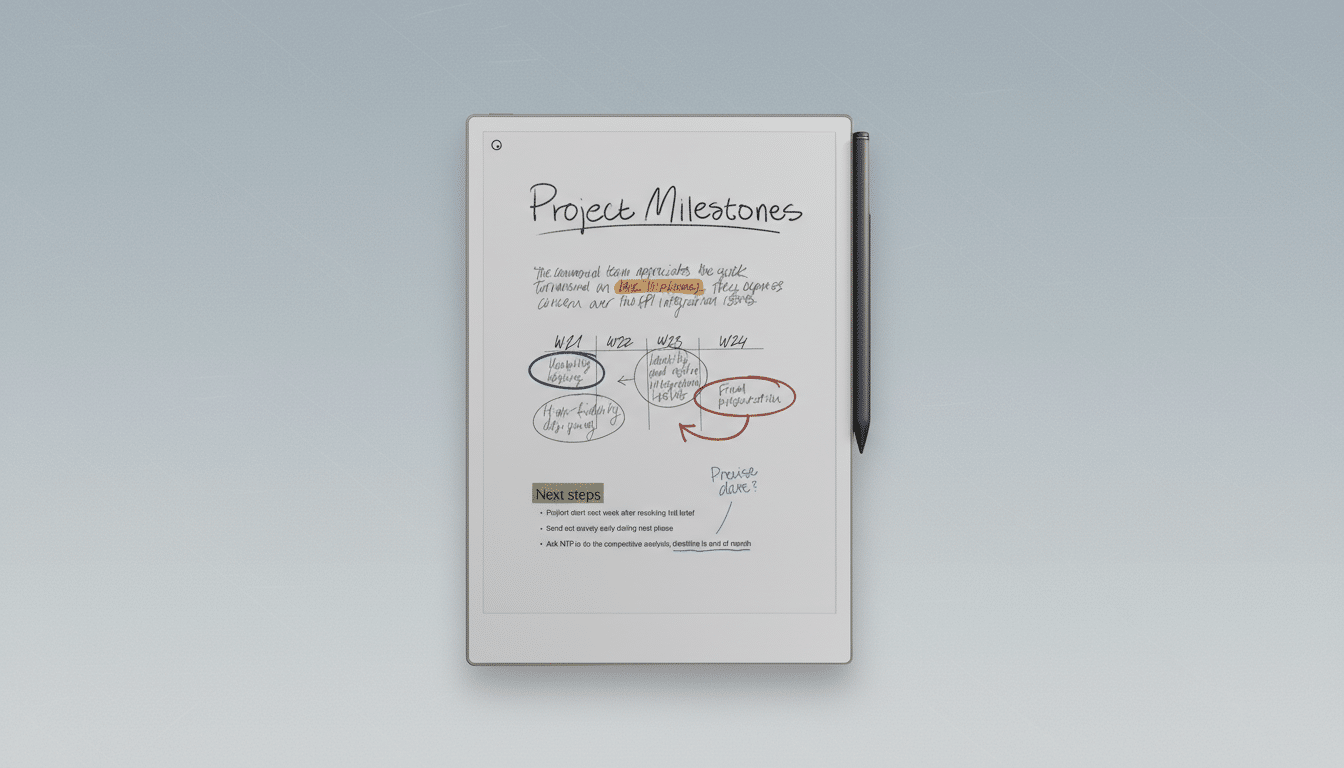
On the desk, both feel premium. The Scribe color model comes in at about 5.4mm thin and 0.8 pounds, while the Paper Pro is 5.1mm thin and 1.16 pounds. That weight difference is noticeable over long sketching sessions, but the Paper Pro’s footprint rewards you with room for multi-column layouts and more generous margins. Cases are excellent on both, though ReMarkable’s woven fabric and leather covers feel particularly refined.
Writing experience, latency, and pen feel compared
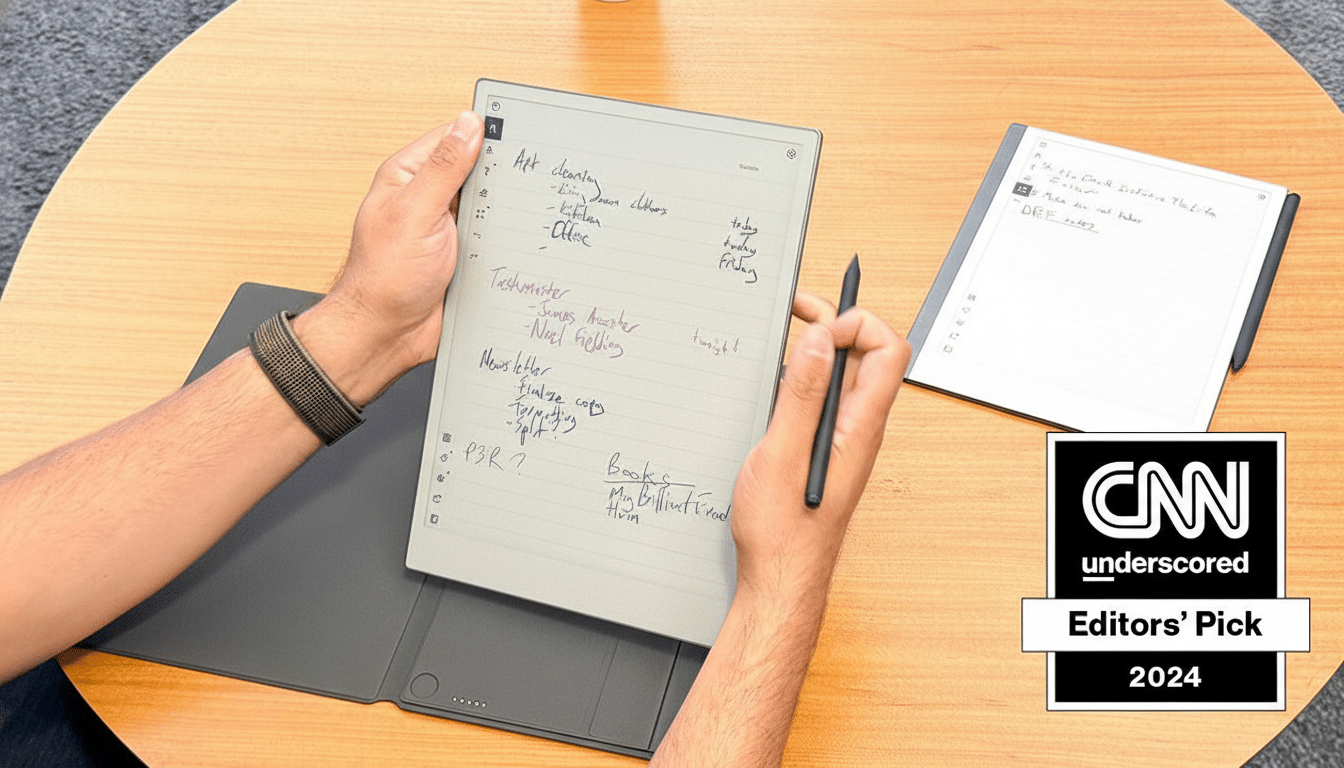
Pen-to-paper is where these devices live or die. ReMarkable still sets the standard: its slightly grittier “paper” texture, subtle pressure curve, and predictable tilt behavior make handwriting feel organic. In repeated tests, stroke latency on both hovered near the ~20ms mark common to modern E Ink panels, but the Paper Pro’s ink engine rendered strokes more consistently when I wrote quickly or shaded with the pencil tool. The Kindle Scribe’s Premium Pen is excellent—eraser top and shortcut button are practical—but on dense annotation sprints, Amazon’s brush physics occasionally felt a touch glassy.
Color is restrained on both, as it should be for productivity. Highlighters and annotation colors are clear without overpowering text. E Ink Corporation’s current color tech favors 300 PPI grayscale and lower-PPI color layers; both devices work within that reality by optimizing line clarity first and color second, which is the right trade-off for work notes.
Ecosystems and integrations for readers and teams
Amazon’s ecosystem advantage is undeniable. If your workflow revolves around Kindle books, Send to Kindle, and a deep personal library, the Scribe is the obvious pick. It syncs with OneDrive and Google Drive, and Amazon is layering in cloud-based AI search and Alexa tie-ins to make retrieving notes easier. Marking up e-books remains Amazon’s killer feature—you can buy, read, and annotate without touching a computer.
ReMarkable counters with a creator-first platform. It syncs with Google Drive and OneDrive, adds direct Slack sharing for meeting notes and sketches, and offers an optional Connect subscription for unlimited cloud storage and a deep template library—calendars, Kanban, storyboards, Cornell notes, you name it. In my testing, handwriting recognition on the Paper Pro reliably hit the mid-90% range for legibility, and the system-wide search surfaced phrases in seconds across dozens of notebooks. For teams, the Slack pipeline is a standout: capture a whiteboard sketch, send it to a channel, and keep the discussion moving.
Performance, battery life, and accessories overview
E Ink devices sip power, and both survive weeklong trips easily. With the front light at medium and frequent note-taking, I averaged roughly a week on the Paper Pro and a bit longer on the Scribe. The difference narrowed once I spent more time annotating PDFs, where page refreshes are heavier. Ghosting is well controlled on both; the Paper Pro’s full refresh cadence felt slightly smarter during rapid sketching.
Both styluses are comfortable for all-day use. ReMarkable’s Marker Plus has a natural eraser and the best friction in the category; Amazon’s Premium Pen wins on programmable shortcuts. Storage options are ample on either device, and both support quick email or drag-and-drop document transfer. ReMarkable also sells a compact 7.7-inch Paper Pro Go for ultra-portable note-taking—journalists and field researchers will appreciate that option.
Pricing and value: which E Ink tablet is worth it
These are premium tools with premium price tags. The Kindle Scribe color model starts around the low-$600s depending on configuration, while the ReMarkable Paper Pro begins in the mid-$600s before accessories. If you will annotate purchased e-books daily, the Scribe’s value compounds quickly. If your work is meetings, planning, design, or research, the Paper Pro’s larger canvas, templates, and team-friendly integrations justify the spend.
Verdict: choosing the better E Ink tablet today
For pure productivity, the ReMarkable Paper Pro is the better E Ink tablet. It writes more naturally, offers a roomier workspace, and its Slack and template ecosystem reduce friction from idea to artifact. The Kindle Scribe remains the champ for readers—if your day starts and ends in the Kindle store, choose it without hesitation. But if you want a digital notebook that feels like paper and behaves like a modern workstation companion, the Paper Pro wins this head-to-head.
One final note: E Ink tablets are still a niche within the broader slate market, but analyst firms such as IDC have tracked steady growth as knowledge workers look for distraction-free tools. After testing both, it’s clear why. These devices aren’t trying to be tablets; they’re trying to be better paper. On that mission, ReMarkable is just a step ahead.