


Proton VPN is rolling out a practical new control to its Android app that lets users exclude specific countries and even cities from connection attempts. The Exclude Locations feature applies to the app’s Random and Fastest modes, giving you a way to avoid jurisdictions with strict data laws or unreliable networks without micromanaging every connection. The option arrives with version 5.15.70.0 on Android and is not yet available on iOS or Windows.
How Location Exclusions Work in Proton VPN for Android
Within the Android app, head to Settings and open Connection Preferences to find the new Exclude Locations control. From there, select countries or cities you’d like Proton VPN to skip when it automatically connects. If Random or Fastest would normally pick one of your excluded regions, the app will choose the next best option that meets your preferences. Manual server selection remains unchanged for those who want full control.
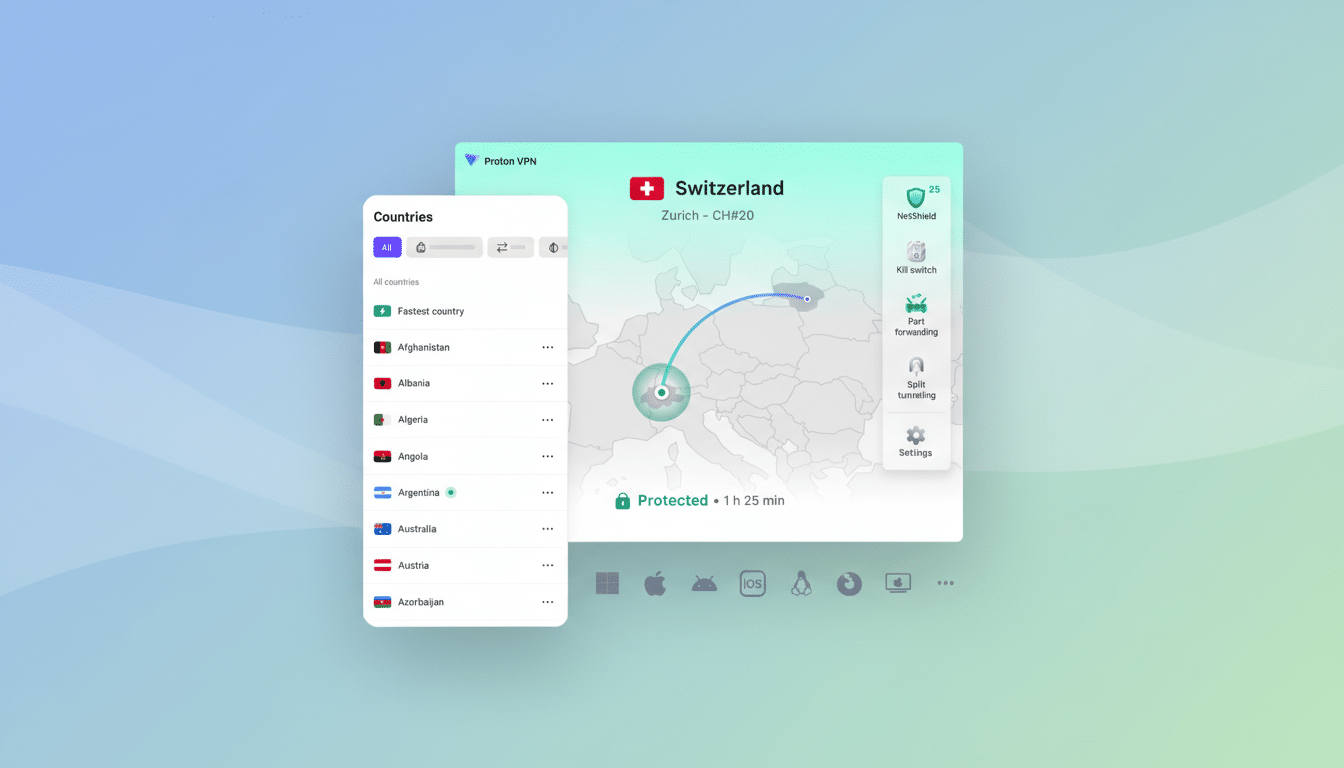
Proton’s GM David Peterson highlighted the feature’s debut on social media, and industry coverage notes it fills a long-standing request from users who rely on auto-connect but don’t want to land in certain territories. It’s a simple tweak with outsize impact for people who travel, stream, or work under strict compliance rules.
Why it matters for privacy, access, and control
Routing choices aren’t just about speed; they determine the legal regime governing any data that touches a VPN endpoint. Some countries enforce data localization or logging mandates that clash with privacy expectations. India’s 2022 CERT-In directive, for example, pushed several VPN providers to withdraw physical servers there rather than comply with retention rules. Exclusions let you steer clear of such jurisdictions proactively.
There’s also a content angle. Streaming catalogs and app stores vary by location, and automatic connections can occasionally place you in a region that triggers geo-restrictions or CAPTCHAs. By removing a handful of trouble spots from the pool, users can reduce friction without manually hunting for a preferred server each time.
The broader backdrop is sobering: Access Now’s KeepItOn coalition documented hundreds of internet shutdowns worldwide in the past year, and Freedom House reported another decline in global internet freedom. In that context, granular routing controls aren’t a luxury; they’re a practical tool for journalists, activists, and everyday users trying to keep communications stable and private.
Performance and reliability gains from smarter routing
Auto-connect features sometimes default to geographically nearest servers that are congested or prone to ISP traffic shaping. If you know certain locations regularly underperform, exclusions help the Fastest mode avoid those bottlenecks and maintain steadier speeds. It’s a small but meaningful complement to Proton’s performance stack, which already includes its VPN Accelerator tech and modern protocols like WireGuard.
Android First With More Platforms To Follow
For now, Exclude Locations is Android-only. Proton says the preference is honored in Random and Fastest modes on mobile starting with version 5.15.70.0 available on the Play Store. The company hasn’t announced a rollout date for Windows or iOS, but feature parity across platforms has been a consistent theme in recent Proton updates, so broader support would not be surprising.
How it fits Proton’s broader security and privacy posture
Proton has long leaned into jurisdictional safety and transparency, from its Swiss base to Secure Core multi-hop routes through privacy-friendly countries like Switzerland and Iceland, plus open-source apps and third-party audits. An exclusion list dovetails neatly with that ethos by giving users finer control over where traffic can and cannot exit.
Interestingly, explicit location blacklists remain rare among major VPNs. Many competitors emphasize smart auto-connect or specialty servers, but few let users define no-go territories for automated connections. That makes Proton’s move a useful differentiator for power users who want automation without surrendering jurisdictional choice.
Bottom line: If you’ve ever watched an auto-connect land you in a region you’d rather avoid—whether for privacy, access, or stability—Proton VPN’s new Android feature is a welcome fix. Set it once, trim your routing map to safer ground, and let Random or Fastest do the rest.