


A new audience poll is taking the temperature on one of the most basic questions in living-room tech right now: Are owners satisfied with the day-to-day performance of their Google TV boxes? From budget dongles to premium streamers, the experience can swing from silky playback to stuttery menus, and this survey aims to capture how that reality feels across households.
Why This Poll Matters For Everyday Google TV Performance
Performance on streaming boxes isn’t just about playing a movie without buffering. It’s the speed of opening apps, how quickly search results populate, how responsive the home screen is, and whether the interface hiccups when you jump between live TV, settings, and recommendations. Many users report a split personality: smooth video once a stream starts, but a sluggish UI when exploring the system or multitasking.
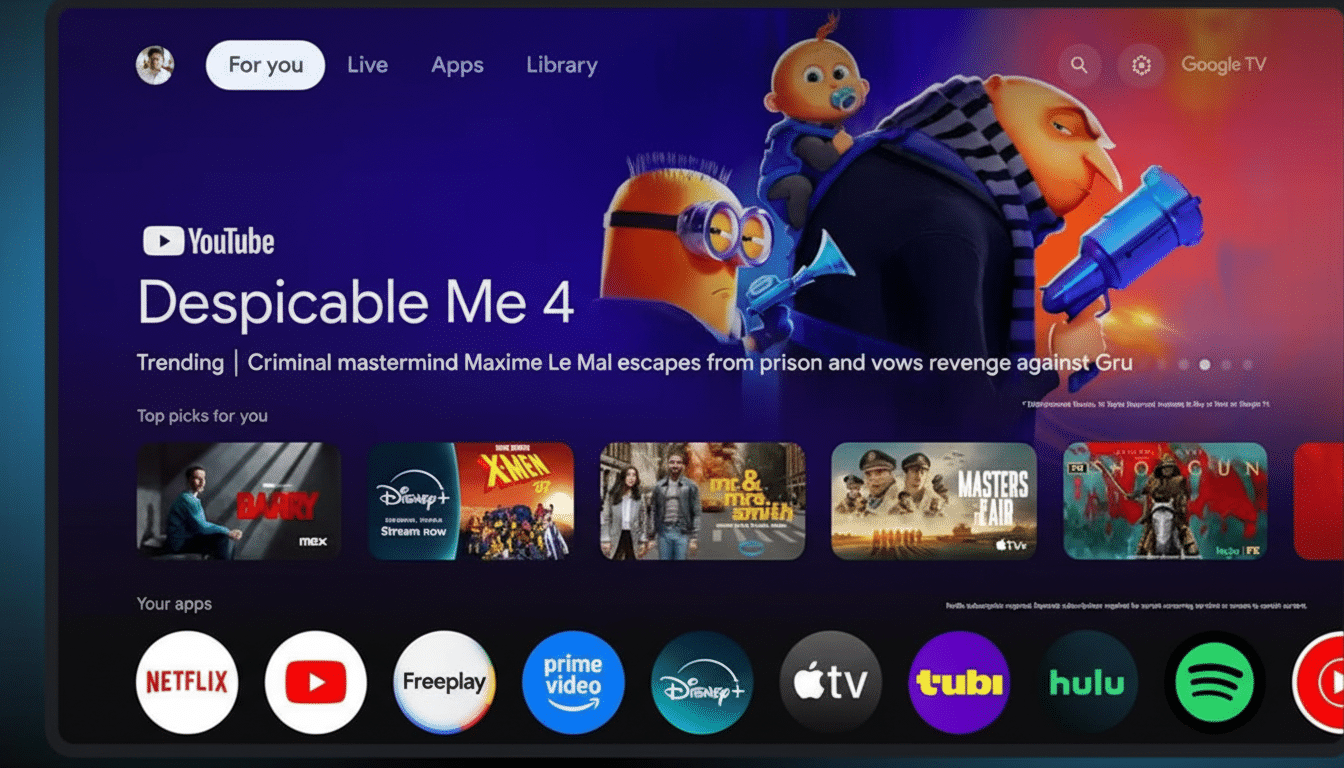
That gap often comes down to modest hardware. A large share of Google TV devices run low-power chipsets with limited RAM and storage. Animations, data-heavy home feeds, and background services can overwhelm those constraints even when the video decoder handles 4K just fine. The result: a system that looks modern but doesn’t always feel fast.
Key Hardware Specs That Shape The Google TV Experience
Entry-level hardware typically pairs a budget Amlogic SoC with 1.5–2GB of RAM and 8GB of storage. That’s the configuration long used by popular Chromecast-class devices, and it’s enough for streaming—but tight for a content-heavy launcher and frequent app updates. When storage dips below 1–2GB free, routine updates and cache growth can slow everything down.
More capable boxes stand out for a reason. The NVIDIA Shield TV Pro’s Tegra X1+ and 3GB of RAM keep navigation snappy years after launch, while the Onn 4K Pro’s 3GB/32GB spec sheet gives the Google TV interface breathing room, even with dozens of apps installed. Ethernet, Wi‑Fi 6, faster internal storage, and dedicated USB expansion can also reduce friction in real use.
Codec support matters too. Modern chipsets with AV1 hardware decoding and efficient HDR processing generally deliver cooler, quieter performance and fewer dropped frames. That can indirectly help UI stability by reducing overall system load during heavy playback.
What Users Report Across The Google TV Ecosystem
On forums and community groups, common complaints cluster around a few themes: stutter when opening side panels, lag entering settings, slow app launches after standby, and “storage almost full” warnings that stall updates. These are classic symptoms of tight RAM and storage coupled with a dynamic home screen that pulls in rich recommendations, ads, and live-content rows.
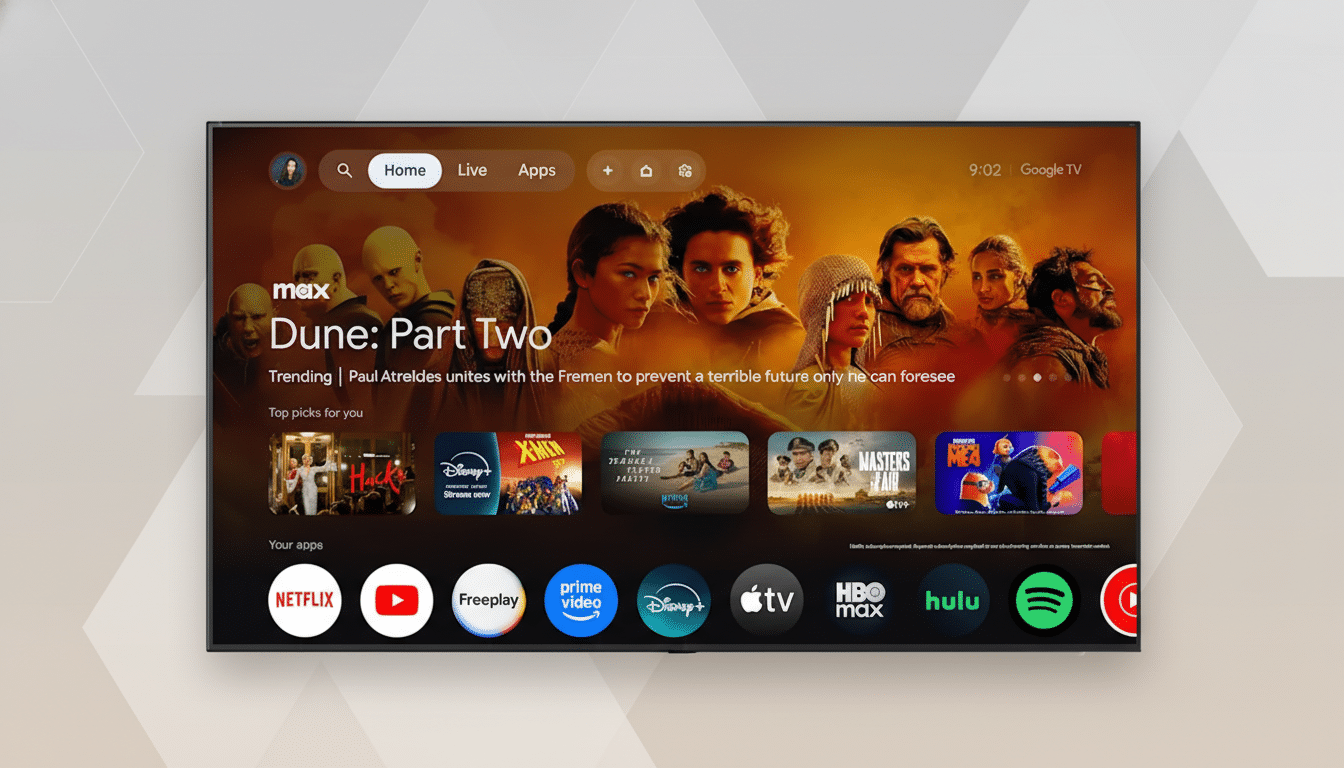
Importantly, many households still report zero drama for basic streaming. If your routine is launching a couple of go-to apps and letting content roll, even a budget box can feel fine. That usage pattern likely explains why opinions diverge so widely. Leichtman Research Group notes that 88% of U.S. TV households have at least one internet-connected TV device, and for a large subset of viewers, “good enough” performance is truly good enough.
Scale also raises the stakes. Google said last year that Android TV OS surpassed 150M monthly active devices worldwide, spanning set-top boxes, dongles, and televisions made by dozens of brands. With that kind of footprint, the same software must run acceptably on everything from $20 promotions to flagship hardware—a recipe for variable experiences.
How To Improve Google TV Box Performance Right Now
- Free up storage. Uninstall apps you rarely use, clear caches in large services like streaming apps and Play Services, and aim for at least 2–3GB of free space. Low headroom is a silent performance killer.
- Mind your power and network. Use the included power adapter rather than a TV USB port, which can underdeliver current and trigger throttling. If possible, connect via Ethernet or a strong 5GHz/6GHz Wi‑Fi network to reduce stalls when the UI fetches data.
- Trim background work. Disable autoplay previews and limit recommendation rows to reduce home-screen churn. Reboot occasionally to clear memory pressure, and keep firmware up to date—manufacturers do ship performance fixes over time.
What The Poll Could Reveal About Google TV Boxes
If responses skew dissatisfied, it will likely reflect the industry’s budget-first calculus for streaming hardware: hit a low price, accept compromises elsewhere. If the mood lands positive, it suggests most owners value reliable playback over top-tier responsiveness and are content with “mostly smooth” experiences.
Either way, momentum is shifting toward roomier specs. We’re seeing more 3GB RAM options, 32GB storage tiers, and newer chips optimized for AV1 and HDR workloads. As those devices become the default rather than the exception, the gap between smooth playback and a smooth interface should narrow—and satisfaction should climb.
In the meantime, your vote—and the stories behind it—will help map where Google TV boxes delight, where they disappoint, and where small hardware and software tweaks could make the biggest difference.