


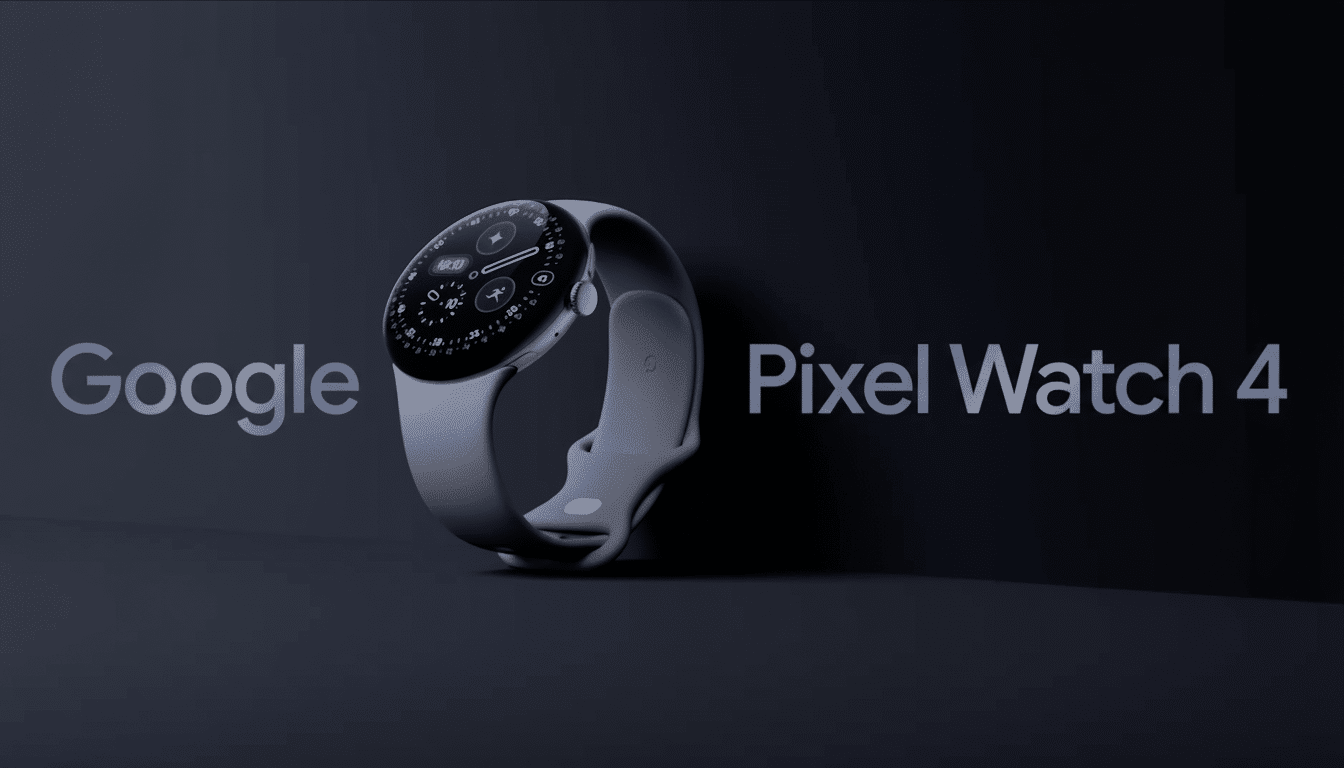
It’s not even on shelves yet, but the Pixel Watch 4 has been spotted on a wrist—and has already had its app packages extracted by its surprised new owner. In response to a Reddit post, the user shared thoughts about their hands-on experience with the hardware and posted APKs for new watch faces, the Clock app, and the Pixel Weather app, offering Wear OS tinkerers an exciting glimpse at what’s to come.
How the Pixel Watch 4 Reached Early Customers Ahead of Launch
Retail logistics sometimes get ahead of themselves on high-profile launches, and that seems to be what’s happening here. The buyer claims a store marked their Pixel Watch 4 45mm as ready for pickup, and the unit arrived in complete retail packaging. It’s not exactly unheard of — phones and wearables occasionally find their way out early as distribution centers prepare inventory for release — but it is somewhat unusual given how closely controlled first-party wearables generally tend to be.
- How the Pixel Watch 4 Reached Early Customers Ahead of Launch
- What the Early Owner Revealed About the Pixel Watch 4
- APKs Provide Clues but Carry Risks for Wear OS Users
- Why So Many Watch Faces May Not Work on Other Devices
- What This Says About the Pixel Watch 4 Software Direction
- Bottom Line for Wear OS Fans Considering Sideloading
What the Early Owner Revealed About the Pixel Watch 4
The unboxing response is nuanced and blunt. The owner calls the packaging “thoughtful,” with a premium feel that doesn’t skimp on the eco-forward aesthetic now common in modern hardware. They note the unique small horn-like charging pins, and say that while visually striking, the domed display can feel strange when viewing it from certain angles. Those are small quibbles, but they suggest iterative hardware choices that remain from the Pixel Watch’s previous designs.
APKs Provide Clues but Carry Risks for Wear OS Users
The big move? Pulling APKs for the new Pixel Watch 4’s software bits.
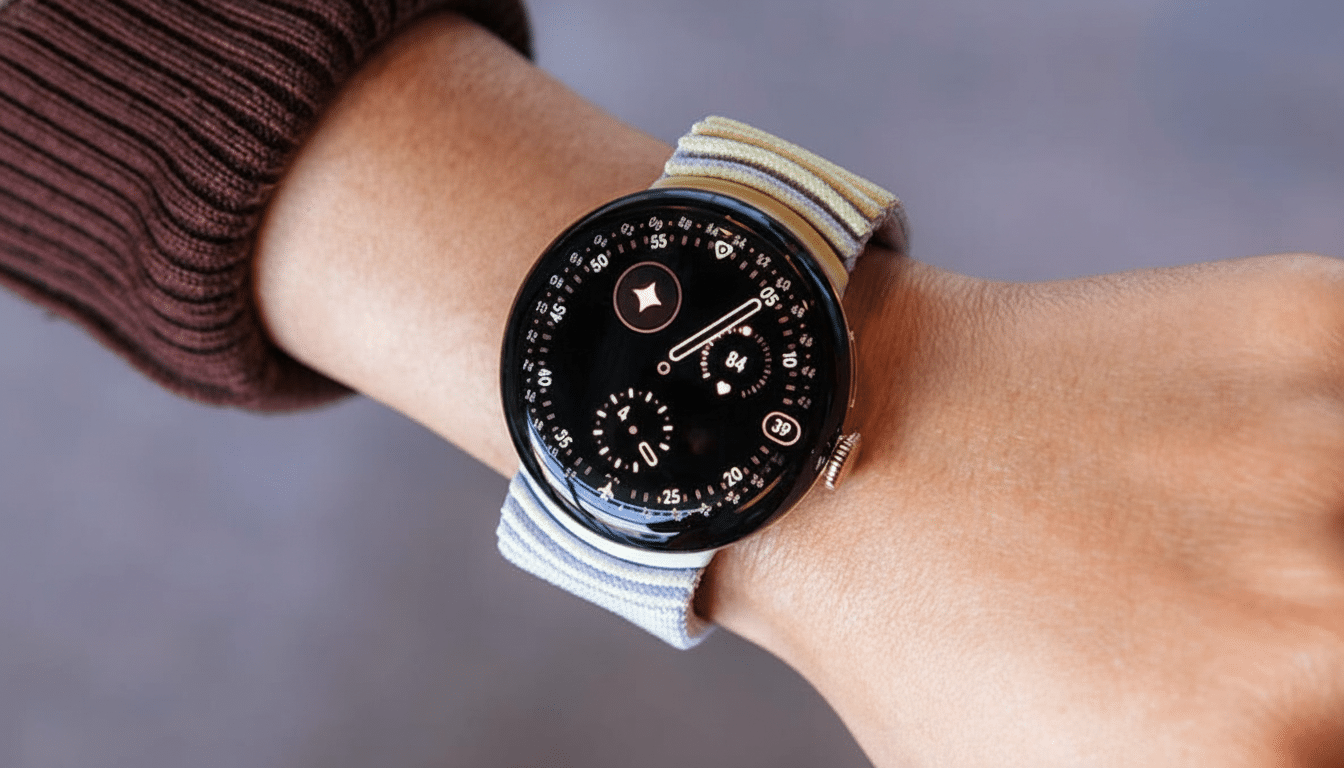
That includes a handful of watch faces, the redesigned Clock, and the Pixel Weather app for Wear OS. See early results from testers—users report mixed success: the Weather app seems to be successfully sideloaded and is running on other recent Wear OS devices, while certain watch faces do not install correctly or are unable to render.
There are good technical reasons why. Google’s Watch Face Format has a presentational spec and versioned engine, so if you’re facing an older (or in some rare cases newer) engine or dependent on APIs not available in another device’s build, it won’t work. Even signature checks, Play Integrity requirements, and Pixel-specific libraries will make some apps clog or degrade at launch when removed from one device to be deposited on another.
Security should also be a priority. Google Play Protect and years of advice from Android security researchers warn against loading anything in through unknown sources. Even when an APK is pulled right out of a legitimate device, there’s no guarantee it will work — or be safe to use — across devices and software versions.
Why So Many Watch Faces May Not Work on Other Devices
Contemporary Wear OS watch faces are increasingly relying on new types of complication data, the ability to work with battery-efficient animation restrictions, and health metrics directly from device-specific services. If it turns out that the Pixel Watch 4 watch faces rely on updated health sensors, complication APIs, or a newer watch face format engine, these would also just fall back at some point to lesser versions or non-Pixel devices. Google’s developer docs have also been clear on more strict power policies and rendering rules for recent Wear OS releases; faces that adhere to those rules may only need the latest runtime to run.
Another logistical sticking point: a lot of the system apps on Pixel wearables are made up of shared components distributed as split APKs or app bundles. An APK extracted from a single base, without its configuration splits, may have missing resources resulting in crashes or incomplete UI on other watches.
What This Says About the Pixel Watch 4 Software Direction
Even with the compatibility hiccups, the leak implies Google is leaning toward first-party polish on its core experiences: watch faces closely aligned to Pixel’s design language, a Clock that likely dovetails into richer alarms and bedtime tools, along with an easy-to-see Weather app, while Google continues to encourage more dynamic complications. You can expect these to be deeply linked with Assistant, notifications, and health tiles — the segments of Wear OS that Google has been focused on over recent cycles.
Bottom Line for Wear OS Fans Considering Sideloading
If you want to brave the murky waters of sideloading the leaked APKs, do so at your own risk and accept that it’s only half-broken at this time. The way more stable option right now is to wait for official releases in the Play Store; they will have the correct dependencies for your watch. For everyone else, the early unit is a strong indication that retail launch will be soon—and that the Pixel Watch 4’s software suite, and not just its hardware, will be something special at launch.
As with anything that retailers blow during the holiday shopping season, my advice is to think of this as a preview, not a final verdict. The ultimate test will be when the software and firmware are finally running in their natural habitat, on the hardware they were meant to boot.