


Google is rolling out one-handed gestures to the Pixel Watch 3, making everyday actions like answering calls, snapping photos, and pausing workouts possible without touching the screen. Delivered as part of the latest Android feature rollout and the March Pixel Drop, the update centers on a simple double pinch and a subtle wrist turn that let you keep your other hand free.
What’s New In This Pixel Watch 3 Gestures Update
The marquee additions are two motions: a double pinch and a wrist turn. Double pinch is designed for quick confirmations—answering or ending a call, pausing a workout, or dismissing a timer—while wrist turn maps to contextual controls, like moving through prompts or toggling an on-screen action. In supported camera modes, you can also trigger the phone’s shutter from the watch without tapping the display.
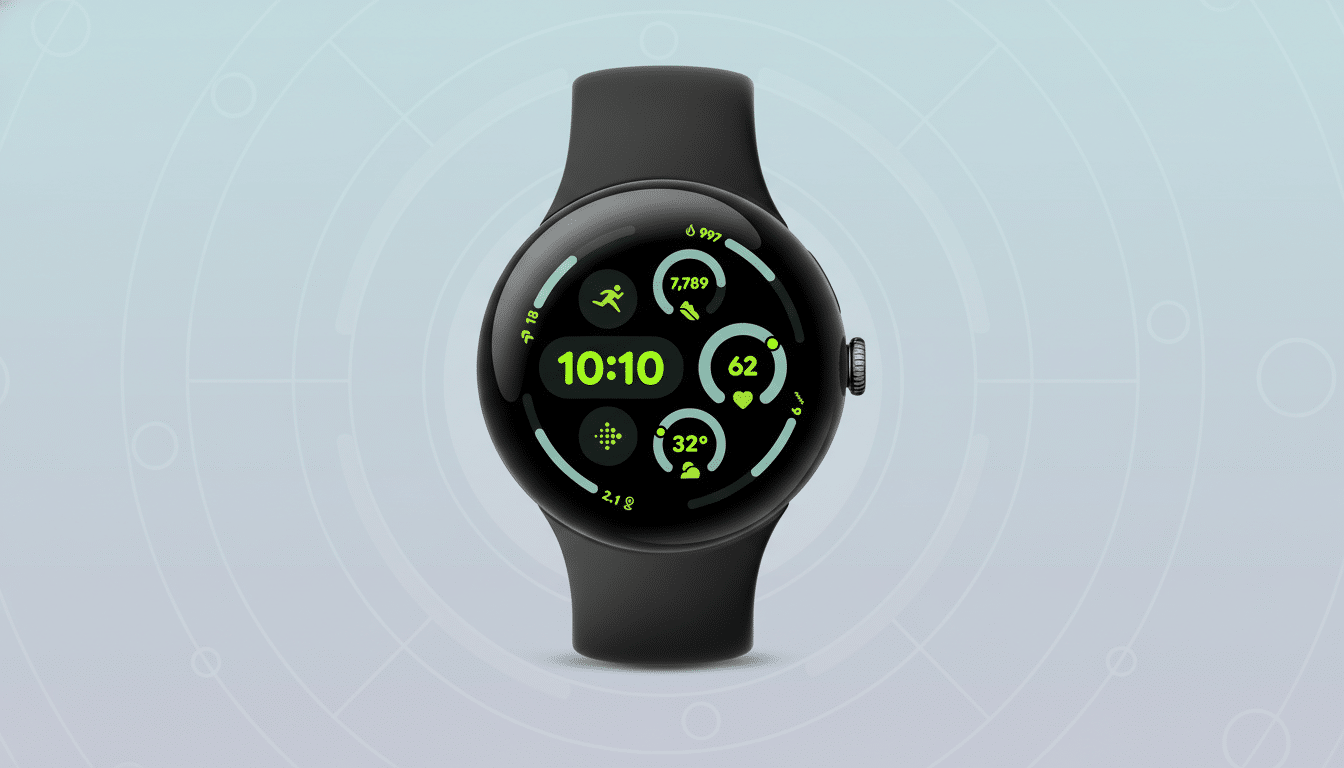
Under the hood, the watch fuses accelerometer and gyroscope signals with on-device machine learning to recognize your intent while filtering out incidental movement. That approach mirrors how other premium wearables detect micro-gestures; it should feel natural after a few tries, aided by haptic cues that confirm each action.
How To Enable And Use One-Handed Gestures
First, update your Pixel Watch 3 and the companion phone to the latest software, then open the watch’s Settings. Look for Gestures or Accessibility and toggle on one-handed gestures. You can review a short tutorial that demonstrates the correct rhythm for double pinch and the angle/speed for wrist turns, along with options to adjust sensitivity to reduce false triggers.
Practical examples: double pinch when your hands are wet to answer a call, twist your wrist to pause a run mid-stride, or use a quick pinch to capture a group photo while your phone sits on a tripod. Because the gestures are system-level, they work across core apps like Phone, Camera, and Fitbit-powered workouts without extra setup.
Why One-Handed Gestures Matter For Wear OS Users
One-handed control has become table stakes on high-end smartwatches. Apple’s Double Tap and Samsung’s Universal Gestures have been praised for making common tasks effortless, especially when your other hand is busy. Early Android Wear devices offered wrist flicks, but that feature faded during the shift to newer Wear OS versions. Bringing polished, low-latency gestures back to the Pixel Watch 3 closes a long-standing usability gap.
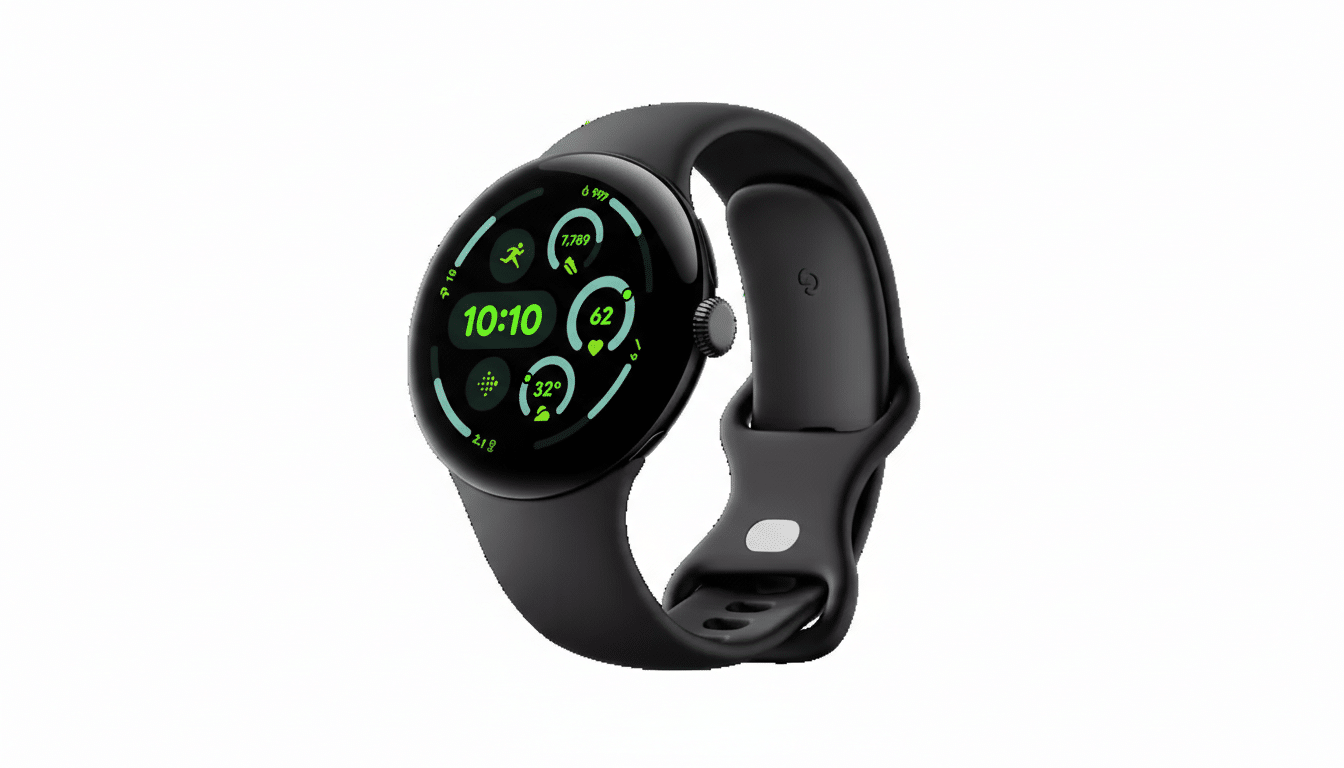
The timing aligns with broader momentum for Wear OS. Industry trackers like IDC and Counterpoint Research have noted sustained growth for Wear OS devices following recent software upgrades and ecosystem features. Convenience-focused updates such as hands-free gestures are key differentiators that help convert fitness band owners and first-time smartwatch buyers.
Real-World Gains And Caveats From Gesture Control
In day-to-day use, the biggest win is friction reduction. You no longer have to jab at a small screen to confirm an action. Commuters carrying bags, parents holding a child, or cyclists mid-ride can now interact with the watch without breaking stride. For photography, a gesture-triggered shutter on the paired phone reduces shake and improves group shots.
As with any motion-based input, calibration matters. If you wear the watch loosely or have a particularly animated stride, you may want to fine-tune sensitivity to avoid accidental activations. The learning curve is short, but getting the cadence of a reliable double pinch can take a few tries. Glove thickness and certain high-impact workouts can also affect detection accuracy.
What To Expect Next For Pixel Watch 3 Gestures
Because the implementation sits at the system level, expect additional app hooks over time. Music controls, navigation prompts, and smart home toggles are natural candidates for gesture shortcuts. Google typically staggers feature drops, so watch for incremental refinements that expand gesture contexts and reduce misfires through updated models.
For now, the Pixel Watch 3 gains a tangible usability boost. By turning tiny, precise taps into quick, reliable motions, the update makes the watch feel more responsive, more personal, and importantly, more practical when you only have one hand to spare.