


Reports are piling up from Pixel owners who say a recent system update knocked out core features, including Bluetooth, Wi‑Fi, and the camera. The majority of complaints center on the Pixel 10 lineup, with scattered cases affecting Pixel 8 models as well. For some, the issues appeared immediately after the install and persisted through multiple reboots.
Reports Point To Pixel 10 And Some Pixel 8 Units
User posts across Reddit and Google’s support community describe a similar pattern: Bluetooth toggles refuse to enable or endlessly spin, Wi‑Fi connects briefly before dropping, and the camera app returns errors or fails to open altogether. In several anecdotes, all three systems degrade at once, suggesting a shared underlying fault rather than isolated app glitches.
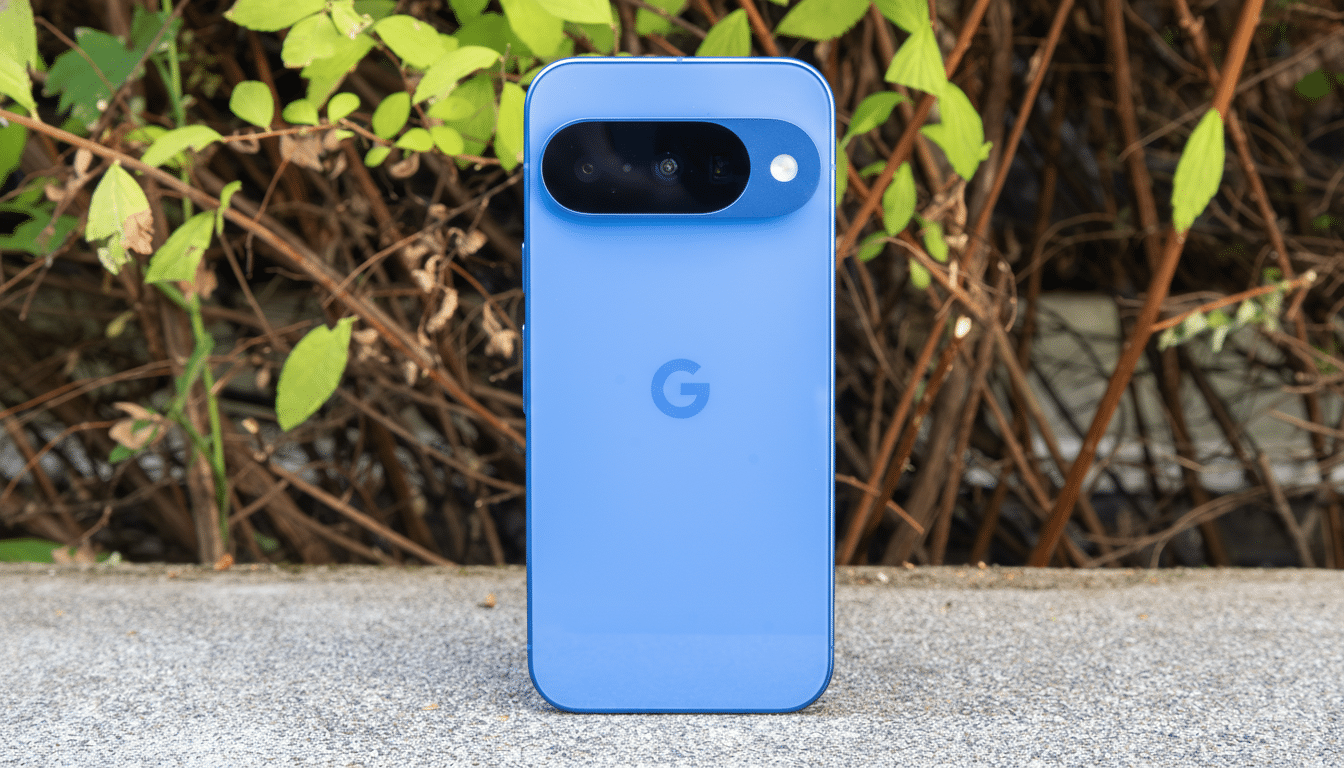
While the sample is self‑selected, the clustering is hard to ignore. Threads feature owners from different carriers and regions, with both clean and restored devices affected. The common denominator is the most recent system update, which appears to have destabilized critical services on a subset of phones.
What Might Be Going On Under the Hood After the Update
One theory gaining traction among technically savvy users points to Google Play Services. Community posts include logs showing “too many open files” errors, a classic sign that a background process is exhausting file descriptors. On Android, that can starve other components of resources, causing the Bluetooth stack, Wi‑Fi services, and the camera provider to fail in unpredictable ways.
This would also explain why multiple radios and the camera break at once: they rely on shared system resources and interprocess communication. If a runaway process or misconfigured service is leaking handles after the update, you can end up with cascading failures that simple app reinstalls do not fix. To be clear, this is a working hypothesis based on user evidence, not a confirmed root cause.
Has Google Responded to Reports of Pixel Failures
Community moderators and product experts appear to be triaging reports, but there has been no formal statement or published fix from Google at the time of writing. Historically, connectivity regressions are addressed via Play Services updates, Play system updates, or a small OTA patch once telemetry and repro steps are in hand. The speed of any remedy typically depends on how consistently the bug can be reproduced internally.
What Affected Users Can Try Now to Stabilize Phones
If you are experiencing broken Bluetooth, Wi‑Fi, or camera after the update, these steps have helped some users stabilize their phones while awaiting an official fix:
- Reboot twice in a row, then leave the phone idle for 10–15 minutes to let background services resettle.
- Toggle Airplane mode on for a full minute, then off.
- Reset network settings (Settings > System > Reset options). You’ll need to rejoin Wi‑Fi networks and re‑pair Bluetooth devices afterward.
- In Settings > Apps, force stop and clear cache for Google Play Services and the Google app, then reboot.
- Uninstall updates to Google Play Services (from its app info menu) and allow it to auto‑update again from the Play Store.
- Boot into Safe Mode to rule out third‑party conflicts; if radios work there, remove recently installed apps.
- If the camera alone is failing, clear cache for Camera Services and the camera app.
Avoid a factory reset unless you have a full backup and have tried the steps above. If nothing helps, use the built‑in Feedback app to submit a bug report, which can speed diagnosis. Including a short description, your device model, and the exact moment problems began after the update improves the odds of a targeted fix.
Why Connectivity Bugs Hit Hard on Pixel Devices
Connectivity and camera issues are disproportionately disruptive because they sit at the intersection of hardware drivers, system services, and app‑level permissions. Even small regressions in power management or process limits can ripple outward. Pixel devices have faced similar turbulence in the past, including cellular troubles after a major update on earlier generations and storage‑related bugs during a platform rollout, which were eventually resolved with follow‑up patches.
If your device is stable and you have not yet installed the latest update, consider holding off until there is clarity from the manufacturer. If you are already affected, the mitigations above may restore basic function, but a permanent remedy will likely require an updated system component.
We will continue monitoring community channels and official trackers for a fix. For now, the pattern is clear enough to reassure owners seeing Bluetooth, Wi‑Fi, and camera failures after the update that they are not alone—and that relief typically follows once the root cause is isolated.