


After a lengthy delay that left many owners repeatedly mashing the Check for update button, the latest monthly Pixel update is now appearing on devices across regions and carriers. Reports from the r/GooglePixel community show a wave of successful installs, with some users noting the over-the-air package briefly appeared and vanished earlier before returning in a new build.
For Pixel 10 Pro owners, the download weighs in at roughly 3.3GB, a size more typical of a full OTA rather than a small incremental patch. That heft suggests Google may be reseeding a fresh build to replace an earlier release, a move that sometimes happens when a rollout is paused to address late-breaking bugs.
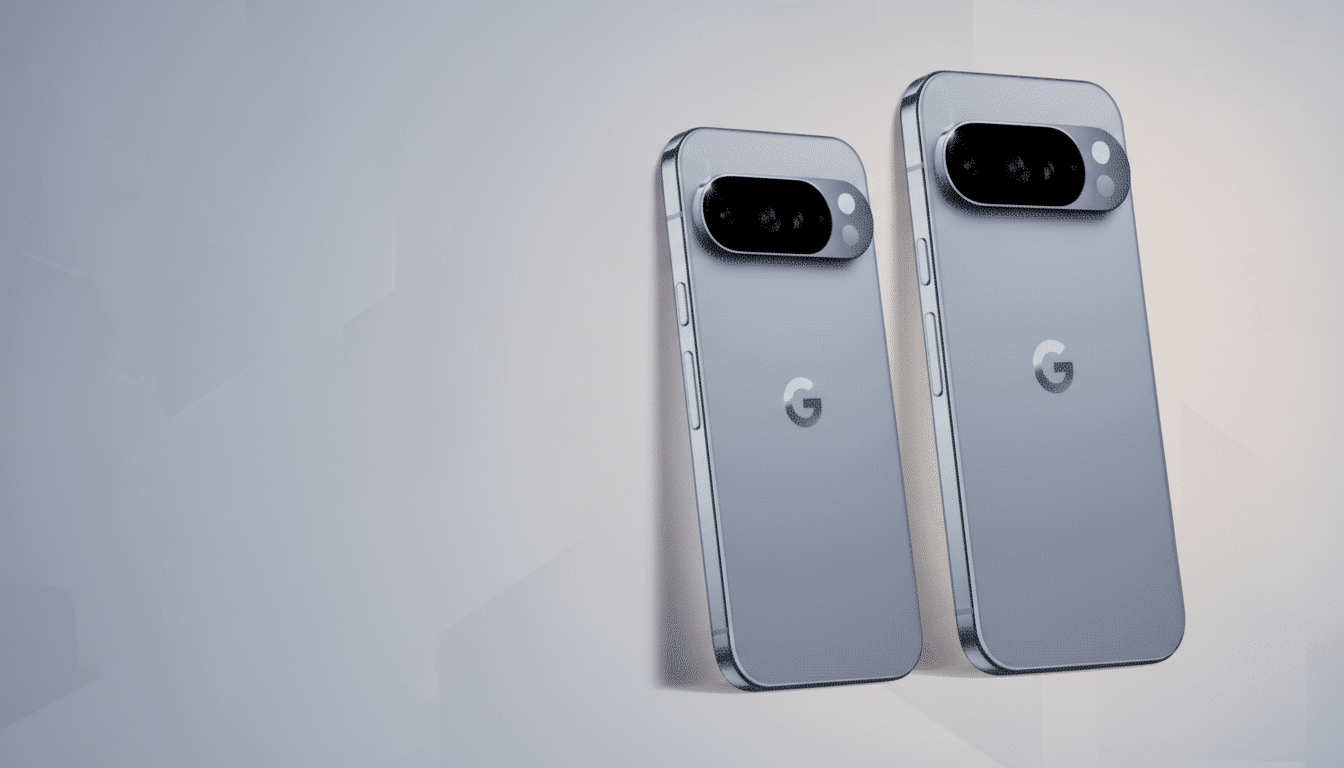
What Pixel Owners Are Seeing With Today’s Update
User accounts point to a few consistent patterns: the update is returning for those who never received it, and in some cases reappearing even for people who previously installed an earlier build. That behavior isn’t unprecedented during staged rollouts, especially if Google swaps a build number midstream or adjusts server-side flags to widen availability.
Early adopters say installation proceeds normally via Settings > System > System update. A handful of carrier models may still be in the queue, as staggered approvals can add extra gating. Historically, Google deploys updates in phases to a small slice of devices first, then ramps up to broader audiences if no critical issues surface.
Connectivity Bugs Appear Addressed in the Latest Build
One of the biggest worries with the earlier build was intermittent Bluetooth and Wi‑Fi instability. Multiple users now report those hiccups are not present on the latest package, suggesting Google has quietly corrected the underlying issues. While not every environment is identical, the early signal is encouraging for anyone who relies on wearables, wireless audio, or mesh networking at home.
If you still encounter glitches after updating, a quick network settings reset can help clear stale configurations, and re-pairing Bluetooth accessories is often enough to restore stability. As always, filing feedback through the built-in Settings > About phone > Send feedback tool increases the likelihood that engineering teams can reproduce edge cases.
Why the Rollout Likely Stalled Before Resuming
Google hasn’t publicly explained the holdup, but the company’s track record offers clues. Staged rollouts are designed to catch regressions early, and it’s common practice to halt distribution if telemetry flags a spike in crashes, connectivity drops, or battery drain. By pushing a refreshed build, Google can resolve issues without impacting the full device base.
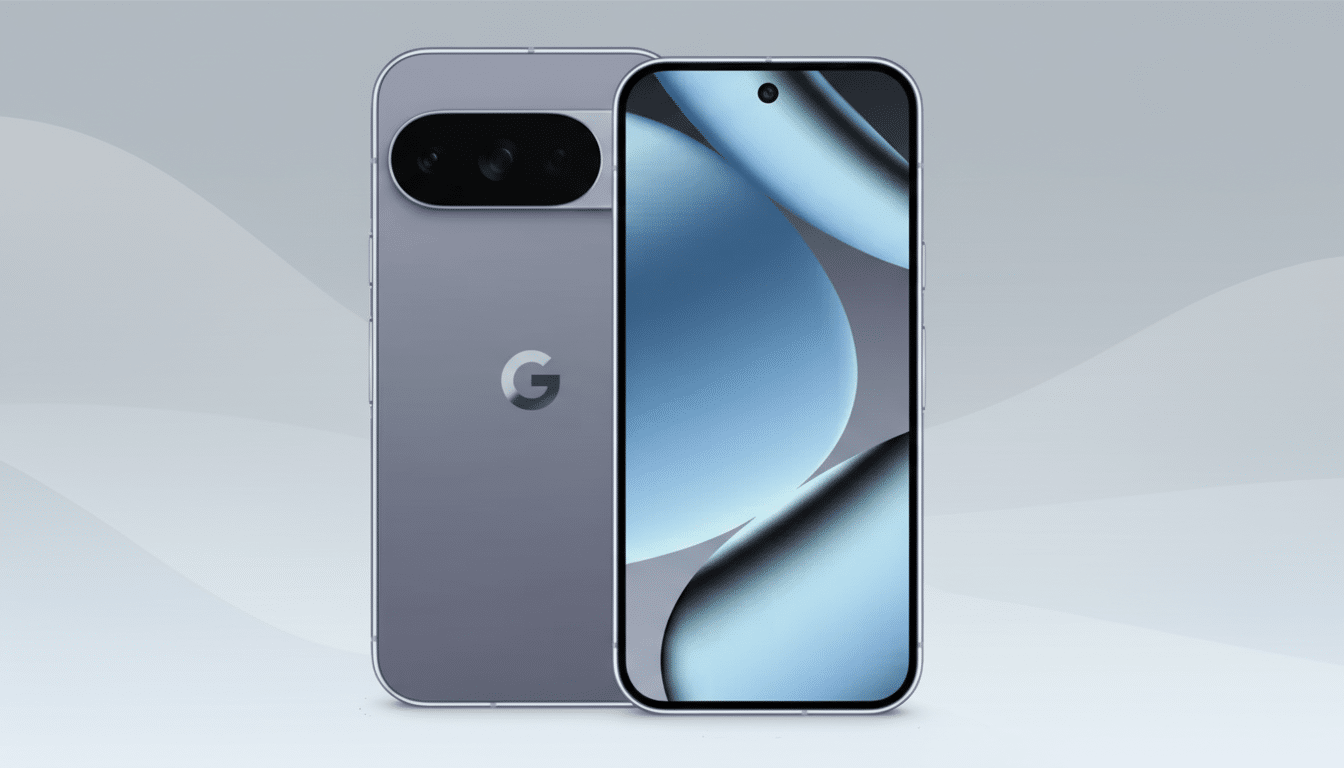
Industry analysts also point to modem and radio firmware as frequent sources of last-minute fixes. A larger-than-usual OTA can include updated radio stacks and Play system components alongside the Android security patches, which are cataloged each cycle in the Android Security Bulletin and Pixel Update Bulletin published by Google.
How to Get the Update Safely on Your Pixel Phone
The simplest route is the standard over-the-air prompt. If it hasn’t appeared yet, try a restart, ensure you’re on Wi‑Fi, and check again later as the rollout widens. Advanced users can install the factory image or sideload the full OTA from Google’s official repositories, but proceed with caution: grabbing the wrong build for your model or region can lead to headaches, and flashing may wipe data depending on method.
Remember that modern Pixels use seamless A/B updates, so installations happen in the background and finalize on reboot. Keep at least 10% battery (preferably more) before starting, and avoid interrupting the process. If you rely on eSIM, verify your carrier profile remains intact after flashing and keep backup codes for two-factor authentication handy.
What It Means For Google’s Update Cadence
Delays aren’t the norm for Pixel, but they’re not unheard of either. The broader picture remains intact: monthly updates deliver security fixes and device optimizations, while quarterly Feature Drops add new capabilities. For most users, the short-term wait is preferable to living with a build that risks connectivity issues or app instability.
The takeaway is straightforward: the newest Pixel build is now moving again, it’s sizable on flagship models like the Pixel 10 Pro, and early reports suggest the most annoying wireless bugs have been addressed. If your phone hasn’t pinged you yet, it likely will soon—without any extra steps required.