


A quietly useful Google Pixel feature may be exposing more than you intend. Reports indicate that Take A Message, a voicemail-style tool built into the Google Phone app, can in some cases transmit background audio from your device to the caller—effectively turning the line into a one-way open mic. Until a fix arrives, the safest move is to switch the feature off.
What the Pixel Take A Message feature does and how it works
Introduced across Pixel models from the Pixel 4 onward, Take A Message steps in when you miss or decline a call. The caller hears a prompt to leave a message, while you see a live transcript and a play button for the audio. You can jump in to answer at any time. It feels like elevated voicemail: faster, more visual, and integrated directly into the call screen.
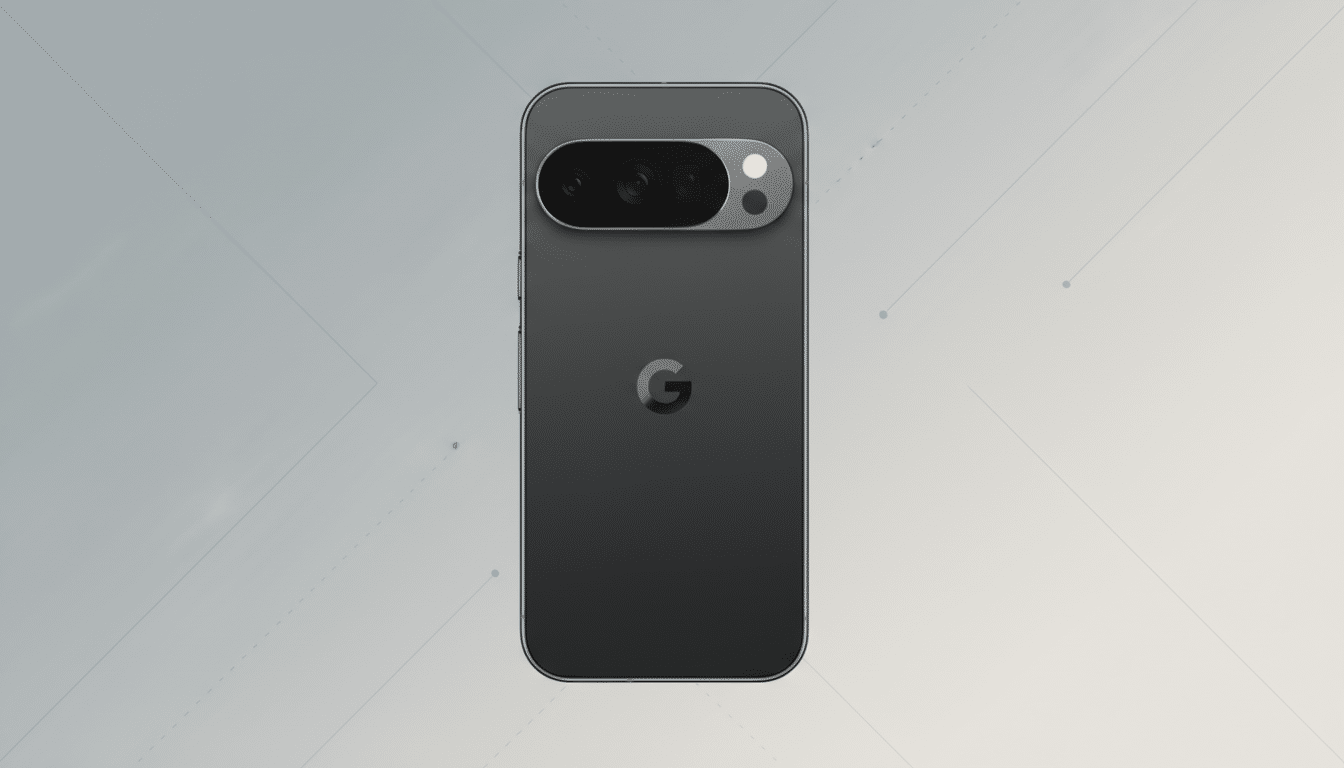
Unlike carrier voicemail, this is handled by the Google Phone app. The experience mirrors other Pixel calling tools such as Call Screen, which rely on on-device intelligence for speed and privacy. That context makes the new bug especially concerning.
What users are reporting about leaked background audio
First flagged by independent reporting and corroborated by posts in Pixel user communities, the issue occurs when a caller opts to leave a message. Instead of recording only the caller, the system may begin relaying audio from the Pixel owner’s side—ambient sounds, nearby voices, even conversation—while leaving the owner unaware. Several users say it resembles accidentally answering the call, but without two-way audio.
A pattern isn’t fully clear. The most frequent reports involve older models such as the Pixel 5, though at least one recent-generation device owner has described similar behavior. Some users were able to reproduce the glitch by having a second phone call their Pixel and choosing to leave a message; others, including those on newer Pixel hardware, could not trigger it at all. In short, the bug appears limited but real—and carries obvious privacy risk if it hits your device at the wrong moment.
How to turn Take A Message off on your Google Pixel now
If you want to eliminate the risk immediately, disable Take A Message in the Google Phone app. The setting may vary slightly by model and software version, but the path is generally consistent:
- Open the Phone app.
- Tap More (the three dots) and choose Settings.
- Find Take A Message.
- Toggle it off.
When disabled, callers will fall back to your carrier’s standard voicemail or whatever call handling you’ve configured. To reassure yourself, run a quick test: call your Pixel from another line, decline the call, and confirm that no background audio is relayed and that voicemail behaves normally.
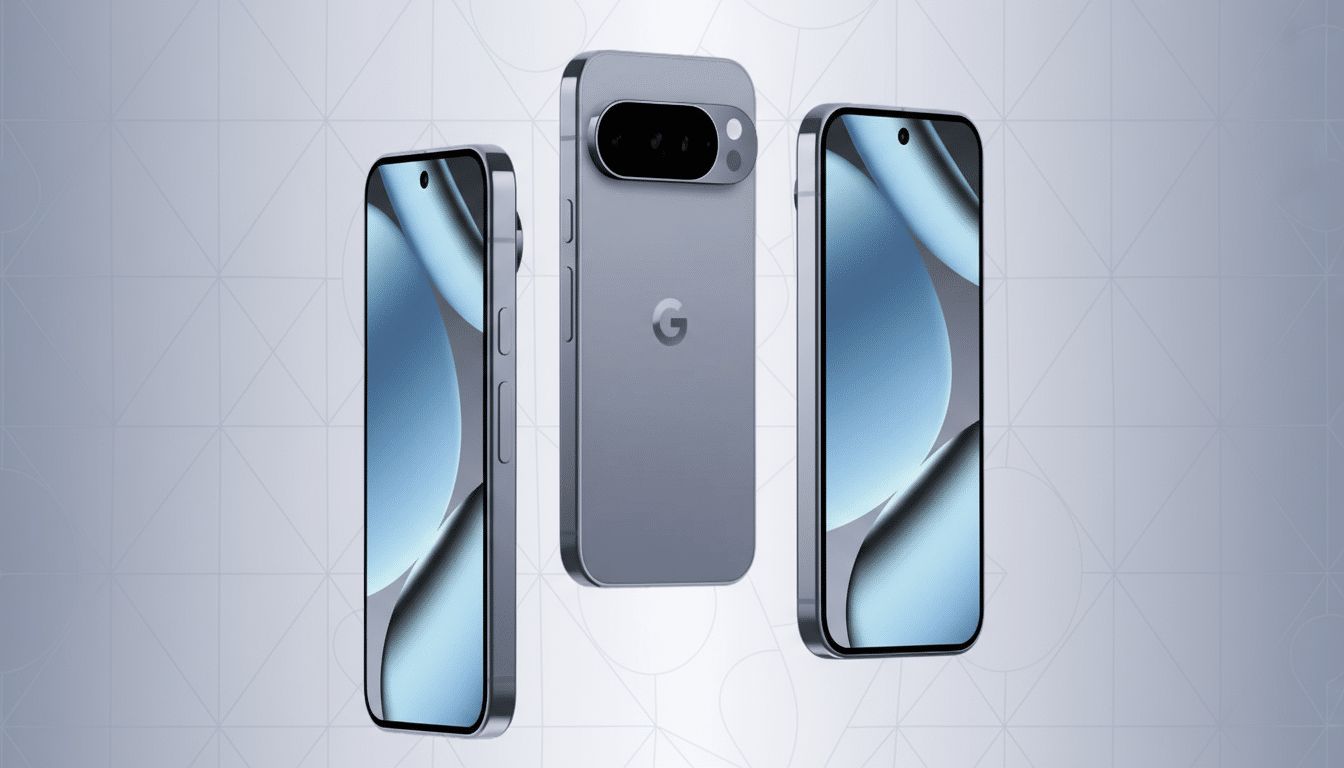
It’s also wise to update the Google Phone app and your Pixel system software. If Google pushes a patch, it will likely arrive through one of those channels. After updating, you can re-enable the feature and test again.
Who is affected by the bug and why this privacy issue matters
Even a small failure rate is significant for a feature touching every call. Pixel’s footprint is no longer niche: industry trackers such as IDC reported that Google shipped roughly 10 million Pixel phones in 2023, a record for the line. That scale increases the odds that an edge-case bug will land in sensitive settings—work calls, medical conversations, or shared spaces.
Privacy advocates have long warned that ambient audio is uniquely sensitive. Organizations like the Electronic Frontier Foundation note that background sounds can reveal location, relationships, and activities without a person ever speaking directly into the phone. A feature that unpredictably passes room audio to a caller—however briefly—creates risk that most users never signed up for.
What to expect from Google while it works on a fix
Google typically addresses Pixel phone bugs via app updates or monthly platform patches. Given that Take A Message lives in the Phone app, a targeted app update is plausible. In the meantime, toggling the feature off is the safest stopgap, especially on older devices where reports are more common.
If you rely on advanced Pixel calling features, consider keeping Call Screen enabled instead; it operates differently and has not been implicated in these reports. As with any phone privacy issue, a quick audit helps: review Phone app settings, permission prompts, and voice features you don’t actively use. A few minutes of cleanup now can prevent an awkward or costly leak later.
Bottom line: until Google issues a confirmed fix, treat Take A Message as opt-in. Disable it, update your apps, and retest periodically. If you value the convenience, you can always turn it back on once the patch lands—and enjoy the feature without the worry.