


Google is subtly swapping out the Pixel’s unique search overlay with the typical Google app interface, and early feedback indicates that it feels less like an enhancement and more like a step to the side. The move also brings Pixel’s search behavior in line with the majority of Android phones, but it does peel off some touches that made device search feel uniquely Pixel.
What exactly changed on Pixel phones with this update
Previously, when I tapped on the Pixel’s search bar it dropped a slick overlay that presented an aggregated search across apps, contacts, files, and web suggestions in one location. It looked and felt like it belonged in the Pixel Launcher, presented on-device results quickly, and showed off Google’s more modern Material design language at the time.
- What exactly changed on Pixel phones with this update
- Why Google says this change matters for Pixel users
- Two steps back for Pixel’s identity and cohesion
- A possible stopgap in the midst of a bug
- Real-world impact for users of Pixel phones and search
- How Google can improve this experience on Pixel phones
- Bottom line on Google’s Pixel search bar interface shift
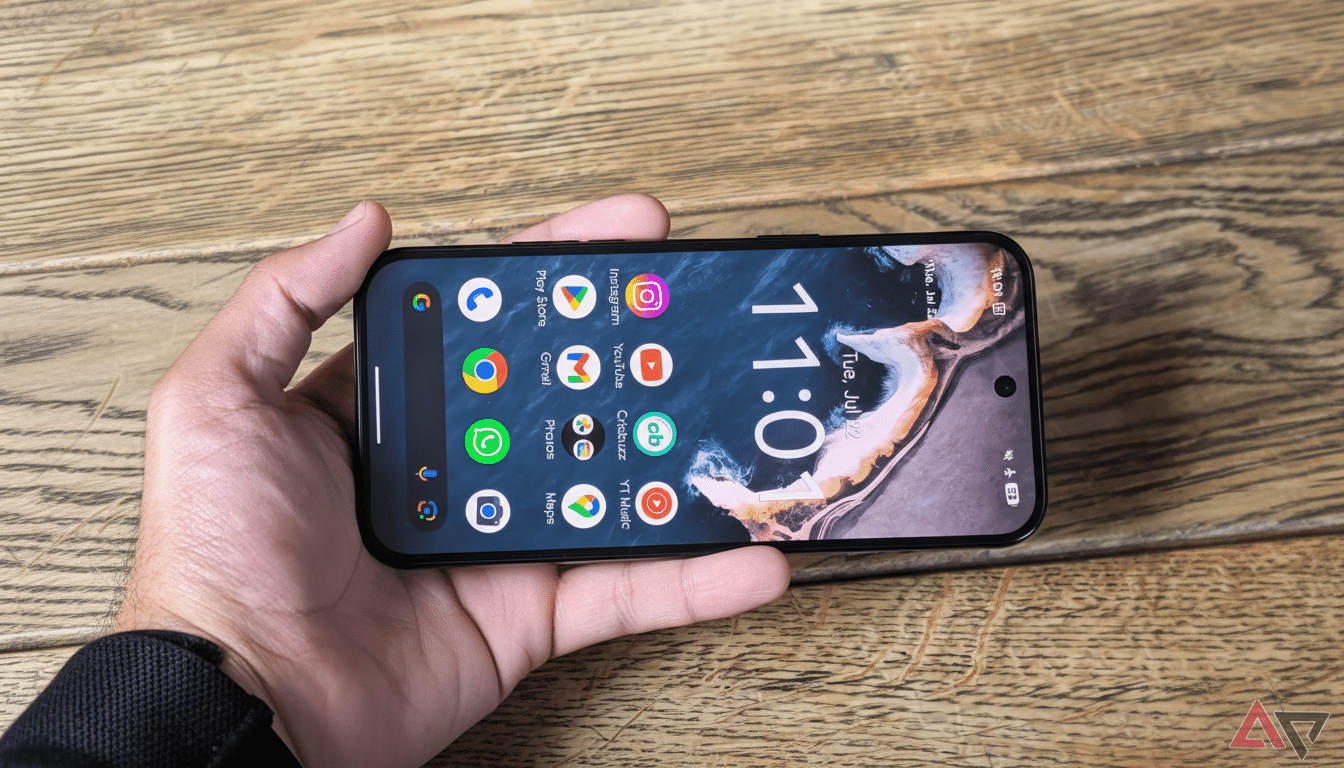
With the switch, that overlay disappears. The search bar now brings up the Google app search screen found on other Android devices. Functionally, it focuses web-first results and the layout from the Google app, while on-device hits are more of a supporting role compared to being front and center. Muscle memory of a “search your phone” hub now dumps users into a more generic experience.
Why Google says this change matters for Pixel users
It’s a simple explanation from Google: so you can just go directly to AI Mode from the search bar. A company support page says that the change allows users to more readily jump into its AI experience from anywhere on the phone. In practice, that means the search field is now a portal onto Gemini and AI‑abetted responses rather than just local or web lookups.
The shift is part of Google’s larger effort to make A.I. a door to information.
Bringing Pixel’s search under the Google app umbrella also removes friction from that plan — it situates the AI toggle alongside your older searches without having to tap somewhere else.
Two steps back for Pixel’s identity and cohesion
The trade-off is that it diluted what made Pixel search feel special. The previous overlay was a manifestation of Android’s on-device intelligence, mixing AppSearch indexing — an Android framework that scopes apps, contacts, and files locally — with web results in a unified Pixel-themed surface. The handoff to the Google app also brings with it an antiquated visual language and a workflow that doesn’t feel as tightly connected to the launcher.
This also feels a bit dissonant with Google’s recent focus on Material 3 and expressive system theming. Pixel’s launcher, widgets, and system UI in general have been making their way to a more consistent design language over the years, but the new search handoff feels like an add-on hijacked from a bygone decade.
A possible stopgap in the midst of a bug
There is another angle. Some Pixel owners reported that they were unable to assign the search bar to trigger AI Mode as intended. While Google works on launcher-level integration, there’s a pragmatic solution: you could revert to the Google app screen (as described in the above section). Industry trackers and support documents suggest this isn’t a glitch, but instead that it’s meant to be there — in many ways, though, this could serve as a segue to a better-polished AI-first overlay further down the road.
Real-world impact for users of Pixel phones and search
On an everyday level, you will notice two things.
- Fewer “On this device” results right at the top when you tap the search bar on the home screen.
- A search workflow enhanced with more explicit AI capabilities.
The app drawer’s search field is still here if you were using the Pixel overlay to rapidly find apps and contacts; it offers speedy localized responses, and it’s also closely integrated with an on-device index.
Power users who preferred Pixel’s overlay for how fast and clean its UI was may be most sore. The Google app is fine, but it still requires an extra mental hop: it feels like web search even as you are looking to find something local. That slight delay can slow routine tasks.
How Google can improve this experience on Pixel phones
The perfect outcome would be a middle ground between those two: keep the Pixel overlay’s all-in-one device search, revert to Material 3 aesthetics, and include an obvious AI Mode toggle without shoveling users off into another app screen. Google has managed to do this elsewhere; witness the Recorder app’s on-device transcriptions sitting side by side with cloud-powered features (there is a good example here). There is a blueprint for how to make search feel more vital and tied in without undermining Pixel’s ethos.
If this is a temporary situation, an updated overlay which calls up AI Mode while preserving first-class on-device results would feel like real improvement. If it is permanent, prepare for the Pixel to feel a little more like every other Android phone (competent but less uniquely Pixel).
Bottom line on Google’s Pixel search bar interface shift
Google’s move makes strategic sense for AI adoption but jettisons a hallmark of Pixel convenience. Getting AI Mode is easier to accomplish, if more difficult to argue against for day-to-day device search. For a brand that’s made its bones on thoughtful integration, the next step is blending these considerations without forcing an inconvenient choice.