


If your Pixel still hasn’t picked up the January update, you’re in crowded company. Reports from across the Pixel community indicate that a sizable slice of devices remain stuck on the previous build, even though the rollout has already begun. The pattern spans multiple models and markets, and a few users say the update appears on their phone and then vanishes or fails partway through installation.
What Users Are Reporting About the January Pixel Update
Threads on r/GooglePixel, Google’s support forums, and carrier help pages are filled with the same refrain: no January OTA, no matter how many times the update checker is tapped. Owners of the Pixel 8, Pixel 9, and the latest Pixel 10 series are chiming in, with both unlocked and carrier-branded units affected.
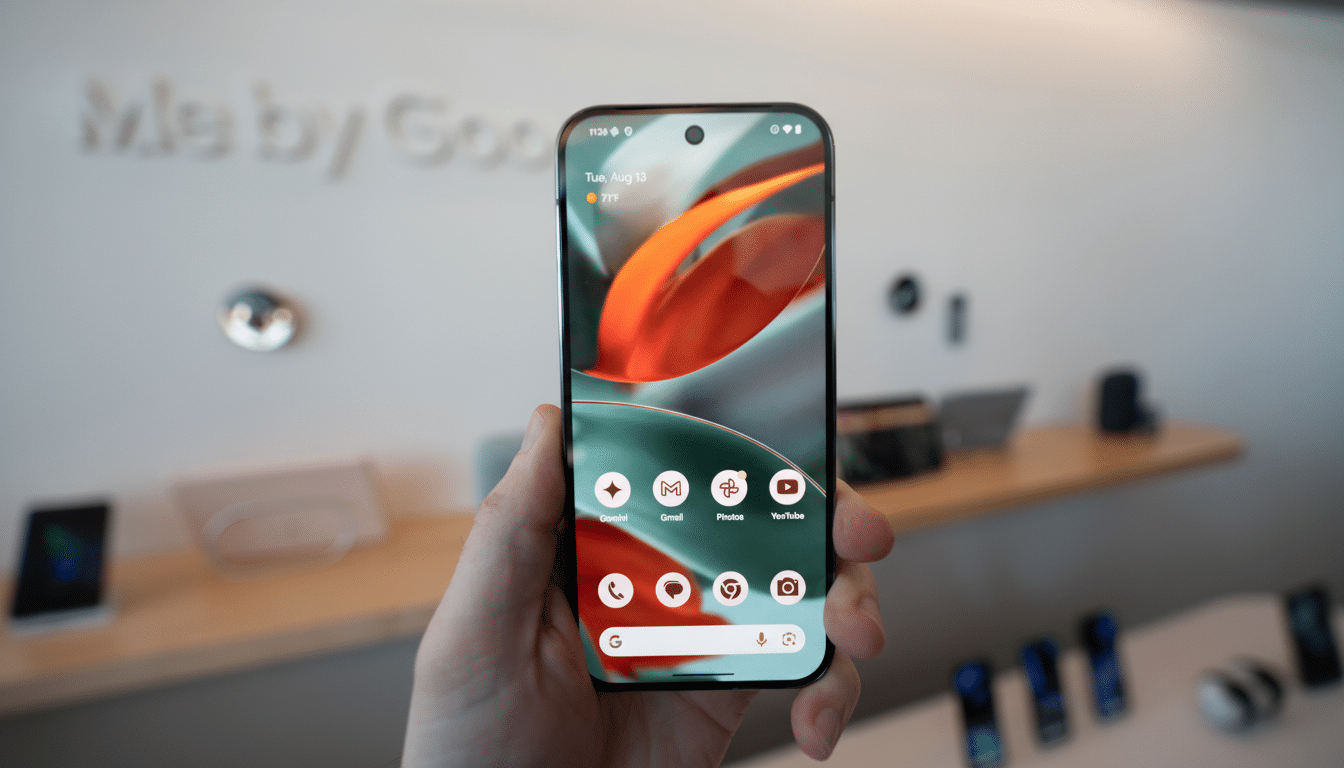
Some Pixel 10 Pro XL users say the package begins to download and install, then crashes during verification or reboots back to the previous build. Others report that an update prompt briefly appeared and then disappeared entirely on the next check, suggesting a temporary halt or gating at the server level.
Which Pixels Are Affected by the January Rollout Issues
While there are scattered accounts across generations, the heaviest traffic appears to involve the Pixel 8 family and the Pixel 10 series. Pixel 9 and 9a owners are also represented, though in smaller numbers. Community chatter points to regional quirks, too: some Pixel 8 devices in EMEA and Japan reportedly aren’t receiving the build yet, implying localized holds or phased waves.
Carrier constraints can add another layer. Official support notes for this cycle highlight the Pixel 9a on Verizon among the models with published builds, which can leave other carrier SKUs waiting for certification windows to open. That doesn’t mean a universal block, but it helps explain why two identical-looking phones might get the update on different days.
Why Pixel Updates Stall or Skip During Staged Rollouts
Google uses staged rollouts for Pixel OTAs, gradually expanding availability as telemetry shows a healthy install rate. If crash reports spike or a specific hardware/region combo misbehaves, a server-side “holdback” can pause delivery to those devices while a fix is prepared. That’s one reason an update card might show up briefly and then disappear.
Mid-install failures have mundane causes more often than not. Common issues include:
- Insufficient free storage
- Flaky Wi-Fi
- Low battery headroom
- Corrupted download cache
- Aggressive VPNs
- DNS filters
- Parallel app updates saturating the connection
In rare cases, a stop-ship decision takes a build offline after it’s already reached some phones, a scenario the Pixel line has seen before when unexpected bugs emerged post-release.
It’s also worth keeping the two-track update system in mind. Google Play system updates and firmware OTAs ride different rails, so receiving one doesn’t guarantee the other is imminent. Carriers add a third rail with their own certification gates for modem firmware and emergency services compliance.
What You Can Do Now If Your January Update Is Missing
First, rule out the basics:
- Connect to a stable Wi-Fi network.
- Charge above 50%.
- Ensure several gigabytes of free space.
- Disable VPNs or private DNS temporarily.
- Reinsert your SIM.
- Try the update path in Settings > System > System update.
Tapping “Check for update” does enroll your device in the active wave if it’s eligible.
Avoid the old “clear Google Services Framework” trick; it can break notifications and won’t force an OTA. If the update continues to dodge your device and you’re comfortable with manual methods, Google’s official factory images and full OTA packages let you sideload the build without wiping data. Use the full OTA via recovery and ADB sideload to preserve your files. For carrier-locked models, manual flashing may be limited, so verify your variant before proceeding.
If the update starts and then fails, try the following:
- Free additional storage.
- Reboot into recovery to clear cache (if available).
- Try again over a different network.
Should the update card vanish entirely, that’s often a sign of a pulled build rather than a device-specific issue—waiting for the next push is usually the safest play.
What To Watch Next as Google Adjusts the January Rollout
Keep an eye on the Pixel Community forum, Google’s release bulletins, and your carrier’s software update page. When Google resumes a paused rollout or ships a revised build, eligible devices typically see the OTA shortly after the servers are flipped back on. In the meantime, patience may be the smartest move—especially if your phone is mission critical and you’d rather avoid the small but real risks of manual installation.
The bottom line: you’re not alone, your phone likely isn’t broken, and the January rollout appears to be more staggered than usual. Whether you wait for the over-the-air notification or take the manual route, a little troubleshooting can smooth the path when the update finally arrives.