


Google is launching a free update with four audio features that will impact how you use Pixel Buds Pro 2: Adaptive Audio, head gestures for calls and texts, Loud Noise Protection and better Gemini Live in noisy spaces. It’s a generous quality-of-life upgrade that arrives without new hardware, and early adopters should see differences once the firmware installs.
Adaptive audio that learns your environment
Adaptive Audio is a mix of active noise cancellation and transparency that can be adjusted on the fly, with the buds’ microphones and processing tweaking how much of the outside world you want to hear. Imagine crowded train platforms, windy sidewalks or silent libraries—levels adjust automatically so you can stay tuned in without missing a beat.
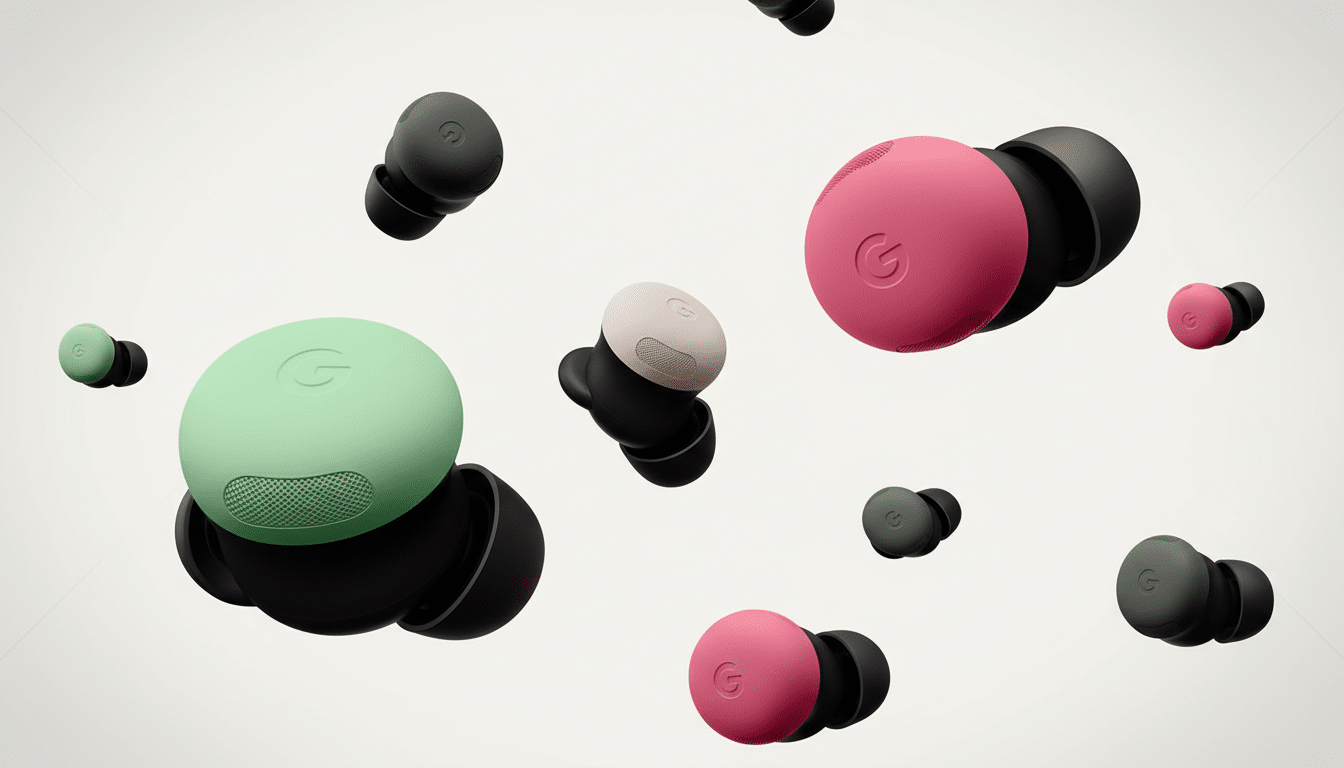
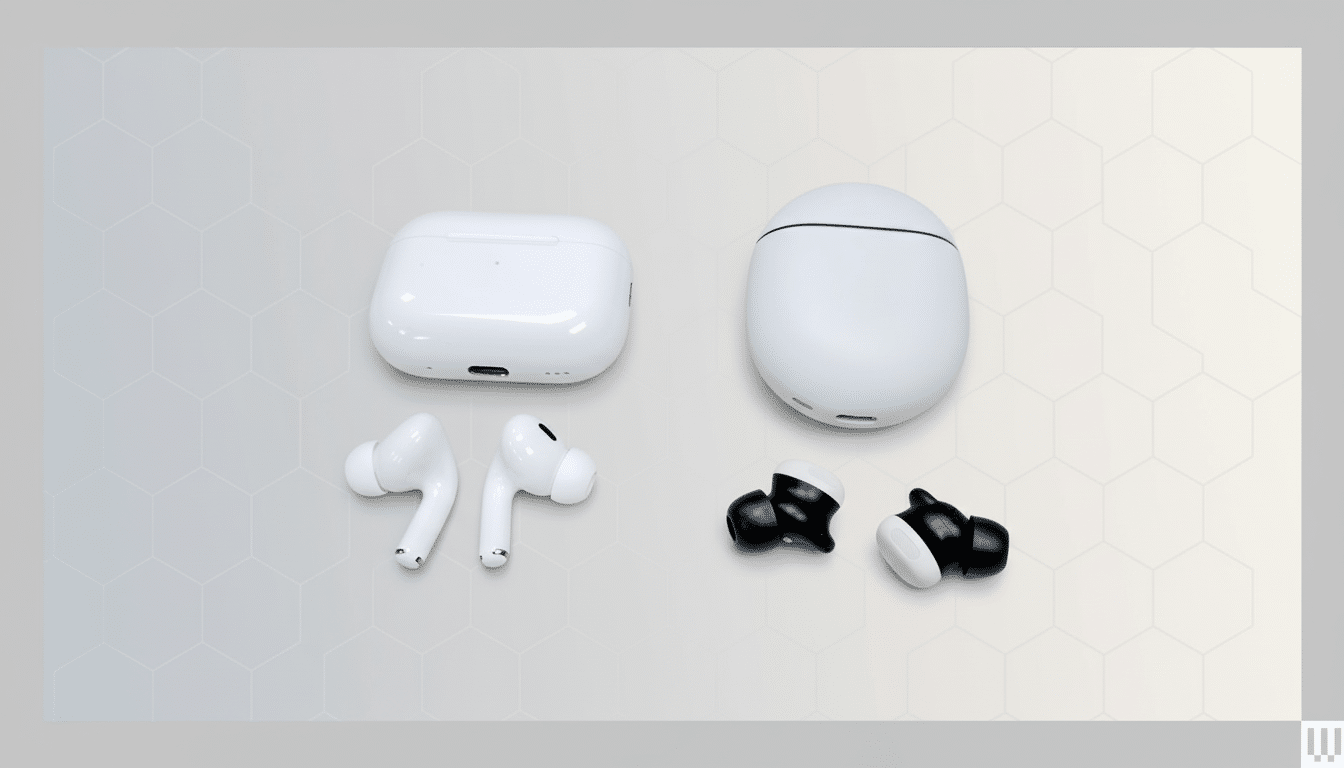
It’s the kind of approach that premium rivals have taken, too: Apple with its Adaptive Audio in AirPods Pro (2023), Sony tuning noise control through Adaptive Sound Control and Bose balancing awareness through ActiveSense tech. Google is doing this to cut down on the mic “pumping” you might hear when an environment quickly changes, which in our case should make those commutes and outdoor workouts feel more natural.
Head Nods Enable Hands-Free Calling and Texts
The headline feature here is the addition of support for head gestures, which let you nod to answer a call or respond to a text message, and shake your head to dismiss them. It’s a kind of frictionless control you miss the instant your hands are otherwise occupied — going for a jog with gloves on, cooking dinner or riding a bike — and it’s quicker than reaching for one’s phone or fumbling for earbud stems.
Beneath the hood, the buds use onboard motion sensors to pick up short, coordinated—though intentional—movements, and filter out regular head bobbing. Gesture control on wearables has consistently been hard to get right; if Google’s fine-tuning reduces the risk of false positives, then this will likely be how a lot of Pixel Buds owners dismiss quick interruptions by default.
Mute Loud Noises to Tame Sudden Volume Peaks
A new safety feature lowers the volume of jarring loud sounds — think a siren or the rumble of a passing truck — with the aim of protecting your ears from short blasts of loudness. Google says it’s not built for loud, impulsive sounds like gunshots or fireworks, but it will help temper the sort of unexpected blasts that make you cringe.
Hearing health professionals have long cautioned against such exposure to high decibel peaks. The World Health Organization (WHO) reports that more than one billion young people are at risk of noise-induced hearing loss due to unsafe listening practices, and NIOSH recommendations limit exposures to 85 dBA over an 8-hour shift with every 3 dB increase halving the safe exposure time. Earbuds may not be medical devices, but it’s good to see the arrival of better protection on everyday commutes.
Gemini Live Gets Clearer in Crowded Spaces
If you’ve used Gemini Live and had difficulty being heard in a noisy cafe or office, the update ought to improve matters. Improved speech processing so your voice gets through, along with background noise cancellation for calls that make sure requests and responses are heard clearly, without you having to repeat yourself. Better beamforming and noise rejection make the most difference in the noisy, complicated world where AI assistants so often flinch.
This fits with a larger industry move toward conversation‑first earbuds. The less often you have to say “set a timer” or “text I’m on my way,” the more these kinds of features become habitual parts of your routine.
How to Update Your Pixel Buds Pro 2 Firmware
The firmware is being pushed out in waves to Pixel Buds Pro 2 and installs on its own when your earbuds are charged and connected with your phone. According to Google, it takes about 10 minutes. And for those who like to manually check:
- Open the Pixel Buds app.
- Tap More settings.
- Tap Firmware update.
To ensure smooth installation, follow these tips:
- Keep both buds in the case with the lid open.
- Maintain a stable Bluetooth connection.
- Do not use other features of your device while the update downloads or installs.
When you finish, there’ll be new toggles and options in the app for customizing Adaptive Audio (and gesture) behavior to your own preferences.
Why This Is Important for Android Audio Users
At the least, these additions make the Pixel Buds Pro 2 some of the best Android-friendly earbuds to have without needing you to buy anything new. Lag and latency be damned, Adaptive Audio inches Pixel Buds closer to Apple’s ecosystem, head gestures prove a smart convenience others have yet to nail, and voice isolation finally makes the habit we all think is dumb practical in the wild. For those who are considering platform allegiance, this is a strong signal that Google is planning to lead with software as much as it does hardware.
(And if you’re already using Pixel Buds Pro 2, think of this update as a free performance bump that should be apparent on your next commute, workout or call.) If you’re selling, it’s the sort of longer-term support that keeps earbuds feeling fresher longer — and is increasingly the difference between good and great.