


Google is also deploying a much-requested upgrade to its Camera app to the Pixel 9 Pro Fold: a split-screen preview of recent shots on one side of the inner display while keeping a live viewfinder on the other. The feature first appeared on the more recent Pixel 10 Pro Fold, and has now arrived for the earlier model, plugging a glaring hole compared with competing foldables.
What the New Split Camera Preview Actually Does
Open the Camera from the inner screen, take a photo, and then tap the small preview thumbnail near the shutter control. Rather than lurching you into a full-blown gallery, the interface whizzes into a two-panel view: on one side is a scrollable strip of your most recent images and videos; opposite is your live viewfinder for lining up the next shot.
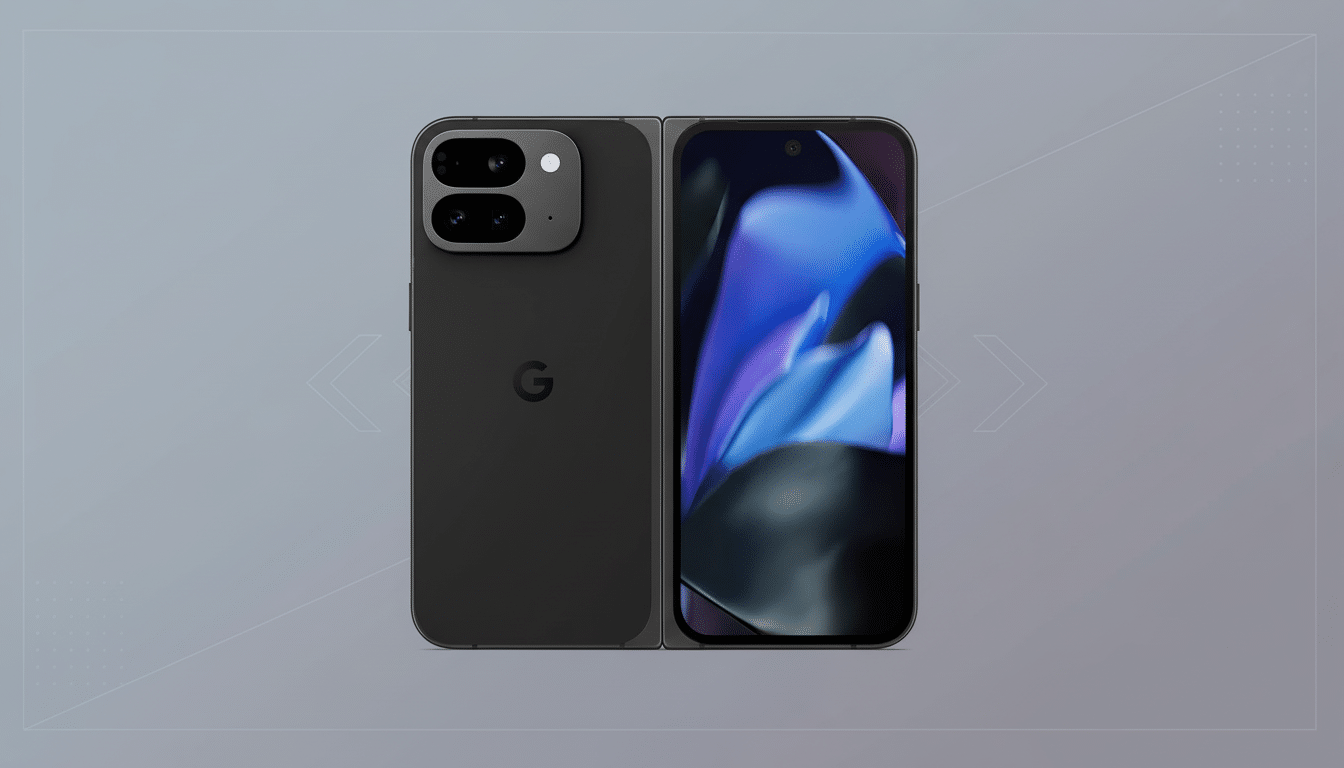
This tweak also solves a frequent problem for foldable shooters. It’s now a standard picture frame — say, 4:3 or 16:9 proportions — instead of stretching from edge to edge across the inner panel. The result is more accurate composition and less guesswork when framing people or products.
One fast tap at the bottom of the review pane and you’re transported directly into Google Photos if you want to make serious edits or share.
To rifle through photos quickly, you can zing between multiple captures without ever leaving the Camera app, and that is precisely the kind of workflow creators have been wanting.
Why the Split Preview Matters on a Foldable Phone
Where foldables really shine (at least for tripod-impromptu shooters) is in the tripod-free setting: folding the phone into a half-open “laptop” pose on your desk and composing on the top display, with your hands free. With split preview on the Pixel 9 Pro Fold, you can instantly check focus, exposure and expressions — adjust and take again, no hopping between apps or losing your framing.
This idea has been a crutch for competitors for years. The Samsung Capture View, the OnePlus Open’s split review panel, as well as various other modes for Vivo’s X Fold devices, have become must-have inclusions for power users. For once, putting the Pixel 9 Pro Fold on equal footing will bring Google’s software experience in line with what we’ve come to expect for foldable photographers.

The timing also fits with the broader market’s momentum. Foldable shipments are believed to have reached around 19 million units in 2023, an increase of approximately 33% compared with the previous year, according to Counterpoint Research, and they kept on growing as more book-style models arrived. Now that more people are using these devices for content creation, small UI wins like this can have a big impact.
How to Get the Feature and Start Using It Now
The split preview seems to be coming from an update to the Camera app and server-side activations. If you don’t yet see the interface, update Google Camera and Google Photos from the Play Store and reboot your phone. Other times, the feature just pops up for users after an ordinary app refresh.
Turn it on and the process goes like this:
- Shoot a photo.
- Tap the thumbnail to enter split-screen review.
- Swipe through your latest captures.
- Tap to return to the viewfinder when you get bored.
For best results, set the Camera to 4:3 so you’re using the full sensor, enable grid lines if you don’t already use them for horizon leveling, and prop up your phone as much as possible when employing the tabletop “camcorder” viewing angle.
What About Other Pixel Folds and Older Model Support
This is confirmed for the Pixel 9 Pro Fold and has been offered on the Pixel 10 Pro Fold from launch. Availability for the first-generation Pixel Fold is still unknown. The different inner-screen dimensions of the original model, as well as UI restrictions, could make for a tricky one-to-one port there, and Google hasn’t publicly promised to bring it to that device anyway.
The Bottom Line on Split Preview for Pixel 9 Pro Fold
The Pixel 9 Pro Fold now has a split camera preview that meets what longtime foldable users take for granted. It simplifies the capture-review-adjust cycle, minimizes misframed shots, and makes photographs taken on a table much quicker. It’s a minor change with major day-to-day benefits — one that arguably should have shipped on day one, and one that makes Google’s foldable better for creators today.