


Owners of the Pixel 10 are being plagued by a serious display issue after installing the most recent software update, which has left many with screens unresponsive to touch when sitting unused for only a few minutes.
The interface still runs properly in the background, but taps and swipes refuse to register until you reboot the device or leave it be long enough to come out of it.
- What users are seeing after the latest Pixel 10 update
- Possible triggers and technical clues behind the touch freeze
- Workarounds users are trying to avoid the touch freeze
- Anecdotal evidence of display quirks on Pixel 10
- What to expect from Google in the next maintenance update
- Bottom line on the Pixel 10 touch freeze after the update
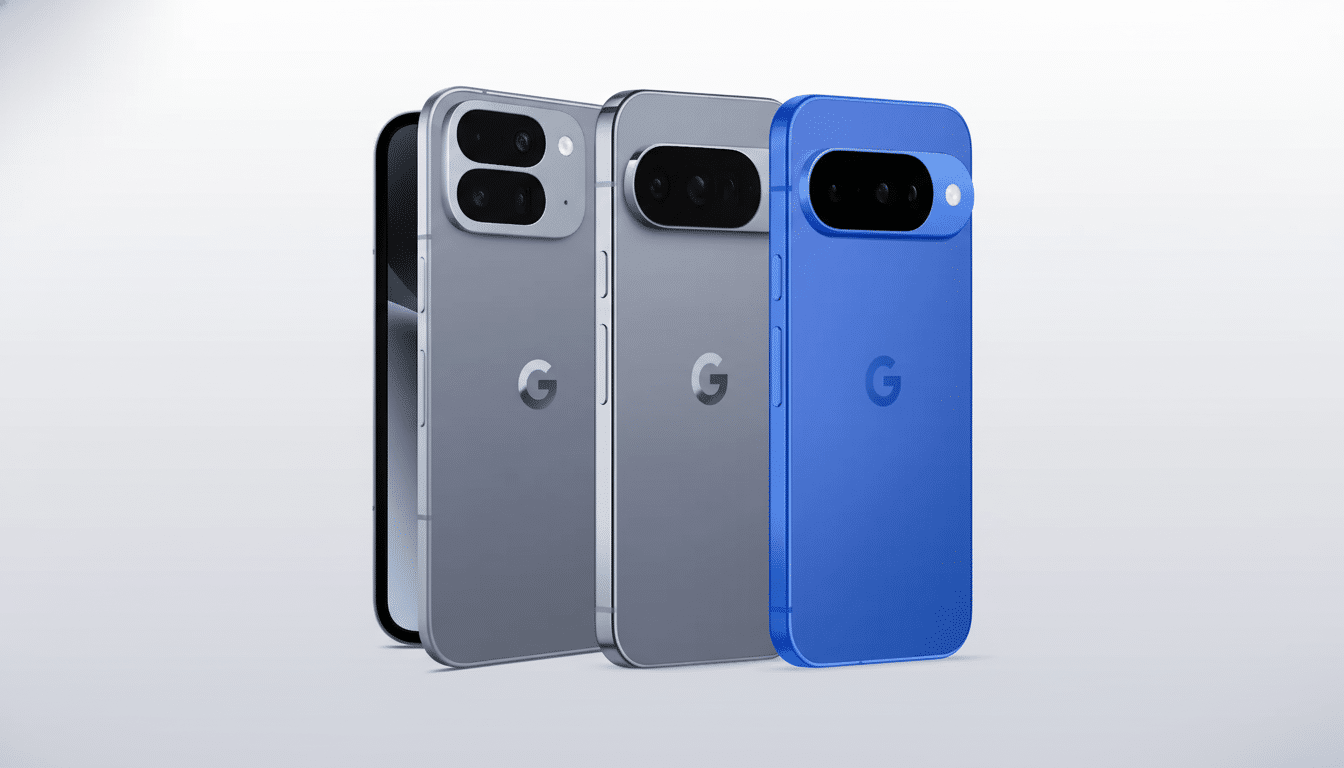
Reddit’s r/GooglePixel and Google’s Pixel Phone Help forums have been rife with reports, which all point to an issue that reportedly affects at least several models of the Pixel 10 lineup. Although previous glitches centered around one-handed mode and the always-on display have been an annoyance, users have called this a major flop because it stops basic interaction.
What users are seeing after the latest Pixel 10 update
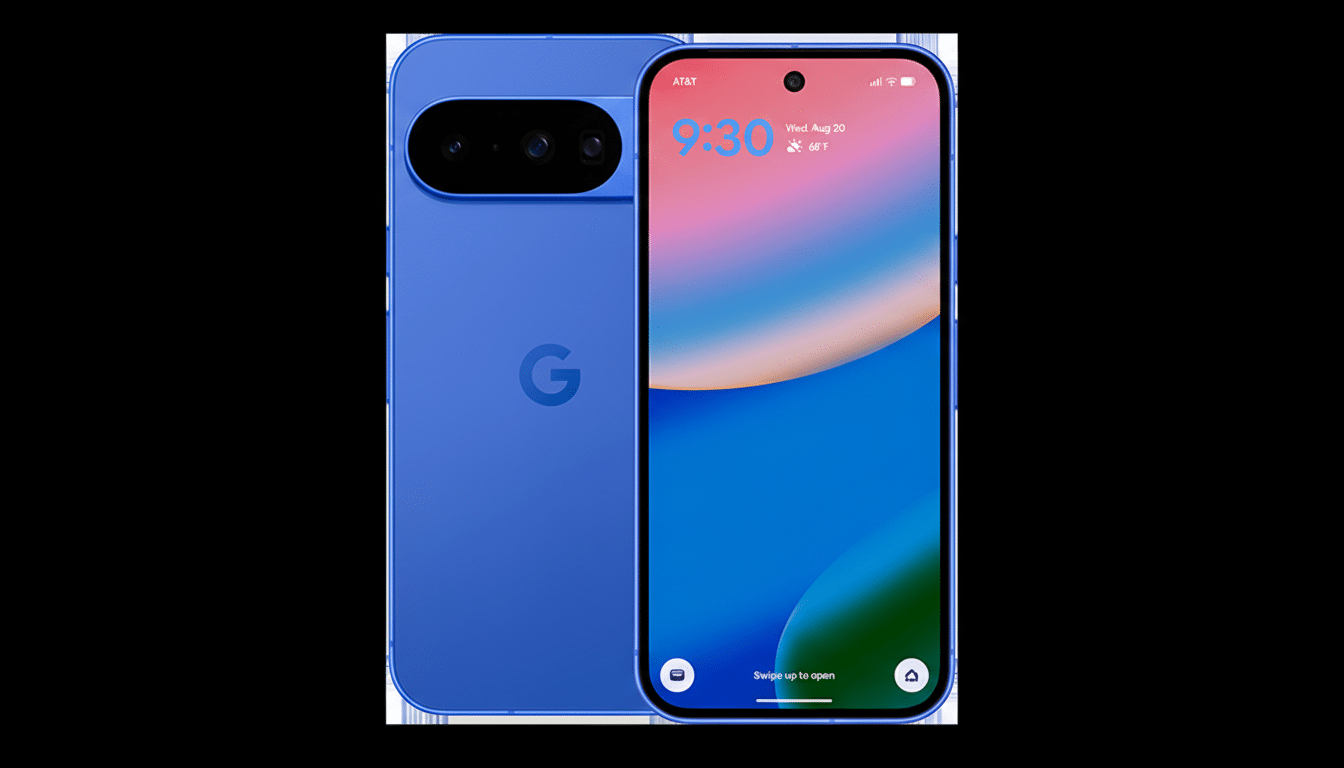
It usually appears after the phone is locked and set down on a desktop or nightstand, according to users. The panel lights up when users switch on the device, but the touchscreen does not work. The power button still operates, and two quick presses take you to the camera app, so we know that the system is alive and registering input from physical buttons and sensors—but not from the display’s digitizer.
Strangely, and not surprisingly since the fix doesn’t seem to make any real-world difference, several users have reported that the freezing can be averted if/when they keep the phone in a pocket or in motion, which suggests that there is something to do with the phone entering a low-power stationary status, possibly due to a faulty implementation of Doze. One user mentioned some mitigation by turning on the Android location-based Extended Unlock at home, which is supposed to put your phone in a more awake state. That’s not a solution when you’re outside the comfort of your home base, though.
Possible triggers and technical clues behind the touch freeze
The pattern points to a flaw in the crossover of the display’s low-power modes and the touch controller’s power management. A 32-bit Arm Cortex-M4L SoC, display IC, and the LTPO panel have a deep-profile stage to a very low refresh rate for idle state, and the touch IC also enters deep sleep, as with the always-on display, retaining sense. If an interrupt that wakes the touch controller doesn’t fire—or if the driver doesn’t reset properly—then the panel will light up, but no touch input will work.
Given that the problem so seldom appears while the phone is in motion, this would suggest the state of a motion sensor is involved. Android’s Doze and Ambient modes bank heavily on movement detection and proximity data to conserve power. If the corresponding pipeline misreports device state to the OS or driver after an update, the touch layer may become stuck in a suspended state until it times out and resets (or upon a full system reboot).
Workarounds users are trying to avoid the touch freeze
There is no official patch yet, but some affected users are reporting some workarounds:
- Disable always-on display and dial back ambient features, such as Tap to Wake and Lift to Wake. Some also say this reduces the likelihood of the freeze by leaving the panel in a simpler condition.
- Reboot if the screen locks up, or wait a few minutes for the touch controller to recover. Neither is great, but both get some function back for a while.
- Try it in Safe Mode to see if it’s one of your overlays. In early reports, the bug remains without additional apps, and this suggests a root in core firmware or system services.
- Send feedback with a bug report as soon as the freeze happens from the built-in Feedback app. With these logs, engineers can more easily find the state in which the driver is failing.
Anecdotal evidence of display quirks on Pixel 10
This isn’t the first time a complaint about the displays for this series has gone up. After one of the earlier monthly updates, some users could see “fuzzy” panels or brief little artifacting that got patched in a later release. While the latest Feature Drop has focused on bug squashes for older Pixel generations, new regressions on the latest hardware underscore a familiar struggle: iterative updates can introduce low-level conflicts, particularly in the areas of power management and sensor fusion.
It’s also important to note: the former could be said about someone whose fixes were a result of having turned off AOD—a common denominator in recent Pixel troubleshooting threads. That correlation also supports the idea that the freeze has to do with switching between ambient and interactive display, rather than overall system lockup.
What to expect from Google in the next maintenance update
And as far as severity (basic input failure!), this is the type of thing that usually merits a fast-track fix. Depending on where the fault lies, Google can shoot through a targeted patch in a teeny-tiny OTA or roll out a fresh touch firmware blob via a Play system update. Keep an eye on the Pixel Phone Help forum and official release notes to verify that a fix is present in the upcoming maintenance build.
Meanwhile, if you use always-on display, try to switch it off and see if you still encounter the issue. If you depend on the device, back it up and call the support line for diagnostics; swapping out hardware isn’t likely to help if this is a software regression, but a paper trail adds more leverage for moving a fix higher up in priority.
Bottom line on the Pixel 10 touch freeze after the update
The same bug is being experienced by many Pixel 10 users, and it apparently has something to do with the idle, low-power states that have been implemented or modified in the most recent update. The phone isn’t crashing itself—just the touch layer is going down—so this looks like a firmware or driver wake-path bug. Until a fix is pushed out by an act from the carrier, the most trustworthy workarounds are to turn off your ambient display features and reboot when the bug flares up—and contribute those logs to speed up development of a more permanent solution.