


Pixel 10 users are experiencing a new bug with the always-on display after they updated to Google’s latest version of its Pixel software. The screen flickers momentarily, or “hard flickers” as numerous users are calling it, whenever the new clock takes over or a new notification comes in and disturbs the otherwise steady ambient view.
What users are seeing with the Pixel 10 always-on display
Reddit’s Google Pixel community has documented the issue in reports claiming that the always-on display briefly turns off and then back on, at times in time with the minute tick or upon receiving a notification. Some say the screen also blips to black momentarily when it unlocks, while others report strange screensaver behavior if the device is sitting idle on a stand.
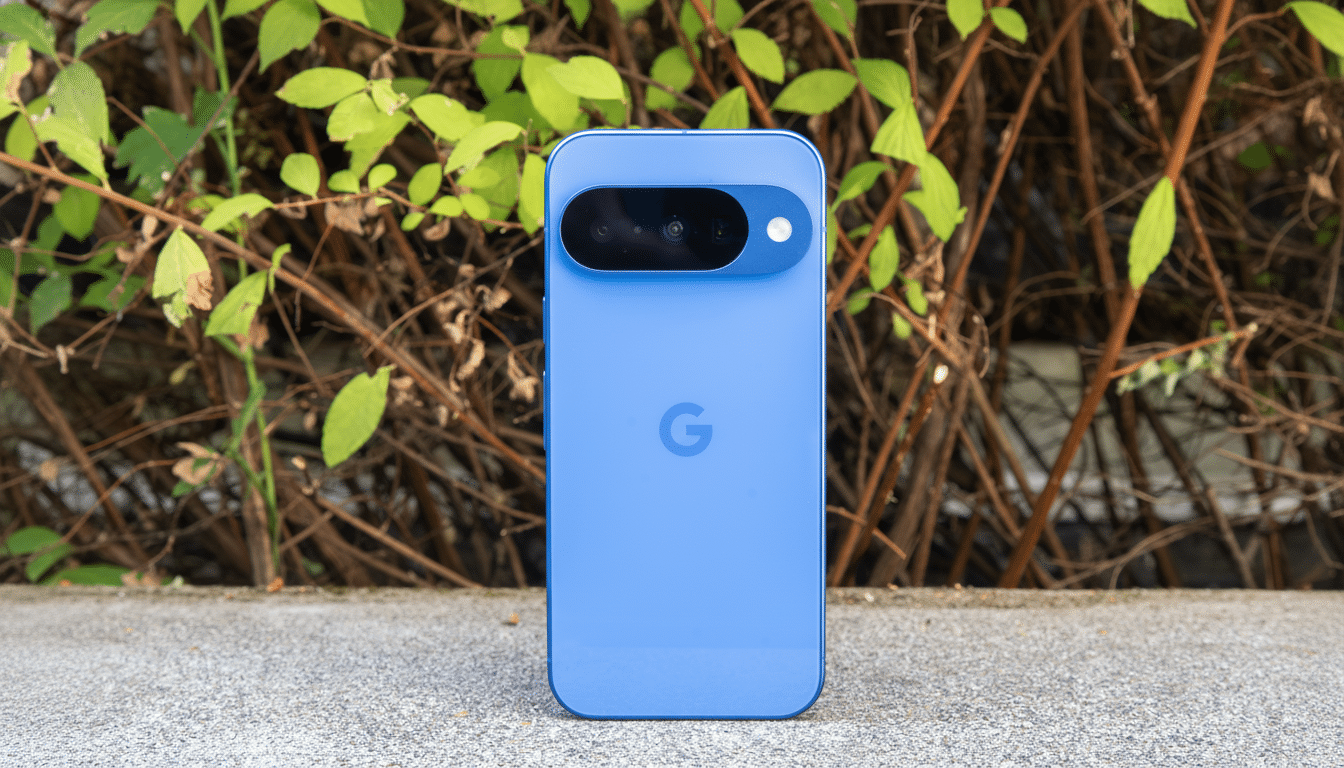
The behavior isn’t universal. A few owners have reported that their own phones are not affected, so there may be some specific condition tied to the combination of lock screen layout, type of notification, or display setting. The randomness makes it difficult to consistently reproduce, which is usually indicative of a timing or software state problem rather than a failing panel.
How widespread the Pixel 10 always-on display issue is
While not every Pixel 10 seems to be affected, there are a significant number of standalone reports cropping up in community forums suggesting this is now a genuine software regression rather than separate problems with phone hardware. The issue appeared around the same time as the latest Pixel update, which provided a sizable list of bug fixes for recent Pixel devices. There is no mention of display flicker in the official release notes and we have seen no public acknowledgment in support documentation yet.
Oddly enough, the same flicker was observed during an Android beta build from earlier this year, which leads us to believe a compositor or display driver change inadvertently resurfaced some unfortunate edge-case bug in production firmware. That’s not a guarantee that the two are equivalent, but it does provide an appealing breadcrumb for engineers to follow.
Why the Pixel 10 always-on display flicker may happen
Always-on displays usually drive the panel at extremely low refresh rates to save power and heavily dim the display in ambient mode. When the clock switches or a notification is displayed, the system needs to update the parts without waking the device entirely. If the display pipeline ever glitches (like when changing the refresh rate, brightness setting, or being handed off by a compositor), the panel might flip on and immediately back off.
The latest OLED panels that incorporate VRR need close coordination between the display driver, graphics compositor, and power management. The slightest inconsistency in timing across any of those layers can manifest itself as a visible blink on transitions that some users might very occasionally see. That would also explain why some devices, settings combinations, or usage patterns are worse than others.
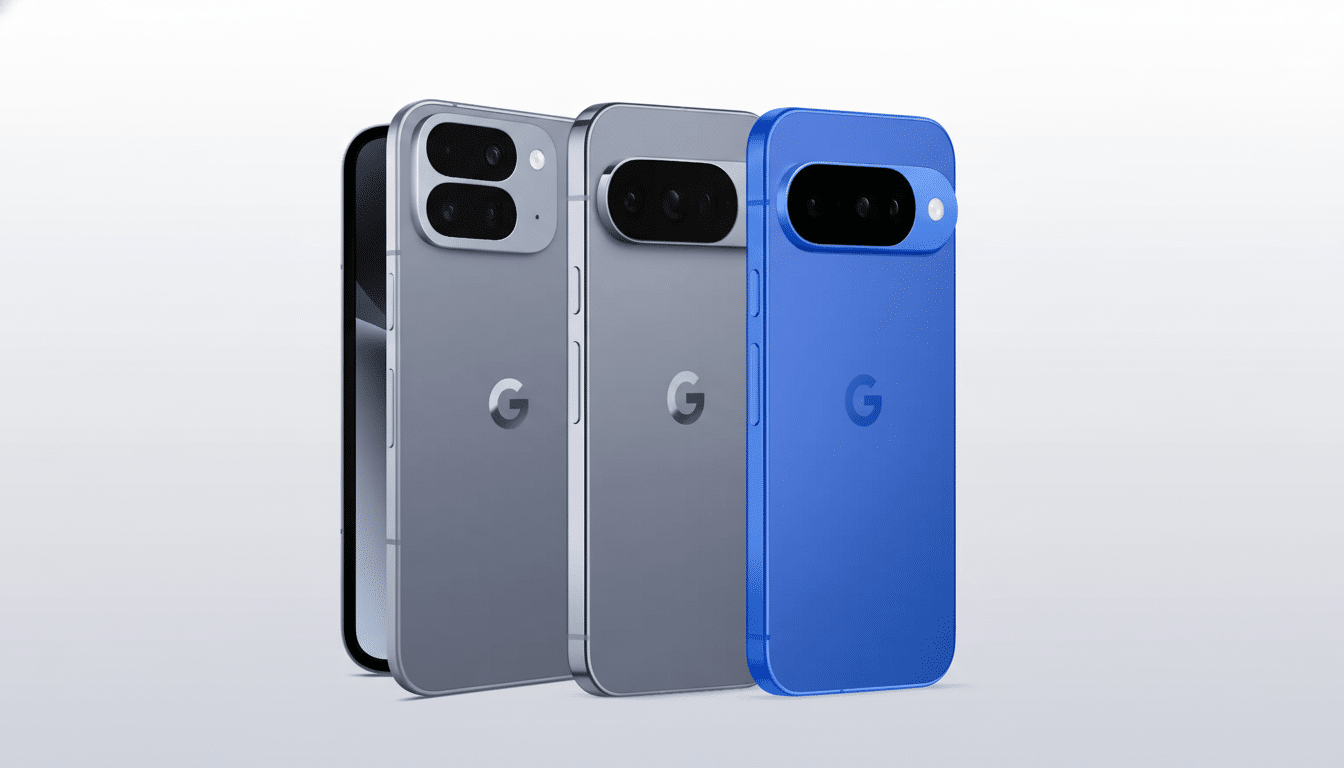
Temporary workarounds to try for the always-on display
Until there’s a patch, some mitigations have worked for some users:
- Toggle off always-on display, reboot the phone, and then toggle it back on in Settings > Display > Lock Screen.
- Change to Tap to Check Phone or Lift to Check instead of always-on display.
- Temporarily turn off Wake Screen for Notifications under Notifications > Lock Screen settings to avoid redraws.
- Change the lock screen clock style or remove some of the lock screen widgets to see if certain layouts are causing the flicker.
- Test in Safe mode to exclude third-party apps that change the behavior of notifications or the ambient display.
Source: link via MacRumors
If the issue persists, then they can capture a bug report to aid engineers in investigating.
If you’re using a Pixel, you can file feedback on the issue by navigating to Settings > About Phone > Send Feedback and providing the time (so logs line up with the flicker).
What comes next for a fix to the Pixel 10 display flicker
Display-related quirks such as this can usually be fixed in a software update, especially if it is due to refresh-rate transitions or compositor timing. Google’s monthly bug fixes and quarterly platform releases often bring along under-the-hood display changes, so the most plausible fix is going to come as a small follow-up update once the bug can be fully replicated in-house.
For now, the best path is to attempt the workarounds, watch official support channels, and report reproducible cases to help get a fix out sooner. Users who use AOD a lot might favor using Tap to Check as an interim solution to prevent the annoying blink until an official fix is rolled out.