


A minimalist, command-line-only Linux distribution is quietly becoming a go-to training ground for users who want to level up fast. Peropesis, short for Personal Operating System, boots as a live environment with no desktop, no frills, and no persistence — a deliberate design that turns every session into a focused lesson in Unix fundamentals.
What Makes Peropesis Different as a CLI-Only Distro
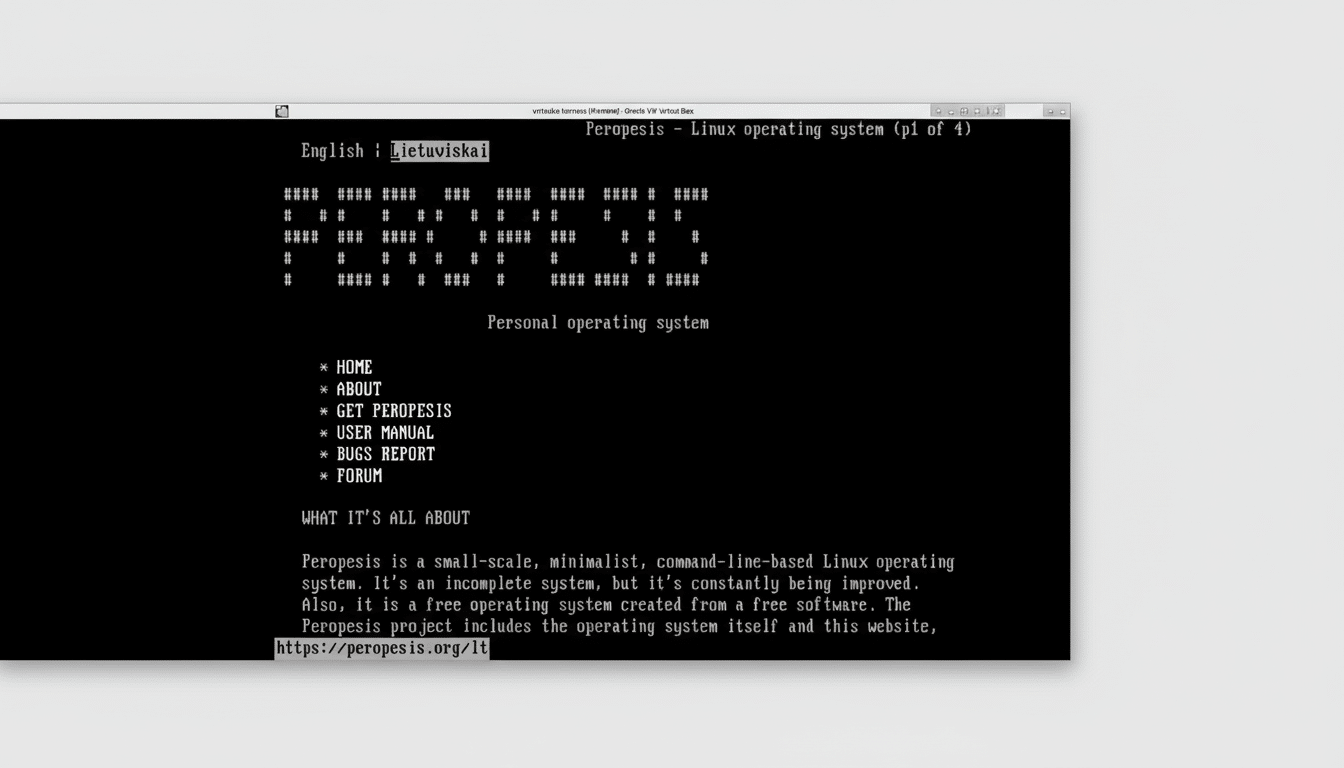
Peropesis loads entirely into memory and logs you in as root by default, pushing you to secure the system immediately with the standard password-change workflow. There’s no conventional installer and no safety net of a package manager. You work with the curated toolset that ships in the ISO or build from source using staples like curl and git. It’s spartan by design — and that’s the point.
- What Makes Peropesis Different as a CLI-Only Distro
- Why a Bare CLI Environment Accelerates Learning
- A Safe, Disposable CLI Lab You Can Intentionally Break
- A Five-Minute Web Server Drill for Beginners
- Who Benefits Most from This Minimalist Linux Distro
- Pro Tips to Go Further with Peropesis CLI Practice
- The Bottom Line on Using Peropesis for CLI Mastery
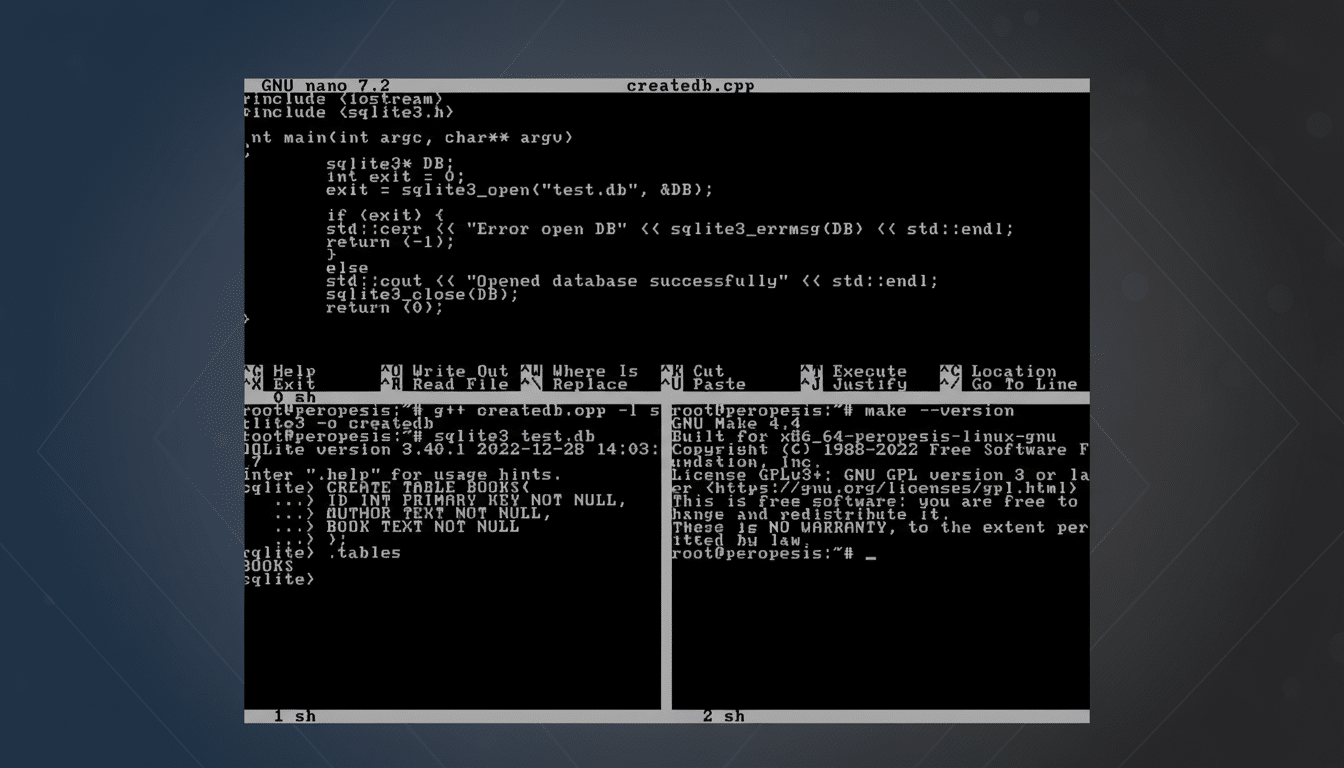
Despite its tiny footprint, the distro includes practical, text-mode utilities: the Links browser for the web, S-nail for email, and the lighttpd web server for quick hosting experiments. A simple editor such as nano is there to keep you productive without a graphical crutch.
Why a Bare CLI Environment Accelerates Learning
Stripping away the GUI forces you to engage with the core of Linux: processes, filesystems, permissions, networking, and services. That mirrors the reality of production infrastructure. According to the TOP500 project, 100% of the world’s fastest supercomputers run Linux, and most cloud-native platforms are built on Linux primitives. Being fluent at the shell is not a niche skill; it’s table stakes.
Educators and SRE leaders have long emphasized mastery of small, composable tools — the mantra at the heart of the Google SRE approach and the Linux Foundation’s LFCS curriculum. Peropesis compresses that journey by removing distractions. You learn to read man pages, chain commands, parse logs, and triage issues with the same tools operators use on headless servers.
A Safe, Disposable CLI Lab You Can Intentionally Break
Because Peropesis runs as a live system without persistence, every reboot is a clean slate. Pair it with a virtual machine snapshot in tools like VirtualBox, VMware Workstation, or GNOME Boxes, and you get a “fearless lab” — experiment aggressively, then roll back in seconds. That model aligns with how professional teams practice: test changes, observe effects, reset, repeat.
This rhythm builds muscle memory. You’ll internalize how to navigate the filesystem, manipulate permissions, monitor processes, and configure networking — the exact tasks that separate casual users from confident operators.
A Five-Minute Web Server Drill for Beginners
One fast exercise showcases the distro’s teaching value. Start the included lighttpd service, then create an index.html in the default document root with a few lines of text using nano. Next, discover the machine’s IP address with the standard networking utility and load that address from a browser on your local network. If you see your page, you’ve just practiced service control, file editing, and basic network inspection — three real-world skills in minutes.
Because you’re operating as root at first boot, it’s also a natural moment to adopt secure habits: set a strong password, manage file ownership thoughtfully, and confirm service status before exposing anything on a network.
Who Benefits Most from This Minimalist Linux Distro
Newcomers who want to move beyond the desktop, homelab builders practicing server hygiene, and candidates preparing for certifications such as LFCS or RHCSA will gain the most. Developers deploying to containers or headless nodes also benefit, since production debugging often happens without a GUI.
Educators can use Peropesis to teach core competencies without the variability of heavyweight distributions. Each session starts identical to the last, simplifying instructions and assessment.
Pro Tips to Go Further with Peropesis CLI Practice
Build muscle memory by setting small, outcome-driven challenges: configure a static IP, rotate logs, write a shell script that backs up a directory, or compile a tiny CLI program from source. Use Links to read documentation directly from the console and S-nail to test outbound email from a service account. Keep a personal runbook — commands you used, errors you hit, fixes that worked — to accelerate recall.
If you outgrow the base toolset, treat that limitation as a feature: it nudges you to learn how software is fetched, verified, compiled, and run outside a package manager’s safety net. That knowledge transfers cleanly to embedded systems, containers, and minimalist cloud images.
The Bottom Line on Using Peropesis for CLI Mastery
Peropesis is not a daily driver, and it’s not trying to be. It’s a sharp, narrow instrument for building command-line fluency quickly. In a world where the most critical systems run Linux and many of them don’t have a GUI, spending time in a focused, disposable CLI lab is one of the highest-return investments you can make in your skills.