


Controlling an Android phone from a computer no longer requires risky system hacks. A maturing set of tools now lets you mirror screens, answer calls, manage messages, and even provide remote support without root access. That matters when Windows still powers around 72% of desktops globally, according to StatCounter, and people increasingly split work between phone and PC.
Below are eight proven, no-root methods that cover casual mirroring, cross-device messaging, developer testing, and enterprise support. Each route has its own trade-offs across latency, privacy, platform support, and cost—so the best choice depends on what you actually need to do from your desk.
- The Built-In Pick: Microsoft Phone Link for Windows
- Pushbullet for Seamless Notifications and Sharing
- AirDroid, a Cross-Platform Workhorse for Mirroring
- Vysor: Fast Mirroring for Tinkerers and Testers
- Scrcpy: Open-Source Speed and Control for Android
- DeskDock: Share Mouse and Keyboard Across Devices
- Samsung Flow for Galaxy Ecosystems and Workflows
- TeamViewer QuickSupport for IT Help and Remote Aid
- How to Choose the Right Tool and Stay Secure Online
Before you begin, remember that wireless features may rely on Bluetooth or shared Wi-Fi, and some manufacturers limit deep features like full-screen mirroring. Always weigh convenience against security and stick to trusted vendors.
The Built-In Pick: Microsoft Phone Link for Windows
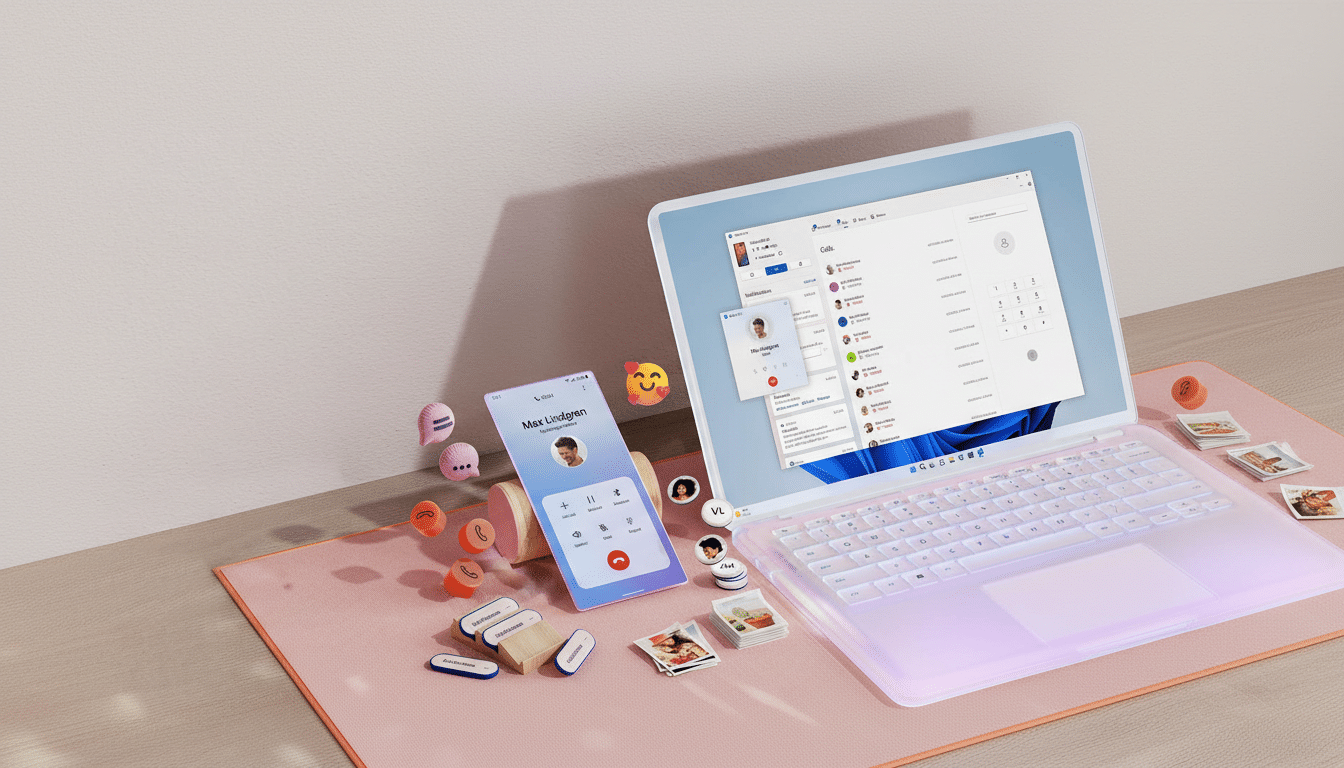
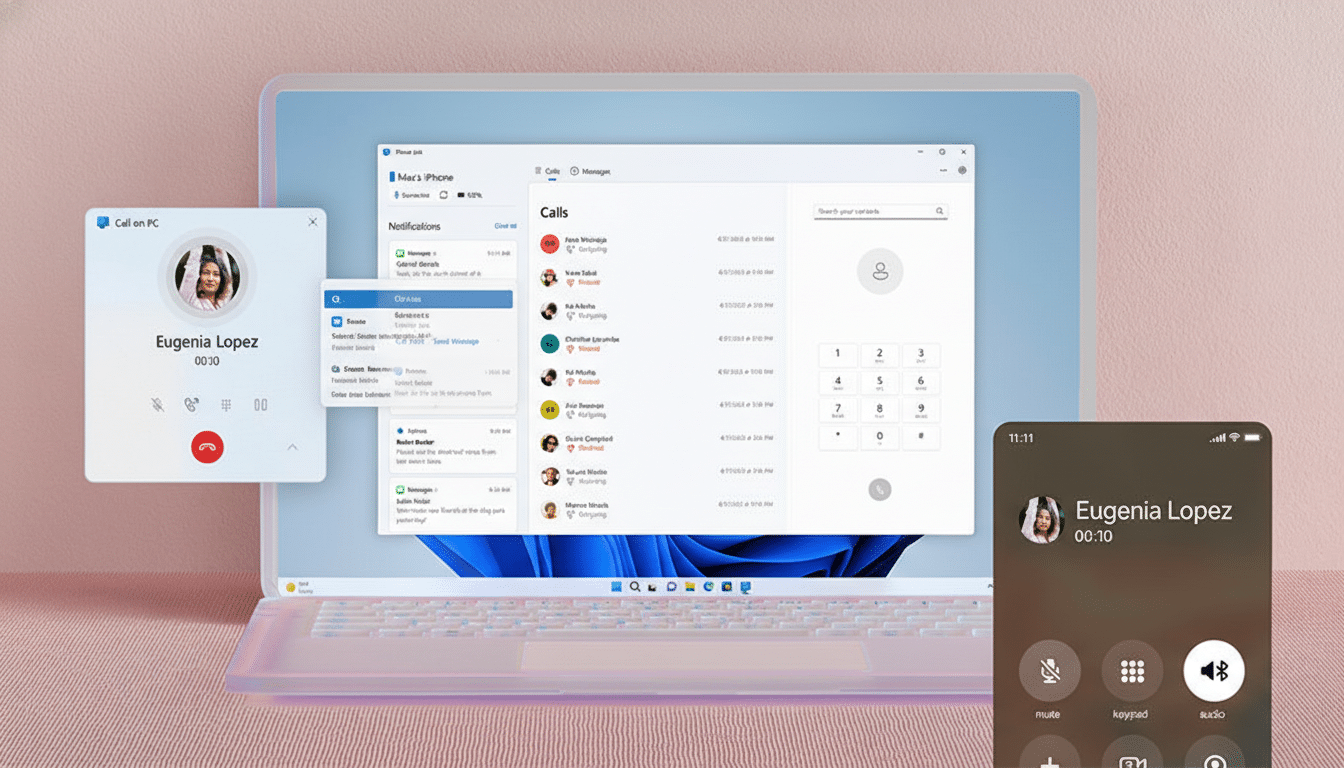
Microsoft’s Phone Link is preinstalled on modern Windows 10 and 11 builds and pairs with the Link to Windows app on many Android phones. It handles SMS, calls over Bluetooth, notifications, and, on select devices, even live app streaming and screen mirroring. It’s free, fast to set up, and ideal for everyday messaging—with the caveat that advanced mirroring is limited on some models, especially outside Samsung and a few partner brands.
Pushbullet for Seamless Notifications and Sharing
Pushbullet focuses on notification sync, universal clipboard, and quick file or link sharing between devices. It’s a low-friction way to keep your phone out of sight while staying responsive on a PC or Mac. The free tier caps you at 100 messages per month; Pushbullet Pro lifts limits and adds extras like larger file transfers and advanced actions.
AirDroid, a Cross-Platform Workhorse for Mirroring
AirDroid blends notification management with full-screen mirroring, file management, and remote camera access across Windows, macOS, and the web. It’s popular with power users because it works locally on a LAN or across the internet after sign-in. Performance is solid over Wi-Fi, and the entry cost is modest compared to enterprise options, making it a practical “do it all” choice.
Vysor: Fast Mirroring for Tinkerers and Testers
Vysor streams your phone’s screen to a desktop window with minimal setup. Developers like it for testing app flows with a mouse and keyboard; enthusiasts use it for arranging home screens or recording demos. The free version works over USB with ads; paid tiers unlock higher quality, wireless mode, and full-screen casting.
Scrcpy: Open-Source Speed and Control for Android
Scrcpy, maintained by Genymobile and distributed via GitHub, delivers impressively low-latency mirroring—often under ~70 ms—with no app installed on the phone. You enable USB debugging once, connect via USB or Wi-Fi, and you’re off. Power features include clipboard sync, file drag-and-drop, device screen-off control, and recent builds even support audio forwarding on compatible Android versions. It’s free, lightweight, and privacy-friendly, though it asks for a bit of command-line comfort.
DeskDock: Share Mouse and Keyboard Across Devices
DeskDock takes a different tack: it extends your computer’s mouse (and optionally keyboard) onto your Android device as if it were another monitor. That makes quick taps, text entry, and QA testing a breeze without full video mirroring overhead. It’s excellent for developers cycling through UI states and anyone who prefers the precision of a desktop mouse on mobile apps.
Samsung Flow for Galaxy Ecosystems and Workflows
If you use a Galaxy phone, Samsung Flow tightens the loop between your devices. It syncs notifications, shares files, and hands off tasks to tablets or PCs and plays nicely with Samsung’s broader ecosystem including DeX on supported hardware. It’s free and polished, but as with most OEM solutions, support is best inside the brand’s hardware family.
TeamViewer QuickSupport for IT Help and Remote Aid
For remote assistance, TeamViewer’s QuickSupport app enables full or guided control from a desktop client, depending on the phone’s OEM add-on. It’s widely used in businesses because it layers auditing, access policies, and enterprise-grade security, with certifications such as ISO 27001. Licensing isn’t cheap, but for help desks and managed services, it brings the reliability and compliance free tools can’t match.
How to Choose the Right Tool and Stay Secure Online
Match needs to tools with clear priorities and trusted vendors.
- For daily texting and calls, use Phone Link.
- For cross-platform notifications, choose Pushbullet.
- For full-feature versatility, pick AirDroid.
- For developer-grade mirroring, choose scrcpy or Vysor.
- For Galaxy-centric workflows, opt for Samsung Flow.
- For professional support, use TeamViewer QuickSupport.
Keep security in mind. Use strong sign-ins and two-factor authentication. If you enable USB debugging for scrcpy or Vysor, revoke the computer’s authorization when finished and turn Developer options off. Prefer trusted Wi-Fi, and avoid exposing remote access over the open internet without encryption. Following guidance from organizations like CISA—least privilege, patch promptly, and verify devices—goes a long way to keeping cross-device control safe.