


Two leaders in wearable health are converging on the same promise from very different angles. The Oura Ring focuses on deep health insights without screen distractions, while the Apple Watch packs robust fitness tools and smartphone features into a wrist computer. If you’re deciding between them, the right choice hinges on how you prioritize sleep analytics, workout coaching, battery life, comfort, and ecosystem fit.
Which Wearable Suits You: Oura Ring or Apple Watch
Pick the Oura Ring if you want a low-profile health monitor that excels at sleep, strain, and recovery—no notifications, no wrist bulk, just data and guidance. Choose the Apple Watch if you want all-day coaching for movement and training, plus on-wrist calls, texts, and apps. In short: recovery-first versus activity-first.
- Which Wearable Suits You: Oura Ring or Apple Watch
- Sensor Accuracy and Health Insights Compared
- Sleep Tracking Showdown: Oura Ring versus Apple Watch
- Fitness and Training Tools for Athletes and Coaches
- Battery Life, Comfort, and Real-World Wearability
- Ecosystem, Subscriptions, and Compatibility
- Privacy Practices and Important Medical Caveats
- Bottom Line: How to Choose Based on Your Priorities
Sensor Accuracy and Health Insights Compared
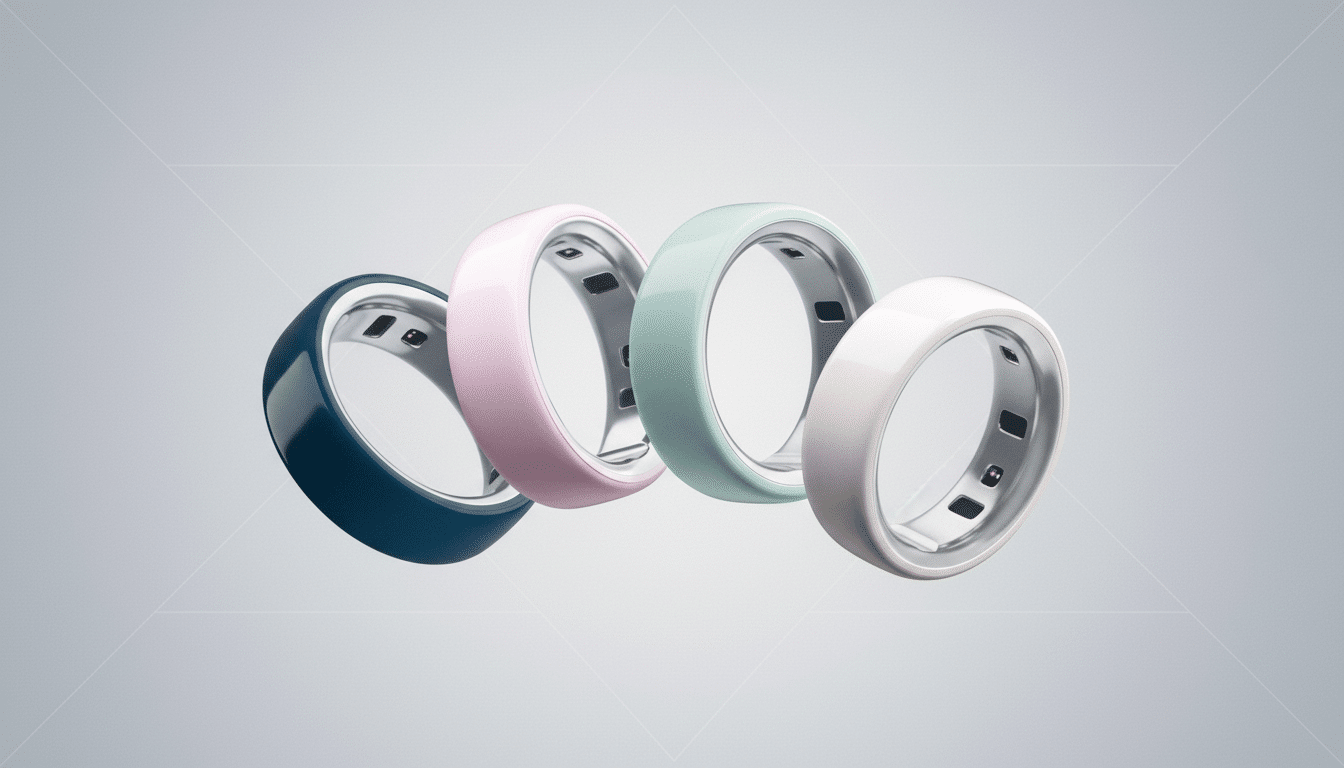
Sensor placement matters. A ring measures from the finger’s arteries, yielding a strong photoplethysmography (PPG) signal for heart rate variability (HRV) and temperature trends. Peer‑reviewed research has shown finger PPG can outperform wrist sites for HRV signal quality, which is central to Oura’s Readiness and stress metrics. Oura also tracks overnight SpO2 and skin temperature deviations that can flag illness onset.
The Apple Watch combines mature optical heart-rate tech with accelerometers, gyros, barometer, and GPS. In studies from Stanford Medicine and others, Apple’s wrist-based heart-rate readings have ranked among the most accurate in consumer wearables during steady-state exercise, though like all PPG devices, performance can vary with motion and skin tone. The Watch also adds ECG for atrial fibrillation detection and irregular rhythm notifications, and has expanded into features such as FDA-cleared hypertension detection.
Sleep Tracking Showdown: Oura Ring versus Apple Watch
Oura’s sleep analytics are its calling card. You get an easy-to-grasp Sleep Score backed by detailed views of HRV, resting heart rate curves, latency, efficiency, and temperature shifts. Independent validations have found good agreement for total sleep time and HRV versus gold‑standard lab measures, with the usual caveat that stage classification is an estimate. Oura’s Symptom Radar and chronotype insights add helpful context for recovery and daily readiness.
Apple’s sleep tracking has improved with clearer sleep stages and a budding sleep score, but it remains lighter on physiological nuance. For users who want to understand why they slept the way they did—and how to adjust bedtime routines—Oura currently provides richer, more actionable context with less cognitive load.
Fitness and Training Tools for Athletes and Coaches
Apple’s fitness suite is comprehensive. The Workout app spans running, cycling, strength, swimming, and more, with GPS maps, splits, heart‑rate zones, and form metrics like vertical oscillation, stride length, and ground contact time. Training Load helps quantify exertion over time, while swimmers benefit from lap counting and a 50‑meter water resistance rating (and even a depth app on the Ultra line). If you live in Strava or TrainingPeaks, integration is seamless.
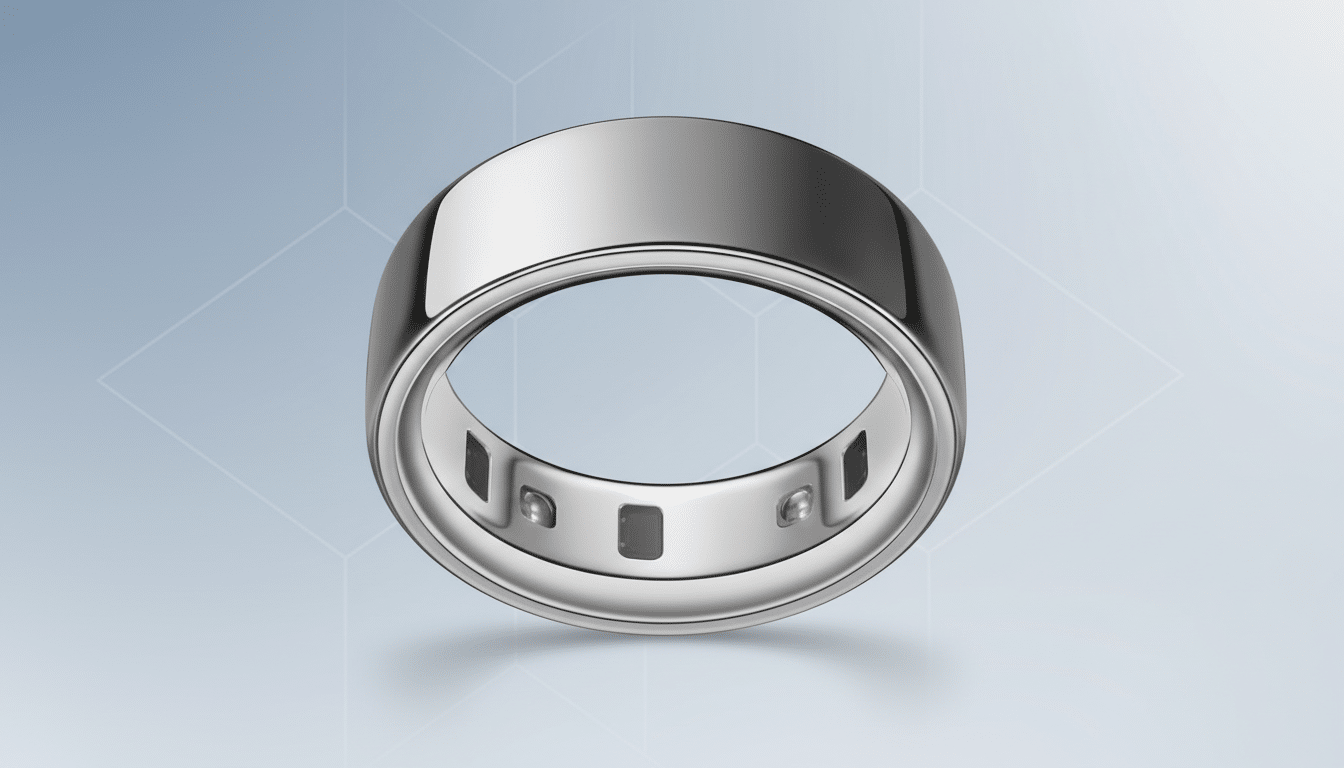
Oura does track activity automatically and assigns an Activity Score, but it’s not a coaching tool for intervals, power targets, or brick workouts. It lacks built‑in GPS and on‑screen feedback. Weightlifters will also appreciate the Watch’s wrist-based timers, rest tracking via third‑party apps, and haptic prompts—rings and barbells are a poor match.
Battery Life, Comfort, and Real-World Wearability
Oura’s battery typically lasts 4–7 days in real‑world use. That headroom means you can wear it overnight without charge anxiety and slip it under gloves or formalwear unnoticed. Comfort is a genuine differentiator: many people simply sleep better without a watch on.
Most Apple Watch models last about a day and a half per charge, while the Ultra line stretches longer. Nightly sleep tracking is feasible with a strategic charge window, but you must plan it. On the upside, the Watch is endlessly customizable with bands and faces, morphing from gym-ready to dressy in seconds.
Ecosystem, Subscriptions, and Compatibility
Apple Watch requires an iPhone, ties deeply into HealthKit, and plays well with major fitness apps and accessories. Apple Fitness+ is optional. Oura works on iOS and Android, pipes data into Apple Health and Google Health Connect, and requires a monthly membership for advanced insights. Factor total cost of ownership: the ring hardware plus ongoing subscription versus the Watch hardware, with optional services.
Privacy Practices and Important Medical Caveats
Apple stores health data encrypted and, when backed up, protected with your device passcode and biometric security. Oura emphasizes privacy controls and anonymized research contributions; its data has supported academic work, including UCSF-led studies exploring early illness detection via temperature deviations. Neither device replaces clinical diagnostics. Treat blood oxygen, sleep stages, and hypertension screening as directional coaching, not medical verdicts.
Bottom Line: How to Choose Based on Your Priorities
If your priority is unobtrusive recovery and sleep intelligence, choose the Oura Ring. If you want a full-fledged fitness coach with GPS workouts, swim tracking, on-wrist communications, and safety features, choose the Apple Watch. Plenty of athletes wear both—ring for sleep and readiness, watch for training—but you don’t need to double up. Start with the scenario you care about most and let that decide the sensor on your body.