


Opera’s concept for the next-gen browser, Neon, is starting to reach other end users with a staged rollout—following its debut in concept form late last month.
Unlike Opera’s flagship free browser (though Neon runs on a subscription for $19.90 per month), this one is aimed at people who rely on AI as a central, daily part of their work or life.
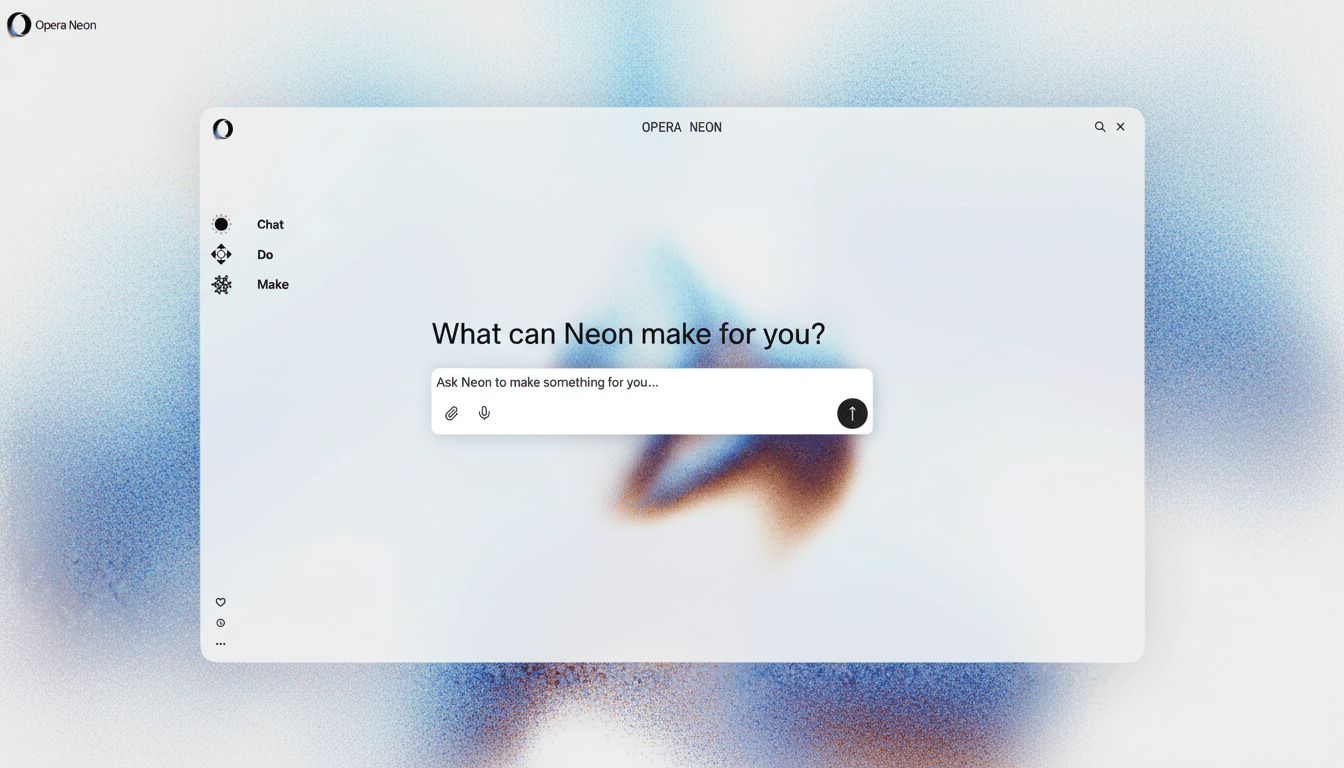
Instead of considering pages and tabs as the destination, Neon places your tasks in the center. The browser leverages AI to gather, compare, and act on information from across the web while also keeping you in charge. Opera’s pitch is simple: less manual tab wrangling, and more goal-driven browsing.
What Makes Neon an Agentic Browser: Core Features Explained
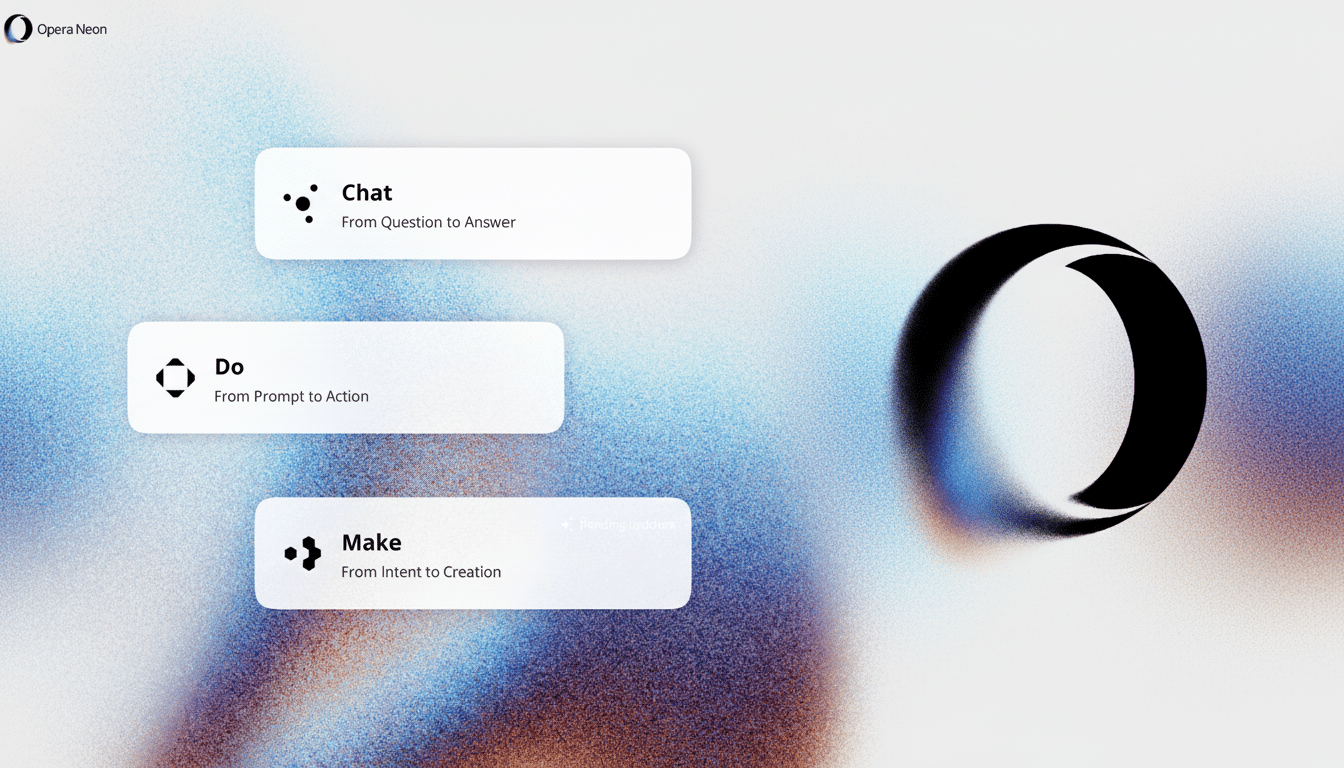
Neon has Tasks, which are little self-contained workspaces that contain sites, documents, AI chats, and searches. Each task retains its context, meaning that the data you used to analyze a market report is scoped to that project (as, implicitly in this case, your computer’s operating system). It’s this context isolation that is central to the safety and usability of Neon, preventing accidental leakages between workflows.
Cards are Neon’s reusable prompt cards. Think of them as pluggable instructions you would attach to a query, like “pull details” or “create comparison table.” Rather than write the same prompt logic over again, you piece it together. For power users, Cards are a means of standardizing quality and speed throughout repeated research patterns.
The third pillar is Neon Do, an action engine that can open or close tabs, move between sites, fill out forms, and generate results within one task. When Neon Do wants your help—for example, to complete a form—it halts and asks. This approach to agency is different from a chat assistant: the browser becomes an agent acting on your behalf across all of your tabs, not just a chat-enabled helper riding in the sidebar.
How It Works in the Real World: Practical Scenarios
Consider competitive research. You can create a Task and instruct Neon to scrape pricing and feature info from several vendors, then apply a Card that will output clean side-by-side tables. Neon Do will then compare official pages, support documents, and review forums, highlight discrepancies, and pause for you to confirm sensitive steps.
On a travel planning assignment, a Task might scrape available flights, hotel policies, and perks of the credit cards in your wallet, close with an assortment of trade-offs, and prefill loyalty numbers at the time of booking—but wait for your approval to make them so. What’s not just promised, but is now offered, is faster searching and a browser that arranges and performs multi-step work without any lost context.
Pricing and Availability: Cost, Access, and Rollout Plan
Neon is a commercial product with a price of $19.90 per month to account for larger-scale inference and web automation costs. The pricing ends up in the same ballpark as popular AI subscriptions like ChatGPT Plus and Perplexity Pro, indicating Neon’s aim for a professional-grade tool instead of a casual flex add-on.
Initial access is invite-only. Opera says invites will be sent out in waves as the company scales capacity and takes feedback from early users. This careful rollout is standard for agentic systems, which have to trade off responsiveness, reliability, and safeguards as usage increases.
Opera’s EVP of Browser, Krystian Kolondra, positioned Neon as a product “inspired by our users and built for ourselves—and for everyone who moves online,” emphasizing that its intended user base is already working in AI-heavy workflows. Opera, which says it has hundreds of millions of monthly users across its products, is setting up Neon as a distinct, premium experience.
How to Join the Waitlist for Opera Neon Access
- Go to the Opera Neon official site and search for “Join Waitlist.”
- Enter your email address, and if asked, make sure you choose desktop as your platform, as the rollout is starting with it. Click “Accept” and “Submit.”
- Keep an eye out for a confirmation message, followed later by an invitation email with instructions on downloading and onboarding. Don’t forget to check your spam folder in case you miss it.
- Once your invitation comes, you will be prompted to create an Opera account (if you don’t have one) and then set up subscription billing. Activation is linked to your account for use on multiple devices as availability grows.
Tips: Use an email that you check frequently, especially if you would like to implement Neon at work; active respondents are often high on the list for early access. If you’re in a managed IT environment, ensure agentic features sit well with your organization’s security policies.
Why This Rollout Matters for Agentic Browsing’s Future
Agentic browsing may be the next big thing. There have been competitors that have hinted at similar ideas—from Arc’s Dia to new AI-first browsers like Comet—yet Neon gets bonus points for baking actions, reusable prompt components, and scoped tasks right into the browsing model itself.
For users, the question is whether a browser that “does” for you can consistently save hours every week without loss of control. Neon is the effort to deliver that balance in a minefield of context boundaries and action pauses. As the invites grow, expect Opera to release more use cases, mature the Cards libraries, and further integrate with its already existing AI services.
If your work inhabits a dozen tabs and three research docs at any given time, Neon’s method is worth giving a test spin once you get an invite. The test, in short: does your browser feel less like a filing cabinet and more like a teammate who knows the job that needs to get done?