


OpenClaw, the viral “agentic” assistant that promises to read your email, send messages, and take actions on your behalf, is enjoying rocket-ship momentum — and an equally rapid security backlash. The open-source project, which began life as Clawdbot before quick rebrands to Moltbot and now OpenClaw, taps Anthropic’s Claude and OpenAI’s ChatGPT to execute tasks with minimal human oversight. In days, it amassed roughly 100,000 GitHub stars and hundreds of contributors. But the same ingredients fueling its popularity are creating a perfect storm for attackers.
Security researchers are sounding alarms with unusual unanimity. Cisco’s threat team has labeled OpenClaw an “absolute nightmare,” while offensive security specialists tracking live deployments have documented exposed instances, leaked API keys, and sprawling attack surfaces. If you’re tempted to hand your digital life to a cute crustacean, here are five red flags to weigh before you install anything.
Red Flag 1: Unbounded System Permissions Risks
OpenClaw’s appeal is autonomy: it can run shell commands, read and write files, execute scripts, fetch data, and act across your accounts. That power is also its Achilles’ heel. The project’s own documentation concedes there’s no perfectly secure setup. Granting broad system privileges means a single misstep — a bad configuration, a compromised dependency, or a malicious prompt — can cascade into full device and account compromise. Security engineers describe this as an “identity explosion” problem: too many capabilities and secrets concentrated in one automated agent with limited guardrails.
Red Flag 2 Credential Leaks And Misconfigurations
Real-world exposure has already been observed. Researchers, including Dvuln founder Jamieson O’Reilly, have found OpenClaw instances reachable from the public internet with no authentication. Some were leaking plaintext Anthropic API keys, Telegram bot tokens, Slack OAuth credentials, signing secrets, and entire conversation histories. Cisco’s researchers say plaintext API keys have been observed in the wild, making theft trivial for opportunistic actors. In practical terms, one leaked key can let an attacker impersonate the agent, harvest data, or pivot into your other services.
Open-source velocity compounds the risk. Rapid merges, constant reconfiguration, and community how-tos can encourage insecure defaults. Unless you harden the deployment — strict auth, environment isolation, secret management, and logging — you may not even notice a breach until your accounts start behaving strangely.
Red Flag 3: Prompt Injection Exposure and Risks
Prompt injection is the nightmare keeping AI security teams awake. Because OpenClaw reads content you don’t control — webpages, docs, emails, code, and logs — a hidden instruction in that content can steer the agent to exfiltrate data, send it to attacker infrastructure, or run dangerous commands. Irreverent Labs co-founder Rahul Sood warned that agents with broad access are effectively “reading booby-trapped content for you,” turning everyday browsing, scraping, or triage into an intrusion vector.
No one has solved prompt injection at scale. You can sandbox, use allowlists, strip dangerous instructions, and require human confirmation for sensitive actions, but you’re still betting your security on filters that adversaries iterate against every day. When an agent also holds tokens and API keys, a single successful injection can be catastrophic.
Red Flag 4 Supply Chain And Malicious Skills
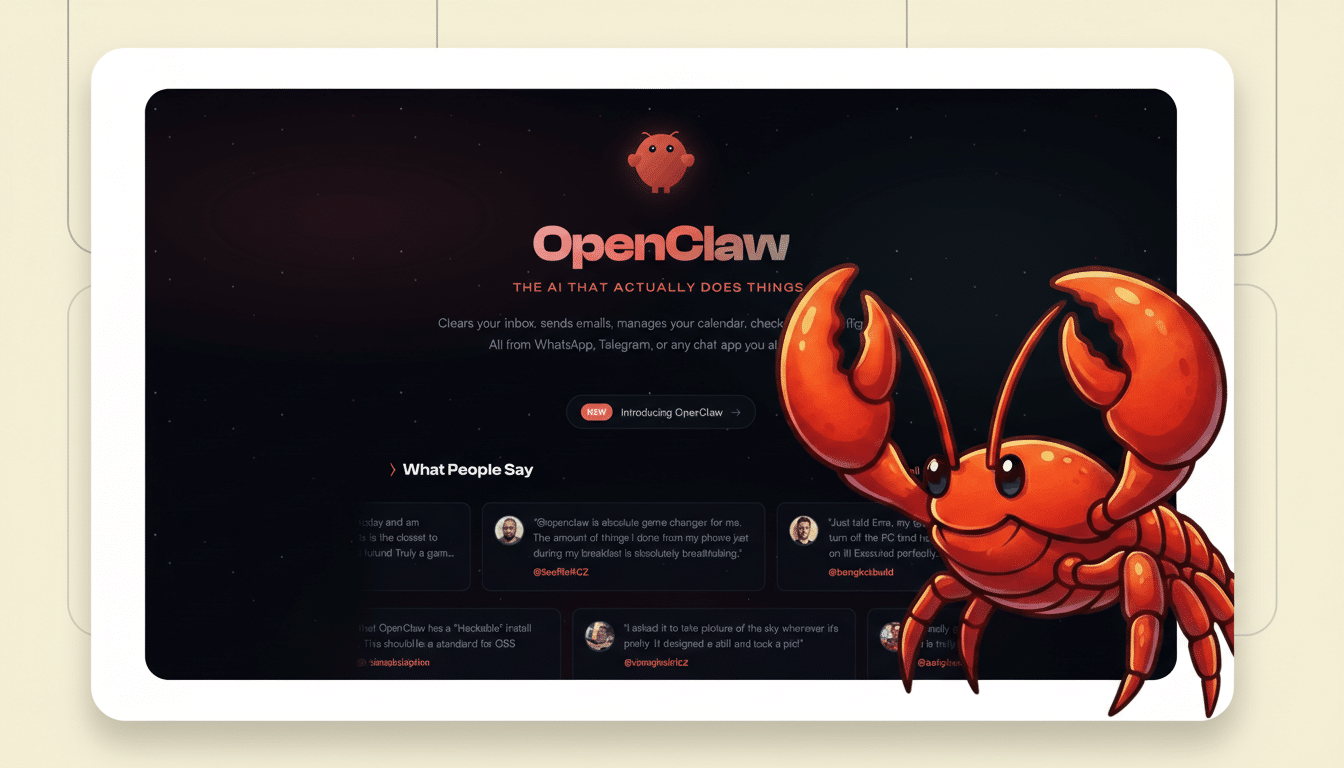
As OpenClaw’s ecosystem expands, so do opportunities for tainted extensions. Security analysts recently flagged a “ClawdBot Agent” Visual Studio Code extension as outright malware — a Trojan using remote access tooling for surveillance and data theft. Although OpenClaw didn’t ship that extension, the incident underlines what happens when a fast-growing agent spawns a cottage industry of plugins. O’Reilly also published a deliberately backdoored “safe” skill to test hygiene; it was downloaded thousands of times, demonstrating how easily harmful code can slip into user workflows.
The lesson is simple: if you install community skills without rigorous review, you are outsourcing your security to strangers.
Red Flag 5 Brand Confusion And Active Scams
Rapid rebrands and viral buzz create cover for grifters. Following the name churn, scammers spun up fake repositories and even launched a bogus “Clawdbot” token that reportedly siphoned $16 million before crashing. For end users, that means an elevated risk of pulling from lookalike repos, grabbing tampered installers, or trusting social posts that route to malicious builds. In a space moving this fast, provenance is not a nice-to-have — it’s the only thing standing between you and a compromised machine.
If You Still Proceed, Lock It Down With Care
Security teams recommend treating OpenClaw like untrusted code with root-level reach. Run it on a separate machine or VM, enforce least privilege for every tool, and disable shell execution unless absolutely necessary. Store secrets in a manager, rotate keys frequently, and block outbound network traffic by default with explicit allowlists. Require human approval for data exfiltration, file writes, and account changes. Only install vetted skills from trusted maintainers, pin versions, and monitor logs for anomalies. Above all, assume prompt injection is inevitable and scope the agent’s blast radius accordingly.
Autonomous agents are inching toward mainstream productivity, and OpenClaw showcases what’s possible — for better and worse. Until its security model matures and the ecosystem hardens, the safer posture is skepticism: admire the clever crustacean, but keep your credentials and core systems out of its claws.