


I spent the past few days putting a local, open-source coding stack through its paces to see if it can stand in for Claude Code. The recipe: Goose, the agent framework from Block, wired to an Ollama instance running Qwen3-coder:30b. It’s free, it’s private, and it promises agentic coding without a cloud tab in sight.
The backdrop matters. Interest in this combo spiked after Jack Dorsey, Block’s chairman, publicly hyped the pairing. Qwen3-coder comes from Alibaba’s Qwen research group and is tuned for software tasks, while Goose orchestrates multi-step “agent” workflows similar to what Claude Code offers. The question is whether this stack is practical for real work or just a hacker’s weekend project.
- What I Tested and Why This Comparison Matters
- Setup in Brief: Getting Goose and Qwen Running Locally
- Performance and Responsiveness on Real Hardware
- Code Quality and Iteration During Agentic Workflows
- Privacy, Cost, and the Trade-offs of Local-First AI
- How It Stacks Up to Claude Code for Real Projects
- Bottom Line: Who Should Choose This Local Coding Stack
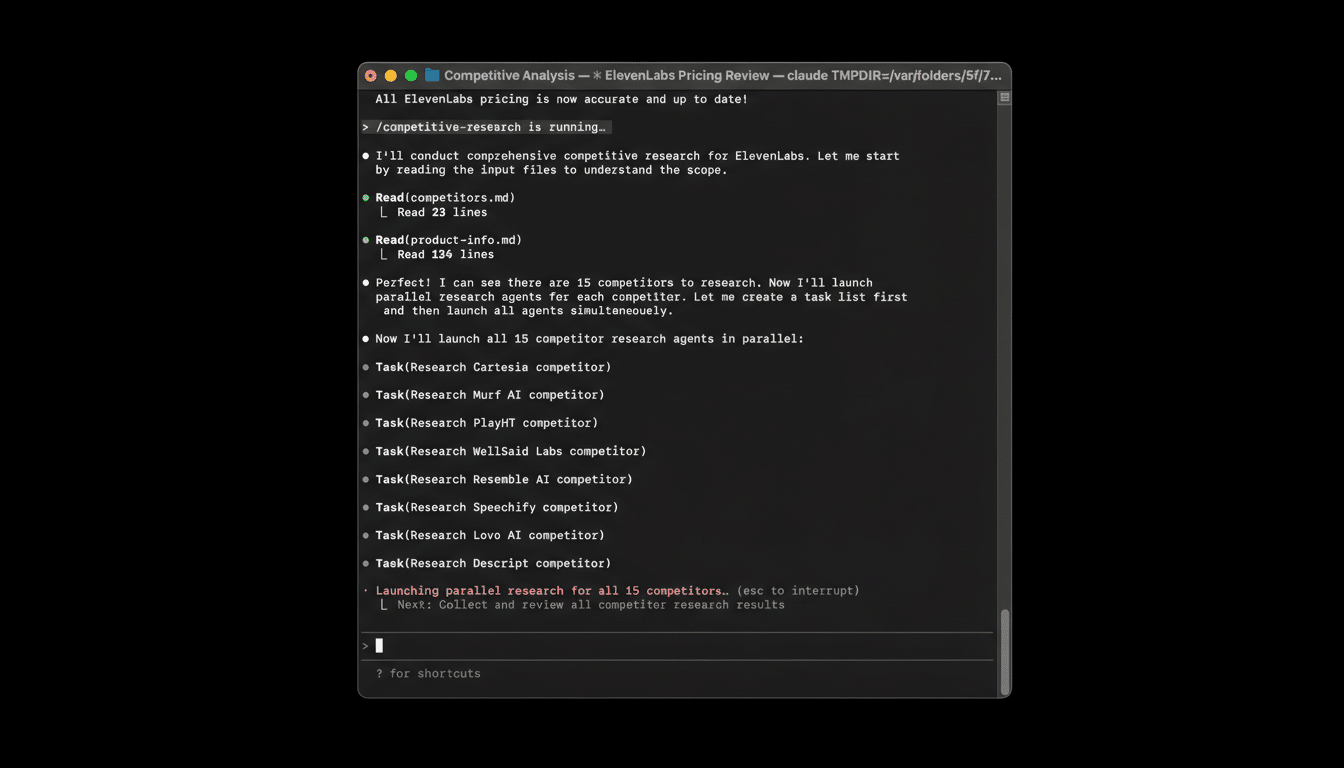
What I Tested and Why This Comparison Matters
My main machine is a Mac Studio with an M4 Max and 128GB of RAM. That matters because local LLMs are hungry: the Qwen3-coder:30b model weighs roughly 17GB and likes ample memory for longer contexts. On this hardware, the system felt usable alongside heavyweight apps. On a colleague’s 16GB M1 Mac, the same setup ran, but responsiveness sagged enough to break flow.
The appeal is obvious for developers and teams with sensitive code. With Ollama serving the model locally, prompts and source never leave your machine. For organizations wary of sending repositories to cloud tools, that privacy advantage alone can be decisive.
Setup in Brief: Getting Goose and Qwen Running Locally
- Install Ollama first. Launch it, pick Qwen3-coder:30b from the model list, then nudge a first prompt to trigger the download. Expect ~17GB of storage usage.
- In Ollama’s settings, expose the service to the local network so other apps can connect. I set a 32K context window, which balanced memory use and capability on my machine.
- Install Goose. In Provider Settings, choose Ollama as the backend and select the qwen3-coder:30b model. Point Goose at a working directory so it can read and write code as it iterates.
No accounts, no API keys, no metered tokens. Once connected, Goose acts as the agent layer—planning, editing files, and re-running tasks—while Qwen handles the language and coding intelligence.
Performance and Responsiveness on Real Hardware
On the high-RAM Mac, turnarounds on medium prompts felt on par with cloud tools for routine coding—scaffolding files, fixing compiler errors, and writing tests. You can keep coding while it works in the background without the UI choking.
Two caveats emerged. First, memory is destiny: drop to 16GB and you’ll wait. Second, the first run after loading a new model can feel slower as caches warm up. After that, the loop becomes predictable. If speed is an issue, smaller Qwen variants exist, though you trade off reasoning and code quality.
Code Quality and Iteration During Agentic Workflows
My benchmark task was a straightforward WordPress plugin that randomizes and displays quotes with a simple settings page. The first attempt compiled but didn’t behave correctly. I pointed out the failure, Goose adjusted the files, and we tried again.
By the fifth round, it matched the spec: proper admin page, nonce handling, shortcode output, and a small test suite. This is where agentic tooling helps. Unlike a chat-only assistant, Goose edits your actual repo, runs commands, and learns from its own diffs. Each correction sticks, so the codebase genuinely improves across cycles.
Where it still lags premium cloud models is in nuanced reasoning and adherence to edge-case requirements on the first or second try. Claude’s higher-end models and OpenAI’s top coders often hit spec faster on complex tasks, but the local stack closed the gap with persistence.
Privacy, Cost, and the Trade-offs of Local-First AI
Local-first means your IP stays on disk, a strong fit for regulated teams or closed-source work. It also means you shoulder compute: big downloads, RAM pressure, and the occasional fan ramp under heavy loads. If you can’t spare the memory, try a smaller model or a quantized build, but expect some accuracy loss.
Against that, the economics are compelling. Claude Code’s top tier runs about $100/mo, and many power users pay around $200/mo for pro developer access to cloud AI suites. If your hardware can handle it, this local stack is effectively $0 in ongoing fees.
How It Stacks Up to Claude Code for Real Projects
- Setup friction: Local wins for privacy but asks more of the user. Claude Code is turnkey.
- First-pass accuracy: Cloud leaders still have an edge on tricky, multi-file tasks.
- Iterative development: Goose holds its own. File-aware edits and re-runs quickly converge.
- Latency and scale: Comparable on strong hardware; cloud pulls ahead for massive contexts and heavy parallelism.
Bottom Line: Who Should Choose This Local Coding Stack
Goose with Qwen3-coder on Ollama is a legitimate Claude Code alternative if you have modern hardware and care about privacy or cost. It didn’t nail my plugin on the first attempt, but steady agentic iteration got it over the line, and day-to-day responsiveness felt surprisingly close to cloud assistants.
If you’re on a 64GB+ machine and comfortable with a bit of setup, this free, open-source stack is ready for real projects. On low-RAM systems, either opt for a lighter model or stick with the cloud. For many developers, the trade is worth it: your code stays local, your bill stays at $0, and your agent actually works on your files—not just your prompts.