


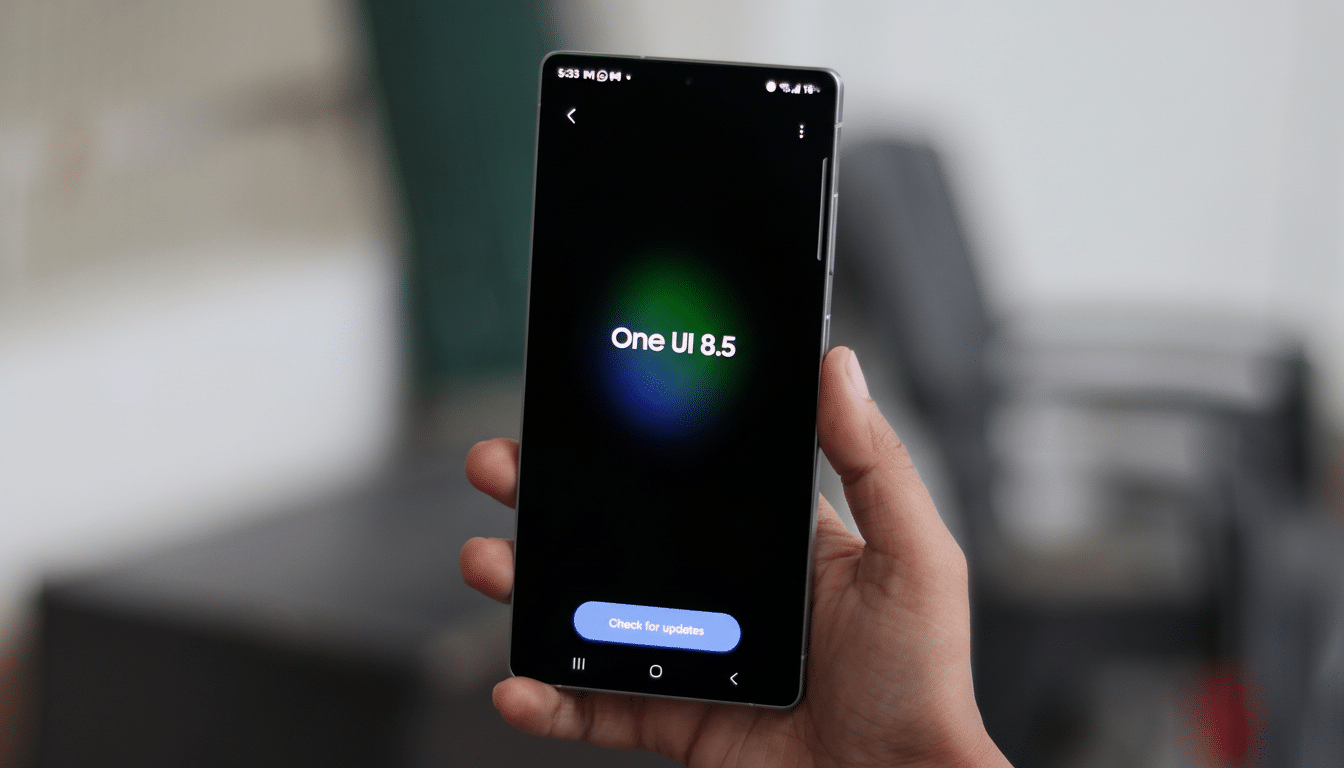
The answer is a home screen shortcut that links to an AI service and pumps its responses in back-to-basics, three-sentence chunks, judging from an APK teardown of a leaked One UI 8.5 build by XDA Developers. References in the launcher code also reference multiple-choice providers as well as a new “Finder AI” experience that may use generative responses natively inside of your system’s search flow.
What the leaked One UI 8.5 APK teardown reveals
Editorial Credit: Gristock Photo
Strings found in the launcher hint at an “AI Agents” option along with a picker named “Choose AI Agent.” The options are Samsung’s Gauss Cloud, Google’s Gemini (and/or Perplexity), which suggests that maybe Samsung is going to let users choose their preferred engine rather than locking down into one particular model.
The same code block also contains a number of rules for how best to behave: replies should be “succinct and courteous,” top out at three sentences, and may augment search results with “common sense or general usage patterns.” Practically, this takes the form of a trimmer Q&A layer — picture rapid-fire summaries, fact checks and basic how-tos — without much of the long-form verbosity you find overflowing in far too many chatbots.
Another term seen to be in the launcher resources is “Finder AI.” One UI’s systemwide search tool is Finder by Samsung; an AI-infused take may indicate the feature will exist within the app users already visit to find apps, settings, and web results, not isolated behind its own button somewhere.
How it could work on the One UI home screen experience
Judging from the code, there’s also a prominent launcher shortcut coming — probably located within the search bar, or at least somewhere near it — that will start AI mode when you ask questions. Tap the shortcut, type or speak a question and receive a concise answer in-line. Such as: “What is the best way to clean a phone case?” could produce a three-sentence, click-by-click solution with materials needed, cautions and even a time estimate.
The idea is similar to some recent search additions on rival Android experiences like those that add an AI switch directly within the launcher. It’s all in the interest of speed: whittling down a few seconds from the jump between a generic web search and an AI-structured response, while keeping it within the home screen context.
It will make a difference whether the shortcut is voluntary. Power users crave easy AI access, but casual users can be turned off by constant AI alerts. Samsung has already included granular toggles for some of its Galaxy AI settings, and a similar solution here could assist in striking a balance between exposure and control.
Provider choice, privacy and on-device smarts
This is huge for giving Gemini, Perplexity, and Gauss Cloud. It’s an indication that Samsung is increasingly willing to serve as an orchestration layer across models, enabling users to prioritize different strengths – Google’s expansive knowledge graph, Perplexity’s search-anchored answers, or the company’s own stack that already underpins features like on-device translation and note summaries in Galaxy AI on some devices.
The “Cloud” designation on Gauss also suggests some information will be uploaded to and removed from the device. That makes transparency critical. Bank on Samsung hanging notices, either data-trawling or region-filtering, in this case, because AI provider availability and privacy enforcement vary wildly. The leaked release also reveals a new “Private Display” setting to limit side-angle readability — not AI-related, but indicative of an apparently common emphasis on keeping on-screen content private.
Samsung, for its part, has focused on hybrid AI — doing what it can on the device and farming heavier lifting to the cloud when advantageous. A three-sentence cap is consistent with the thinking: shorter answers are cheaper, faster, and can be more locally cached on disk or in memory, and they may also decrease the risk of hallucinations by constraining scope.
Why it matters to Samsung’s software strategy
Placing AI directly in the launcher as opposed to via a standalone app is strategic. It places generative help in the default user path, similar to how system search served as an initial gateway for web searches and device actions many years ago. For a company that ships hundreds of millions of phones each year, according to IDC, even subtle changes in the UI can shape user habits at large scale.
The three-sentence template also recognizes a logistical reality: People frequently want to hear a quick, definitive answer, but what they get is a wall of text. If it’s operated in a way that consistently delivers tight, accurate responses — and allows users to switch providers when they don’t need the service — then it could be a sticky everyday feature, rather than a novelty.
As usual with teardowns, features could change prior to release to the public. Names such as “Finder AI” may be placeholders, and the list of providers could grow or change per region. But the theme is quite clear: One UI 8.5 is on track to pull AI answers into a first-class status in the home screen, with speed and restraint, as well as choice, as its core design principles.