


Samsung’s One UI 8.5 beta goes relatively under the radar as it quietly updates the Clock app in a manner that could upend how Galaxy owners begin and organize their day. In addition to the more splashy visual refresh and additions of Galaxy AI, the beta also includes live weather as a background on the alarm screen, a hands-on world clock time zone converter, and an expedited route to sleep insights in the Samsung Health app.
Weather-aware alarm screens now show live conditions
When your alarm goes off in One UI 8.5, the screen can now show real-world conditions outside—morning glow, overcast, or a rainy snap—instead of just a static gradient or so. It is a small change, but it has some practical impact: it offers information at the alarm screen (before you unlock) and establishes expectations. Earlier generations merely hid a small weather icon beside the time; turning over the entire background to a live weather scene makes that signal impossible to ignore.
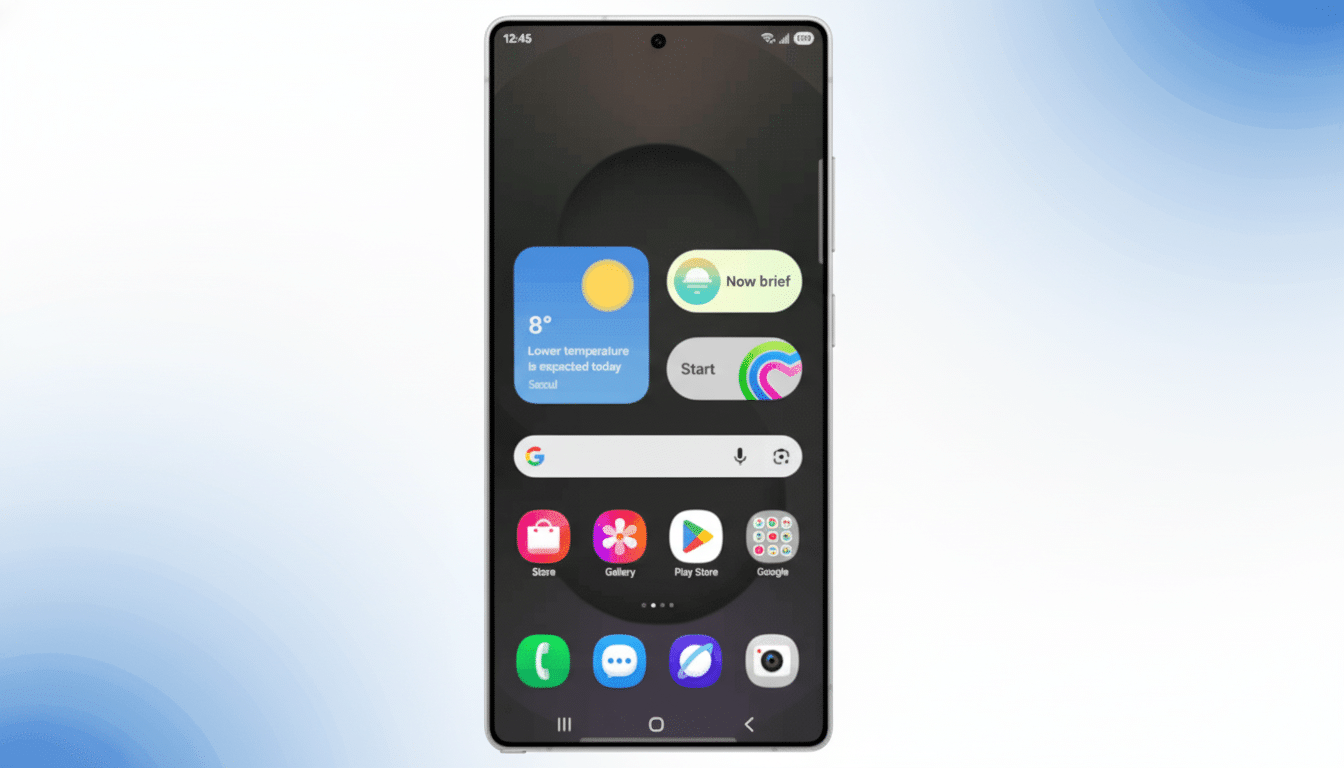
In reality, this ought to call upon your device’s weather data and location access permissions. It’s not a full forecast, but at least it eliminates one step when deciding what to wear in the morning. Behavioral design research frequently emphasizes the friction cost of extra taps; in context, turning the wake screen into “Should I bring an umbrella?” makes it a split-second decision. For houses with everyone on a different schedule, even 10–15 seconds saved in the morning adds up over weeks.
Smarter World Clock, With Time-Zone Slider
World Clock gets an actually useful tool: a horizontal slider that scrubs hour by hour across cities so you can see times correlate immediately.
No more mental math or jumping into Calendar; instead, drag from 8 a.m. San Francisco and you find yourself facing a friendly hour in London or Seoul without needing to guess time offsets.
Real-life application: scheduling a product review call with teams in San Francisco, London and Seoul. Slide to 4 p.m. in San Francisco, and it’s midnight in London and 9 a.m. in Seoul — not very convenient at all. Nudge back to the earlier side, so the bands line up around 8 a.m. SF time, 4 p.m. London and 1 a.m. Seoul, and continue refining it until you reach an arrangement that causes the least pain for all involved. Apple’s Clock does display different times but doesn’t support an interactive scrubber, and many Android clock apps still show static times. The slider is a discreet power feature for anyone who travels and people in distributed teams.
Sleep schedule integration with Samsung Health
You can edit your sleep schedule in the Clock app, and you’ll see a “Sleep stats” link that takes you straight into Samsung Health’s sleep dashboard. It’s not new data — just one fewer detour. If you use a Galaxy Watch with any of these device integrations to monitor your snoring, blood oxygen or sleep stages, that shortcut allows for an easier comparison between last night’s Sleep Score and how you actually feel, so that you can shift your wake time as needed.
That’s the kind of ecosystem fit-and-finish Samsung has been seeking. The National Sleep Foundation and other organizations, like the American Academy of Sleep Medicine, highlight regular bed and wake times as one of the central tenets for better sleep in their literature reviews. If your data and alarm rules are already closer together, sticking to that routine doesn’t feel like such a chore.
Why these small tweaks make a difference
The Clock app is one of the most frequently opened utilities on any phone. Polling by companies like YouGov has indicated that well over half of adults use their smartphone as an alarm. It’s a ubiquity that makes even tiny changes outsize value. It’s minus one tap for a weather-savvy alarm. A time zone slider helps reduce cognitive load. Sleep stats are now just one tap away, making the loop between data and behavior a bit tighter.
For Samsung, which industry trackers including Counterpoint Research have it at or near the top of global shipments, these micro-improvements are more than polish; they’re habit-formers that help keep users inside its experiences. They’re also a fine finisher to the broader One UI 8.5 focus on glanceable information and adaptive UI — particularly as Galaxy AI features take the headlines.
Availability and beta caveats for One UI 8.5 Clock features
The features are live in the One UI 8.5 beta now for those with the Galaxy S25 series, and should be more broadly available once a stable release hits. As with every beta, interfaces and behaviors are subject to change before launch. If you’re depending on exact alarms or travel planning, however, you may want to test these additions carefully before integrating them into your mission-critical routine.
Still, the trajectory is clear: One UI 8.5 transforms the Clock app into a smarter morning companion and a more capable global scheduler. Not splashy, but the kind of daily intelligence users notice — and continue to use.