


If your Galaxy has been feeling a little sticky, relief may be close. Early One UI 8.5 beta builds for the Galaxy S25 series are reportedly carrying a kernel upgrade that testers say makes the interface feel snappier, smoother, and more consistent. While this isn’t a flashy feature you’ll see on a banner, it’s the kind of under-the-hood shift that can change how fast a phone feels in day-to-day use.
What Changed Under the Hood in One UI 8.5 Beta
Tipster Ice Universe reports that a recent One UI 8.5 beta (internally tagged CZAA) moves the Galaxy S25 Ultra from Linux kernel 6.6.77 to 6.6.98. That’s a jump across more than twenty stable releases in the same LTS branch. The Linux 6.6 line is maintained by the kernel’s stable team, led by Greg Kroah-Hartman, and each point update typically rolls in security patches, scheduler refinements, memory management fixes, and driver updates.

On paper, these are incremental patches. In practice, when dozens of them land together, they can clean up small inefficiencies that add up. Think fewer hiccups when swiping home, steadier animations, and more predictable app launches—especially on devices pushing 120Hz displays where even tiny timing irregularities are noticeable.
Why a Kernel Bump Can Make Your Galaxy Feel Faster
Responsiveness on Android is a choreography between touch input, the rendering pipeline, and the kernel’s job of scheduling work across CPU cores and managing I/O. Improvements to the Completely Fair Scheduler and Energy Aware Scheduling can help the system pick the right cores faster, reducing stall time when you tap. Memory reclamation tweaks can trim microstutters during multitasking. Storage and filesystem fixes can cut queueing delays that manifest as jitter during rapid app switching.
At 120Hz, each frame has an 8.3ms budget. Human-computer interaction studies and game UI research show users can perceive single-digit millisecond changes in latency, so even a modest reduction in missed frames can make a device feel dramatically more fluid. You may not see a big jump in benchmarks, but you’ll feel fewer hitches when pulling the shade, flicking through feeds, or launching the camera from the lock screen.
There’s also a potential battery side effect. Better scheduler decisions and reduced background wake-ups can trim power draw over a charge cycle. Don’t expect double-digit gains, but steadier frame delivery with fewer CPU spikes can translate to marginally longer screen-on time in real use.
Early Feedback and Rollout Expectations for One UI 8.5
Early testers, including Ice Universe, report clearer improvements in touch response, animation smoothness, and overall fluidity on the S25 Ultra with the updated kernel. Broader availability should follow in the next One UI 8.5 beta wave, with the stable release expected to reach a much larger audience after staged approvals by regions and carriers.
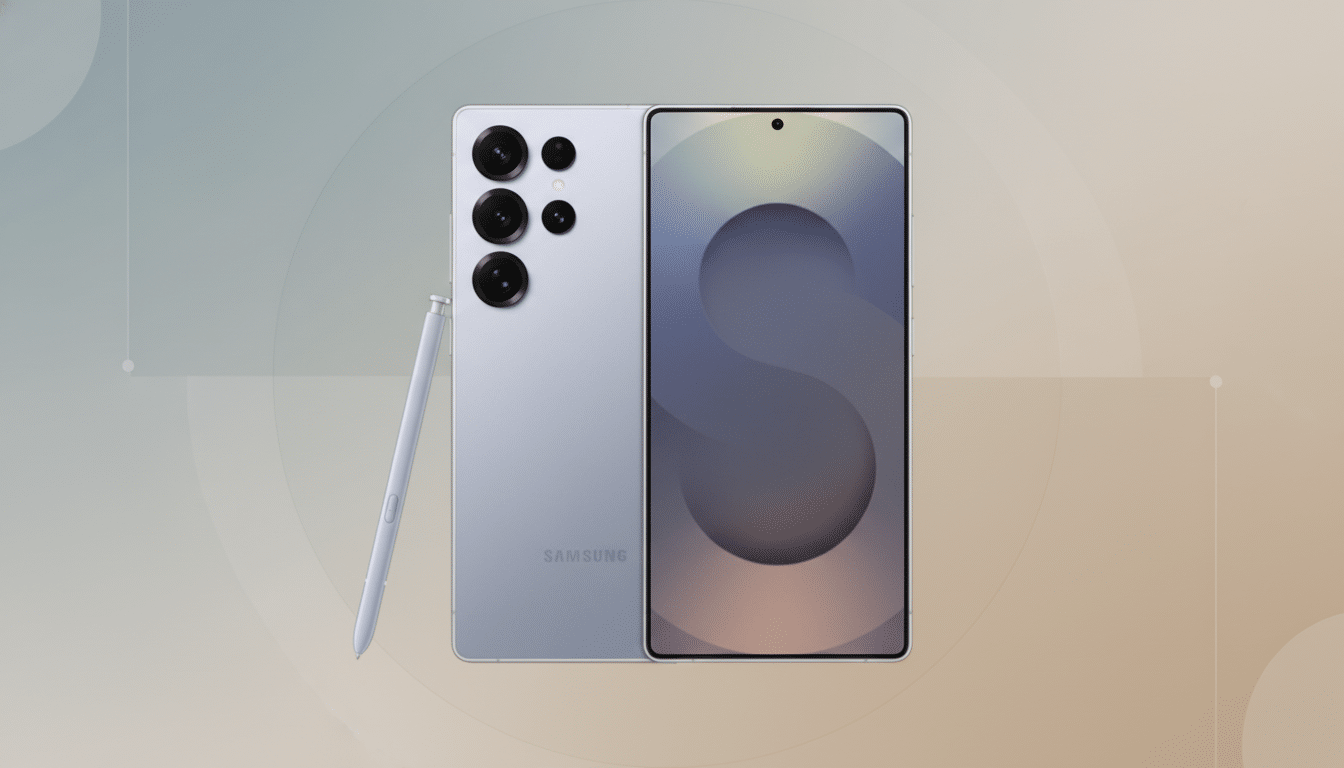
Google’s GKI initiative has pushed the industry toward more frequent and standardized kernel updates, improving long-term support and security. While OEMs don’t always move this quickly within the same LTS branch, Samsung’s early adoption suggests a wider performance-minded tune-up rather than a cosmetic refresh alone.
Who Stands to Benefit from These Kernel Improvements
The S25 series is first in line, but Samsung often backports under-the-hood improvements to recent flagships and foldables during the stable rollout. Devices with UFS 4.0 storage and ample RAM (think S24-class and newer) may notice the biggest gains in consistency, though even older models can benefit from kernel-level fixes that reduce I/O contention and improve task scheduling.
Performance deltas will vary by chipset, thermal headroom, and background load. Snapdragon and Exynos variants may not behave identically, and the magnitude of change may be smaller if you already keep animations reduced or use lighter launchers. The common thread is smoothness: fewer animation hitches, tighter touch tracking, and less “rubber-band” feeling when multitasking.
Practical Tips to Follow Before You Install the Update
If beta enrollment is available in your region via the Samsung Members app, back up your data before jumping in. After installing, give the phone several hours to reindex media and optimize apps; temporary warmth and higher drain are normal and settle down. For the best feel post-update, ensure Motion Smoothness is set appropriately, and if you’re comfortable, reduce animation scales in Developer Options to highlight the kernel improvements.
For everyone else, patience will likely pay off. When One UI 8.5 lands broadly, the combination of a newer kernel, security patches, and refined system tuning should make your Galaxy feel more immediate—even if the change arrives quietly in the background. It’s the kind of upgrade you won’t see, but you will notice.