


Samsung is quietly adding a creator-friendly tool to its latest software preview: the One UI 8.5 beta on the Galaxy S25 family now supports partial screen recording. Instead of capturing the entire display, users can focus on a single app window or a custom-defined region, trimming distractions while reducing file size and post-editing time.
What Partial Screen Recording Actually Does
Partial screen recording lets you capture only a portion of what’s on your display—think a chat window, a specific app view, or a game’s HUD—without exposing notifications, background apps, or sensitive widgets. It’s especially useful on large screens where a full-canvas recording often includes clutter you don’t intend to share.
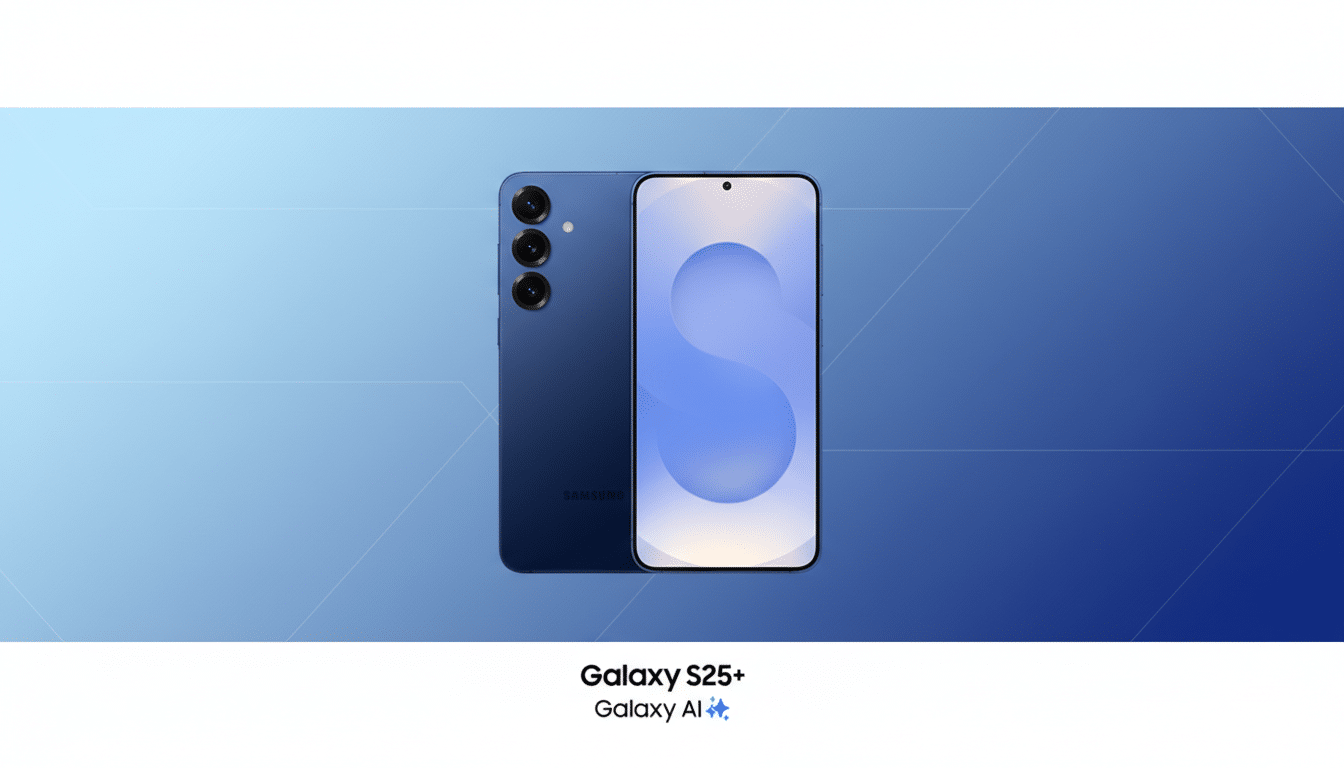
Android’s core tools have historically favored full-screen capture, so this is a meaningful enhancement at the system level. While some OEMs and desktop platforms have offered it for years, bringing the feature to Samsung’s flagship line makes it more accessible to mainstream users.
How It Works in One UI 8.5 on the Galaxy S25 Series
When you start a screen recording on a Galaxy S25 running the beta, One UI now presents two options: record the full screen or capture a section. Opt for the latter, and the software attempts to detect the most relevant region—typically the active app pane—while also letting you adjust the selection manually with on-screen handles before you hit record.
In practice, the auto-detection appears to rely on the visible app window boundaries, which works well for single-app scenarios like messaging, maps, or step-by-step tutorials. Power users can override the selection to zero in on a widget, a video player, or any rectangular area. A short clip shared by the well-known leaker Ice Universe demonstrates the tool working smoothly on a Galaxy S25 Ultra, and independent testers have corroborated its availability in the current beta build.
From a workflow perspective, keeping the capture area tight helps creators avoid censoring pop-ups later and cuts down on encoding overhead. That can translate into smaller files and faster shares without compromising clarity for the part that matters.
Why This Feature Matters for Everyday Samsung Users
For educators, support teams, and social video creators, partial recording is one of those quiet upgrades that pay off daily. Need to demo a single settings page? Capture it without showing incoming messages. Recording a game tip? Focus on the mini-map or inventory panel. Even privacy-conscious users gain peace of mind by avoiding full notification bars in their clips.
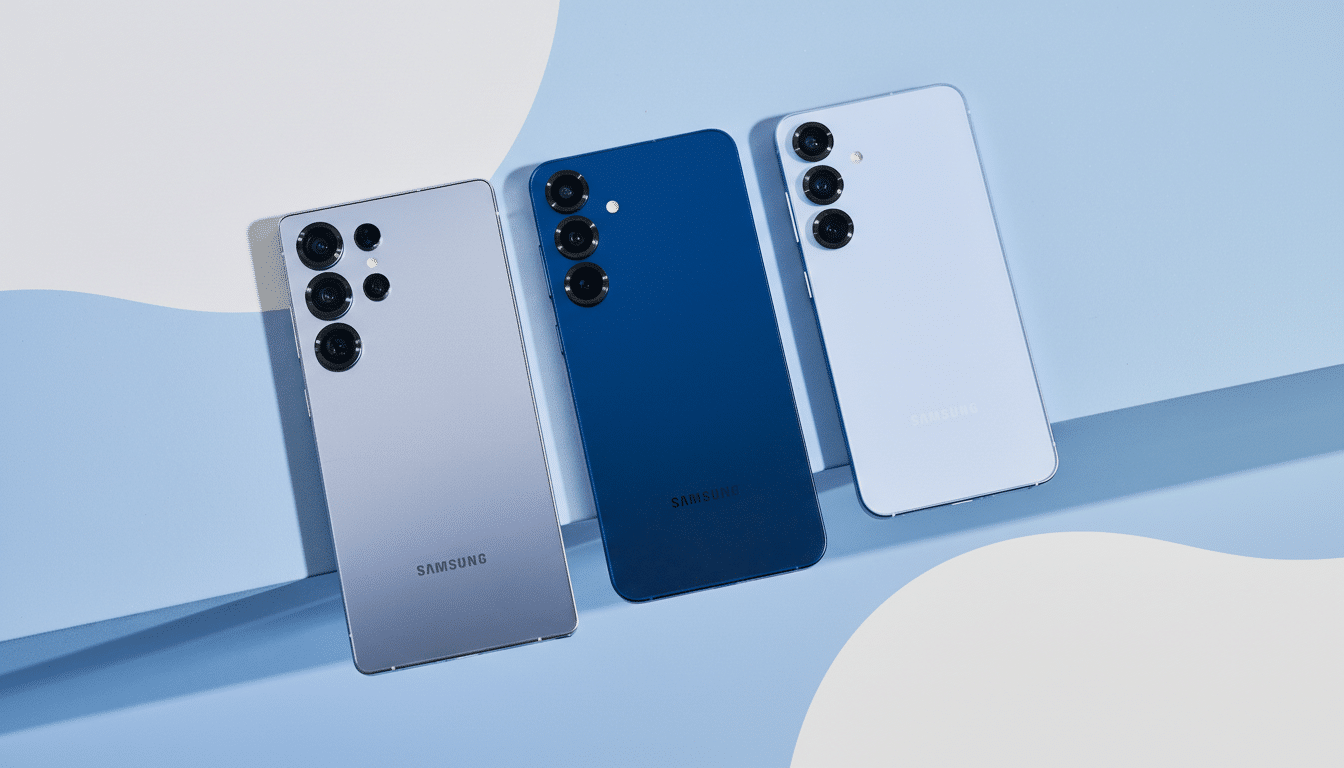
It also aligns with broader market trends. Rival Android brands, including OnePlus, have offered selective capture, and desktop platforms like ChromeOS, macOS, and Windows already let you record a portion of the screen. By integrating it into One UI, Samsung reduces the need for third-party apps and creates a more consistent experience across its phones, tablets, and, potentially, foldables—devices where large canvases make selective capture particularly valuable.
How It Compares Today and What to Expect Next
Unlike some third-party recorders that rely on overlays and can be flaky with system audio, a native implementation tends to be better optimized for stability, permissions, and power consumption. Expect tighter integration with Samsung’s existing recorder options, such as internal audio capture and mic mixing, and fewer compatibility issues with protected content or DRM windows, which typically remain blocked regardless of the tool.
Because the feature lives in beta, details can change. Performance, codec choices, and UI polish are still in flux, and the auto-detection model may improve as Samsung refines how it recognizes the most relevant region to capture. Early impressions suggest it already handles single-app views reliably, with manual controls there to catch edge cases.
Availability and Rollout for One UI 8.5 on Galaxy S25
The partial screen recording tool is live for testers using the One UI 8.5 beta on Galaxy S25 devices, including the Ultra. Samsung typically debuts its next stable One UI version alongside the year’s new flagship generation, and this cycle is expected to follow suit with the Galaxy S26. As usual, a broader rollout to recent models should follow in waves, subject to region, carrier certification, and device-specific tuning.
If you’re enrolled in the beta, you’ll find the feature in the standard screen recorder flow—accessible from Quick Settings or other launch points—where you can choose between full and partial capture before recording. For everyone else, this looks like a near-term upgrade that will come baked into Samsung’s next stable release.
Bottom Line: Why Partial Screen Recording Is a Big Win
Partial screen recording won’t grab headlines like an AI camera trick, but it’s a practical, everyday quality-of-life improvement. By building it directly into One UI 8.5 for the Galaxy S25, Samsung is giving creators, educators, and casual sharers a faster, cleaner way to capture only what matters—no cropping, no clutter, and no accidental oversharing.