


If you want to level up your Linux skills without diving into the deep end, NuTyX is the rare distribution that teaches by doing. It is minimal, fast to deploy, and intentionally hands-on, offering a practical path between beginner-friendly distros and source-based marathons. For learners who want to understand how a Linux system fits together, NuTyX hits a timely sweet spot.
Why NuTyX Hits the Linux Learning Sweet Spot
NuTyX is an independent, Linux-from-scratch project with its own packaging ecosystem. That independence matters: you’re not just memorizing commands from a monolithic family tree; you’re exposed to core concepts that translate across environments, from dependency management to service control and system layout. It’s challenging enough to be instructive, yet sane enough to use daily once you get your footing.
- Why NuTyX Hits the Linux Learning Sweet Spot
- What You Learn During a Typical NuTyX Install
- CARDS Teaches Real Package Management in NuTyX
- Desktop Choice Without Training Wheels in NuTyX
- Who Should Try NuTyX and What to Expect From It
- Why This Matters Right Now for Linux Learners
- Pro Tips to Get Started Smoothly with NuTyX
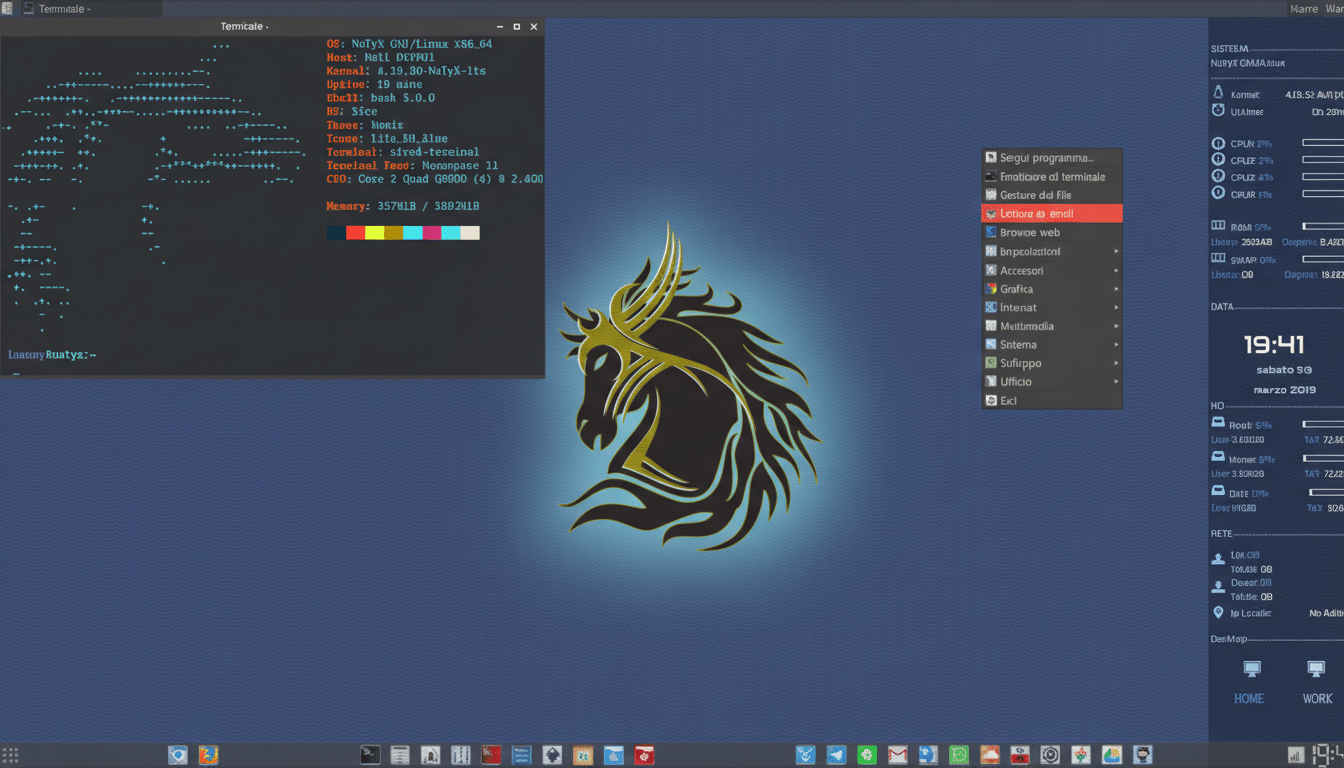
Unlike highly polished installers that hide complexity, NuTyX expects you to participate—without punishing you for it. You make choices, observe consequences, and quickly build muscle memory for the command line and system internals. That practical friction is what turns casual users into confident operators.
What You Learn During a Typical NuTyX Install
NuTyX favors a text-driven installer that gets you running in minutes. You’ll set a hostname, create a user, and choose what to pull in next rather than being showered with default bloat. Post-install, you’ll handle common tasks—enabling services, adding software, tweaking shells and editors—at the terminal. It’s a boot camp for everyday Linux literacy: reading logs, understanding the filesystem hierarchy, and managing permissions become part of your routine.
Because the system is lean out of the gate, everything you add is deliberate. That forces you to think about dependencies and roles—an invaluable mindset for SREs, sysadmins, and developers who maintain production systems.
CARDS Teaches Real Package Management in NuTyX
NuTyX swaps mainstream package managers for CARDS, a compact tool built around Create, Add, Remove, and Download System. It supports dependency resolution, binary packages, and curated “collections” that group related software. You’ll search, sync, and install from the terminal—no GUI front ends by design—gaining fluency that pays off on any server you touch.
Typical commands mirror what you already know but make the moving parts obvious. For example: cards search to discover packages, sudo cards install <name> to add them, sudo cards remove <name> to clean up, and sudo cards sync to refresh repositories. Collections listed in /etc/cards.conf—such as a minimal base, a CLI set, or broader GUI groups—let you scale from spartan to full desktop. Pulling a large collection can mean hundreds of packages and a longer first run, so plan accordingly.
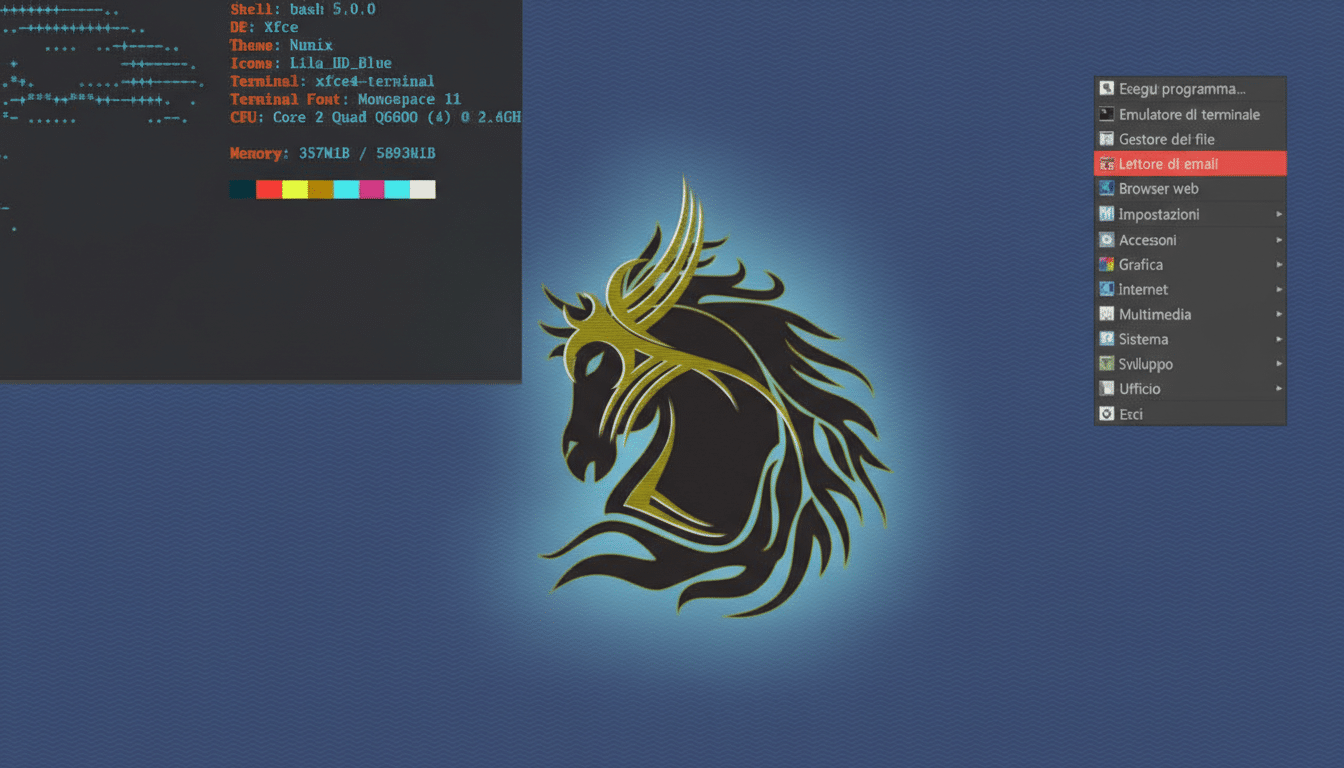
Desktop Choice Without Training Wheels in NuTyX
NuTyX offers spins for popular desktops like KDE Plasma, Xfce, and LXQt, but the experience remains intentionally uncluttered. You get a functional browser and a few essentials, then curate the rest—your terminal, editor, office suite, media tools—on your terms. That curation process teaches you how desktops assemble from components, from display managers to theming and app integration.
Who Should Try NuTyX and What to Expect From It
If you’re comfortable in a terminal, or you’re motivated to become so, NuTyX will reward the effort. It’s an excellent sandbox for developers, homelab builders, and students preparing for Linux certifications who want to go beyond cookbook tutorials. If you prefer a one-click, no-questions-asked setup, a beginner-oriented distro remains the safer bet.
Why This Matters Right Now for Linux Learners
Linux is quietly expanding on the desktop and loudly dominant in the cloud. StatCounter’s global tracking shows desktop Linux adoption climbing past 4%, while the Stack Overflow Developer Survey consistently ranks Linux among the most-used developer platforms. The Linux Foundation’s Open Source Jobs Report also highlights Linux proficiency as a top hiring priority. Being able to troubleshoot, package, and tune systems is no longer a niche skill—it’s table stakes.
Pro Tips to Get Started Smoothly with NuTyX
Spin up NuTyX in a virtual machine first and take a snapshot before major changes. After install, open /etc/cards.conf to review enabled collections, then run sudo cards sync before installing software. Add essentials deliberately—shell, editor, version control—then a desktop collection if you want a full workstation. Use man pages and cards help liberally; they’re short and precise.
Most important, keep notes. Treat your setup as a reproducible build: the commands you run today become the playbook you’ll rely on tomorrow. That habit, more than any single feature, is what turns NuTyX into a skill accelerator.