


Nova Launcher, one of Android’s most popular home screen replacements with 50M+ installs, is back to regular updates under new ownership — and many users say the latest build is breaking the basics. Reports point to setup crashes and disappearing icons just as the app’s new steward begins laying the groundwork for an ad-supported free tier.
User Reports Highlight Crashes And Missing Icons
Across multiple Reddit threads, users describe the launcher crashing immediately after installation or during the initial setup wizard. For some, the system surfaces a “keeps stopping” dialog each time Nova tries to load, effectively blocking access to the home screen until a fallback launcher is chosen.
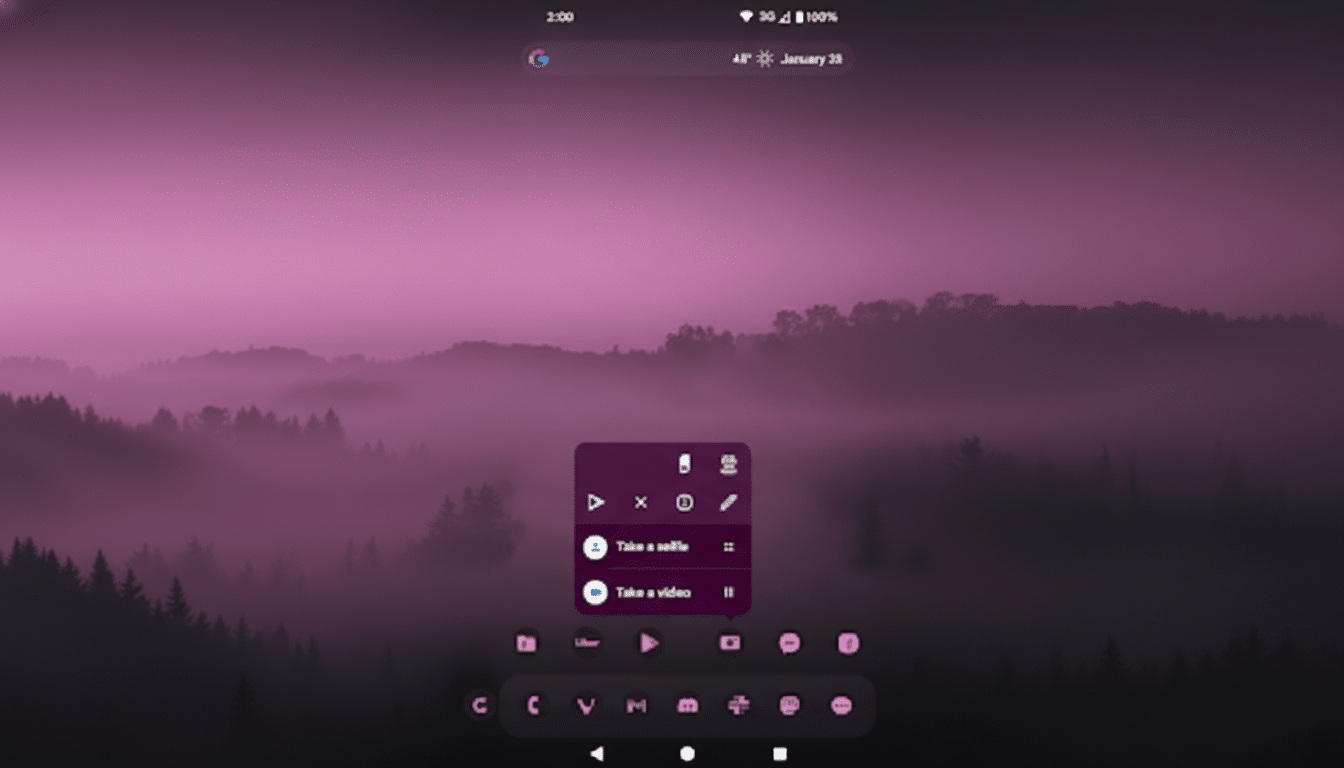
Others say home screen app icons vanish after unlocking the device or backing out of an app, leaving only the wallpaper until Nova refreshes. Not everyone is affected, but the pattern suggests the crash occurs early in onboarding while the icon rendering issue appears after routine transitions.
Importantly, the complaints span a wide range of devices — including recent Google Pixel, Samsung Galaxy, and OnePlus models — indicating the problems are not confined to a single OEM skin or chipset.
Ownership Change And An Ad-Supported Shift
The launcher’s previous owner, Branch Metrics, has sold Nova to Instabridge, a Swedish company best known for connectivity tools. Soon after, Nova began receiving updates that introduce an ad-supported free tier. Instabridge has said paid Nova Prime users will not see ads, a key assurance for long-time supporters who bought the upgrade years ago.
The monetization pivot — while common across Android apps — raises the stakes for stability. Launchers sit at the heart of daily phone use. Any regression in setup, icon caching, or gesture handling is immediately visible and erodes confidence during a sensitive transition period.
Version 8.2.8 Reaches Beta And Stable Channels
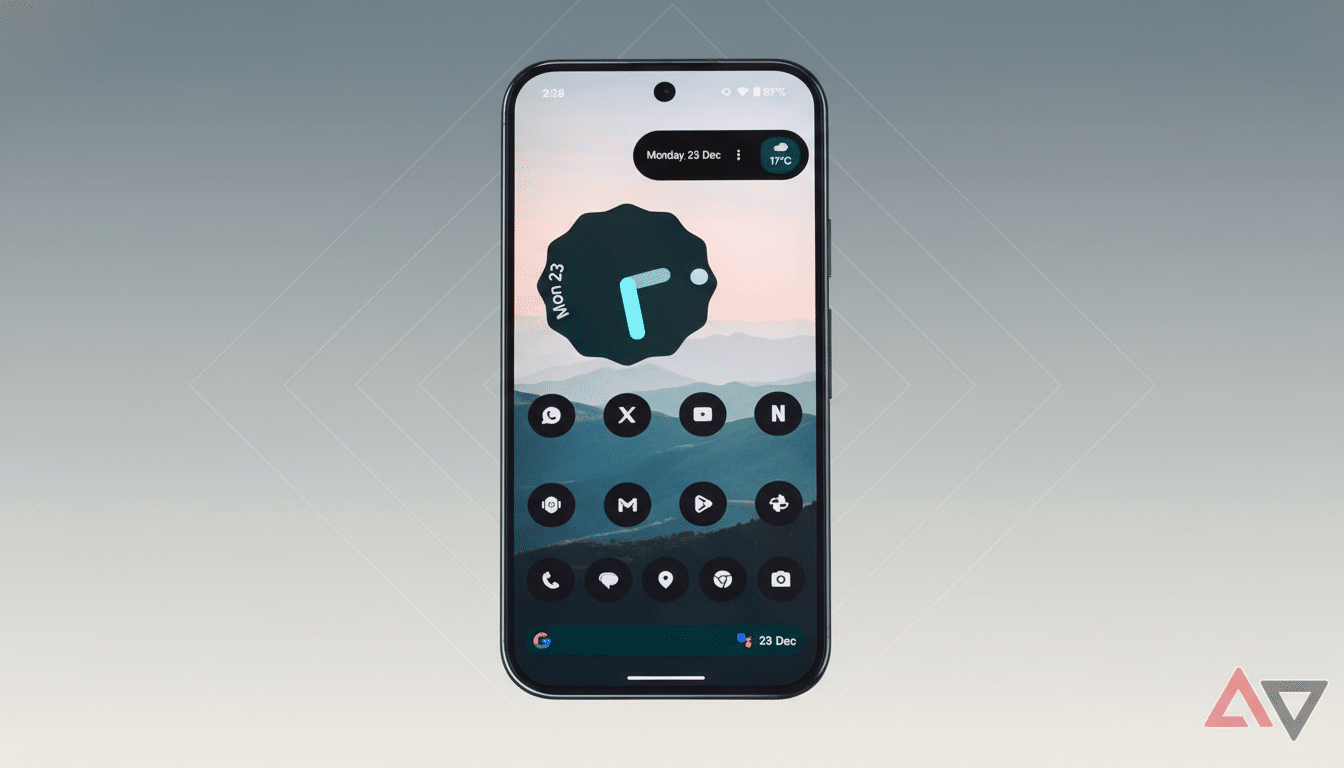
Users reporting issues largely cite Nova Launcher version 8.2.8, which has rolled out to both beta and stable tracks on the Google Play Store. Because the same build is hitting a broad audience, the bug exposure is wider than a typical beta-only misstep.
While the developers have not detailed root causes, expert testers note that launcher crashes during setup often stem from database migrations, permission prompts, or widget and icon pack indexing routines. Disappearing icons can be tied to draw-over permissions, adaptive icon caching, or launcher process restarts triggered by memory management. Any one of these can surface inconsistently across different ROMs and background restriction policies.
What Affected Nova Users Can Do Right Now to Troubleshoot
- Reinstall Nova and re-run the setup. If the crash persists, clear Nova’s cache and data, then set Nova as the default launcher again from system settings.
- Disable battery optimizations for Nova. Aggressive background limits can kill the launcher process, which sometimes manifests as blank home screens or delayed icon loading.
- Temporarily turn off automatic Play Store updates to avoid reapplying the problematic build. If necessary, roll back to an earlier Nova version by installing a previous APK from a trusted source, then restore your Nova backup.
- Report the behavior via the Play Store review form or in-app feedback so the developers can correlate logs with device models and configurations. Detailed reports — device, Android version, steps to reproduce, and whether icon packs or gestures are enabled — accelerate fixes.
Why This Matters For Android Power Users
Nova has long been the go-to launcher for granular control over gestures, iconography, and layout. Stability hiccups at the launcher layer disrupt muscle memory and make a phone feel unreliable, even if everything else is working fine. In a market with strong alternatives like Lawnchair, Niagara, and Smart Launcher — and capable OEM options such as Pixel Launcher and One UI Home — consistency is a competitive advantage.
A quick, transparent patch and clear communication from Instabridge could steady the ship. Until then, many loyal users appear to be holding on with workarounds or pinning to an earlier release while watching for the next build to restore Nova’s hallmark reliability.