


Google’s little teaching helper is getting more helpful in all the right ways. The latest NotebookLM updates include features that replicate what a great tutor does: assess your understanding, explain why an answer is correct, and accommodate how you prefer to learn. It’s not a teacher, but it’s getting closer to sounding like one.
Quizzes, flashcards and explanations on demand
NotebookLM can now generate multiple-choice quizzes and flashcards using your uploaded notes, linked PDFs or links, and then, as you answer, take you through the “why” behind each answer with a dedicated Explain button. This is more than just a nice-to-have. Cognitive science has demonstrated for decades that retrieval practice — or the act of pulling information out of brain — sets the brain to do far better at remembering than rereading does. In groundbreaking experiments led by researchers at Washington University, students who had practiced retrieving information had better recall on later tests than their peers who had re-read the material instead.
- Quizzes, flashcards and explanations on demand
- Alternative report formats for various learning goals
- The Learning Guide that learns you
- OpenStax Free textbooks for a solid foundation
- Audio Overviews improve and become more interesting
- Built for class as well as solitary study
- So, is a tutor replacement for this?
By allowing learners to create questions from their own materials and instantly unpack right answers, NotebookLM gradually steers studying practice into the evidence-based routines of high achieving students. It’s a similar concept to studying the modes in other AI tools, like the collaborative features that were added on top ChatGPT, but optimized for source-grounded review.
Alternative report formats for various learning goals
But beyond study aids, NotebookLM now generates outputs in more forms: research proposals, whitepapers, explanatory articles, concept overviews, even blog-style columns—on top of the previous study guides and briefings. For learners, that means you can pick the structure that makes the most sense for your task, whether you’re synthesizing a literature review or outlining a lab report.
The practical win is scaffolding. Beginners can choke on organization more than content. Preformatted templates also gave you an idea of how arguments should be shaped in the flow of citations, conclusions and so on, while keeping your own sources in the driver’s seat.
The Learning Guide that learns you
A new Learning Guide conversation format breaks down complicated concepts into bite-size pieces and then walks you through them, section by section, as you ask questions. It’s akin to the techniques of effective tutors, who minimize cognitive load by “chunking” concepts and sequencing practice, which is based in the cognitive load theory of educational psychologist John Sweller.
And, importantly, the Guide is designed to be open-ended. You not only get quizzed; you can also try probing and asking “what if” and get steered back until something makes sense. That kind of personalized direction is exactly what many students pay for in the one-on-one context.
OpenStax Free textbooks for a solid foundation
Google is using free, peer-reviewed textbooks from OpenStax, a nonprofit that is the product of Rice University whose titles are used by millions of high school and college students, to give the assistant a solid factual backbone. Beginning the notebooks with these texts decreases the chance the explanations will veer into dubious sources and grounds them in materials the teachers already trust.
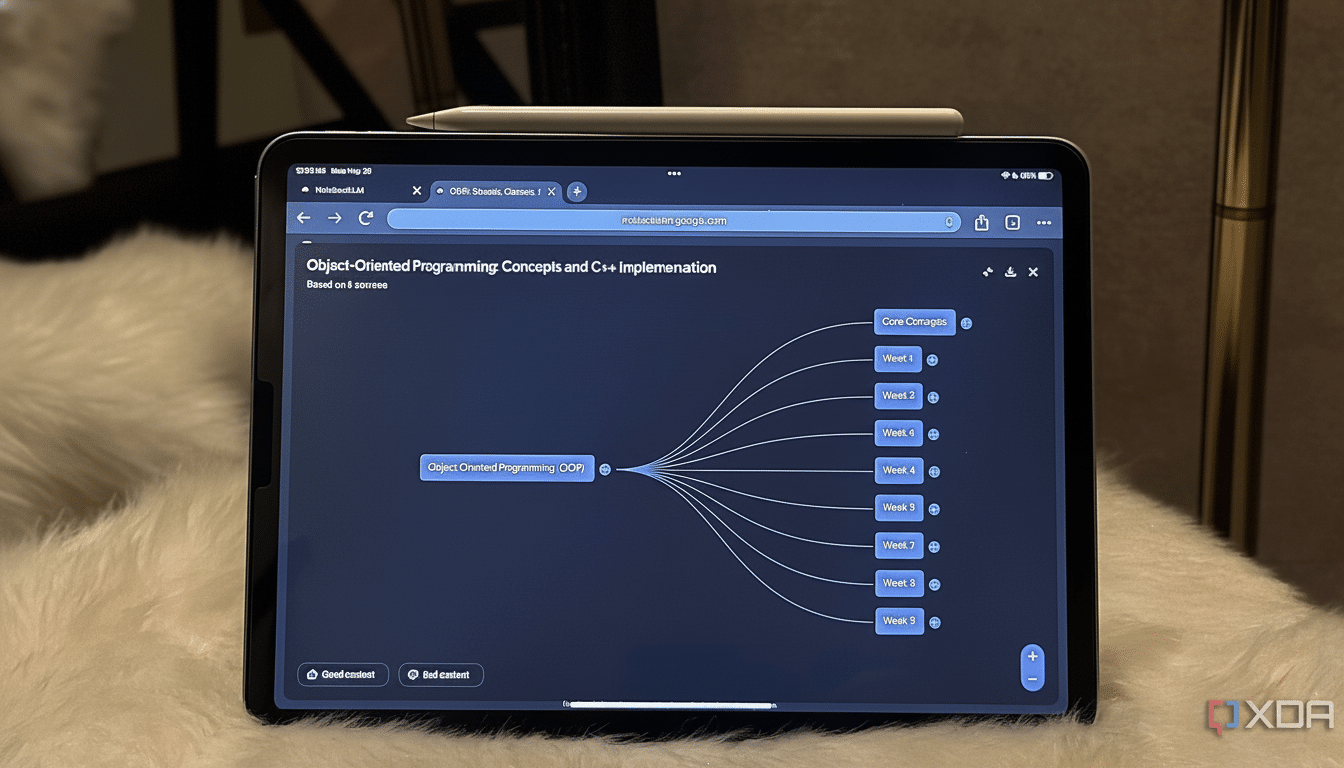
For students, that means flipping back to core biology, economics or math concepts, then adding your class notes on top, grounding the AI while personalizing your study experience.
Audio Overviews improve and become more interesting
Audio Overviews — NotebooKLM podcast like summaries–now including conversation styles like Brief, Critique, and Debate. The tonal see-saw isn’t just playful; listening to differing views or brief summaries can support dual coding, where combining verbal with aural aids enhances memory. It’s a useful alternative for commutes or rapid refreshers for a quiz.
Built for class as well as solitary study
Teachers can create notes and audio summaries and share them with classes via Google Classroom, including the ability to assign specific notebooks. That tightens the loop between what’s taught, and what students review, and it gives instructors a scalable way to generate differentiated materials without having to spend their evenings, as I once did, rebuilding slide decks.
The classroom angle matters. Reports from groups like the Education Endowment Foundation consistently show that feedback and structured practice help children to learn and improve; by providing teachers with it the means to collect and share tweaked AI-inspired lesson materials, we streamline that feedback cycle to be a little faster and lot more consistent.
So, is a tutor replacement for this?
Not yet—but it’s closer. Human tutoring at high dosage has produced large achievement effects, with a National Bureau of Economic Research review reporting that average effects are approximately one-third of a standard deviation. AI systems are not hitting that level consistently and still require oversight to prevent mistakes, hallucinations or superficial explanations.
What is clear is that NotebookLM is following the practices that work in human tutoring: active recall, structured explanations, adaptive pacing and high-quality source grounding.
For self-motivated learners, that package can go some way to closing the gap between ‘just reading’ and ‘actually learning’. Availability could be a slow rollout and may differ depending on region or language, but for many students and teachers, this is the most compelling argument yet to keep a study partner open alongside the textbook.