


Google is tightening the screws on wearable phone unlocks. Fresh evidence has emerged that, when Advanced Protection Mode is engaged in Android, Pixel Watch wearers will be unable to unlock their Pixel phones from the wrist; a compromise in order to achieve maximum security over ultimate convenience.
Strings identified within the latest Google Play Services beta build suggest that Watch Unlock will automatically be switched off when Advanced Protection Mode is activated. If adopted, the modification would prevent on-wrist unlocks and force users back to passcodes or biometrics until they toggle off the hardening mode.
- What the code reveals about Watch Unlock and protection mode
- Why tightening Watch Unlock under Advanced Protection makes sense
- What Pixel Watch owners can expect when Advanced Protection is on
- Context from other ecosystems and how wearables unlock compare
- A measured rollout and what’s next for Watch Unlock changes
- Bottom line: security over convenience when protection is enabled
What the code reveals about Watch Unlock and protection mode
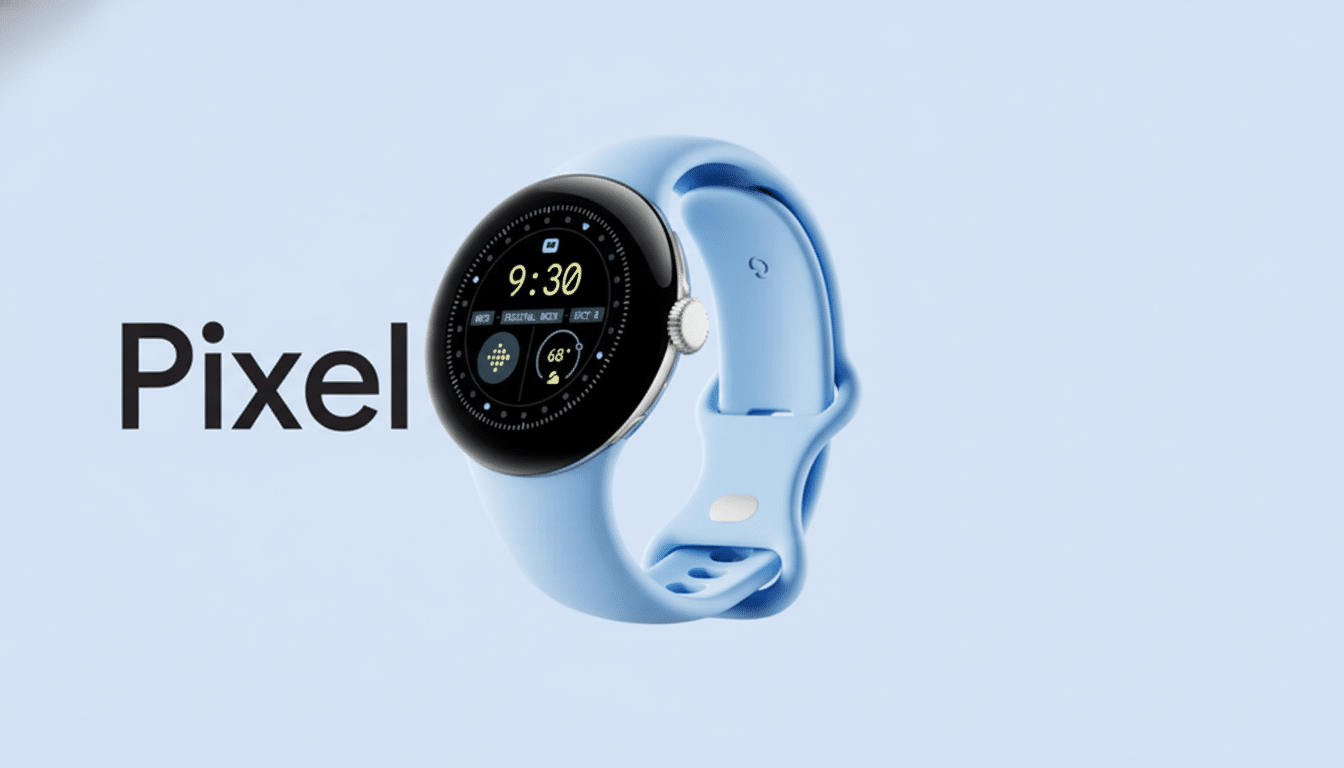
References and follow-ups from Google Play Services v25.49.31 beta apps, however, suggest that turning on Android Advanced Protection Mode will also disable the Watch Unlock feature of the Pixel Watch. The language of the app inside the framework reads more like an explicit policy flag: Advanced Protection on, Watch Unlock off. Turn off Advanced Protection and you can use Watch Unlock again.
APK teardowns are not gospel, but many of the noteworthy changes we discover in these files do end up taking place in the near future. As Watch Unlock is based on Google Play Services, the change can be pushed to users through a server-side or app update, without relying upon a full Wear OS or Android platform update.
Why tightening Watch Unlock under Advanced Protection makes sense
Advanced Protection Mode, which launched with Android 16, is meant to be a one-tap “highest security” setting. It raises the bar for all system components and first-party apps to decrease exposure to malicious software and attempts to induce users to divulge information or perform actions that they may not otherwise do. In that environment, proximity-based unlocks are an easy target since they’re more convenient to use yet inherently less secure than on-body biometrics or a device PIN.
Adversarial proximity and out-of-band authenticators are well-known attack models in security frameworks. NIST digital identity guidance advocates for strong, resistant factors and warns against those that can be inadvertently triggered or shared. A smartwatch that’s a key could, in corner cases, unlock your phone left on the desk when you’re close by—even if you didn’t mean for it to be unlocked at that particular time. The company has developed a new Advanced Protection Mode to help stamp out those edge cases.
What Pixel Watch owners can expect when Advanced Protection is on
As currently set up, it seems that enabling Advanced Protection Mode will prohibit your Pixel Watch from unlocking your phone. You’ll still be able to unlock the phone with a combination of your fingerprint, face (if available), or PIN/password directly on the phone. To get Watch Unlock back, you’d have to uncheck the box for Advanced Protection Mode and then re-check that same box in Settings.
Watch Unlock has ultimately been something of a friction reducer for me—especially when riding with gloves, after intense workouts, or when doing quick desk checks.
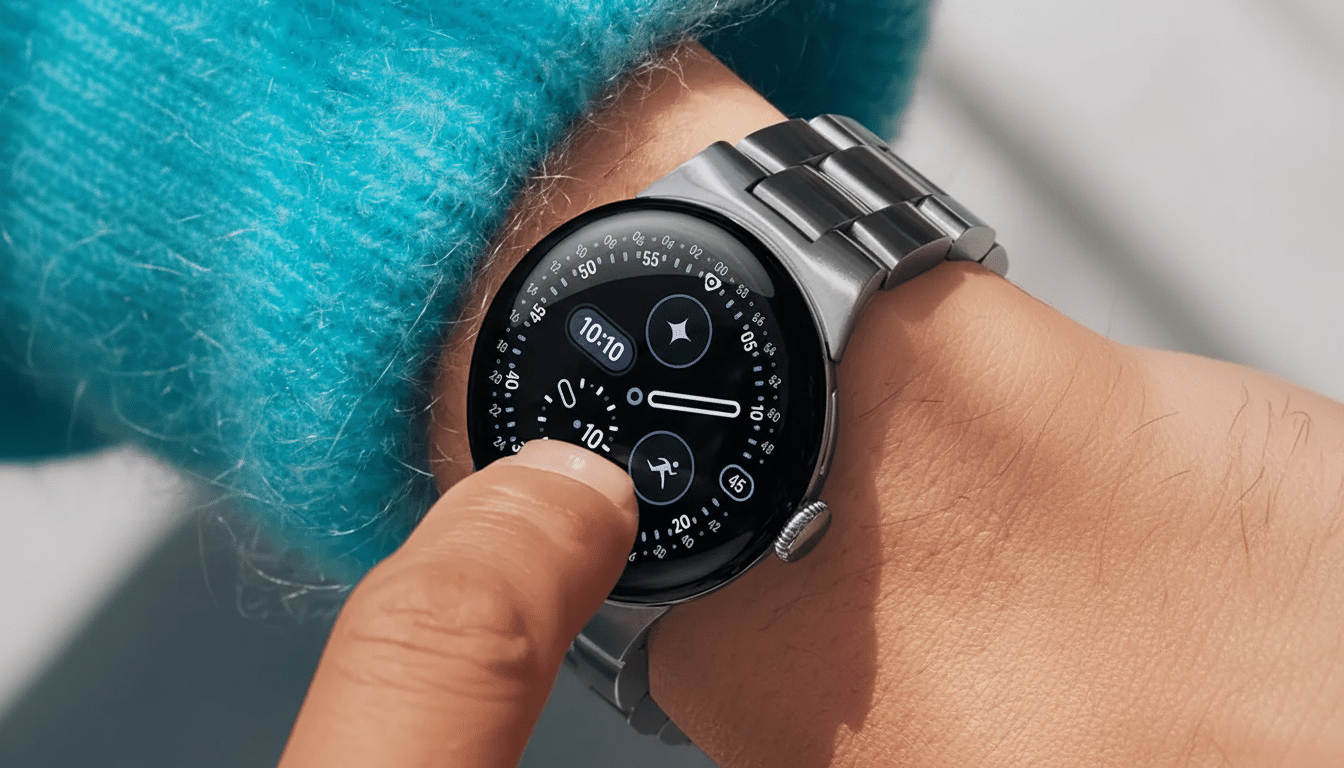
But users with above-average risk profiles, like journalists, admins, or those working with sensitive IP, might welcome the stricter stance. Google’s account-level Advanced Protection Program has been operating on a version of this same principle for years: add friction to shut down attack surface.
Context from other ecosystems and how wearables unlock compare
Google isn’t the only one with unlocks facilitated by wearables. Apple also has an option to do something similar in conjunction with Apple Watch, and Bluetooth proximity unlocks for laptops have been coming and going for years. Industry-wide, we’re seeing more vendors gate off these features—bystander unlocks, relay risks, or policy requirements in enterprise scenarios. The change of heart on Pixel just fits into that larger trend toward trust with conditions.
A measured rollout and what’s next for Watch Unlock changes
Since it’s controlled by Google Play Services, expect a staged rollout or A/B testing before it becomes universal. Enterprise-managed phones could experience it being enforced at a faster rate, too, as security policies can require Advanced Protection Mode. Consumer devices might get helpful prompts so people understand why their watch no longer unlocks the phone when in high-security mode.
It’s worth noting that Google has been looking more into richer Watch Unlock features like opening approved apps on your phone directly, once the phone itself gets unlocked. If that effort carries on, I’m betting that option will be available only when Advanced Protection Mode is off, keeping a bright line between convenience features and the hardened posture.
Bottom line: security over convenience when protection is enabled
The most obvious change is a simple matter of priorities: security over wrist-based unlock.
Retain convenience, and accept that you assume a little more attack surface. Most people just leave Watch Unlock comfortably in the middle most days. For those in need of the strongest protections, Google’s decision to disable it under Advanced Protection Mode was reasonable, expected, and probably overdue.