


Switching from Windows to Linux doesn’t have to feel like learning a new operating system from scratch. VailuxOS is a newcomer built specifically to soften that transition, blending a Windows-like desktop with a rock-solid Debian foundation. It aims to remove the usual pain points—unfamiliar interfaces, app hunting, and network setup—so more users can move confidently without giving up productivity.
A Familiar Desktop Experience Without Unnecessary Bloat
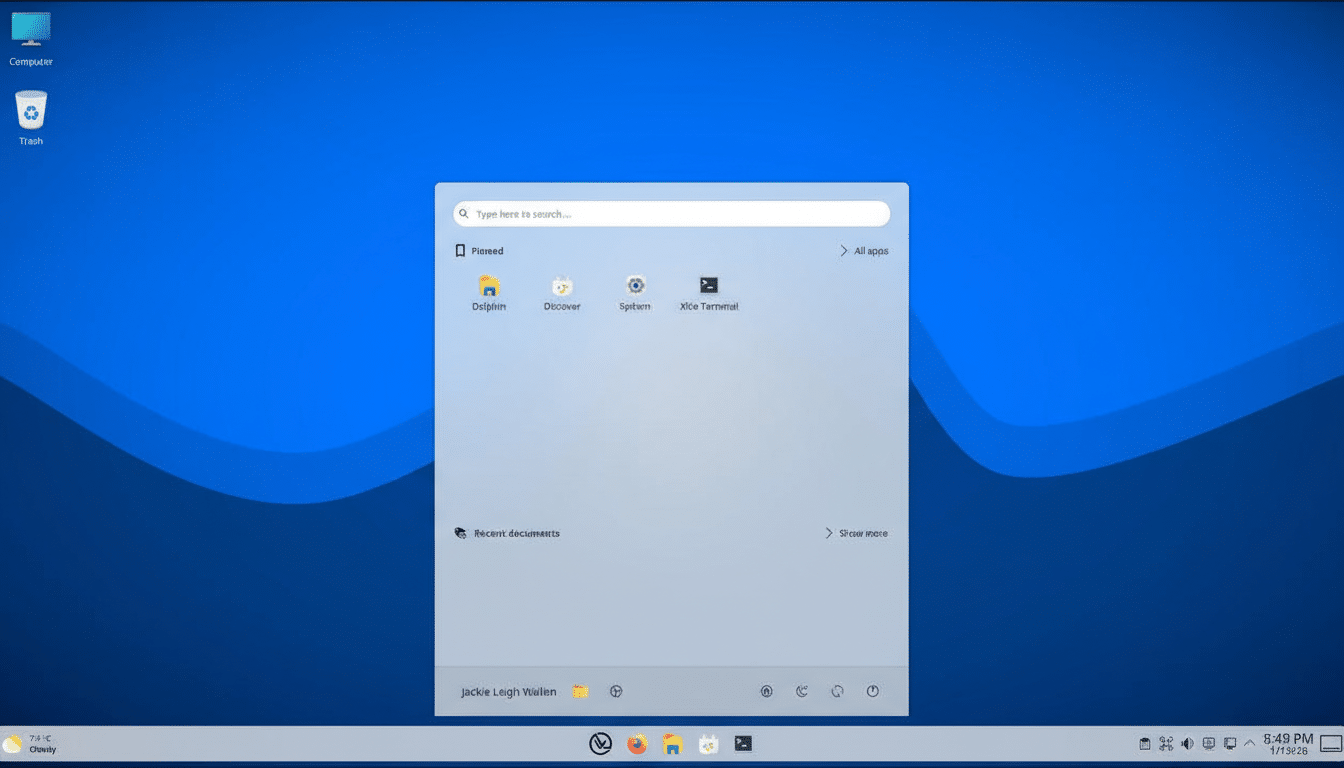
VailuxOS ships with KDE Plasma configured to look and behave like modern Windows. The application menu sits centered on the panel, the system tray provides quick toggles, and a “Computer” icon opens the file manager where you expect it. The result: instant recognition for taskbar workflows, right-click habits, and window management—without forcing you into a radically different desktop paradigm.
- A Familiar Desktop Experience Without Unnecessary Bloat
- Installation Steps And What To Expect On First Boot
- Apps And Compatibility Options For Windows Switchers
- Simple File Sharing And Home Networks Made Easy
- Performance, Stability, And Privacy Considerations
- How To Switch From Windows To Linux In A Weekend
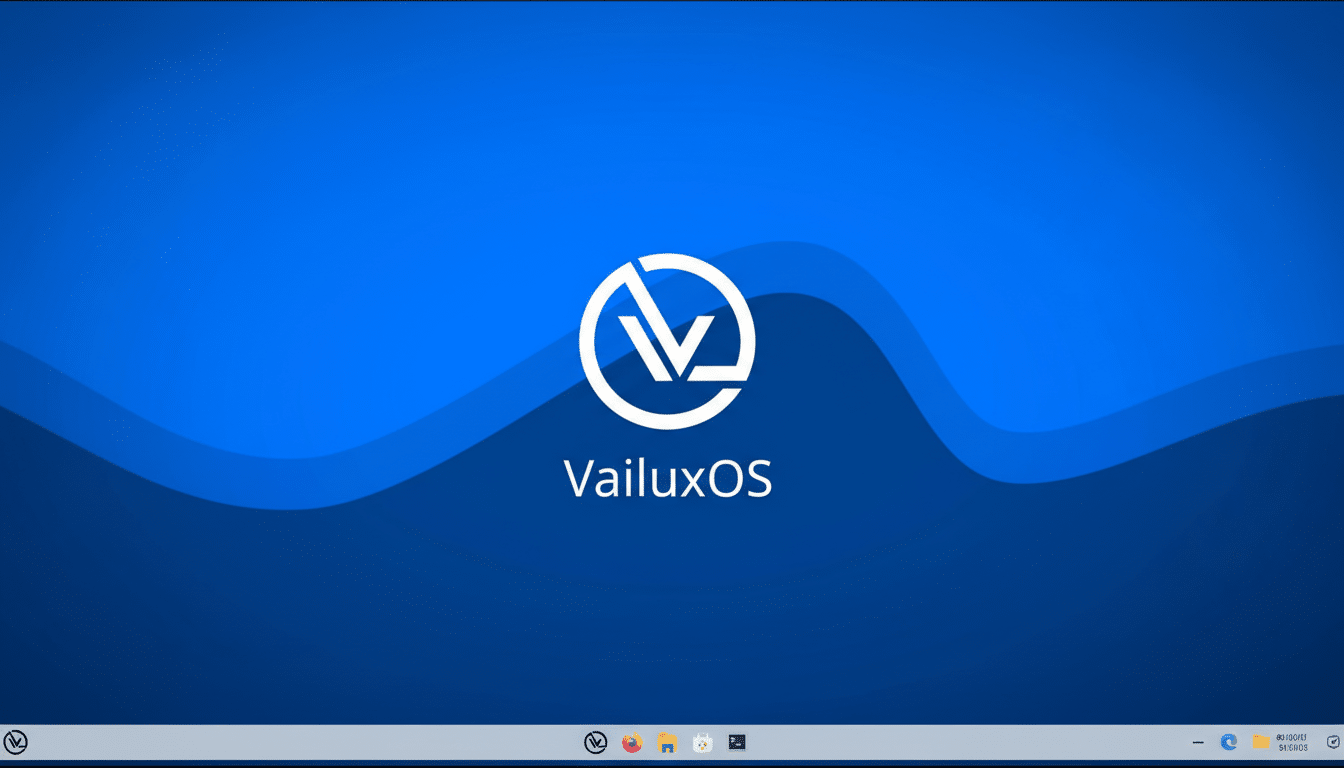
The developers also resist the temptation to preload every app under the sun. Instead, VailuxOS presents a clean starting point and lets you install what you actually use. That keeps the system snappy and uncluttered, while Debian’s mature base supplies thousands of vetted packages and years of maintenance. It’s a pragmatic mix of familiarity and restraint.
Installation Steps And What To Expect On First Boot
Setup follows a straightforward path: write the ISO to a USB drive, boot, and run the guided installer. You can keep Windows and dual-boot or dedicate the whole disk—either way, back up first. After the install, check the keyboard layout in the system tray to ensure it matches your hardware; a mismatched layout can trip up password entry. A quick visit to the software updater puts you on the latest packages immediately.
VailuxOS integrates KDE Discover as an easy app storefront. Flatpak support is enabled out of the box for a broad catalog and sandboxed installs, while Snap is available to turn on if needed. Standard Debian APT repositories cover the rest. If you rely on document fidelity, you can add Microsoft core fonts from the Debian archives, and media codecs are a few clicks away.
Apps And Compatibility Options For Windows Switchers
Discover makes the basics simple: install Firefox or Chromium for browsing, LibreOffice or OnlyOffice for documents, and familiar tools like VLC, Telegram, or Spotify through Flatpak. For Windows-only programs, Wine and user-friendly frontends such as Bottles provide a click-first approach to compatibility layers. Gamers can lean on Steam with Proton, benefiting from Valve’s multi-year push to make Windows titles run well on Linux.
The broader trend is encouraging. StatCounter reported that Linux desktop share topped 4% in 2024, its highest to date, a signal that hardware makers and software vendors increasingly consider Linux in their release plans. That momentum is visible in better driver support, more native downloads, and richer Flatpak availability—useful tailwinds for anyone crossing over now.
Simple File Sharing And Home Networks Made Easy
One standout convenience is how VailuxOS handles local file sharing. Right-click any folder in the file manager, open Properties, and use the Share tab to expose it over your network. The tool handles Samba configuration and even prompts you to set a Samba password via a graphical dialog. That means colleagues on Windows can access \\your-computer\your-share without you touching the terminal.
Performance, Stability, And Privacy Considerations
Debian’s reputation for stability underpins the experience: predictable updates, conservative defaults, and backports for newer hardware when needed. KDE Plasma is efficient and responsive on modest machines, and Flatpak’s sandboxing adds a security layer with permissions you can audit in Discover. The project states it collects no telemetry, aligning with the privacy expectations many users cite when leaving proprietary platforms.
In real-world testing on a mid-range virtual machine with 10GB of RAM, VailuxOS remained responsive while running a local AI model via Ollama (a ~2GB download). It wasn’t the absolute fastest we’ve tried, but it matched the smoothness of other Debian-based Plasma desktops—encouraging for creative workloads and light development alongside everyday tasks.
How To Switch From Windows To Linux In A Weekend
Start with a live session to confirm Wi-Fi, Bluetooth, and graphics work as expected. Inventory your Windows apps and map them to Linux equivalents, using Wine or Bottles only for the essentials that truly lack native options. Sign into cloud services to sync files, install fonts and codecs, and set up backups with Timeshift or the KDE Kup utility. When you’re comfortable, migrate fully or keep a dual-boot safety net for a while.
Bottom line: VailuxOS feels purpose-built for Windows converts. Its Windows-like KDE layout, minimal preinstalls, Flatpak-first app strategy, and hand-holding Samba sharing remove common barriers that derail newcomers. There are other friendly on-ramps—Zorin OS and Linux Mint routinely earn praise—but VailuxOS is a compelling, stable alternative that makes the jump to Linux feel refreshingly uncomplicated.