


After weeks of testing on real projects, I’m calling it: Modicia OS is my new go-to Linux distribution for creative work. It’s fast, preloaded with the right tools, and tuned in ways that matter when you’re juggling audio sessions, video timelines, and graphics assets. For creators who want a system that’s ready on first boot, this distro lands in a sweet spot that many general-purpose Linux builds miss.
Why Modicia OS Stands Out For Modern Creators
Built on Debian, Modicia benefits from a famously stable base while shipping a studio’s worth of software out of the box. The project has roots stretching back to 1998, but the current experience feels thoroughly modern: polished theming, sensible defaults, and a multimedia-first mindset. The result is a distribution that minimizes setup time and maximizes creative time—exactly what working professionals care about.
- Why Modicia OS Stands Out For Modern Creators
- Performance Tweaks You’ll Feel Immediately
- The App Stack That Ships Ready To Work Out Of The Box
- A Practical Video Editing Reality Check For Linux
- Thoughtful Desktop For Focused, Efficient Work
- Networking And File Transfer Caveats For Creators
- Pricing And Who It Fits In Creative Workflows
Performance Tweaks You’ll Feel Immediately
Even on a modest test rig, Modicia felt snappy. Window effects stayed smooth, apps launched quickly, and low-latency audio behaved as expected under load. The maintainers clearly spent effort on system-level optimizations and multimedia plumbing, including preconfigured JACK for audio routing. For editors, the payoff is tangible: fewer stalls while scrubbing, faster responsiveness when stacking filters, and less time chasing buffer hiccups.
Hardware still rules in media work, of course. Puget Systems’ workstation benchmarks regularly show how GPU acceleration—especially with Nvidia’s CUDA and NVENC—can cut render times significantly in apps like DaVinci Resolve. Modicia won’t replace a strong GPU, but it won’t bottleneck one either, which is precisely the point.
The App Stack That Ships Ready To Work Out Of The Box
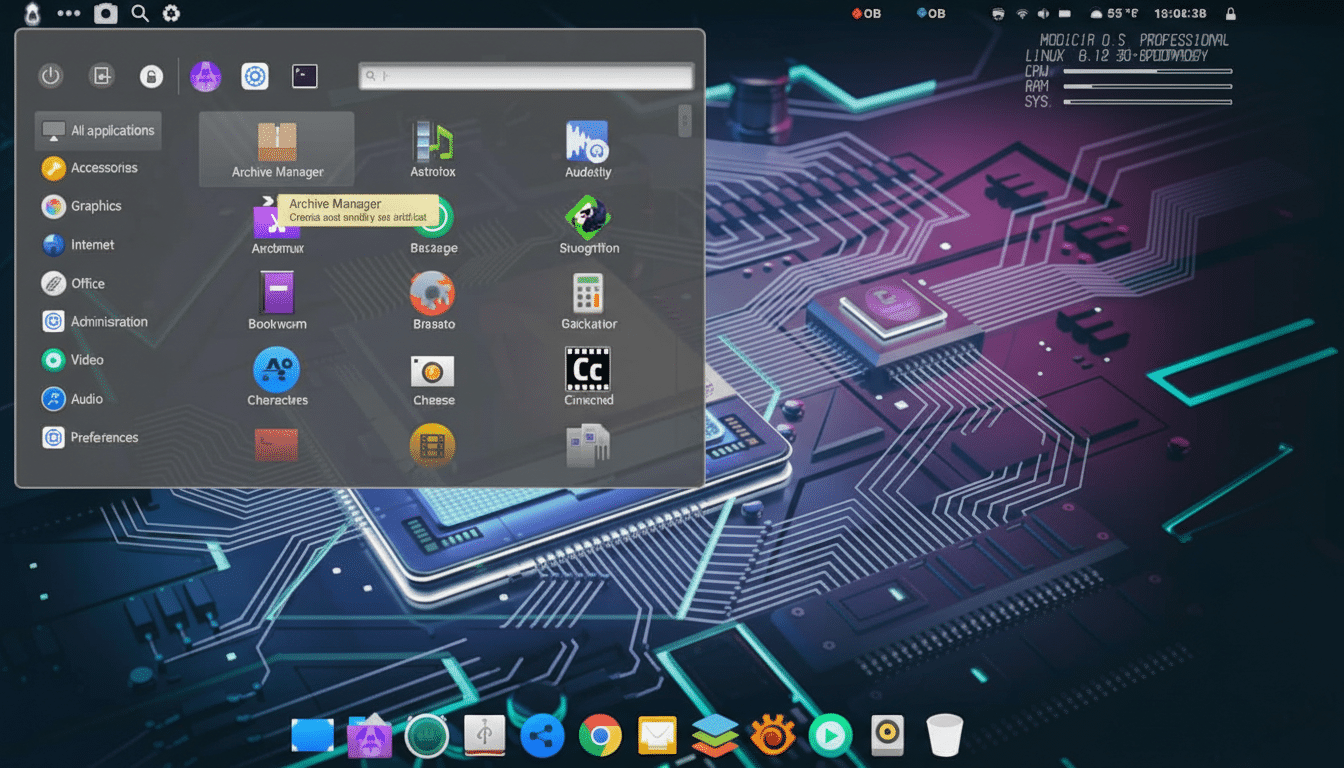
Modicia arrives with a creator’s toolbox already laid out: Ardour and Audacity for audio, Kdenlive and Avidemux for video, OBS Studio for streaming and capture, GIMP and Inkscape for image and vector work, HandBrake for transcodes, Natron for node-based compositing, and MKVToolNix for container wrangling. Utilities like EasyTag, FontForge, and FileZilla round out the workflow basics. There’s even an AI Copilot onboard—handy for ideation or quick research—though some creators will prefer local models for privacy and offline work.
Crucially, everything is coherent. Codecs, audio routing, and desktop effects don’t fight each other. For many creators, this single install covers 90% of day-to-day tasks without hunting through repos or tweaking dotfiles.
A Practical Video Editing Reality Check For Linux
Yes, DaVinci Resolve on Linux shines with the right hardware—namely an Nvidia GPU with proprietary drivers. Blackmagic Design’s Linux build expects that environment, and when you meet it, playback and exports are stellar. On a VM or on unsupported GPUs, it’s a nonstarter. For lighter projects, Kdenlive has matured considerably, with real-time previews, LUT support, and proxy workflows, though Resolve still leads in color and collaboration features. If your pipeline is Resolve-centric, pair Modicia with a capable Nvidia card and you’re in business.
Thoughtful Desktop For Focused, Efficient Work
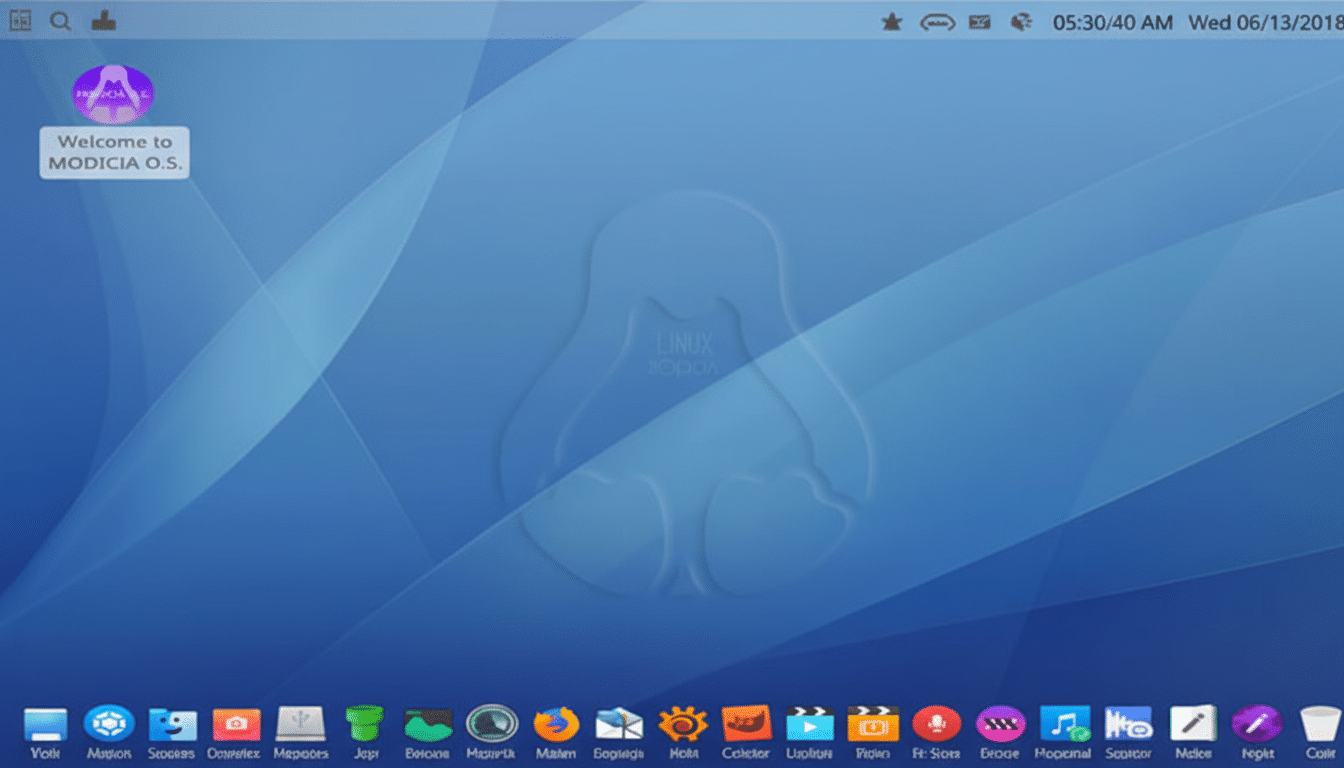
Modicia uses a heavily customized Cinnamon desktop that can feel strikingly close to a streamlined GNOME experience, complete with a clean application overview. Prefer a classic app menu? It’s right there at the top-left. The theming is tasteful, fonts are legible, and the layout stays out of your way. It’s a rare case where the desktop helps you move faster without demanding that you relearn muscle memory.
Networking And File Transfer Caveats For Creators
One odd inclusion is LAN Share, which hasn’t seen an update since 2017. It still works for small, ad-hoc transfers, but I’d recommend more current tools like Warpinator from the Linux Mint team or NitroShare for simple peer-to-peer moves. For big footage, a NAS with 2.5GbE or better—using NFS on Linux—beats typical SMB throughput. The Samba project notes that CPU and network configuration can heavily influence speeds, so creators moving multi-gig files should plan their storage as seriously as their GPUs.
Pricing And Who It Fits In Creative Workflows
There’s a Pro edition priced at 19.90 EUR, which is modest compared to what many editors spend on plugins alone. With desktop Linux surpassing 4% global share according to StatCounter, purpose-built distributions like Modicia are making the platform more approachable for media pros who value predictability and performance.
If you create audio, video, or graphics and want a Linux setup that behaves like a ready-made studio, Modicia OS deserves a serious look. Add an Nvidia GPU for Resolve-heavy workloads, and you have a fast, reliable, low-friction workstation. For me, it’s the rare distro that lets the craft take center stage—exactly how a creative system should feel.