


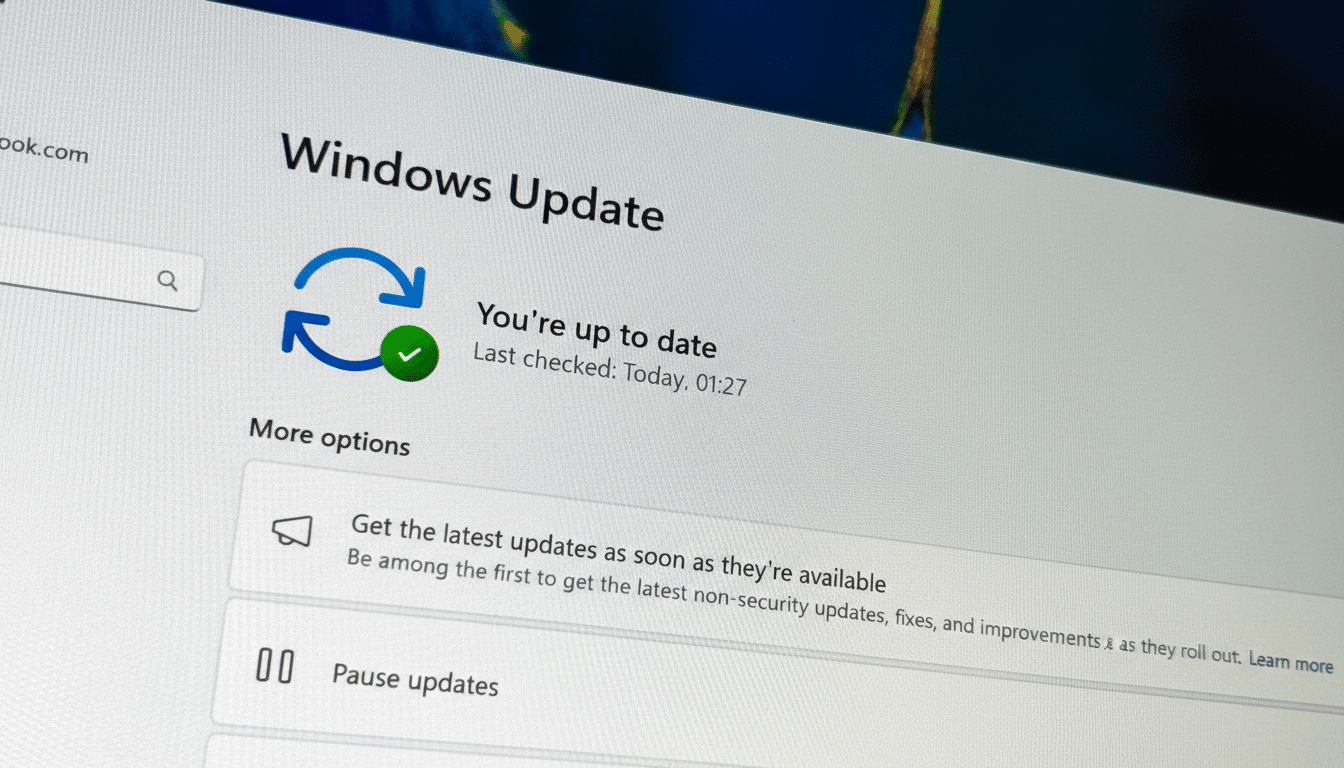
Microsoft is signaling that the next Patch Tuesday for Windows 11 will be more than routine cleanup. In testing now via Preview Update KB5074105, the release promises deeper cross-device features, security and manageability tweaks, and a raft of bug fixes. The big question is whether it actually resolves the day-to-day frustrations users report — from File Explorer quirks to overzealous security prompts.
What Microsoft Is Promising in the Next Windows 11 Update
Cross-Device Resume, Microsoft’s answer to seamless handoff, is being expanded beyond basic app continuity. Testers can resume Spotify playback, pick up Word, Excel, or PowerPoint files, and continue browsing sessions initiated in the Vivo Browser on supported Android devices from brands like Samsung, Honor, Oppo, Vivo, and Xiaomi. Microsoft says online files opened through the Copilot app can now be resumed on PC too, tightening the phone-to-desktop loop without resorting to email or cloud workarounds.
Musicians and producers get a quiet but meaningful win: the Windows MIDI service now embraces both MIDI 1.0 and MIDI 2.0 with shared ports, custom naming, performance gains, and bug fixes. The MIDI Association has called 2.0 the most significant upgrade to the spec in decades, and this brings Windows closer to parity with pro audio expectations. Developers will need separate App SDK and Tools packages available from Microsoft’s Windows MIDI Services resources.
Quality-of-life touches show up across the shell. The Device information card moves to the Settings Home page for faster access to CPU and model details — a tiny change, but one that reduces clicks for admins and support teams. File Explorer receives tuning for navigation responsiveness, a lock screen freeze has been addressed, and a long-annoying bug that shuffled desktop icons when opening or renaming files has been quashed.
Security and manageability changes coming to Windows 11
Smart App Control (SAC) — Microsoft’s reputation- and AI-based app blocking — is getting a vital management overhaul. Users can now turn SAC off at any time, rather than being stuck with the initial configuration that previously could require a full reinstall to change. Microsoft’s own documentation has acknowledged false positives; this new toggle should reduce needless friction for developers, power users, and IT desks troubleshooting trusted tools.
Windows Hello Enhanced Sign-in Security expands to work with external fingerprint readers, not just built-in sensors. That’s a boon for desktops and specialty hardware that rely on USB peripherals. For organizations aligning to FIDO2 and zero-trust principles, broader hardware support can speed up secure sign-in rollouts without swapping machines.
Microsoft is also expanding language coverage for the on-device settings assistant in Windows 11. The agent now understands a wider slate of languages — including German, Portuguese, Spanish, Korean, Japanese, Hindi, Italian, and Simplified Chinese — letting more users change system settings via natural language instead of hunting through menus.
Accessibility and input upgrades arriving for Windows 11
Narrator gains granular control over what gets spoken and in what order, including how on-screen controls are announced. That reduces cognitive load for screen reader users and mirrors guidance from accessibility researchers who argue that predictable verbosity controls lower error rates.
Voice users get two notable refinements. Voice Access now opens with a clearer onboarding wizard that helps download language models, connect microphones, and explain core commands. Voice Typing adds a Wait Time Before Acting setting to delay command execution, improving accuracy for different speech patterns. Together, these changes move Windows closer to frictionless, hands-free operation.
Will it fix what’s broken in everyday Windows 11 use?
Some recurring pain points are directly targeted — File Explorer responsiveness, lock screen hangs, and the errant desktop icon shuffle. But plenty of user complaints cataloged in the Windows Feedback Hub go beyond what’s listed here: intermittent Start menu search hiccups, occasional taskbar oddities, and context menu sluggishness that flares under heavy OneDrive sync or large directory operations. Microsoft’s Windows Release Health dashboard typically flags these as “known issues” when widespread, and the current preview notes don’t explicitly claim sweeping fixes in those categories.
Security friction should ease meaningfully with the new SAC toggle, and external Hello support will help enterprises standardize authentication without hardware churn. For creative pros and hobbyists, the MIDI overhaul is the sleeper feature — shared ports and 2.0 support can remove entire layers of middleware from studio setups. And for the broader base — roughly 30% of Windows desktops by StatCounter’s estimates — the small layout and accessibility improvements may deliver the most visible day-to-day payoff.
The verdict: this looks like a substantive quality-of-life and enablement update rather than a cure-all. If your top frustrations are Explorer lag, strict SAC behavior, or limited biometric options, you’ll likely notice relief. If you’re waiting on deeper shell performance overhauls or comprehensive search indexing fixes, you may need to keep watching the release notes.
What users should do now before the Windows 11 rollout
Those eager to try features early can install the optional preview via Windows Update, but back up first and note that preview builds can introduce regressions. IT admins should validate SAC behavior, test external fingerprint sensors against policy baselines, and confirm that critical line-of-business apps aren’t caught by reputation filtering. Everyone else can wait for the broad rollout and monitor Microsoft’s Windows Release Health page for any newly surfaced issues.
Momentum matters: when incremental fixes arrive in clusters, Windows 11 feels faster, safer, and less fussy. This patch has the right ingredients. Now it’s on Microsoft to land it cleanly — and on users to report what still needs attention.