


You can get a single Windows license for Microsoft Office Professional Plus 2019 for less than $20 — that’s around 91% off typical list pricing of more than $200. For people sick of renting software, this is a relatively rare opportunity to own the core Office apps outright and not pay any ongoing fees.
What the $20 Office Professional Plus 2019 deal means
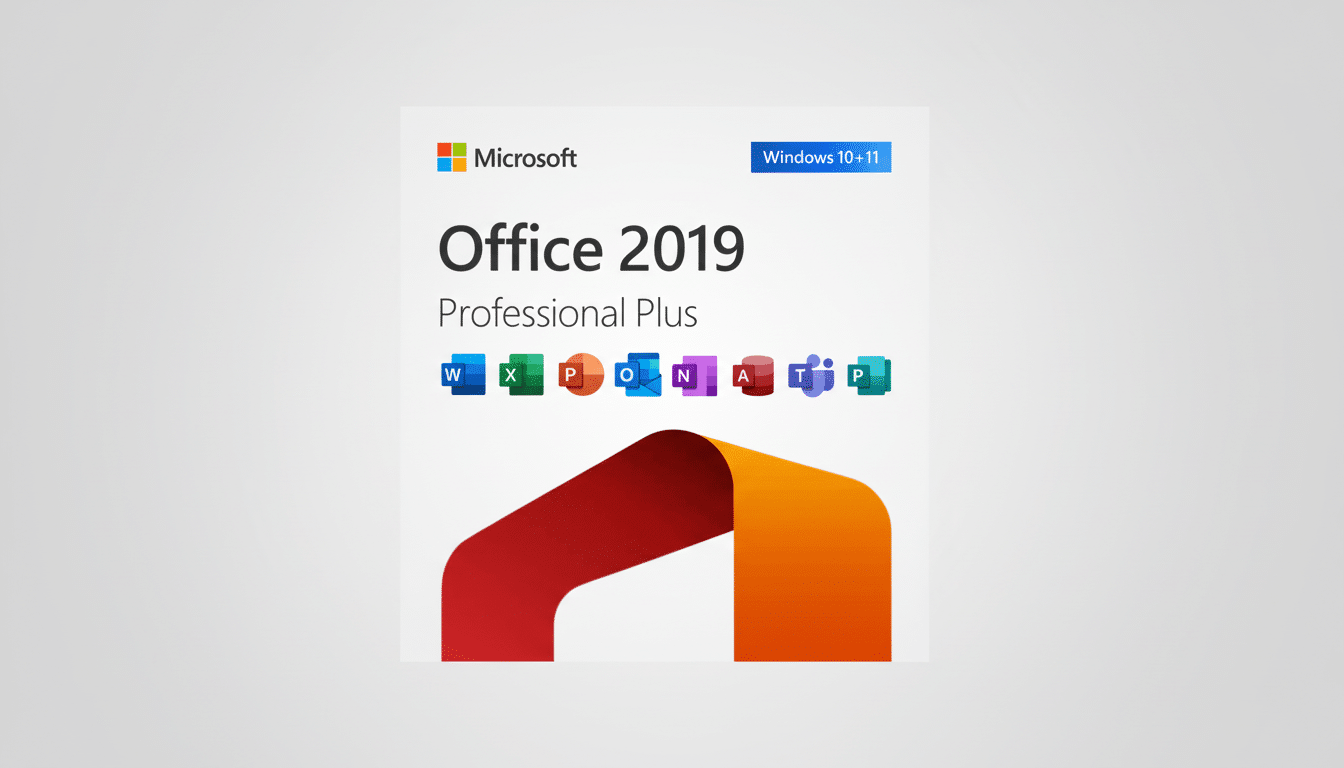
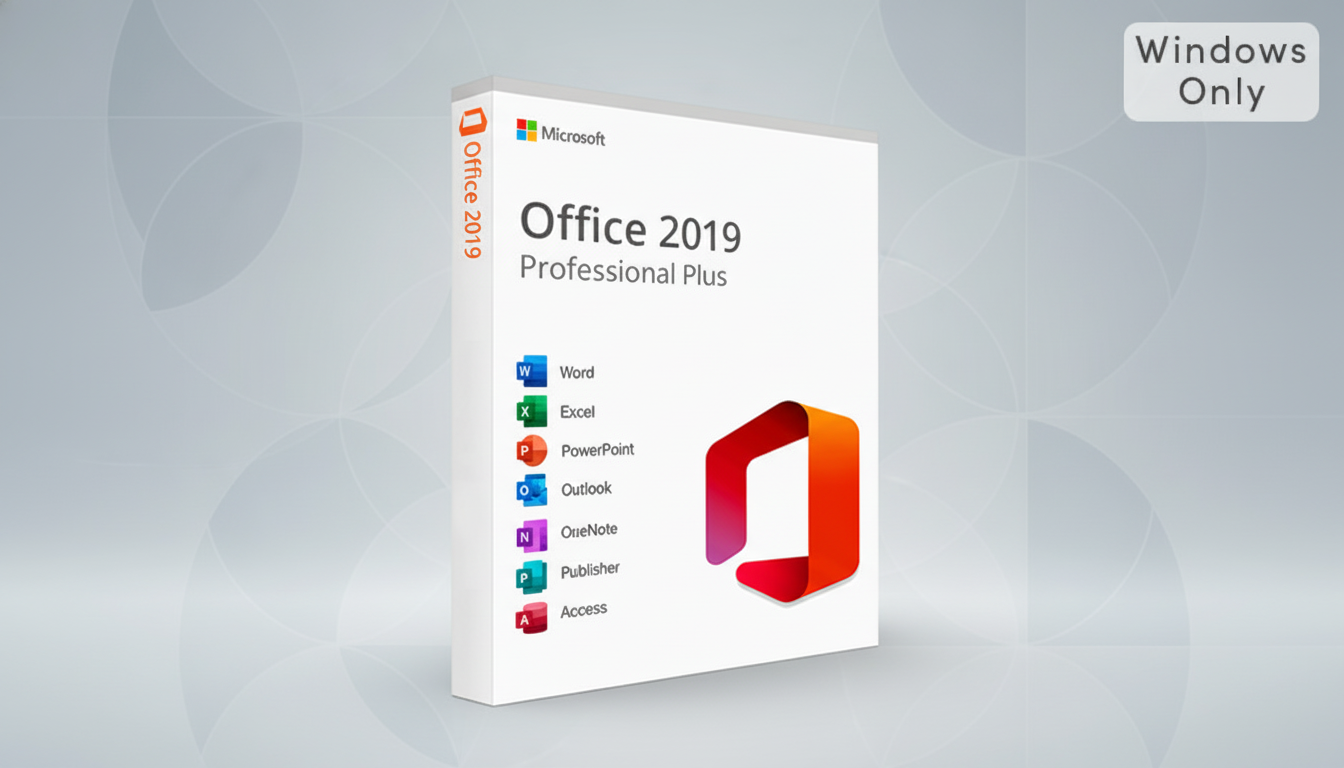
The deal includes Office Professional Plus 2019 for one Windows 10 or Windows 11 PC, offering classic desktop versions of Word, Excel, PowerPoint, Outlook, OneNote, Publisher, and Access. It’s an install-only product — local installation activation on a single machine — and you’ll receive ongoing security and reliability updates in the 2019 branch. You won’t get the latest AI add-ons or a raft of bundled cloud storage, but you do get the stable, full-fat desktop apps that many offices around the world depend on every day.
- What the $20 Office Professional Plus 2019 deal means
- How a $20 Office 2019 license compares with Microsoft 365
- Compatibility and support realities for Office 2019 on Windows
- Legitimacy checks to do before purchasing an Office 2019 key
- Who the $20 Office Professional Plus 2019 license is for
- Bottom line: is a $20 Office Professional Plus 2019 key worth it?
How a $20 Office 2019 license compares with Microsoft 365
Microsoft 365 Personal usually costs around $70 a year, and the Family plan covers up to six users for about $100.
At roughly $20 all-in, this permanent license pays for itself in a few months versus the subscription. Over three years, a single user paying for Microsoft 365 per year would spend more; a solo-PC license remains fixed-price at $20. The compromise is features: Microsoft 365 offers 1TB of OneDrive per user, the broadest and most frequent list of capabilities and real-time collaboration. Office 2019 has the same toolset and file compatibility users know and love (or not), but it’s missing updates like newer Excel functions such as XLOOKUP, dynamic arrays, and LET, along with the latest Copilot integrations.
That difference is important when it comes to how you work. If your day-to-day work consists of writing reports in Word, authoring traditional spreadsheets and pivot tables in Excel, creating presentations in PowerPoint, and managing email with Outlook, Office 2019 is still more than adequate. Meanwhile, hardcore power users who depend on bleeding-edge, cloud-first features and AI suggestions might find Microsoft 365 to be a more future-proof option.
Compatibility and support realities for Office 2019 on Windows
Office 2019 works on Windows 10 and Windows 11, and receives security updates for the duration of its support life cycle. Those updates are covered by Microsoft’s Fixed Lifecycle Policy, with the company’s product-terms documentation detailing what to expect regarding the perpetual licenses. Cloud-connected features might be limited compared with the latest version of Office for Windows for now, but Office 2019 is still a value, and it will expand over time. For local business use, I reckon this suite is hard to beat.
Enterprise IT staff tend to prefer perpetual versions for consistent IT environments, analysts have said, and not all organizations need a continuous cadence of new features. Microsoft’s earnings calls routinely tout boffo subscriber growth for Microsoft 365, but large perpetual-license bases demonstrate why such deals still strike a chord with the budget-conscious crowd.
Legitimacy checks to do before purchasing an Office 2019 key
At a price this low, it behooves investors to do their homework. Office Professional Plus is normally licensed through volume licensing, so be sure to check the following:
- The seller provides a unique activation key.
- Clear terms for single-PC use are offered.
- Customer support is responsive and reliable.
- Activation is conducted against Microsoft’s servers; avoid remote access software and unusual activation rituals.
For business purposes, consult Microsoft’s licensing agreements and your obligations program; industry associations such as BSA | The Software Alliance have a long history of enforcing software-licensing compliance, and you want to be on the right side of that.
Who the $20 Office Professional Plus 2019 license is for
If you’re on a shoestring budget and will only be using one Windows PC and want offline Office apps without the extras those non-subscribers get, then this is an easy win. Students, freelancers, or small offices who have already built workflows in Word, Excel, and PowerPoint will appreciate the one-and-done cost. It’s also a savvy choice for older hardware that might not appreciate the constant cloud sync and AI features of subscription suites, which can be more overhead than it’s worth.
Bottom line: is a $20 Office Professional Plus 2019 key worth it?
For about $20, a lifetime Office Professional Plus 2019 key is an outstanding value that brings back the good ol’ P2P days of yore when you bought a piece of software once and actually played with it instead of fending off nonstop security threats.
If you require bundled cloud space, the latest features, and fast updates, though, then Microsoft 365 makes sense. For everyone else, this deal gets them the essential Office experience for a fraction of what they would normally be paying.