


One of this year’s most useful software deals has arrived with gift-giving season very much upon us: Microsoft Office Professional 2021 for Windows is around $35, with Word, Excel, PowerPoint, Outlook, Access, Publisher, and OneNote — not to mention the free version of Teams — are included under a one-time license fee with no monthly charges.
What you get for $35 with Microsoft Office Pro 2021
This is the classic, get-it-once Office suite that runs on your Windows PC. That’s fast performance, offline support that always works well in practice, and complete compatibility with the .docx, .xlsx, and .pptx formats that are common in schools and businesses. For a lot of people, it’s all you need to write a report, analyze a spreadsheet, create a presentation, and manage email — without getting locked into any sort of subscription.
- What you get for $35 with Microsoft Office Pro 2021
- How it compares to Microsoft 365 subscription plans
- Lifecycle timeline and security updates for Office 2021
- Key details to know before you buy Office Pro 2021
- Who benefits most from a one-time Office 2021 license
- The value case in real terms versus annual subscriptions
- Holiday-friendly and ready now for instant gifting
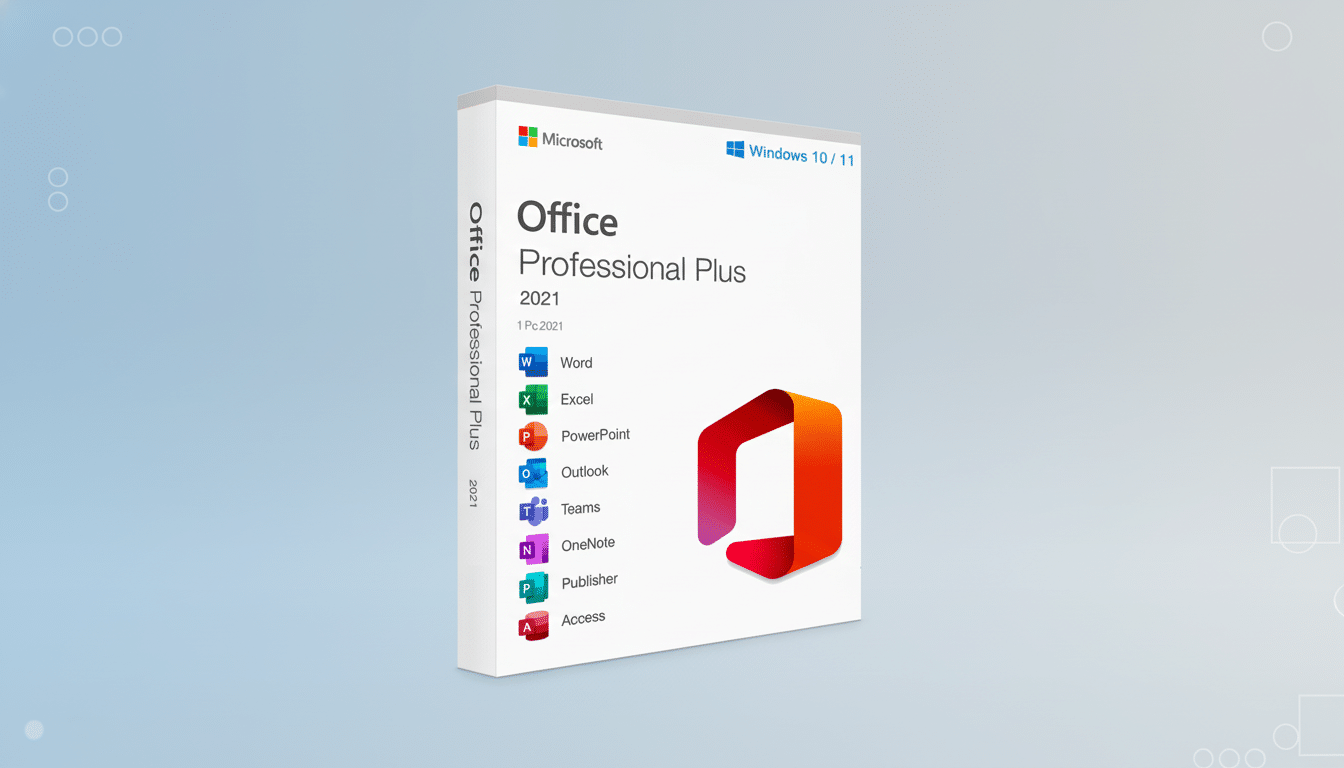
Excel 2021 comes with newer tools that can ease the complexity associated with older versions, including: XLOOKUP and dynamic array functions (FILTER, SORT, and UNIQUE) for far more powerful data wrangling. PowerPoint offers polished visuals and recorded slides with narration, while Outlook gets a familiar interface and reliable searching for those with more basic email needs. Access and Publisher, which are frequently omitted from other versions, provide real utility to small businesses and power users on Windows.
How it compares to Microsoft 365 subscription plans
Microsoft 365 Personal normally costs $69.99 a year, and Family is usually $99.99 a year, according to Microsoft’s pricing. That includes the subscriptions’ rolling feature releases and 1TB of OneDrive cloud storage per person (as well as cloud-first benefits like effortless multi-device syncing and being among the first to enjoy new AI features, i.e., Copilot elsewhere in this channel; additional fees may apply for premium levels). Office 2021, in contrast, is a perpetual license: pay once up front, install on just one Windows PC, and stick with it for the long haul.
Over three years, you’d spend a fraction of the normal subscription cost and still be able to open the file formats most organizations use.
Lifecycle timeline and security updates for Office 2021
Microsoft’s product-lifecycle guidelines tell us that Office 2021 gets mainstream support — and hence security updates — until October 2026. So that timetable matters: you will get mission-critical patches and stability fixes for years, even if you won’t receive Microsoft 365–style rolling feature updates. The stability of a fixed-feature release is a plus, not a minus, for many homes and small offices.
Key details to know before you buy Office Pro 2021
This deal is for Windows only. The license is usually a single-use, single-PC activation, so install on the system you want to keep. The Teams included here is the free version, and the suite does not come with premium cloud services or advanced AI capabilities. The best way to install the product key is to redeem the key online with a Microsoft account and download from the official Microsoft software website for authentic activation.
If you work in a domain-managed environment, or you otherwise need volume licensing, this consumer-centric license isn’t for you — your IT department or a Microsoft partner should help with purchasing. Mac users will want to seek out editions or alternatives of Office for Mac.
Who benefits most from a one-time Office 2021 license
Those who stand to benefit immediately are students, freelancers, and families in need of reliable tools without monthly fees. Small businesses that depend on Access databases or Publisher layouts — features missing from many of the cheapest plans — do better, too. And anyone who spends the majority of his or her time offline, or on a single desktop, will appreciate the speed and predictability of local installs.
The value case in real terms versus annual subscriptions
Do the math: against a $69.99 annual subscription, a $35 perpetual license effectively pays for itself in six months or so. You have it for three years, and you’ve saved yourself well over a hundred bucks and held onto full control of your files while boycotting subscription creep. Not sacrificing compatibility, as numerous industry analysts have said many times, Office file formats remain the default inside most enterprises.
Holiday-friendly and ready now for instant gifting
Delivery is generally instantaneous, so this is an easy last-minute gift that’s also super useful — whether it’s for setting up a new Windows laptop or updating an older PC. Whether Word, Excel, PowerPoint, and Outlook are high on your wish list for working applications, this $35 Office Pro 2021 deal is a welcome budget-smart win for the holidays.