


Here’s a crazy one: a very rare software bundle that lets you modernize a PC on the cheap. On offer through the Fanatical store, which has more than earned our trust over time, and while supplies last, you can grab Microsoft Office Professional 2021 plus a full Windows 11 Pro license for just $39.97 after applying coupon code OFFICE50 at checkout.
This combo is an uncommonly inexpensive way for anyone moving off Windows 10 after support expired, or for those fed up with subscription fees, to get onto a secure OS and a non-subscription-based Office suite.
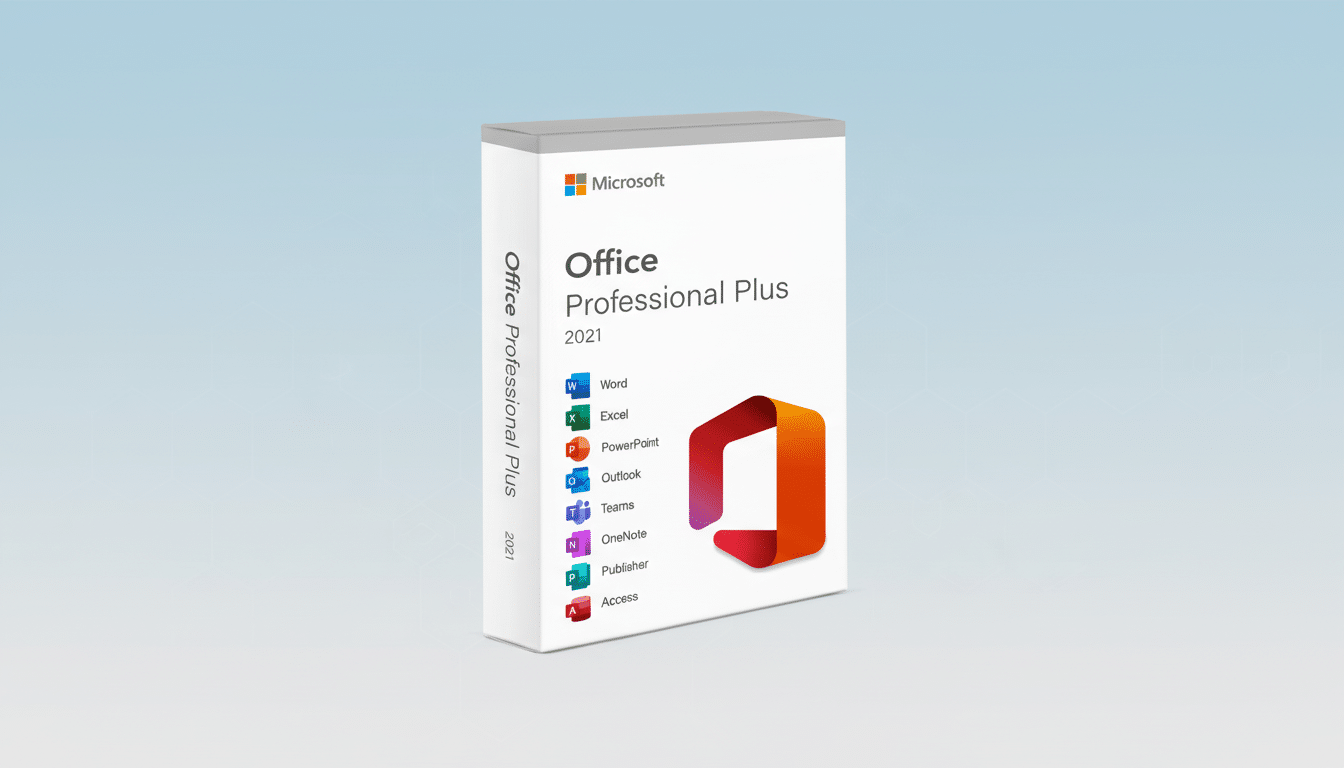
The value proposition is straightforward. You receive a lifetime Office license for one PC, plus an upgrade to Windows 11 Pro on that same machine — no monthly subscription fees and no cloud lock-in, with the core productivity and security features most people actually use.
What $40 Will Get You in This Microsoft Bundle
Office Professional 2021 is a set that’s tailored to unique work styles and organizational workflows, featuring the desktop apps for Word, Excel, PowerPoint, Outlook, OneNote*, Publisher* and Access*; plus the free edition of Teams. These are installed locally and receive security updates, without the ongoing fees that come with Microsoft 365. For small businesses and students who live in spreadsheets, email, and decks, this is the good place.
On the OS front, Windows 11 Pro brings features not found in Home editions, such as BitLocker drive encryption, Hyper-V virtualization, Windows Sandbox, Group Policy management, and Remote Desktop. The interface tweaks — snap layouts, better virtual desktops, and improved window management — abate context-switch fatigue, while Microsoft’s Copilot is baked in at the system level to provide fast summaries and compose text drafts. The OS assistant comes included; it’s just Copilot Pro for Office that is a separate subscription.
How It Compares to Microsoft 365 Subscriptions
Both businesses sell convenience and predictability along with perpetual Office licenses. Unlike Microsoft 365, Office 2021 won’t get additional features over time; it will receive only security and reliability updates. Typically, mainstream support for Office 2021 ends on October 13, 2026, as per Microsoft’s lifecycle coverage policy. Assuming you don’t need frequent cloud collaboration or terabytes of OneDrive storage, the one-time license can be a better value, especially now.
On the revenue side, Microsoft’s productivity segment has been reliably growing in recent years, helped by subscription pricing. Industry analysts at outfits like Gartner and IDC say the appeal of one-time licensing continues to resonate with budget-conscious users, even as subscription costs (which often come in the form of annual fees) have crept higher across a range of software categories. This bundle does a nice job of backstopping that trend by providing a stable, pay-once baseline.
Why Windows 11 Pro Has Become Important Now
Windows 10 is end-of-life on October 14, 2025, meaning security updates are the only kind available for most users. Organizations like CISA regularly issue advisories about the heightened risk of a breach when an OS is no longer supported, particularly for devices that make contact with the web. Stepping up to Windows 11 Pro adds contemporary defenses, including virtualization-based security and TPM-backed credential protection, as well as Smart App Control that’s intended to help blunt the payload from phishing scams and memory exploits (which remain a common entry point).
For tech tinkerers or power users, Pro also makes setting up sandboxes for testing untrusted apps easier, provides you with local virtualization for your dev stack, and will have BitLocker if you’re using an encrypted laptop. Those are practical, everyday protections and time-savers — not just enterprise checkboxes.
Compatibility and Licensing Fine Print to Know
Before you buy, check if your PC meets Windows 11 requirements:
- A supported 64-bit CPU
- 4GB of RAM or more
- 64GB of storage or larger
- UEFI with Secure Boot
- TPM version 2.0
You can check your eligibility with Microsoft’s PC Health Check utility. You’ll be unable to activate Windows 11 Pro without workarounds if your hardware doesn’t make the cut — don’t think a license will help you bypass these checks.
Also understand what “one-time” means. Office 2021 licenses in such deals usually are keyed to a single PC and can be tied to a Microsoft account for reinstallation on the same machine. Once activated, Windows licenses are generally married to the hardware. FH 19 transfers, multi-device use, and region restrictions may apply. Seller: VARIOUS MEDIA INC. Activation should be done promptly and can be checked in computer properties; you will receive a legitimate title key if needed, with full installation instructions and the ability to contact us if you have any problems installing.
Who This Deal Is Perfect For and Who Should Skip
Home users transitioning off Windows 10, students who require reliable desktop software, and small offices that just want to settle on a couple of PCs will find the most value. And if you work in a way that requires the latest cloud-first features — real-time coauthoring for big teams, more generous OneDrive quotas, perhaps Copilot baked into Office documents — then a Microsoft 365 plan may still be justified. But for many people, this bundle provides the essential tools at a fraction of what you’d normally spend.
Bottom line: It’s not often you can get a modern, secure OS plus a perpetually licensed Office suite for $39.97. If your hardware can handle it, and you’re comfortable with a one-device license, then this is a practical high-ROI upgrade path based on the fundamentals that knowledge workers use every single day.