


Microsoft’s newest perpetual version of Office has hit an all-time low, with Office 2024 Home and Business dropping to about $100—roughly 60% off its $249.99 MSRP. For anyone who prefers a one-and-done license to ongoing subscriptions, this is the most compelling price yet on Word, Excel, PowerPoint, and Outlook for Mac or PC.
The offer delivers a legitimate, single-license download that installs locally and runs without monthly fees. That means once you activate, there’s no renewal cycle to track and no surprise charges—just the familiar productivity suite on your desktop.
What You Get With Office 2024 Home and Business
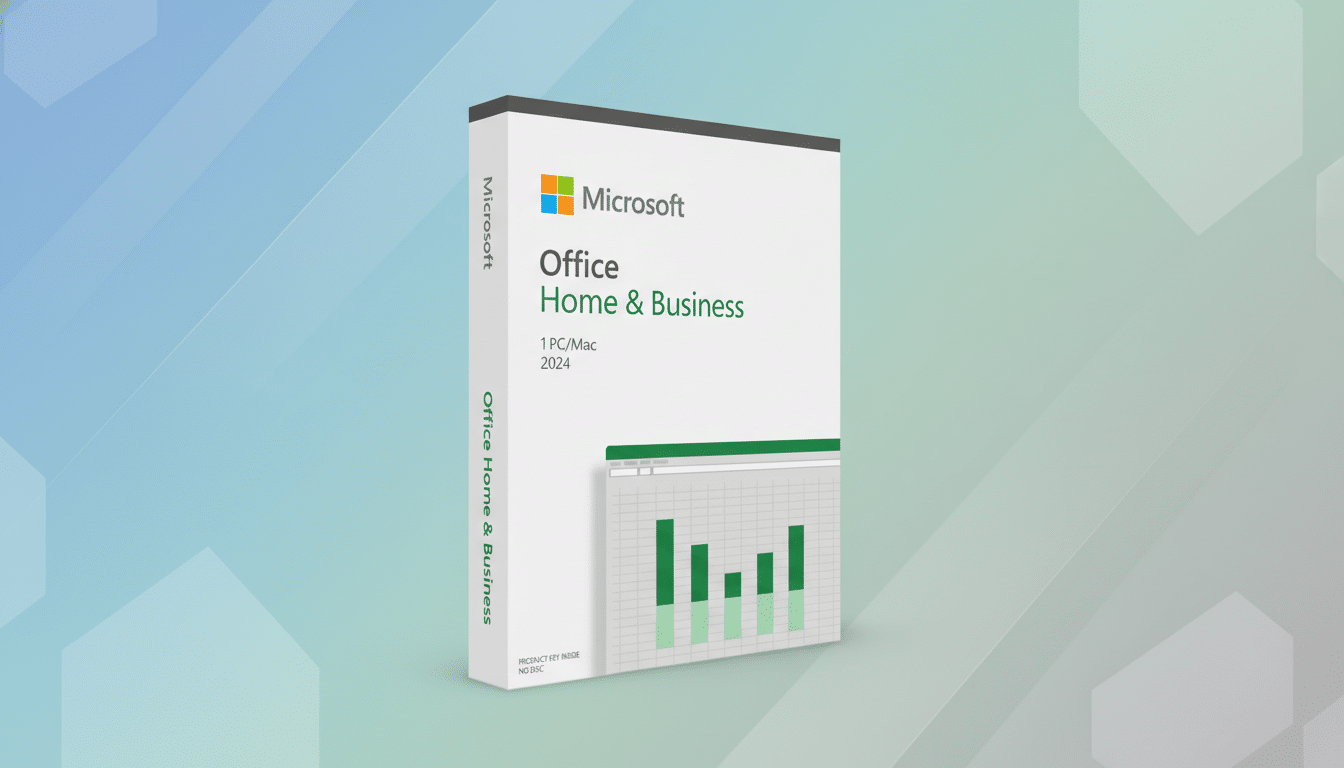
This edition includes the latest desktop versions of Word, Excel, PowerPoint, and Outlook, plus core security and performance updates during the product’s support window. It’s licensed for one device and designed for both Windows and macOS, which is important for mixed environments and users who swap between platforms.
Because it’s the Home and Business SKU, it includes Outlook and commercial-use rights—something the entry-level Home and Student package typically omits. For freelancers and small offices, that distinction matters when you need a straightforward way to equip a workstation without adding recurring seats to a company subscription.
Why This Price Moves the Needle for Buyers
At around $100, Office 2024 undercuts the annual cost of Microsoft 365 Personal ($69.99/year) after roughly 17 months, and it’s far cheaper than Business Standard on a per-user annual basis. The math is simple: if you primarily need the classic desktop apps and don’t lean on cloud add-ons, the one-time license becomes the value play over time.
There’s context here: Microsoft has reported more than 75 million consumer Microsoft 365 subscribers in recent earnings, underscoring how popular subscriptions have become. Yet analysts such as Gartner note that perpetual licensing remains common in sectors prioritizing predictable costs, offline access, or tighter change control. This discount makes the perpetual option even more compelling for those scenarios.
The trade-off is clear. Microsoft 365 layers in services like 1TB of OneDrive storage per user, Teams, and rapidly evolving AI features. Office 2024, by design, focuses on the stable, locally installed experience—ideal if your workflows don’t depend on cloud enhancements.
Performance and Practical Upgrades in Office 2024
Office 2024 emphasizes speed and reliability across modern hardware. On Windows 11 and Apple’s M-series Macs, apps open faster and feel snappier with large files and complex spreadsheets. It’s not flashy, but for day-to-day productivity it’s noticeable.
Word introduces more context-aware writing aids to clean up drafts without heavy-handed automation. Excel handles bigger datasets with more responsive recalculation and improved compatibility for contemporary functions. PowerPoint’s upgraded recording and export options make it easier to turn a deck into a polished, shareable video without extra tools.
Who Benefits Most From The Perpetual Route
- Small offices that keep software images stable for years and avoid change during peak seasons.
- Freelancers who want Outlook and the core apps without committing to ongoing fees.
- Regulated or secure environments where machines are frequently offline and cloud services are restricted.
- Households that don’t need multi-user sharing or large cloud storage but want the reliability of local apps.
Buying and Activation Tips for Office 2024 Licenses
Confirm you’re purchasing from an authorized reseller to avoid gray-market keys that can be revoked. The license typically ties to a Microsoft account, enabling re-downloads if you replace a machine, but it’s still limited to one active device unless you transfer it according to Microsoft’s terms.
Check system requirements before checkout, especially if you’re upgrading older hardware. After installation, allow the first round of updates to complete so you’re on the latest build with the most recent security fixes and performance improvements.
Bottom Line: Is Office 2024 Home and Business Worth It?
At around $100, Office 2024 Home and Business is the strongest case yet for a perpetual Office license. If you value owning your tools, prefer predictable costs, and rely on the classic desktop apps more than cloud extras, this markdown is hard to beat—and it’s the rare deal that could save money for years, not months.