


Looking to give your PC a quick productivity makeover without committing to another subscription? A notable deal on Microsoft Office Professional 2021 for Windows brings the one-time price down to $32.97 — effectively $5 per app for a bundle of eight core tools — making it one of the more aggressive markdowns we’ve seen on a perpetual Office license.
What You Get in the Microsoft Office 2021 bundle for Windows
This package covers the essentials most workers and students touch daily: Word for polished documents, Excel for data and budgets, PowerPoint for decks, and Outlook for email and calendars. It also adds Access for relational databases, Publisher for layouts and brochures, OneNote for flexible note-taking, and Teams to keep conversations in one place. For many Windows users, that checks every box for desktop productivity without recurring fees.
- What You Get in the Microsoft Office 2021 bundle for Windows
- Why this Microsoft Office 2021 price cut stands out today
- Who Benefits Most From A Perpetual License
- Important caveats to consider before you buy this license
- How this Office 2021 deal impacts your day-to-day work
- Bottom line on the Microsoft Office 2021 Professional deal
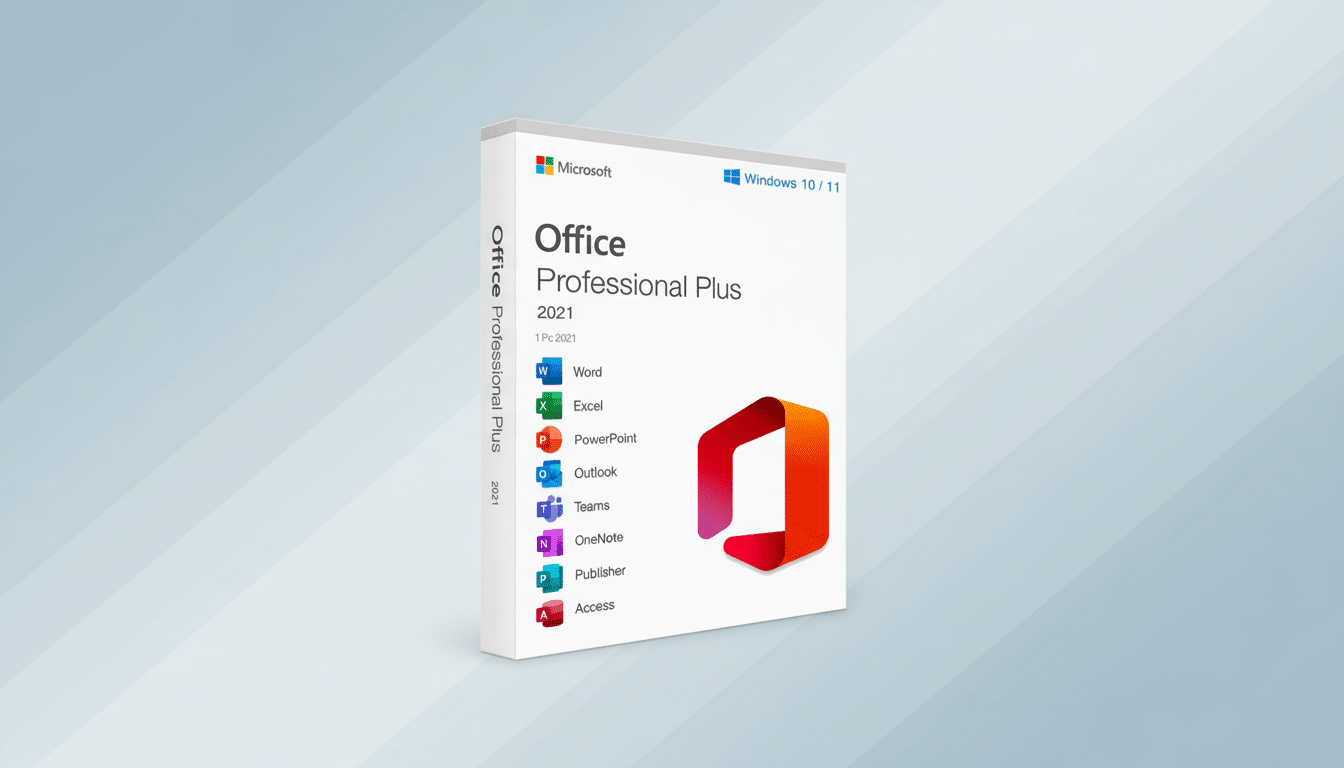
The apps feature the modern ribbon interface, refined icons, and performance improvements introduced with the 2021 release. While these are classic desktop programs, they still integrate smoothly with OneDrive accounts if you use Microsoft’s cloud, and they support the file formats and templates your collaborators expect.
Why this Microsoft Office 2021 price cut stands out today
The list price for Office Professional 2021 typically sits around $219.99. At $32.97, you’re seeing roughly an 85% discount, and the math works out to about $5 per included app. Stack that against Microsoft 365 Personal — commonly priced at $69.99 per year — and a one-time license can pay for itself quickly if you don’t need cloud-first features or frequent version upgrades.
For households and solo professionals who mostly work offline or prefer local files, a perpetual license still makes economic sense. Over a few years, the total cost of ownership is significantly lower than renewing a subscription annually, and the core desktop experience remains consistent.
Who Benefits Most From A Perpetual License
- Freelancers and small businesses that standardize on a known toolset and value predictable, one-time costs.
- Students or educators needing full-featured desktop apps for papers, lab reports, data analysis, and presentations without worrying about a renewal date.
- Nonprofits and community organizations that maintain local databases in Access or design flyers in Publisher — two apps that remain Windows-only staples.
- Power users who have built macros, templates, and workflows around the classic desktop suite and prefer stability over constant feature churn.
Important caveats to consider before you buy this license
Know what a “lifetime license” means: you receive a perpetual key for one Windows PC, with security and reliability updates for the product’s supported lifecycle, but no entitlement to future feature upgrades beyond the 2021 release. If you later move to a new computer, transfer rights can vary by license type, so check the fine print from the seller.
Compatibility-wise, you’ll need a machine running Windows 10 or Windows 11, along with adequate storage and RAM for smooth performance. Activation requires an internet connection, though you can use the apps offline afterward.
Also note the functional differences versus Microsoft 365. Real-time coauthoring, certain AI-assisted features, and the fastest cadence of new capabilities are geared toward subscribers. If your workflow depends on those, weigh the trade-offs. Microsoft’s documentation clarifies that perpetual releases receive security and stability updates, but not the continuous feature stream delivered to subscribers.
How this Office 2021 deal impacts your day-to-day work
For most routine work, the 2021 apps are more than capable. Excel still handles large workbooks with pivot tables and Power Query; Word supports robust styles, track changes, and PDF export; PowerPoint manages multimedia-heavy decks with modern templates; and Outlook consolidates mail, calendar, and contacts with deep search. Access remains a go-to for teams that manage structured datasets without enterprise databases, while Publisher continues to serve quick-turn print projects.
In practical terms, a one-time suite like this resets an older PC for the next stretch of projects. Refreshing your toolset often translates into tangible time savings, especially if you’ve been juggling free, lightweight alternatives that lack advanced formatting, VBA macros, or full file compatibility.
Bottom line on the Microsoft Office 2021 Professional deal
At roughly $5 per app, Microsoft Office Professional 2021 for Windows is a compelling spring refresh for anyone who wants trusted desktop tools without another recurring charge. If you’re comfortable foregoing the bleeding-edge features of Microsoft 365, this deal delivers the core productivity stack — Word, Excel, PowerPoint, Outlook, Access, Publisher, Teams, and OneNote — at a price that’s hard to beat. Just confirm your Windows version, verify the license terms, and enjoy a cleaner, faster workflow on your PC.